
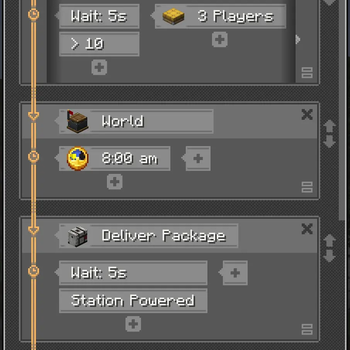

Create: Expanded Schedule Window
A Minecraft NeoForge client-side mod that expands the schedule window UI for the Create mod, giving you a better overview of train schedules.
Features
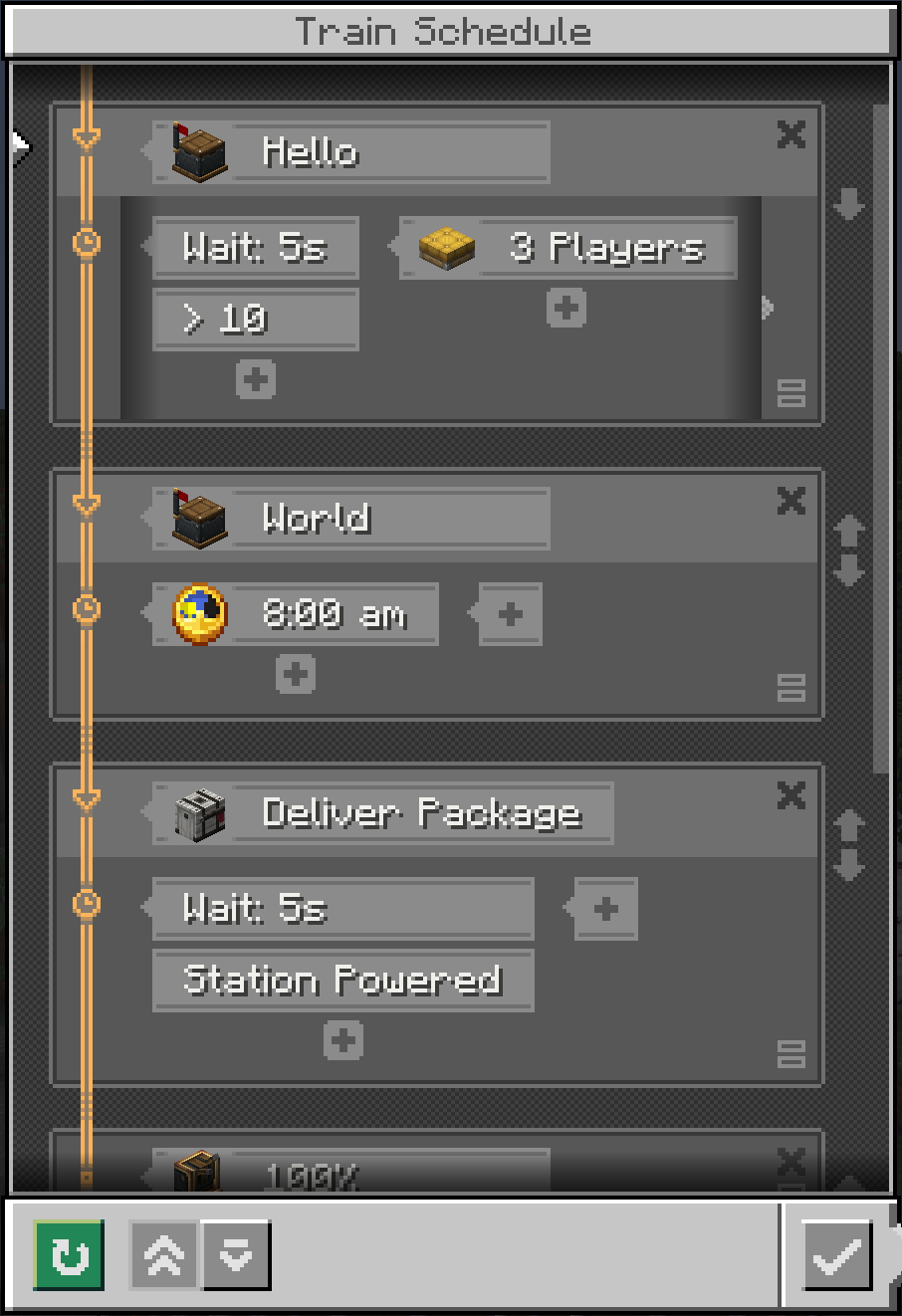
- Expanded window — increases the schedule window height by 50px (configurable 0–200px) to show more station entries at a glance
- Draggable scrollbar — semi-transparent slider you can drag for fast list navigation
Configuration
After first launch, edit config/createexpandedschedule-client.toml:
[general]
# Extra height in steps of 10px (0–20, default 5 = 50px)
extraHeight = 5
You can also change it in-game via Mods → Create: Expanded Schedule Window → Config.
Quick facts
- Edition: Minecraft Java
- File type: .jar
- Minecraft version listed: 1.21.1
- How to install: Install the matching mod loader (Forge, Fabric or NeoForge) for your Minecraft version. → Download the .jar. → Put it in the .minecraft/mods folder and launch that loader profile.
- Where to get it: Opens on Modrinth — not every file is mirrored on our own servers.
Install steps are the general flow for this file type — How to install Minecraft Java mods & modpacks walks through it step by step.
Verified by MCModsHub
- Ships as createexpandedschedule-1.0.0-mc1.21.1.jar — drop this file into the mods folder
- Download size: 50 KB
- Download link checked 1 Sept 2026 — working
These come from our own check of the pack file, not from the source page.