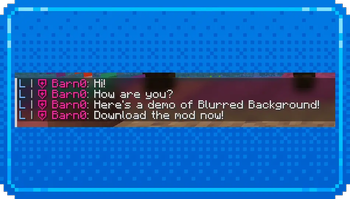
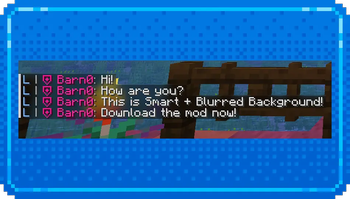
💬 Smart Chat Background
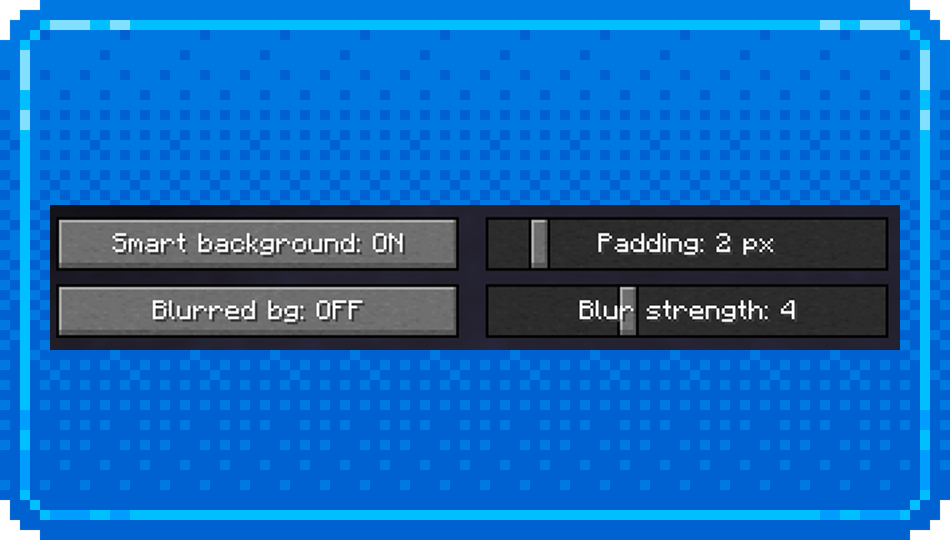
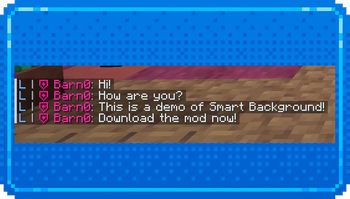
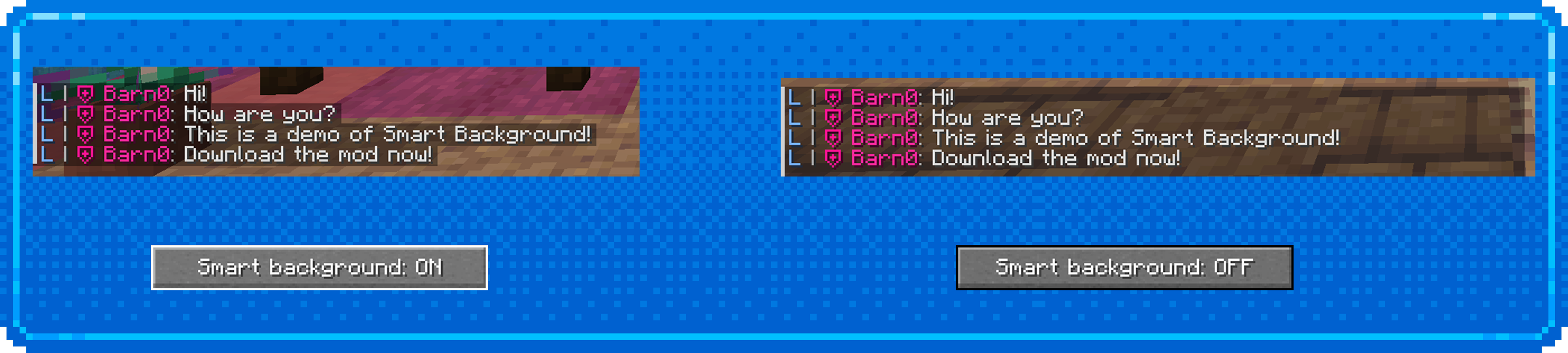
📘 Smart Chat Background makes the Minecraft chat cleaner and easier to read. The mod adds a smart message background option to the chat settings: the background automatically adjusts to the length of each chat line, and a separate slider lets you customize the right-side padding.
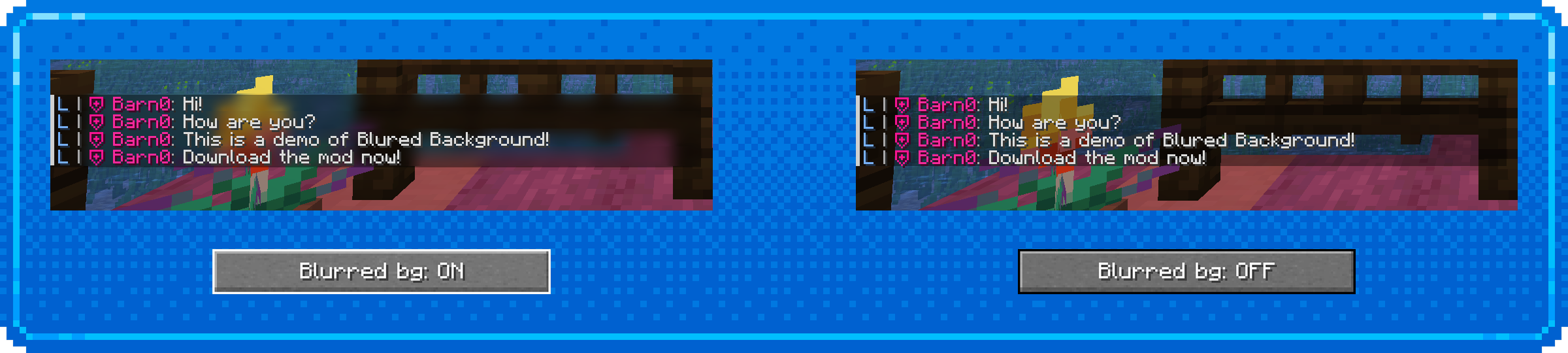
It also includes a blurred chat background with adjustable blur strength from 1 to 10. The blur is applied only within the chat message area and respects the smart background width.
The mod is fully client-side and does not need to be installed on the server.
✏️ Features
- Smart message background
- Customizable right-side background padding
- Blurred chat background
- Adjustable blur strength
- Russian and English localization
- Fabric support
Smart Background Option
Blured Background Option
Quick facts
- Edition: Minecraft Java
- File type: .jar
- Minecraft version listed: 1.21.11
- How to install: Install the matching mod loader (Forge, Fabric or NeoForge) for your Minecraft version. → Download the .jar. → Put it in the .minecraft/mods folder and launch that loader profile.
- Where to get it: Opens on Modrinth — not every file is mirrored on our own servers.
Install steps are the general flow for this file type — How to install Minecraft Java mods & modpacks walks through it step by step.
Verified by MCModsHub
- Ships as smart_chat_background-1.0.1+mc1.21.11.jar — drop this file into the mods folder
- Download size: 29 KB
- Download link checked 1 Sept 2026 — working
These come from our own check of the pack file, not from the source page.