Shut The Noise Up! 🔇
Tired of Minecraft blasting loud music or enabling the narrator when starting the game? Shut The Noise Up! automatically disables menu music and turns off the narrator on startup, giving you a cleaner and quieter experience every time you launch Minecraft.
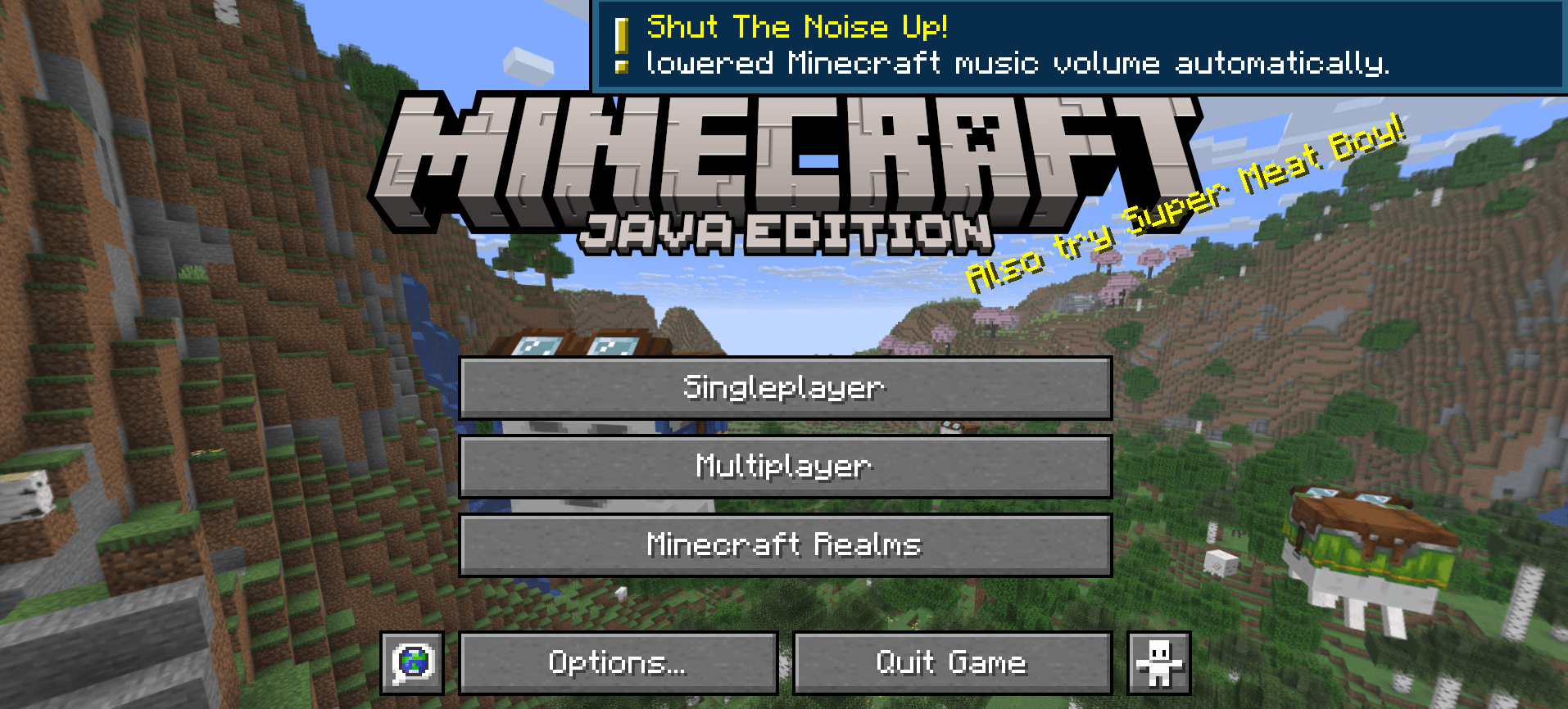
Client-side only.

Perfect for:
🎮 Modpacks
🛠️ Mod creators & developers
🎧 Players using voice chat or music
⚡ Faster and less annoying startups
✨ Features
Automatically disables menu music
Automatically turns off the narrator
Lightweight and simple
Great for modpacks and development environments
No complicated setup required
🛠️ Why?
Many players and mod creators repeatedly disable the music or narrator while testing mods and modpacks. This mod does it automatically every time you launch the game.

This mod have been created with IntelliJ
❗ NOT AN OFFICIAL MINECRAFT PRODUCT
NOT APPROVED BY OR ASSOCIATED WITH MOJANG OR MICROSOFT
- Edition: Minecraft Java
- File type: .jar
- Minecraft version listed: 26.2
- How to install: Install the matching mod loader (Forge, Fabric or NeoForge) for your Minecraft version. → Download the .jar. → Put it in the .minecraft/mods folder and launch that loader profile.
- Where to get it: Opens on Modrinth — not every file is mirrored on our own servers.
Install steps are the general flow for this file type — How to install Minecraft Java mods & modpacks walks through it step by step.
- Ships as shut_the_noise_up-neoforge-26.2-1.0.16.jar — drop this file into the mods folder
- Download size: 34 KB
- Download link checked 1 Sept 2026 — working
These come from our own check of the pack file, not from the source page.