
insolines-options
A utility mod for Turkish players featuring a custom ESC menu, F8 shortcut, Armor HUD, and built-in recipe viewer.
⬇ Download on Modrinth
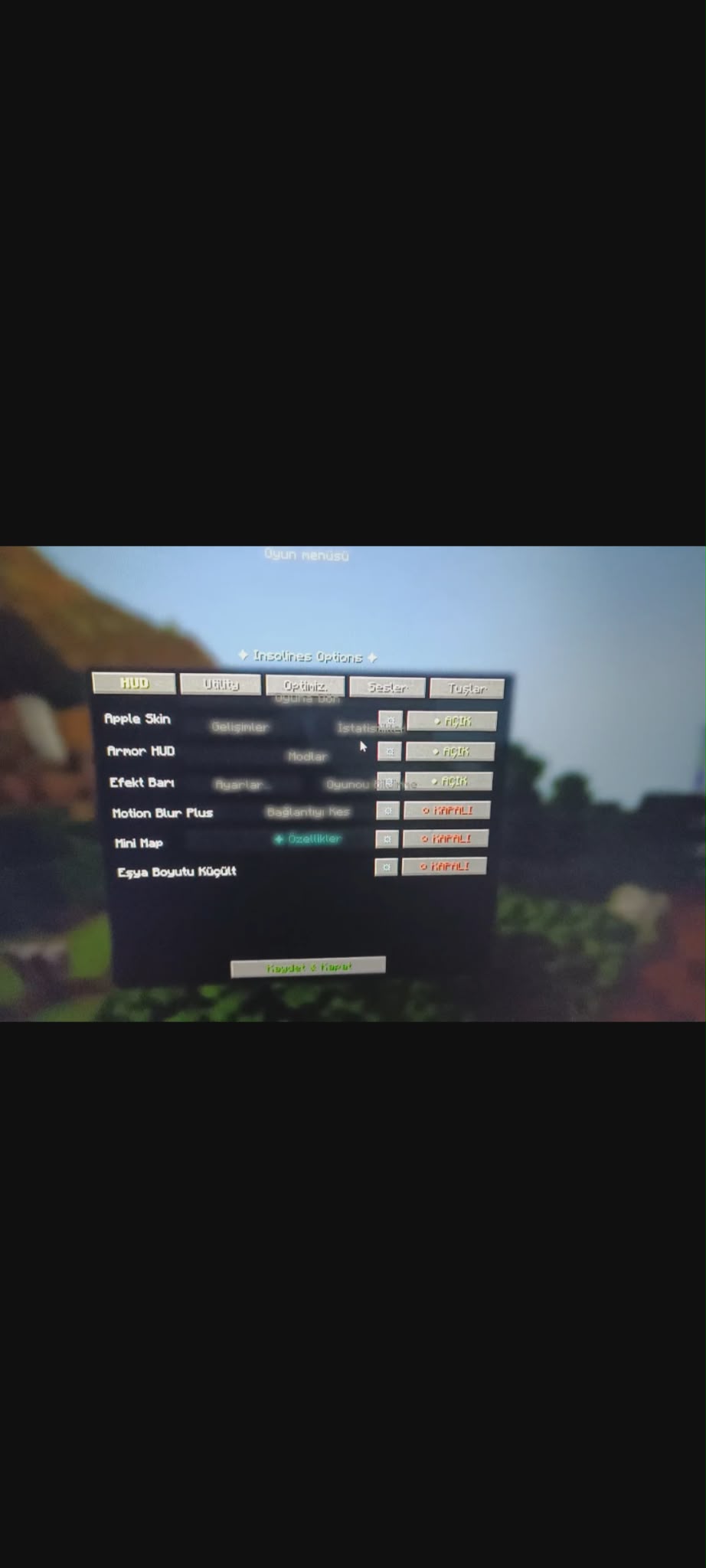
Insolines Options
Insolines Options is a utility mod specifically designed for the Turkish Minecraft community. It enhances the user interface and adds several quality-of-life features to improve your gameplay experience, especially on servers.
🛠 Key Features: Custom Menu: Access the special features menu by pressing the "Özellikler" button in the ESC menu (available on servers) or by pressing the F8 key anywhere.
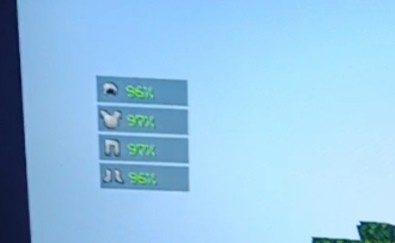
Armor HUD: Track your armor status on your screen. You can customize its position using X and Y coordinates.
Item Stats: View the durability of the item in your hand as a percentage.
Item Resizer: Adjust the visual size of items for a better field of view.
Optimization Settings: Includes small-scale optimization tweaks to help stabilize your FPS without changing the game's core feel.
Anti-AFK: A simple toggle to prevent getting kicked from servers while you are away.
Recipe Viewer (Crafter): A built-in guide that shows you exactly which materials (e.g., "3 tahta, 2 çubuk") are needed to craft items.
🌍 Language & Regional Info:
This mod is primarily developed for Turkish players. While some technical terms like "Optimize" or "Anti-AFK" are universal, most of the interface and crafting descriptions are in Turkish. This makes it the perfect companion for players who prefer their tools in their native language.
🚀 Future Plans:
Please note that this is an early version of the mod. I am actively working on it, and many more features and visual improvements will be added in future updates.
- Edition: Minecraft Java
- File type: .jar
- Minecraft versions listed: 1.21.5, 1.21.6, 1.21.7
- How to install: Install the matching mod loader (Forge, Fabric or NeoForge) for your Minecraft version. → Download the .jar. → Put it in the .minecraft/mods folder and launch that loader profile.
- Where to get it: Opens on Modrinth — not every file is mirrored on our own servers.
Install steps are the general flow for this file type — How to install Minecraft Java mods & modpacks walks through it step by step.
- Ships as insolines-options-1.0.0.jar — drop this file into the mods folder
- Download size: 284 KB
- Download link checked 23 Aug 2026 — working
These come from our own check of the pack file, not from the source page.