
ModsJava
Your Dog Stats
I don't know my version or loader
Open the Minecraft launcher and look at the profile you play on — it names both, like fabric-loader-1.21.4. The version also shows in the bottom-right corner of the game's main menu.
No loader in the profile name? Then it's plain Minecraft, and these mods won't run — you need Fabric or NeoForge installed first.
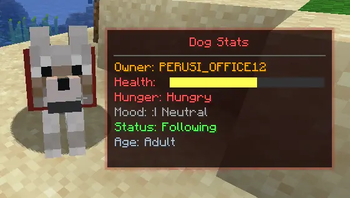
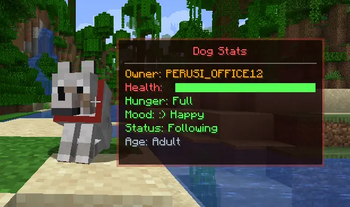
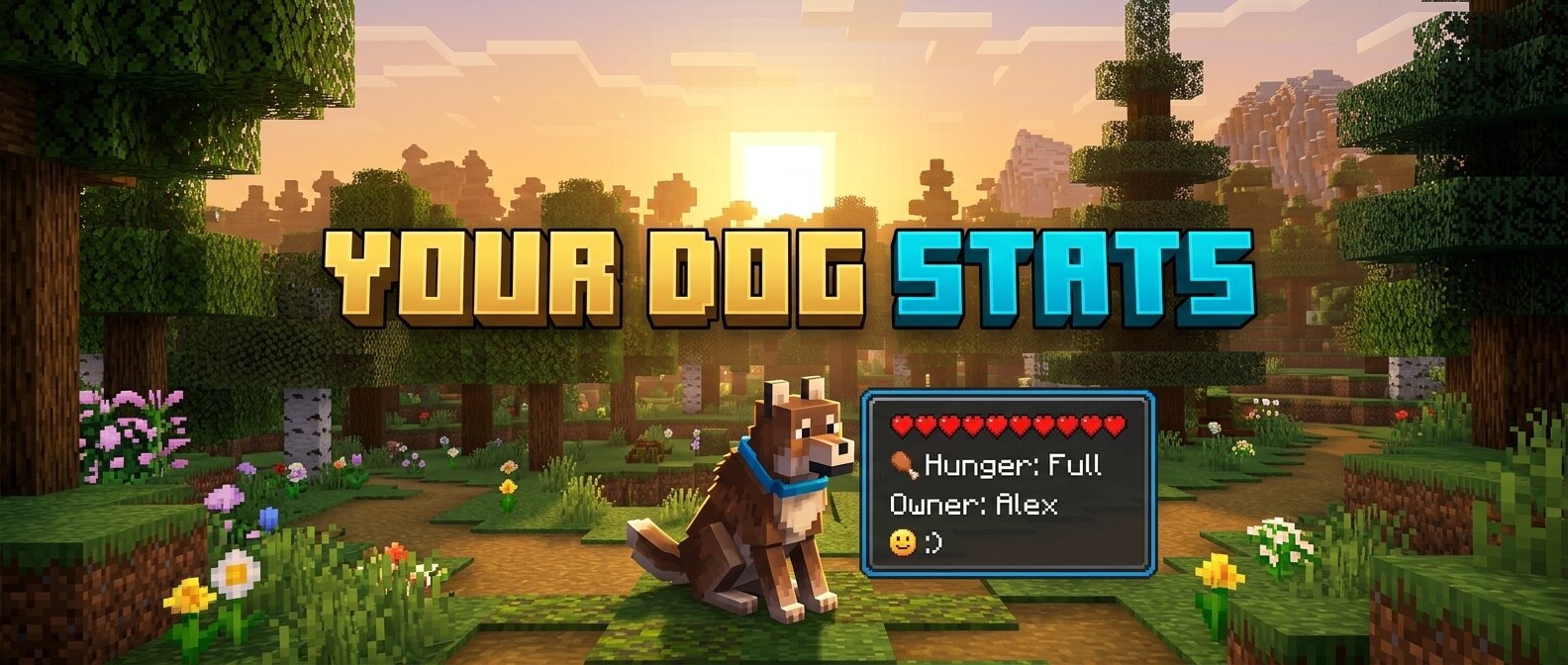
Your Dog Stats is a premium Minecraft mod (1.16.5 Forge) that adds an immersive, real-time HUD overlay for your tamed wolves. No more guessing how your dog is feeling or how much health they have left!
🐾 Features
- Owner Tracking: Always know who the dog belongs to.
- Dynamic Health Bar: A beautifully rendered health bar that changes color from Green (Healthy) to Red (Critical).
- Hunger Status: Simulated hunger tracking. Since wolves heal when fed, this keeps you informed of when they need a snack!
- Mood Indicators: Interactive emoji-based mood tracking:
:) Happy- Your dog is feeling great!:| Neutral- Your dog is doing okay.>:( Angry- Something has upset your companion!Relaxed- When your dog is sitting comfortably.
- Activity State: See at a glance if your dog is set to
SittingorFollowing. - Age Identification: Clearly distinguishes between
PuppiesandAdults. - Premium Aesthetics:
- Smooth Animations: HUD fades in and out gracefully when you look at a dog.
- Dynamic Borders: The HUD border color automatically updates to match the dog's collar color!
- Sleek UI: Dark, semi-transparent design that doesn't obstruct your view.
🛠️ Requirements
- Minecraft 1.16.5
- Forge (36.2.20 or newer recommended)
📥 Installation
- Download the latest
.jarfile. - Place it into your Minecraft
modsfolder. - Launch the game and enjoy your new companion stats!
Created with ❤️ for dog lovers.
Quick facts
- Edition: Minecraft Java
- File type: .jar
- Minecraft versions listed: 1.21, 1.21.1
- How to install: Install the matching mod loader (Forge, Fabric or NeoForge) for your Minecraft version. → Download the .jar. → Put it in the .minecraft/mods folder and launch that loader profile.
- Where to get it: Opens on Modrinth — not every file is mirrored on our own servers.
Install steps are the general flow for this file type — How to install Minecraft Java mods & modpacks walks through it step by step.
Verified by MCModsHub
- Ships as yourdogstats-26.1-1.1.0.jar — drop this file into the mods folder
- Download size: 6 KB
- Download link checked 10 Sept 2026 — working
These come from our own check of the pack file, not from the source page.