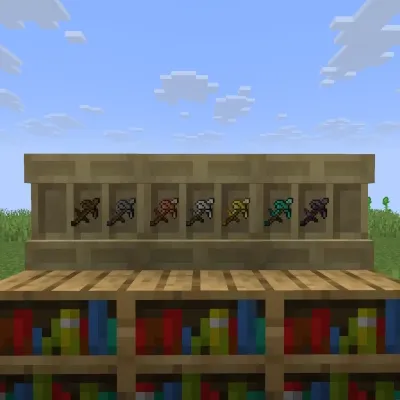
Simple Hoe Paxel
Java mod listed for Minecraft 26.x. Downloads from the MC Java Mods app on Android.
⬇ Download on Modrinth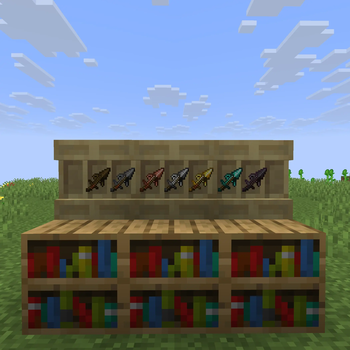
Simple Hoe Paxel
Very simple mod that adds paxels and combines sword, axe, pickaxe, and hoe into one tool.
Nothing else, so if you want fancy tweaks, check out other mods.
Usage (V1.0.X)
Craft a paxel by placing the sword, axe, pickaxe, shovel, and hoe of the same material in a crafting table in any order.
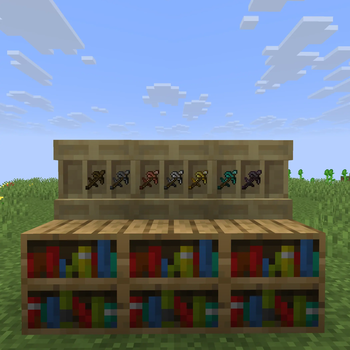
Wood, stone, copper, iron, gold, diamond, and netherite are supported.
Press H to switch the main-hand right-click mode between shovel and hoe.
The offhand always uses the opposite mode, and the active shovel or hoe is rotated in the item sprite.
Press J to switch the weapon mode between sword and spear.
Switch to sword mode when breaking blocks.
Mode changes update immediately and show a toast notification.
- Edition: Minecraft Java
- File type: .jar
- Minecraft versions listed: 26.1, 26.1.1, 26.1.2
- How to install: Install the matching mod loader (Forge, Fabric or NeoForge) for your Minecraft version. → Download the .jar. → Put it in the .minecraft/mods folder and launch that loader profile.
- Where to get it: Opens on Modrinth — not every file is mirrored on our own servers.
Install steps are the general flow for this file type — How to install Minecraft Java mods & modpacks walks through it step by step.
- Ships as hoepaxel-neoforge-26.1.2-2.0.0.jar — drop this file into the mods folder
- Download size: 23 KB
- Download link checked 23 Oct 2026 — working
These come from our own check of the pack file, not from the source page.