
Provides an easy and accessible way to view all of your installed mods. This is useful in a variety of scenarios; for example, sharing your mods, viewing the homepages to your mods, and providing a list for stack traces.
There are four different ways to view your mod list.
- /listmymods
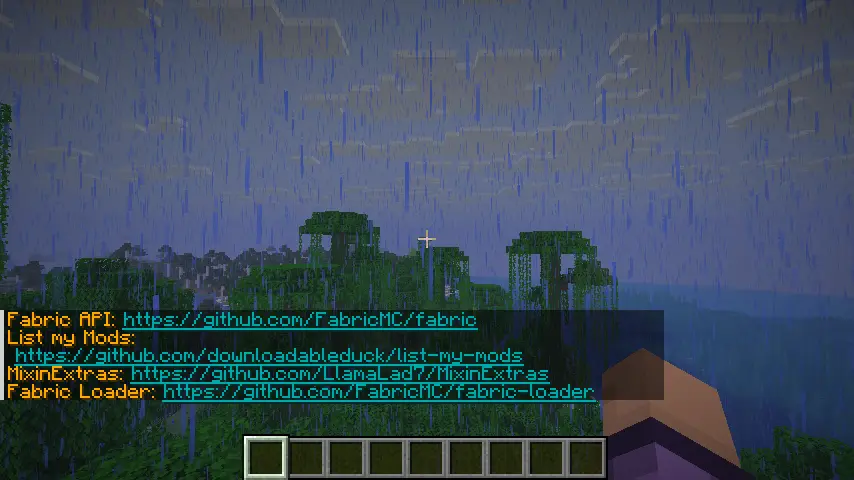
Simply lists all of your mods in chat, so you can view them.
You can click on the links that appear.
- /listmymods file
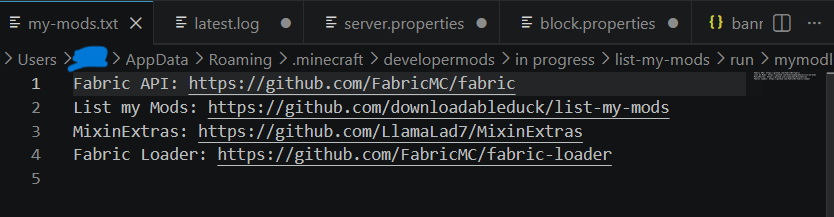
Sends your mod list to a .txt file located in ~/.minecraft/mymodlist-my-mods.txt. The command will automatically open the file in your associated application (VSCode, notepad, etc).
- /listmymods md file
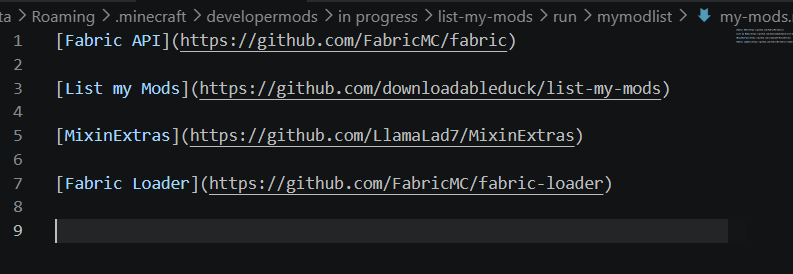
raw markdown
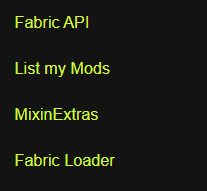
A preview of how it will look. The links are clickable.
Sends your mod list to a .md file located in ~/.minecraft/mymodlist-my-mods.md for use on GitHub or other apps that support markdown formatting.The command will automatically open the file in your associated application (VSCode, notepad, etc).
- /listmymods extensive
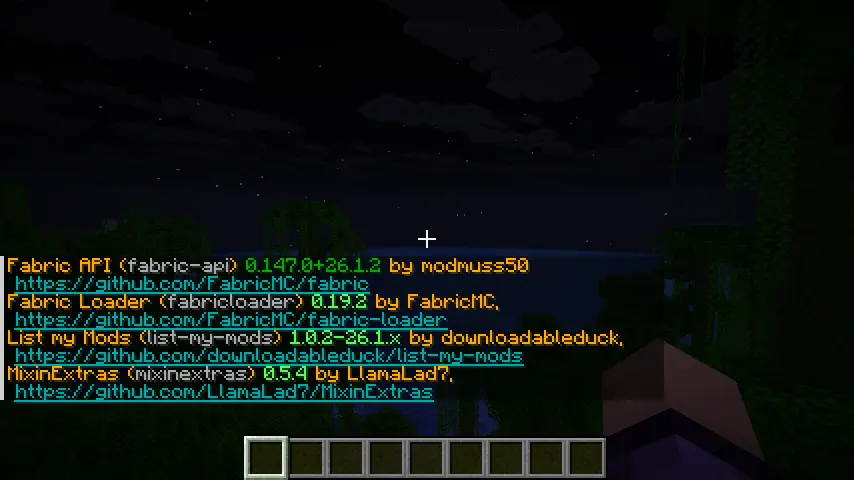
Provides a more thorough list including versions, the mods ids, and their authors.
But what about Mod Menu? Mod Menu is great for configuring and viewing your mods, but you can't export your list or share them with others - which is the point of this mod.
- Edition: Minecraft Java
- File type: .jar
- Minecraft versions listed: 26.1, 26.1.1, 26.1.2
- How to install: Install the matching mod loader (Forge, Fabric or NeoForge) for your Minecraft version. → Download the .jar. → Put it in the .minecraft/mods folder and launch that loader profile.
- Where to get it: Opens on Modrinth — not every file is mirrored on our own servers.
Install steps are the general flow for this file type — How to install Minecraft Java mods & modpacks walks through it step by step.
- Ships as list-my-mods-1.0.2-26.1.x.jar — drop this file into the mods folder
- Download size: 15 KB
- Download link checked 11 Sept 2026 — working
These come from our own check of the pack file, not from the source page.