
Advanced Fletching Table
Java mod listed for Minecraft 1.20. Downloads from the MC Java Mods app on Android.
Gives the fletching table real purpose. Craft arrows and spectral arrows, uncraft them back to materials, color your arrows with dye, remove colors or…
⬇ Download on ModrinthTrails!
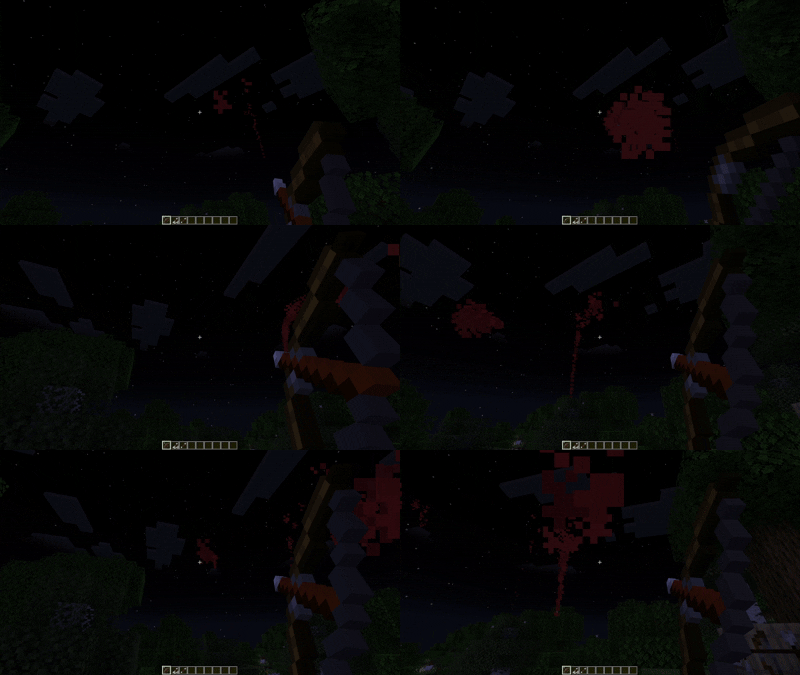
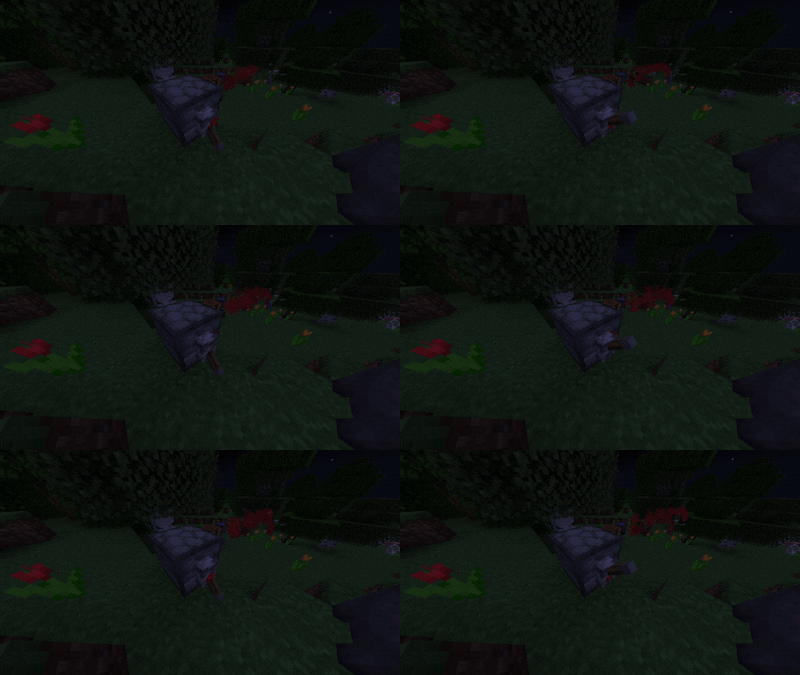
Arrow Crafting!
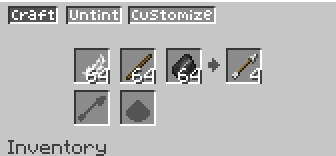
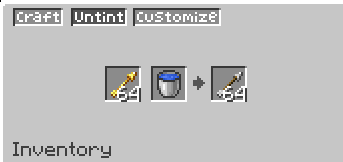
Specrtal Arrow Crafting
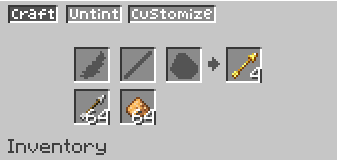
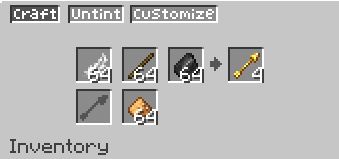
Customize your arrows! (More Customizations coming soon)
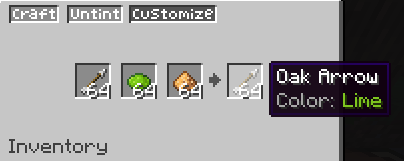
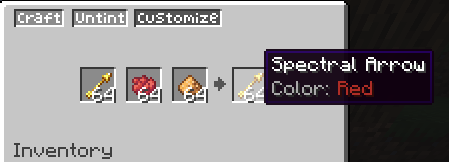
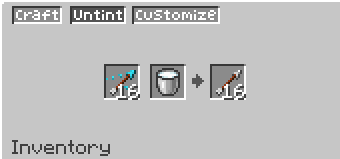
Uncraft your Arrows!
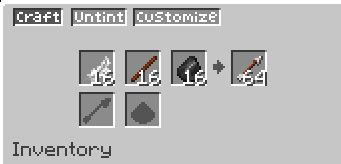
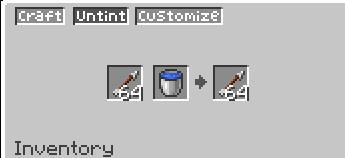
Uncolor/Untint your arrows!
● Advanced Fletching Table
Gives the fletching table the purpose it always deserved. Craft, customize, and manage your arrows all in one place — with three dedicated tabs and full support for wood variant arrows.
Features
🪓 Craft Tab
- Craft arrows from feather + stick + flint — more efficiently than a crafting table
- Craft spectral arrows using glowstone (with or without flint)
- Apply glowstone to an existing arrow to convert it into a spectral arrow — and if that arrow was colored, the spectral version keeps its color
- Uncraft plain arrows back into feather, stick, and flint — no free materials, the ratio matches the craft output
🌊 Untint Tab
- Remove the trail color from a colored arrow using a water bucket
- Remove the potion effect from a tipped arrow using a milk bucket (returns the original arrow type)
- Remove the spectral effect from a spectral arrow using a water bucket (returns the original arrow type, even if it was a wood variant)
🎨 Customize Tab
- Apply a dye + glowstone to any arrow to give it a colored particle trail
- Works in batches: X arrows + X dye + X glowstone = X colored arrows
- Compatible with tipped arrows — keeps the potion effect
Crafting Table Nerf
Arrow crafting in the vanilla crafting table now produces only 1 arrow instead of 4. Use the fletching table to craft arrows efficiently. This is configurable.
Compatibility
- https://modrinth.com/mod/advanced-cauldron — trail colors are preserved when tipping colored arrows in a brewing cauldron
- Full support for MoreWeaponVariants wood variant arrows (oak, warped, bamboo, etc.)
- Trail colors survive bows, crossbows, and dispensers
- Edition: Minecraft Java
- File type: .jar
- Minecraft version listed: 1.20.1
- How to install: Install the matching mod loader (Forge, Fabric or NeoForge) for your Minecraft version. → Download the .jar. → Put it in the .minecraft/mods folder and launch that loader profile.
- Where to get it: Opens on Modrinth — not every file is mirrored on our own servers.
Install steps are the general flow for this file type — How to install Minecraft Java mods & modpacks walks through it step by step.
- Ships as advanced-fletching-table-1.20.1.jar — drop this file into the mods folder
- Download size: 85 KB
- Download link checked 21 Oct 2026 — working
These come from our own check of the pack file, not from the source page.