
ShadersJava
Ink Shader
Java shader pack listed for Minecraft 1.16–1.21. Downloads from the MC Java Mods app on Android.
⬇ Download on Modrinth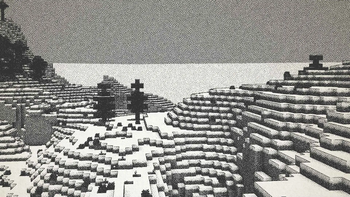
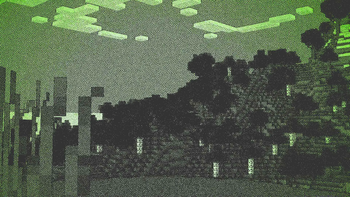
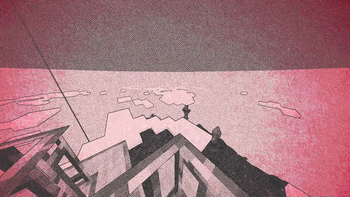
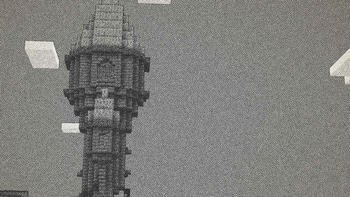
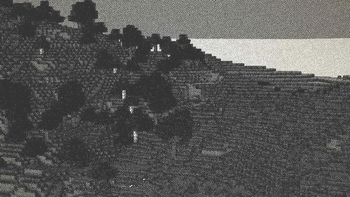
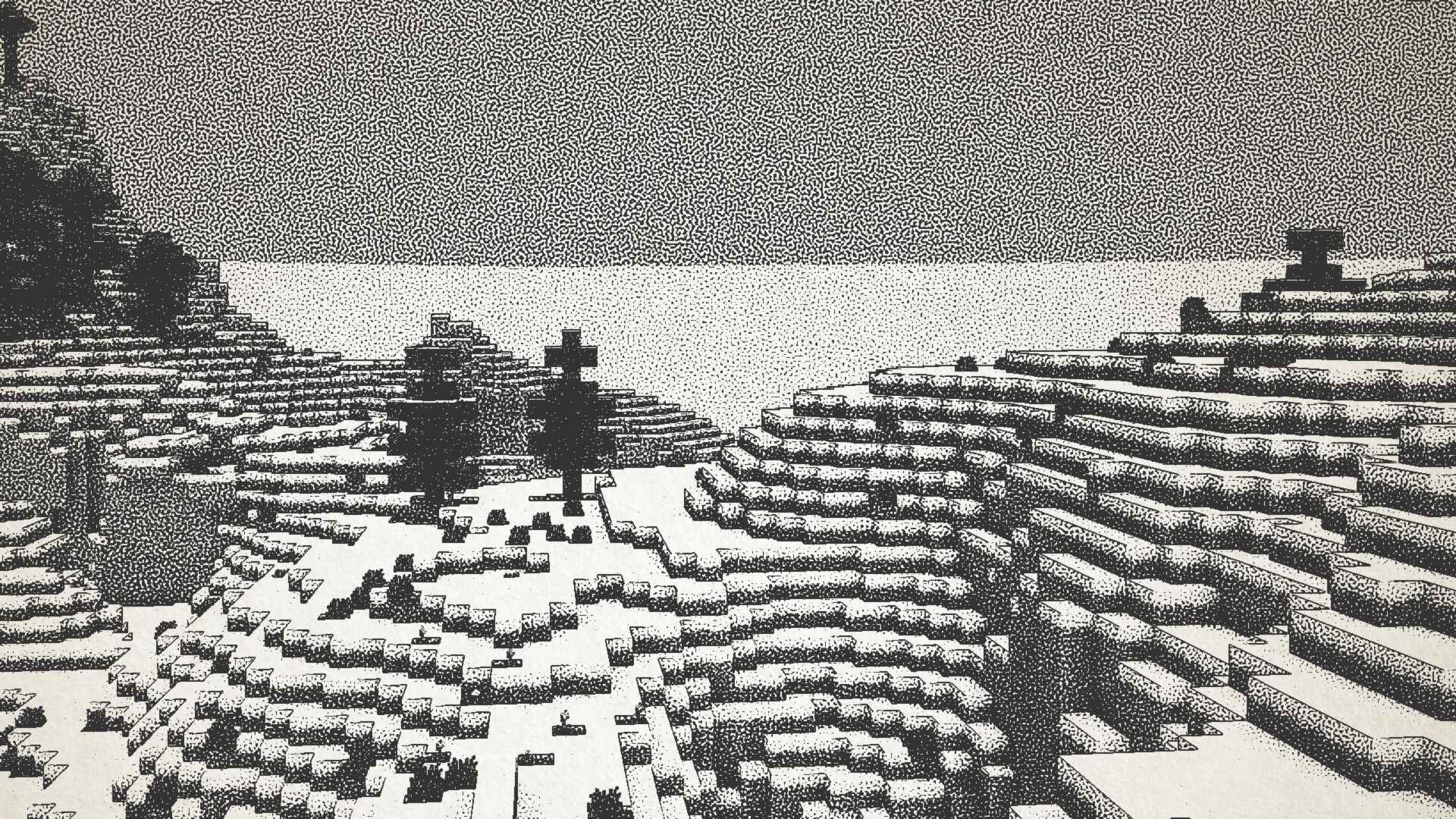
Ink Shader tries to visualise Minecraft as if it was printed with ink!
Current features include:
- Color Customisation
- Blur Effect
- Stippling
- Edge Detection
- and more!
This shader was heavily inspired on Acerolas video and uses the paper asset that he uses
I mostly tested on Iris 1.21, other versions might not work. If you find any bugs or incompatibilities, you can always report them, it helps me and others out :D
Installation
- First you need to install either OptiFine or the Iris mod to be able to load shaderpacks. (Choose Iris if you are unsure)
- Then you need to launch the game, and get to the Shaderpacks/Shaders menu in Video Settings.
- Open the shaderpacks folder by clicking the button in the menu.
- Download the Ink Shader and put it in the shaderpacks folder.
- Get back in the game, and choose Ink_Shader in the shaderpacks menu. (Refresh the menu if it doesn't appear)
Quick facts
- Edition: Minecraft Java
- File type: .zip (resource pack)
- Minecraft versions listed: 1.16, 1.16.1, 1.16.2
- How to install: Download the .zip resource pack — do not unzip it. → Put it in .minecraft/resourcepacks. → Enable it in Options → Resource Packs.
- Where to get it: Opens on Modrinth — not every file is mirrored on our own servers.
Install steps are the general flow for this file type — see the MC Java Mods guides for the full walkthrough.
File checked by MCModsHub
- Downloads as Ink_Shader_V1.1.zip
- Download size: 8.2 MB
- Download link checked 25 Oct 2026 — working
These come from our own check of the pack file, not from the source page.