
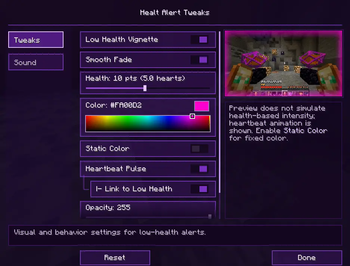
Healt Alert Tweaks
Healt Alert Tweaks is a client-side Fabric mod that helps you react faster when your health gets low by adding configurable visual and audio alerts.
The main feature is a customizable low-health vignette that fades onto your screen when your health drops below a configurable threshold. You can choose the color, transparency, size, intensity behavior, and animation style directly from the Mod Menu configuration screen.
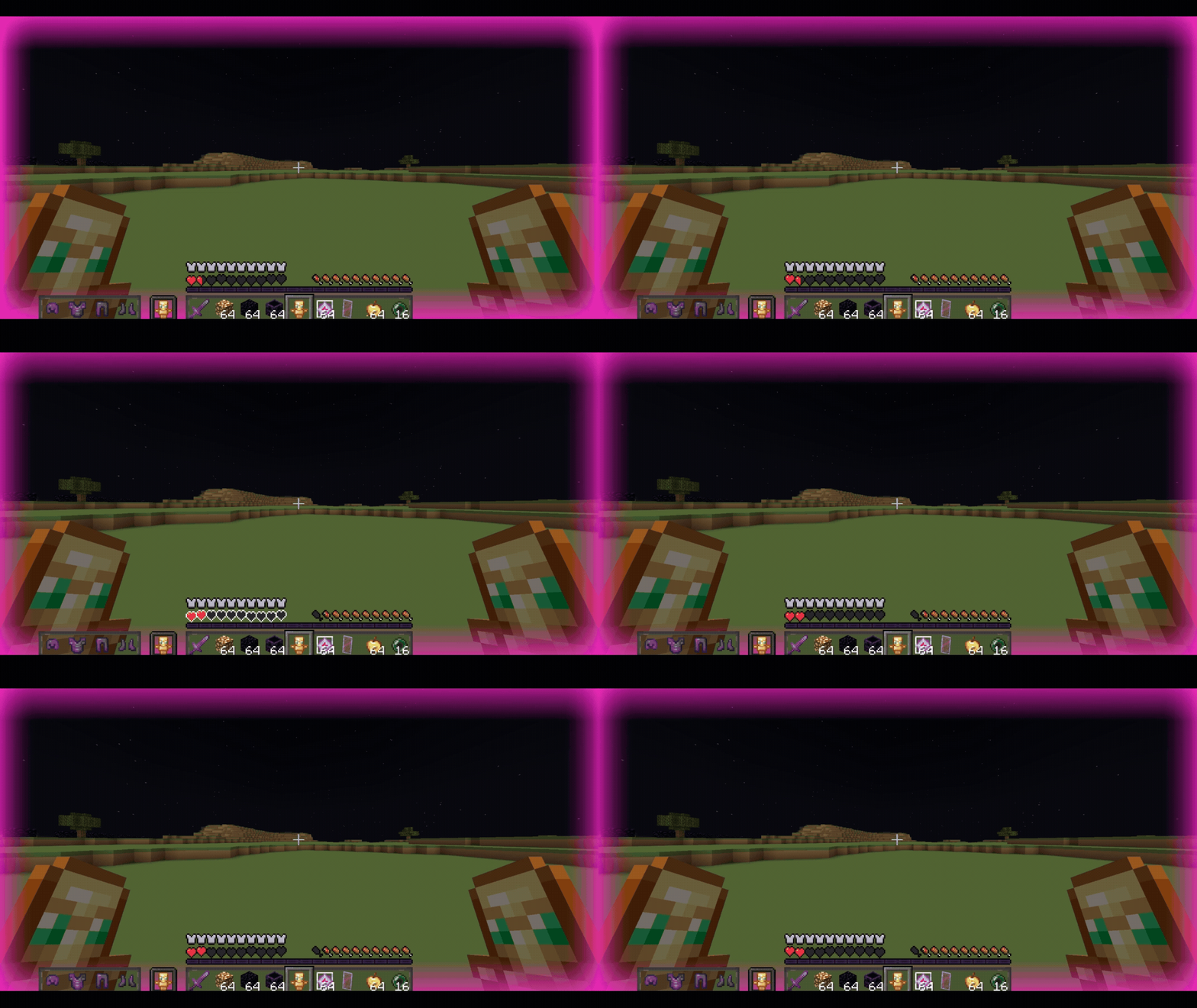
The mod also includes heartbeat effects. The vignette can pulse like a heartbeat, and an optional heartbeat sound can play when your health is low. Both the visual pulse and the sound speed can react to your current health, becoming more intense as your health gets lower, or they can stay static if you prefer a calmer alert.
Everything is configurable through a custom Mod Menu screen with separated tabs for visual tweaks and sound settings.
Features
- Custom low-health vignette.
- Custom vignette color picker.
- Adjustable health threshold.
- Adjustable vignette transparency.
- Adjustable vignette size.
- Smooth vignette fade animation.
- Static Color mode.
- Static color intensity slider.
- Heartbeat-style vignette pulse.
- Optional low-health heartbeat scaling.
- Heartbeat sound alert.
- Adjustable heartbeat sound volume.
- Adjustable heartbeat sound intensity.
- Sound preview player.
- Vignette preview panel.
- Mod Menu support.
- Client-side only.
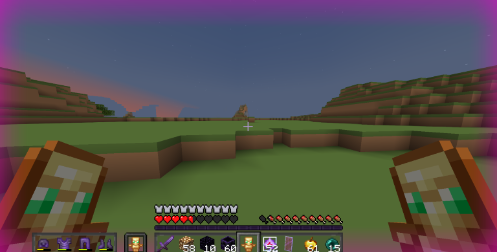
Low Health Vignette
The vignette appears when your health goes below the value you choose in the config menu.
You can customize its color, transparency, size, and how strongly it reacts to your health.
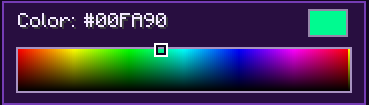
Custom Color Picker
Choose the vignette color directly from a palette-style selector.
This lets you make the alert subtle, intense, dark, bright, or matching your own style.
Static Color Mode
By default, the vignette becomes stronger as your health gets lower.
If you prefer a fixed intensity, enable Static Color and adjust the intensity slider.
Smooth Fade
The vignette can appear and disappear smoothly instead of popping onto the screen suddenly.
Heartbeat Vignette
The vignette can pulse like a heartbeat.
When low-health integration is enabled, the pulse becomes faster as your health gets lower.
Heartbeat Sound
The mod can also play a heartbeat sound when your health is low.
You can adjust the volume and the heartbeat intensity from the Sound tab.
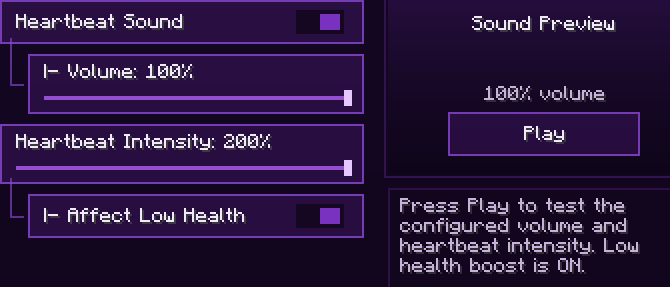
Mod Menu Configuration
All options are available from a custom Mod Menu screen with tabs for visual tweaks and sound settings.
Requires:
- Fabric Loader
- Fabric API
- Mod Menu is recommended for configuration
- Edition: Minecraft Java
- File type: .jar
- Minecraft version listed: 1.21.11
- How to install: Install the matching mod loader (Forge, Fabric or NeoForge) for your Minecraft version. → Download the .jar. → Put it in the .minecraft/mods folder and launch that loader profile.
- Where to get it: Opens on Modrinth — not every file is mirrored on our own servers.
Install steps are the general flow for this file type — How to install Minecraft Java mods & modpacks walks through it step by step.
- Ships as healt-alert-tweaks-1.0.21+1.21.11.jar — drop this file into the mods folder
- Download size: 2.8 MB
- Download link checked 8 Sept 2026 — working
These come from our own check of the pack file, not from the source page.