![[ARCHIVED] OptiSodium](https://cdn.modrinth.com/data/QhtDNAfp/168c47fad097536c110b7403ce32af078ebbd20f_96.webp)
ModpacksJava
[ARCHIVED] OptiSodium
Java modpack listed for Minecraft 1.21. Downloads from the MC Java Mods app on Android.
⬇ Download on Modrinth![[ARCHIVED] OptiSodium — screenshot 1](https://cdn.modrinth.com/data/QhtDNAfp/images/4677f7c861869d302137565b37ee9558231b79a1_350.webp)
![[ARCHIVED] OptiSodium — screenshot 2](https://cdn.modrinth.com/data/QhtDNAfp/images/f34c9d21b29c9af67816f2508b39badc80357b81_350.webp)
![[ARCHIVED] OptiSodium — screenshot 3](https://cdn.modrinth.com/data/QhtDNAfp/images/a315339cf6a4bbafd53e6d50150a4a0a15e0aad9_350.webp)
Status
This project is now archived.
Major updates are no longer planned. A new optimization-focused modpack, Kernova, is currently in development and will replace this project with a cleaner, more minimal, and more flexible foundation.
Core Features
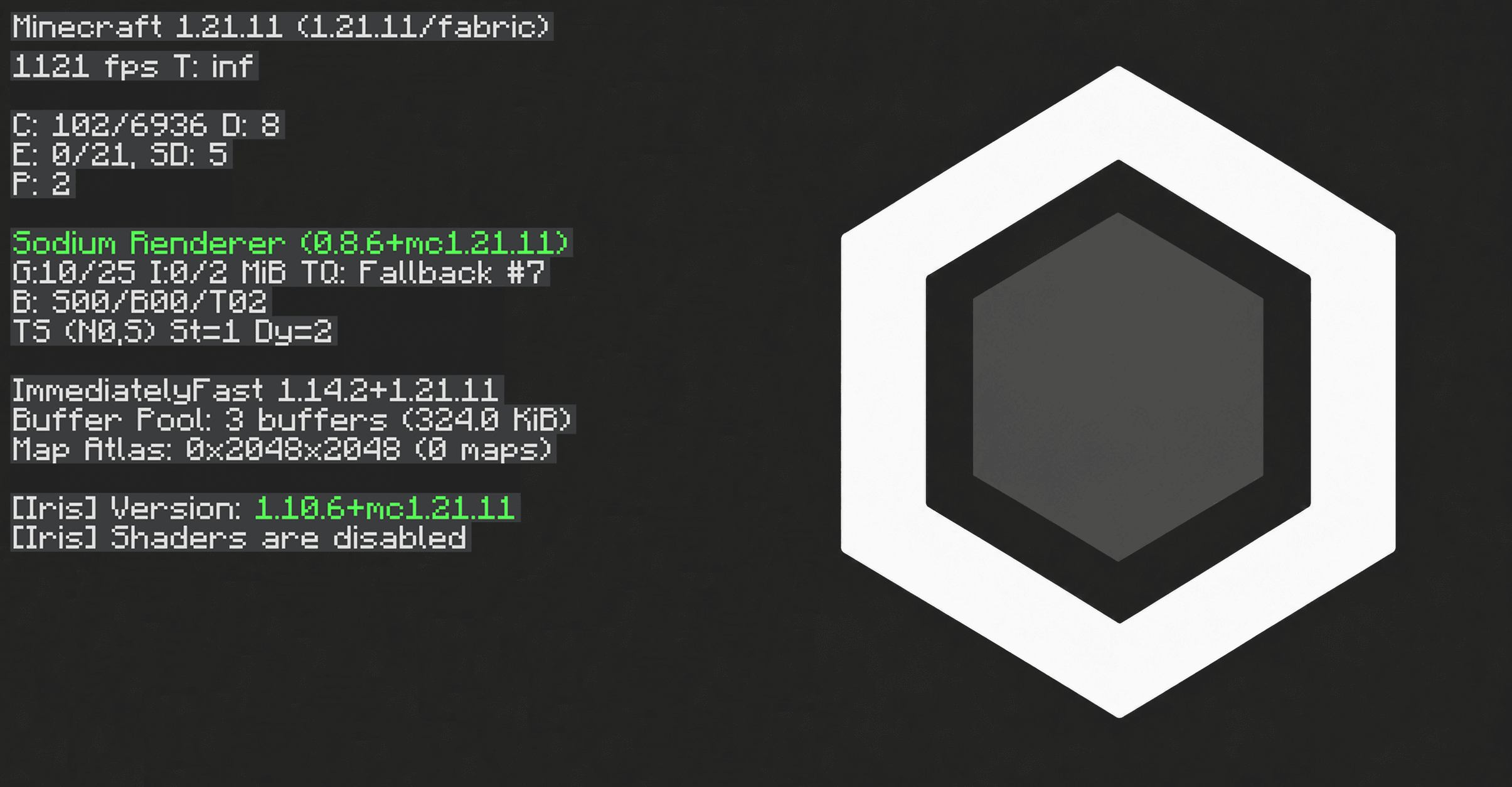
- Higher FPS compared to vanilla Minecraft
- Lower RAM usage in large worlds
- Faster startup and chunk rendering
- Pre-configured performance settings
- Clean Fabric-based optimization stack
- Stable and lightweight mod selection
Supported Versions
1.21.x • 1.20.x • 1.19.x
Quick facts
- Edition: Minecraft Java
- File type: .jar
- Minecraft version listed: 1.21.11
- How to install: Install the matching mod loader (Forge, Fabric or NeoForge) for your Minecraft version. → Download the .jar. → Put it in the .minecraft/mods folder and launch that loader profile.
- Where to get it: Opens on Modrinth — not every file is mirrored on our own servers.
Install steps are the general flow for this file type — How to install Minecraft Java mods & modpacks walks through it step by step.
File checked by MCModsHub
- Downloads as OptiSodium - Minecraft Optimization 1.21.11.mrpack
- Download size: 86 KB
- Download link checked 8 Oct 2026 — working
These come from our own check of the pack file, not from the source page.