
Phial
Java shader pack listed for Minecraft 1.20–1.21. Downloads from the MC Java Mods app on Android.
⬇ Download on Modrinth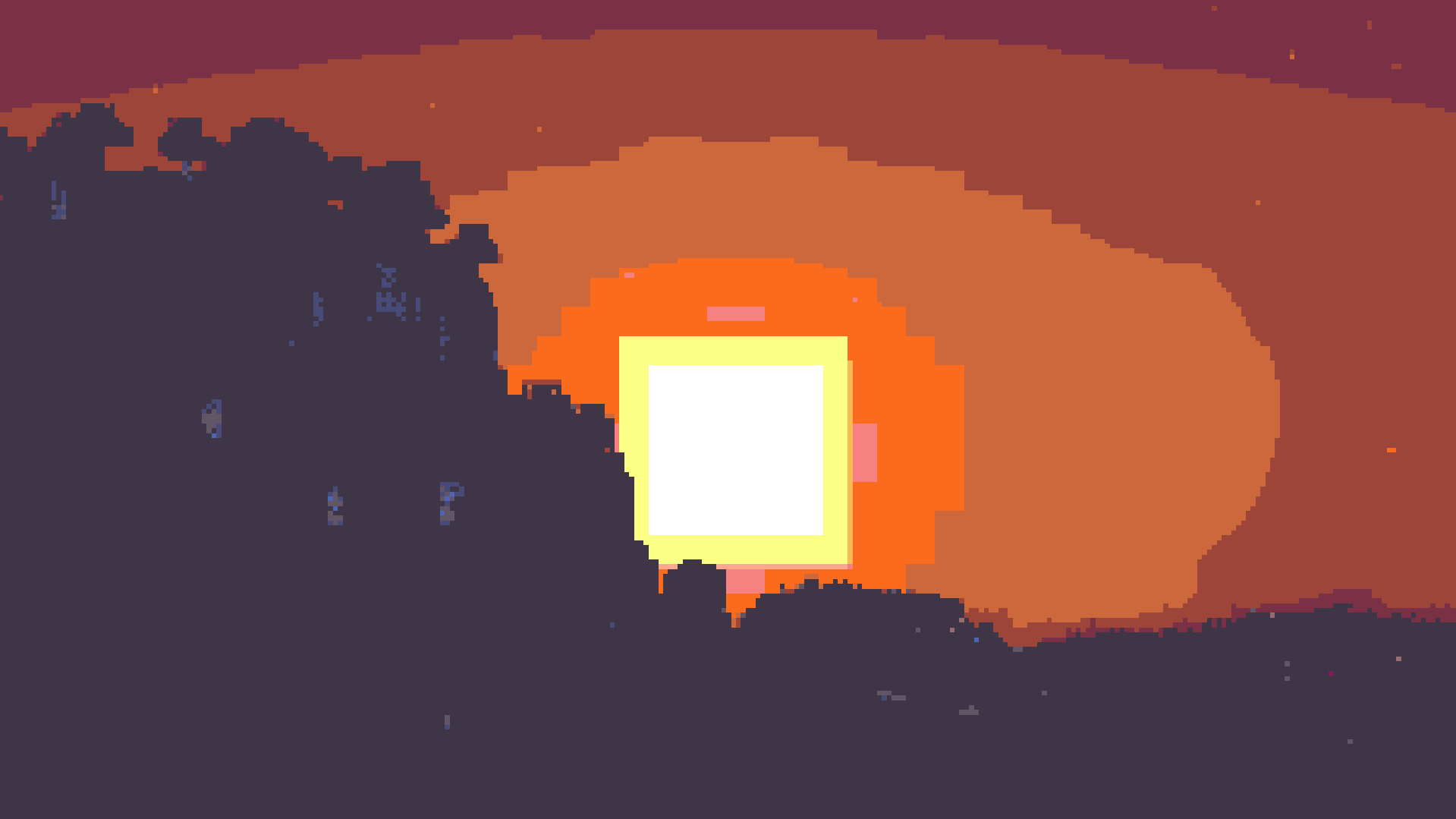
Phial
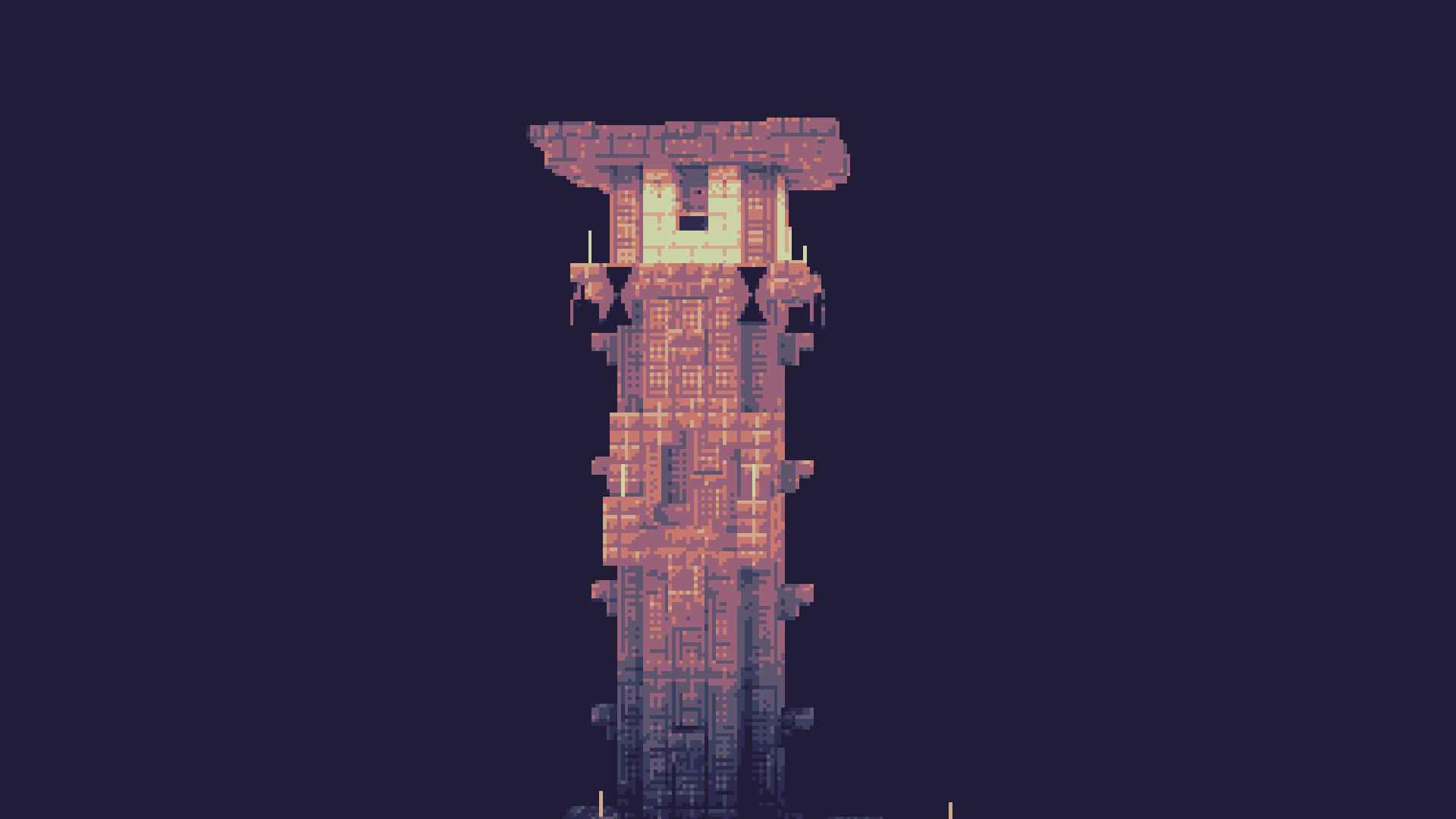
Phial is a work-in-progess shader that aims to add several post-processing options to mimic pixel art.
As of the latest version it has:
Color quantization to limit the screen colors to a arbitrary color palette. (defaults to the Ressurect 64 palette)
Customizable pixel mapping to lower the screen resolution
Ordered dithering
Customizable vignette
Custom Palettes
To input custom palettes, you can unzip the shader and locate the palette file at:
shaders\assets\palette.glsl
This requires a special format of storing colors, namely a vector 3 normalized GLSL array. To quickly convert a list of hex colors to this format, you can use the following site:
https://snorfield.github.io/palette-to-shader/
Once converted, you can simply open the palette.glsl file in a text editor such a notepad and replace the contents. Don't forget to save!
All you need to do to see the changes is reload the shader.
- Edition: Minecraft Java
- File type: .zip (resource pack)
- Minecraft versions listed: 1.20, 1.20.1, 1.20.2
- How to install: Download the .zip resource pack — do not unzip it. → Put it in .minecraft/resourcepacks. → Enable it in Options → Resource Packs.
- Where to get it: Opens on Modrinth — not every file is mirrored on our own servers.
Install steps are the general flow for this file type — see the MC Java Mods guides for the full walkthrough.
- Downloads as Phial.zip
- Download size: 17 KB
- Download link checked 26 Oct 2026 — working
These come from our own check of the pack file, not from the source page.