
Ascii Text Renderer
Java shader pack listed for Minecraft 1.21. Downloads from the MC Java Mods app on Android.
⬇ Download on Modrinth



Showcase
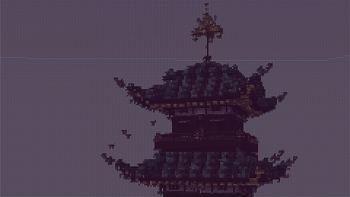
This is an example of the texture pack with the colors set to "minecraft" and "darkPurple" in the config.
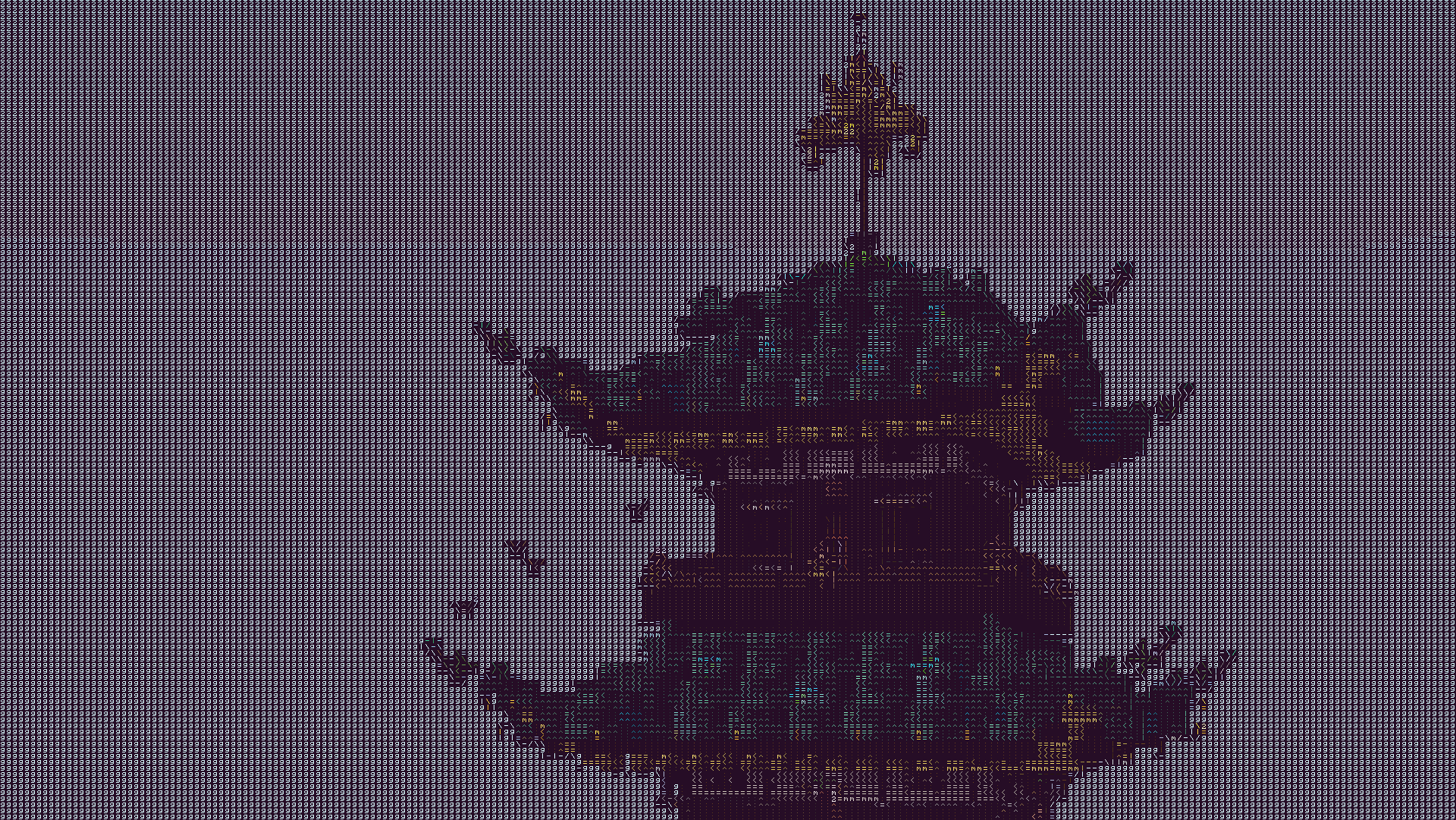
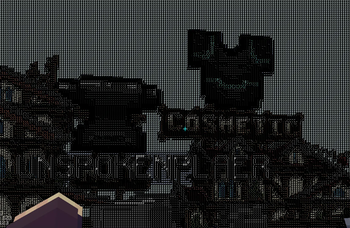
The text may look blurry since the image is a lot smaller than ingame. To show you what the text looks like up close, this is a zoomed in look at a part of the above image.
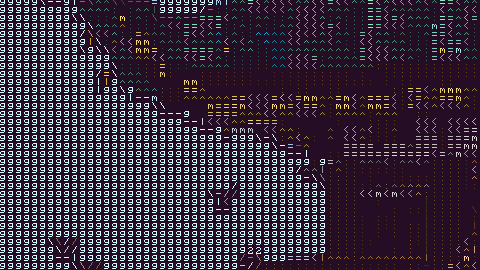
This is more accurate to what you will see ingame. You will see it as sharp as this image, but you will still see the entire image filling up your whole screen.
Description
This texture pack renders your game as ascii art in completely vanilla minecraft. No mods at all are required for this pack to work. However, YOU MUST HAVE GRAPHICS SET TO FABULOUS in your minecraft video settings.
The image above doesn't fully capture how it looks ingame due to scaling differences, so in order to see the pack in its full beauty you either need to look at the screenshot in fullscreen somehow or actually download the texture pack and look at it ingame.
How to Use
- Install the texture pack for one of the supported Minecraft versions.
- Apply the texture pack ingame, and in your video settings make sure your graphics setting is set to fabulous or the pack will not work. Your graphics setting can also act as a toggle for the pack, as setting it to fast or fancy will disable the effect.
- To configure the texture pack as seen in the gallery, open the texture pack and find the config file in
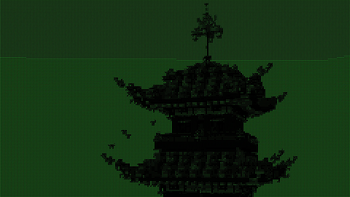
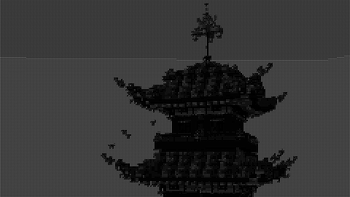
assets/minecraft/shaders/include/config.glsl. There are only three options, and many color presets.
Support
If you have an issue, you can join my discord and ask in there. I also have frequent votes for my future texture packs, and take suggestions for packs.
- Edition: Minecraft Java
- File type: .zip (resource pack)
- Minecraft version listed: 1.21.1
- How to install: Download the .zip resource pack — do not unzip it. → Put it in .minecraft/resourcepacks. → Enable it in Options → Resource Packs.
- Where to get it: Opens on Modrinth — not every file is mirrored on our own servers.
Install steps are the general flow for this file type — see the MC Java Mods guides for the full walkthrough.
- Downloads as §f§lText Renderer §7v1.0.zip
- Download size: 75 KB
- Download link checked 26 Oct 2026 — working
These come from our own check of the pack file, not from the source page.