
Military Conflict I
Java modpack listed for Minecraft 1.20. File opened and checked on 12 Oct 2026; downloads from the MC Java Mods app on Android.
⬇ Download on Modrinth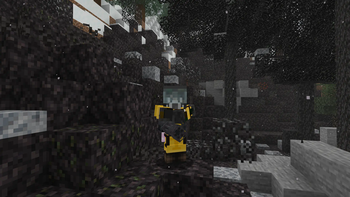
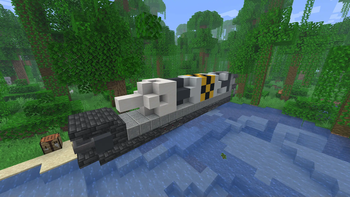
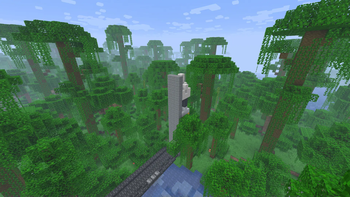
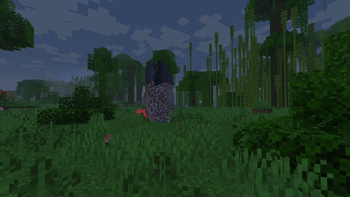
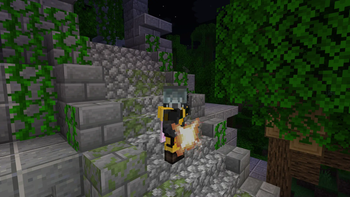
Military Conflict I
In develop 1.20.1 Fabric only
- Based on Neon
About
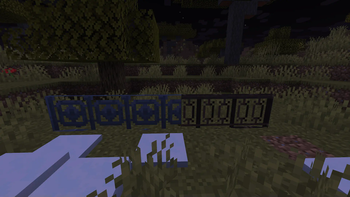
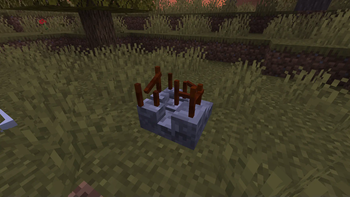
Modpaсk on the theme of the global world conflict, most of the world has been destroyed. You have to survive in this hard world together with other players, join groups and fight for resources. The modpack is also suitable for the competition between players and will soon include different maps. In default, the world is created by continents.
Open wiki
You can edit our modpack wiki! Do it!
Community
We are an open community, always ready to help. We have our own discord server with a forum, a github page where you can leave noticed bugs or your suggestions.
Steam deck and controllers compatibility
- Using Controlify
- Controlify comes with a huge range of settings to fine-tune each of your controllers individually, including vibration strength, every single controller input bind (no hardcoding!) and more.
Performance
We recommend allocate minimum 5GB of ram for singleplayer game and 3GB for playing on server. And dual core cpu is strongly recommended.
Community servers
Do you want to add your server to the official list of servers? Send us a message on the discord for this! But there are some rules: 1. No donation, which can affect the gameplay. 2. There is no territory private system. 3. Mods and configs on the server are identical to mods and configs on the client.
Main modpack features
In development
Mod loader
This modpack works only on fabric!
Go to the official fabric website
Social




Other
Tip: install our icon to install in the launcher (launcher_logo.png)
Tip: use Aikar´s launch options, they will help you to be more efficient :)
Tip: use the latest version of fabric
Tip: this modpack will be work better if you using Linux. But MacOS/Windows still compatible
Also: We prefer the Foss mods.
Other mods
- Edition: Minecraft Java
- File type: .jar
- Minecraft version listed: 1.20.1
- How to install: Install the matching mod loader (Forge, Fabric or NeoForge) for your Minecraft version. → Download the .jar. → Put it in the .minecraft/mods folder and launch that loader profile.
- Where to get it: Opens on Modrinth — not every file is mirrored on our own servers.
Install steps are the general flow for this file type — How to install Minecraft Java mods & modpacks walks through it step by step.
- Downloads as militaryconflict1-0.0.6.mrpack
- Download size: 4.9 MB
- Download link checked 9 Oct 2026 — working
These come from our own check of the pack file, not from the source page.