ShadersJava
Zenith's LUT Shader
Color Lookup Tables. Free Minecraft Java shader for 1.8.9, 1.9, 1.9.1.
I don't know my version or loader
Open the Minecraft launcher and look at the profile you play on — it names both, like fabric-loader-1.21.4. The version also shows in the bottom-right corner of the game's main menu.
No loader in the profile name? Then it's plain Minecraft, and these mods won't run — you need Fabric or NeoForge installed first.
Zenith's LUT Shader
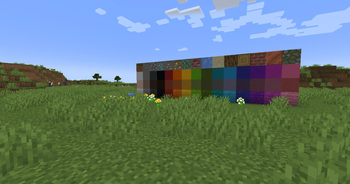
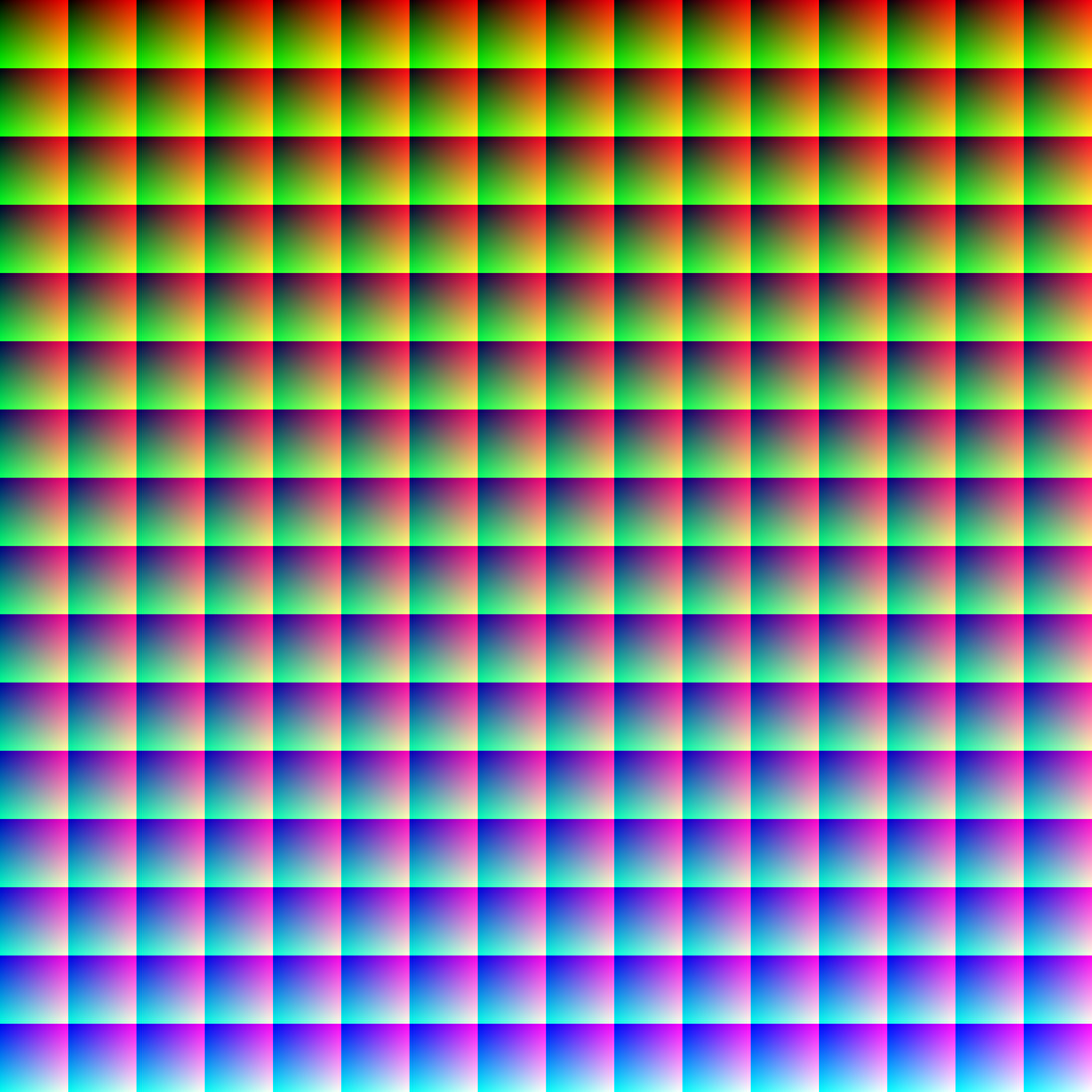
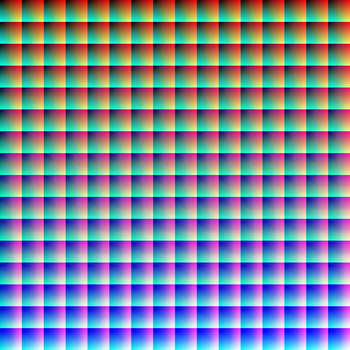
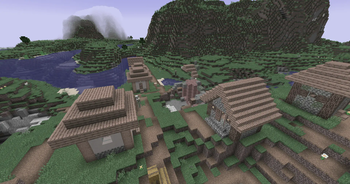
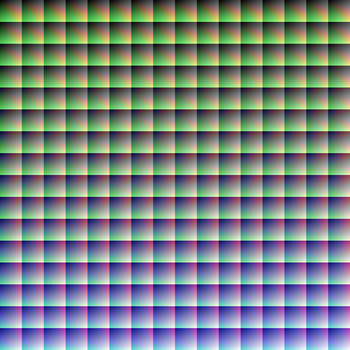
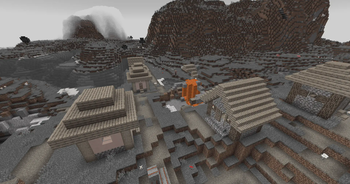
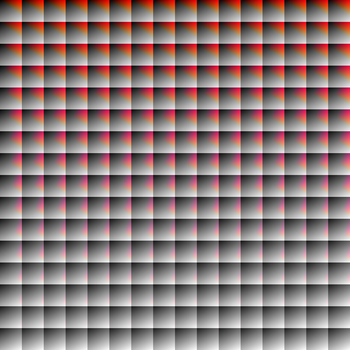
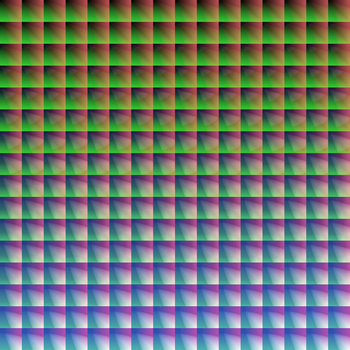
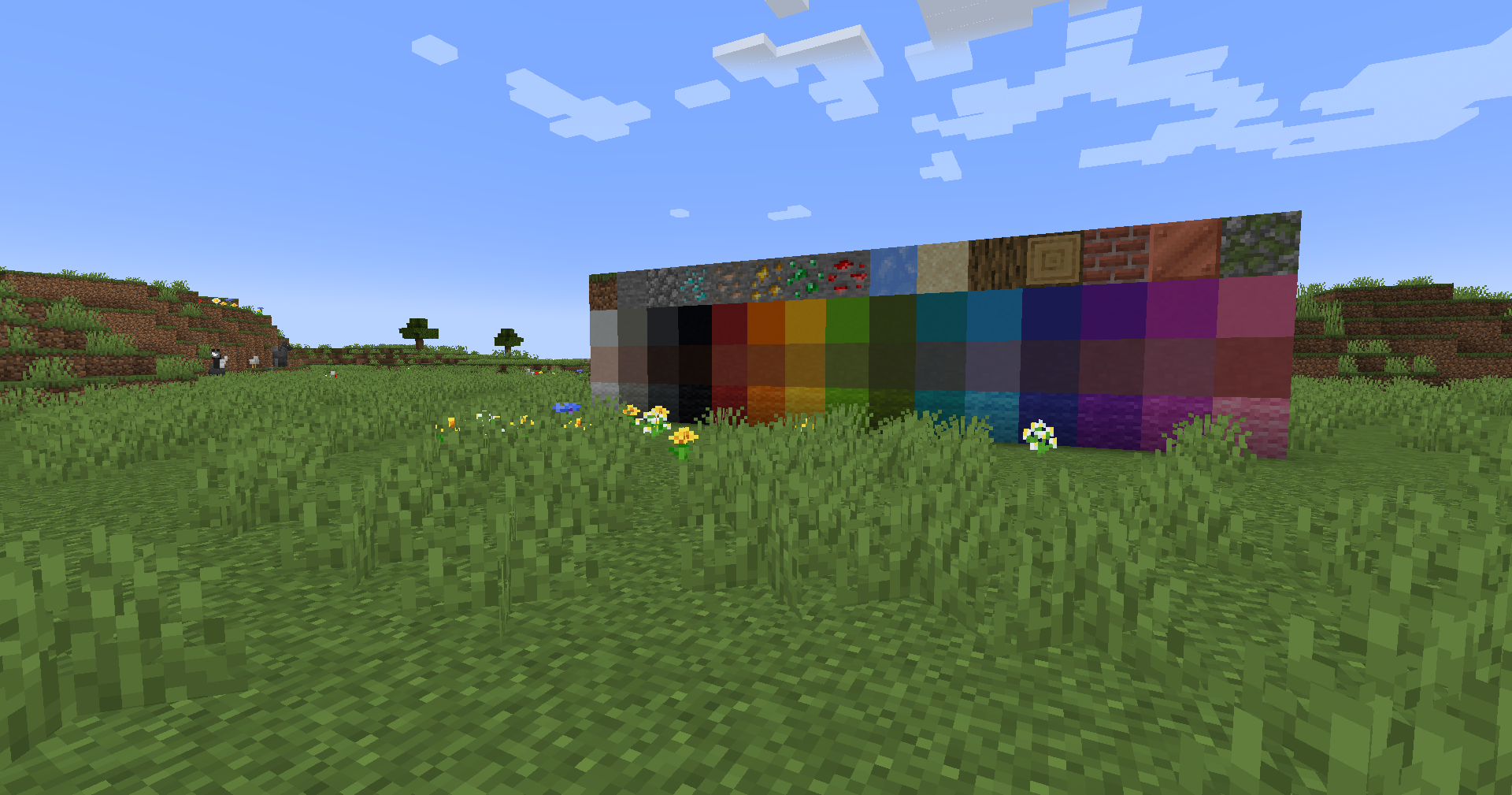
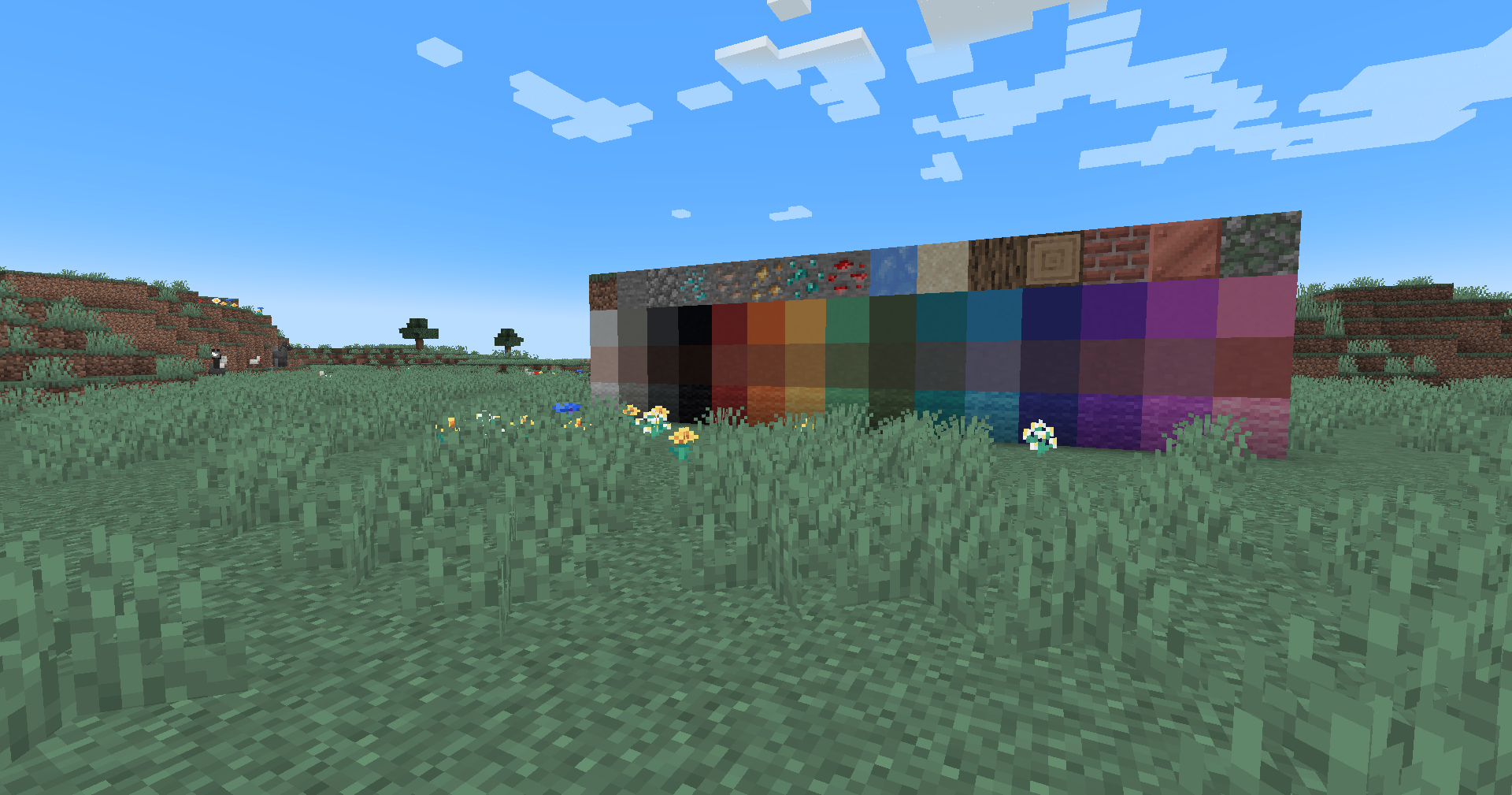
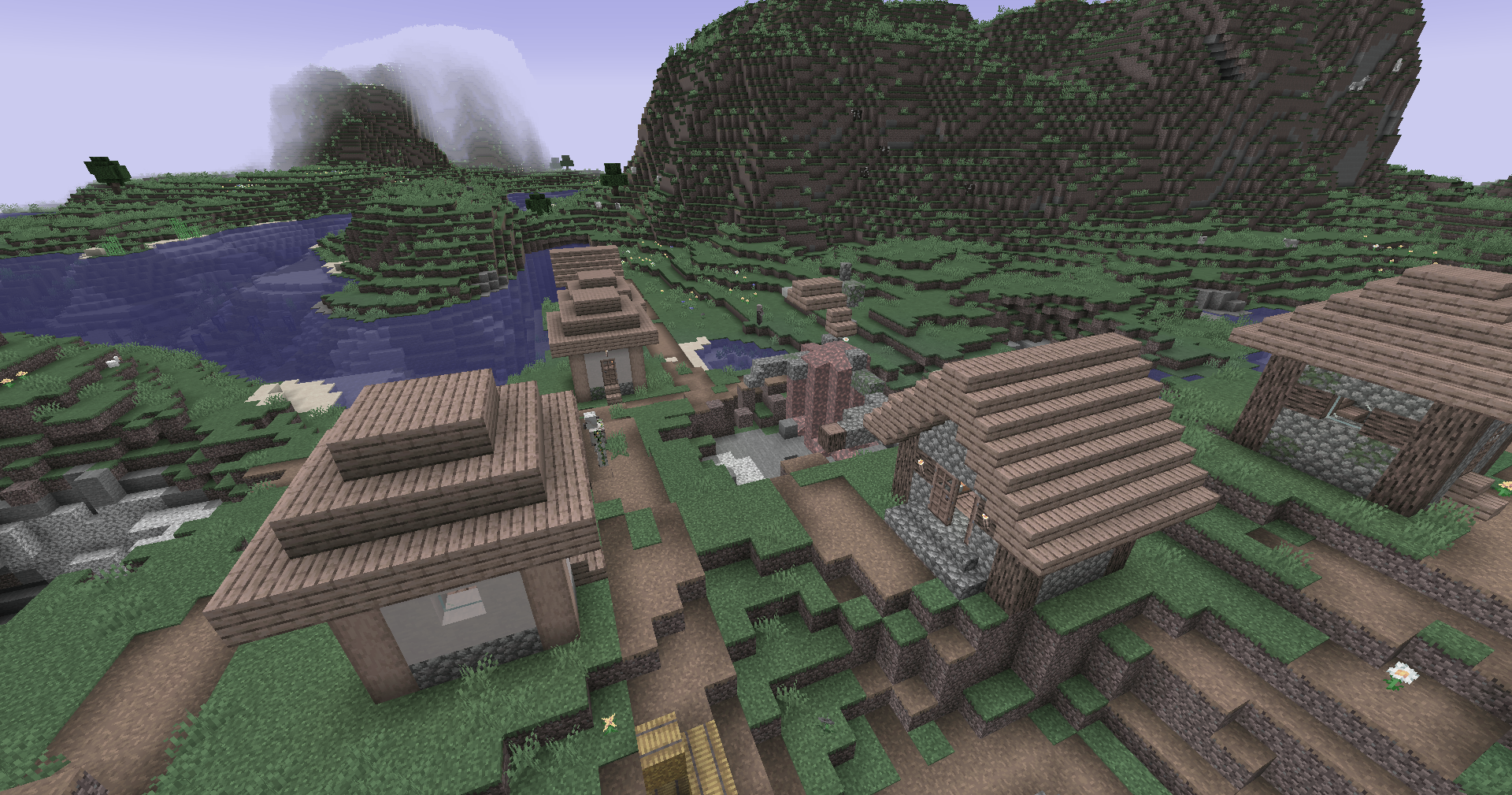
This simple vanilla shader allows you to customize the colors of your game by use of color lookup tables or LUTs
| Vanilla Colors | Custom LUT |
|---|---|
 |
 |
Installation
Vanilla- Download the vanilla version of this shader
- Add to
.minecraft/resourcepacks - DO NOT UNZIP
- Set graphics to
Fabulous - Activate Resource Pack
- download the Iris/OptiFine version of this shader
- add to
.minecraft/shaderpacks - DO NOT UNZIP
- Select shader in Shaders Menu
Customization
Provided within the pack zip, you may find a file called init_LUT.psd, which will allow you to customize the look and feel of this shader.
- Open
init_LUT.psdinto your favorite photo editor (IE GIMP, Photoshop, Affinity Photo) - I personally use the free online Photoshop alternative Photopea
- You can also just use the unmoddified
init_LUT.pngwhich is also provided in the zip - Apply as many adjustment layers, or edit the ones I have pre-selected, to achieve the look you desire
- These can be found under
Layer > Add New Adjustment Layer - Hide the color preview layer
HIDE BEFORE EXPORT - Export into the pack as
assets\minecraft\textures\effect\lut.pngorshaders\lut.png, depending on whether you are using Vanilla or Iris/OptiFine
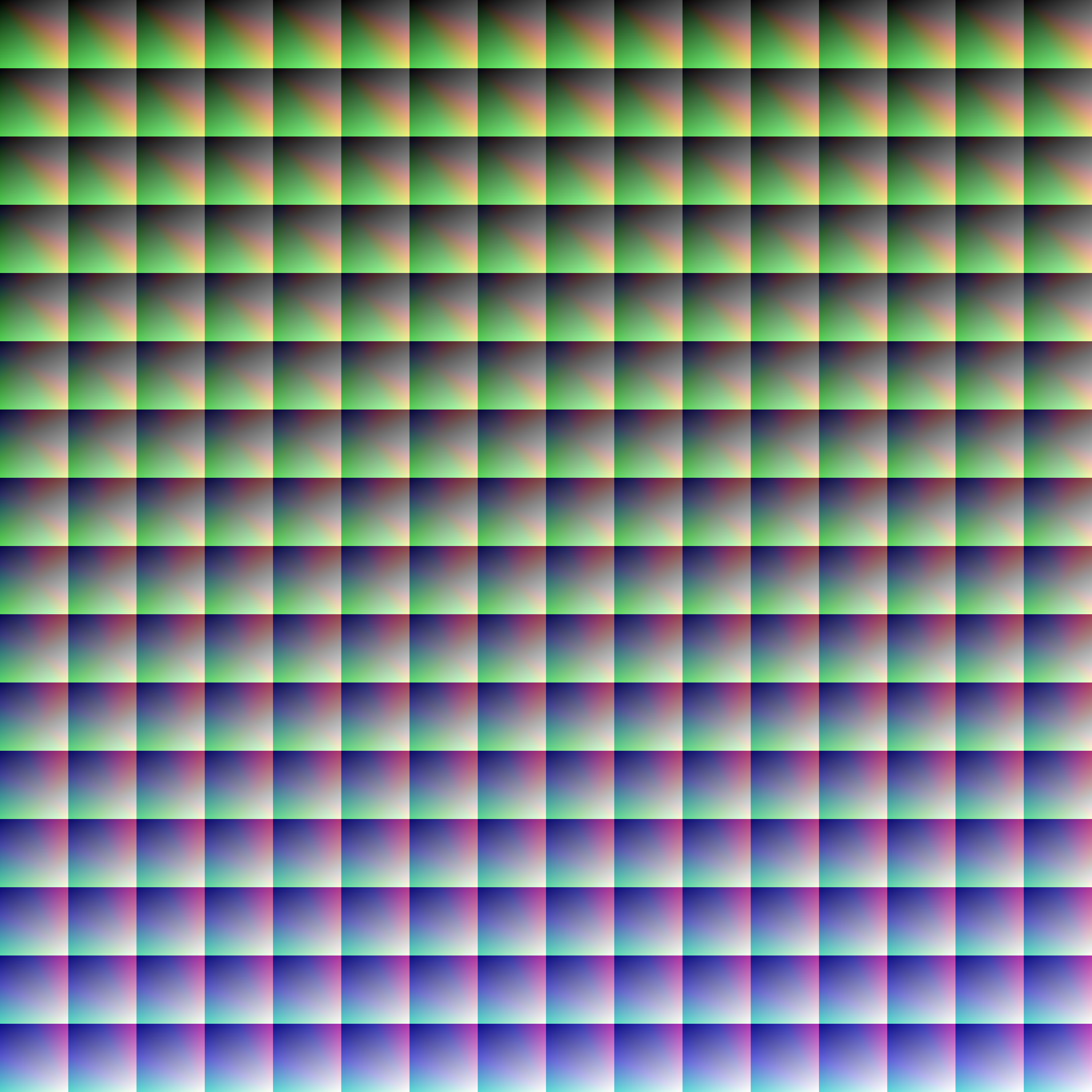
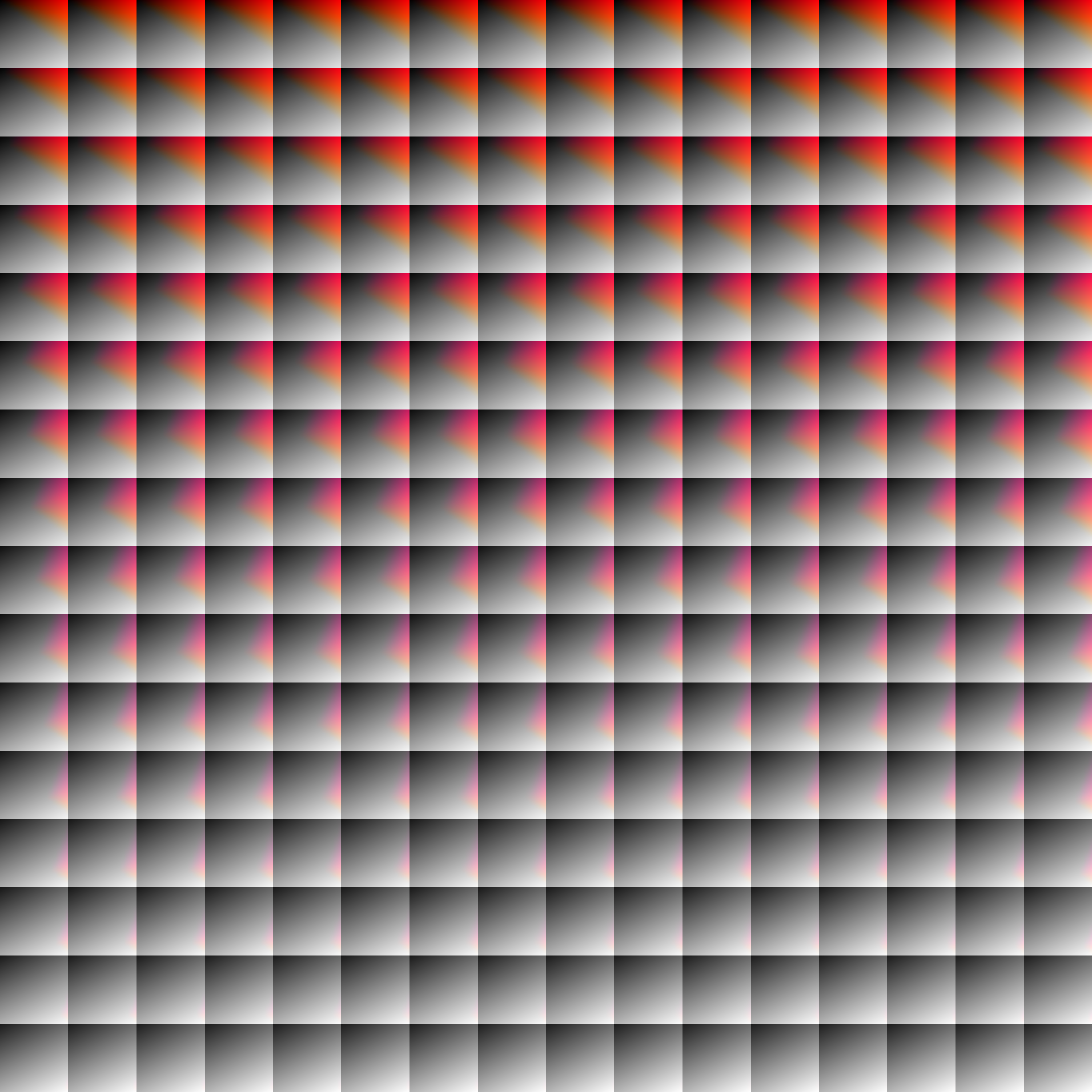
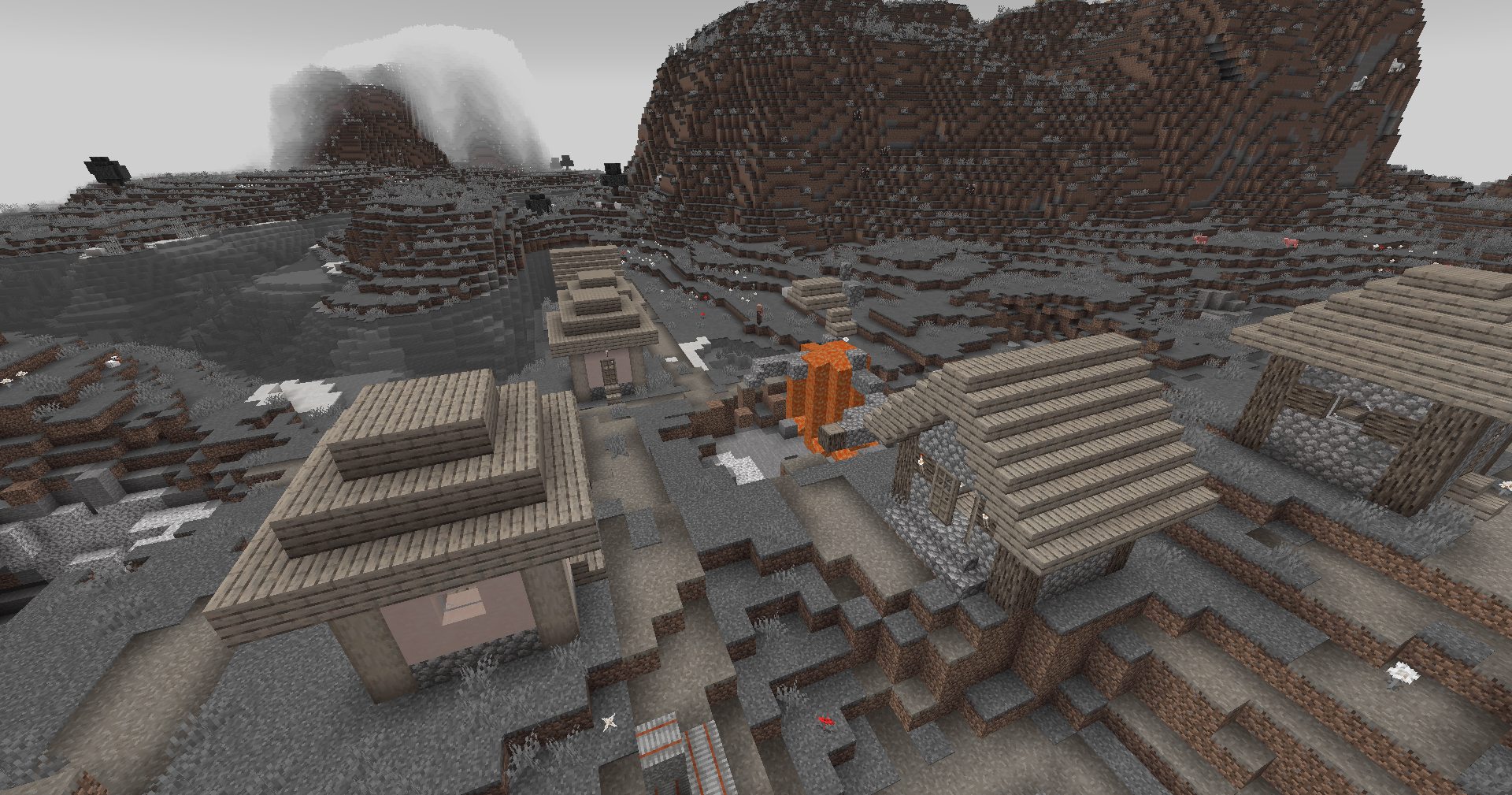
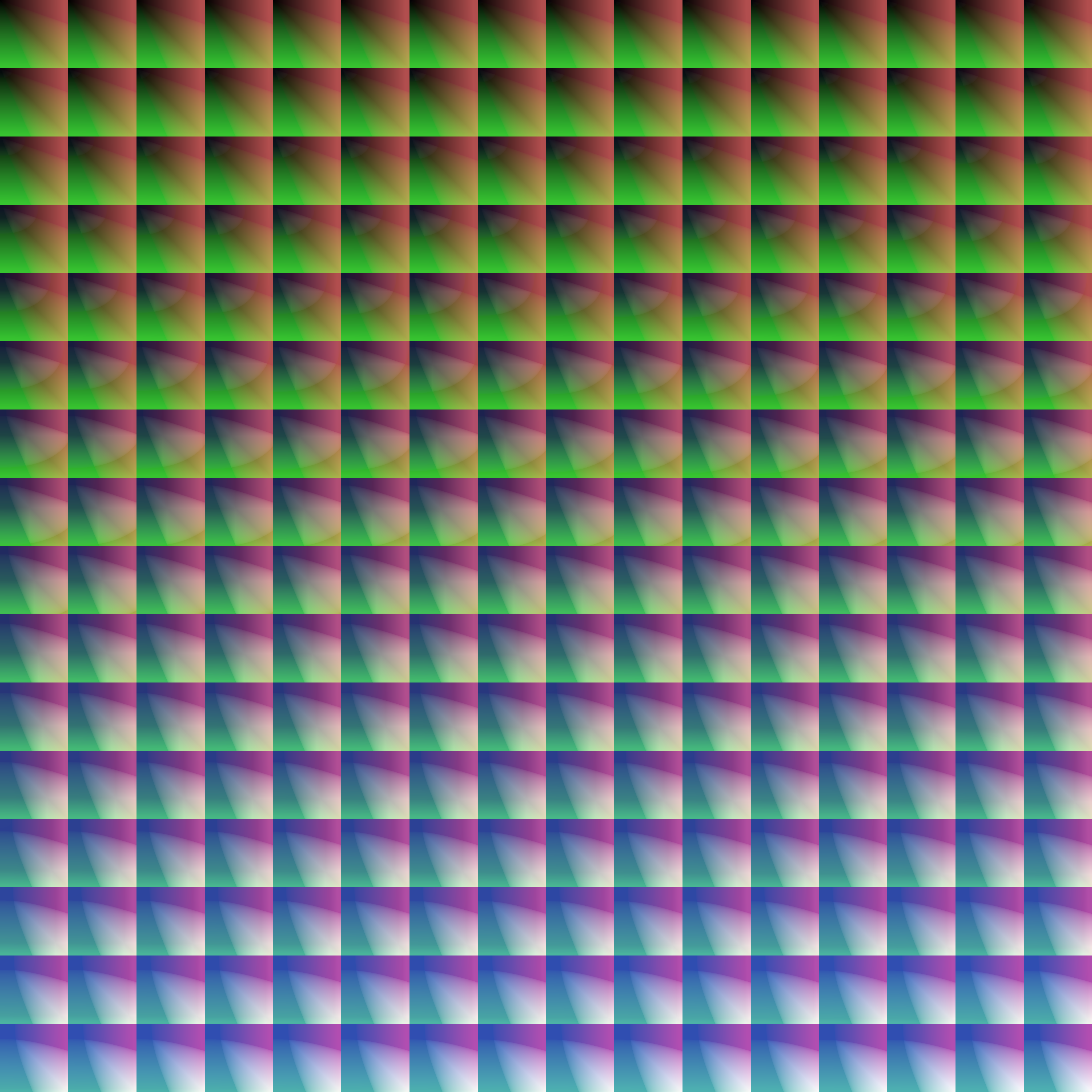
Save one of the LUTs below as assets\minecraft\textures\effect\lut.png or shaders\lut.png, depending on whether you are using Vanilla or Iris/OptiFine:
| LUT | Preview |
|---|---|
Reduced Reds
|
|
Red Isolated
|
|
Darkened World
|
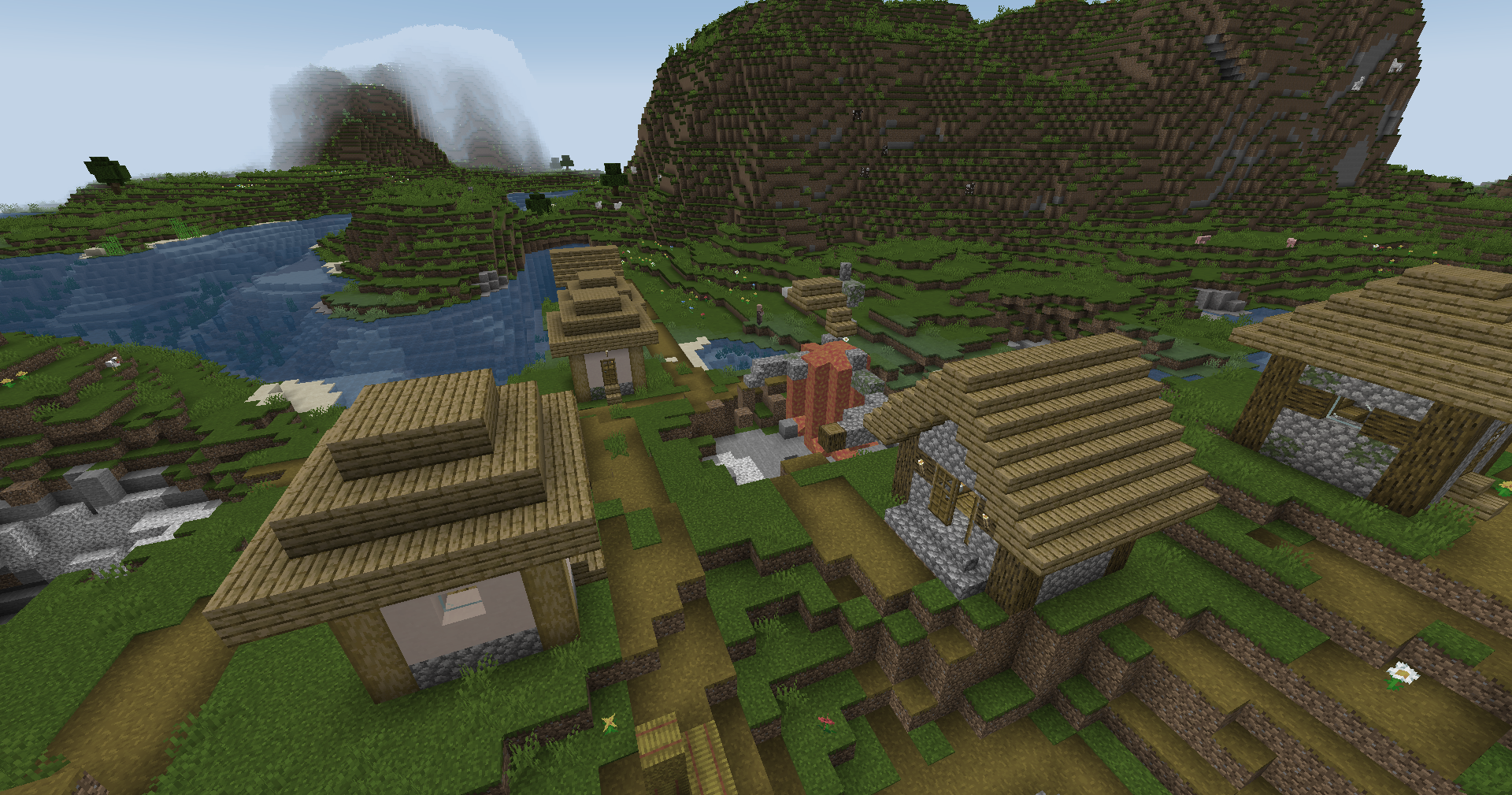
|
Wut
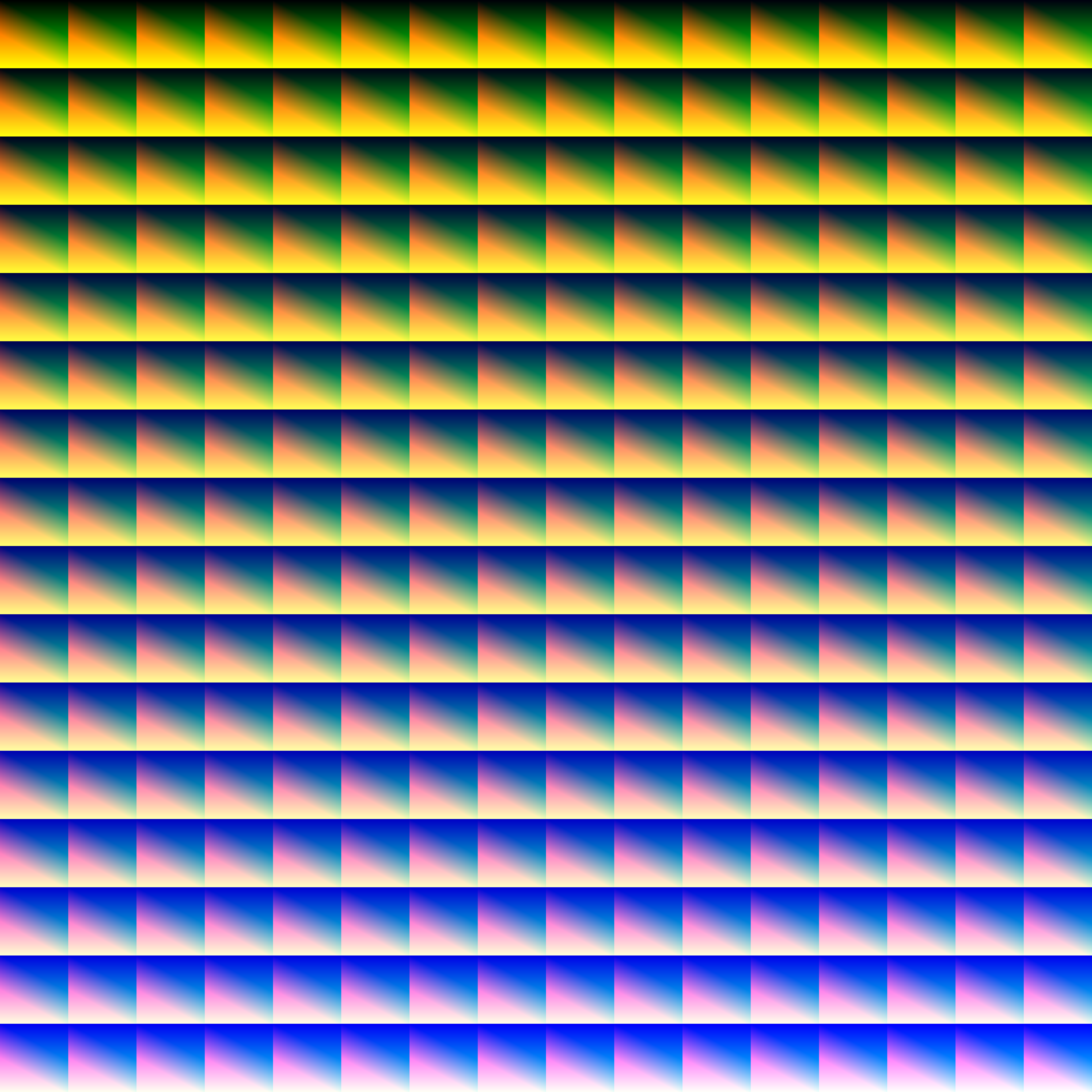
|
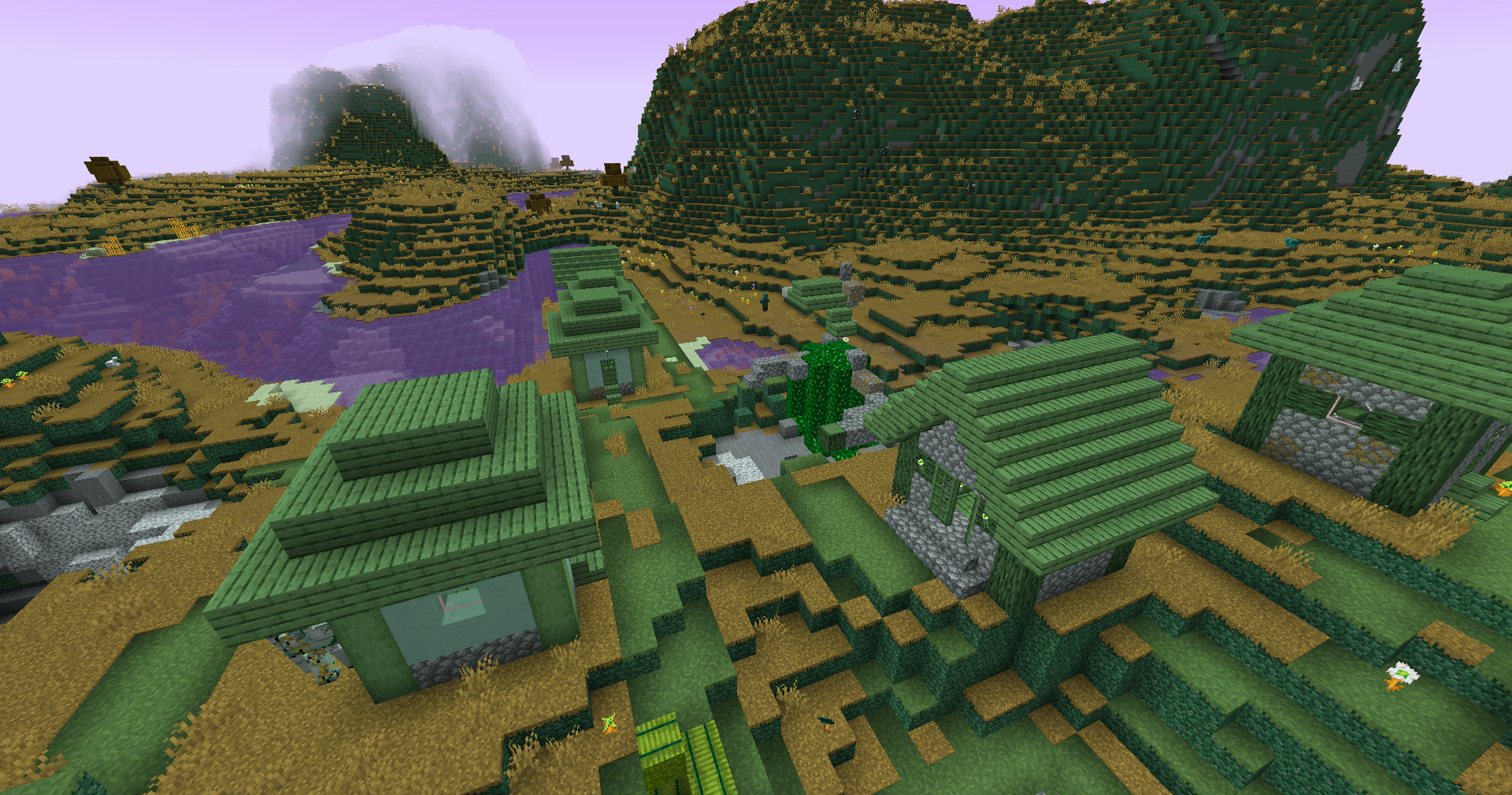
|
Dramatic Black and White
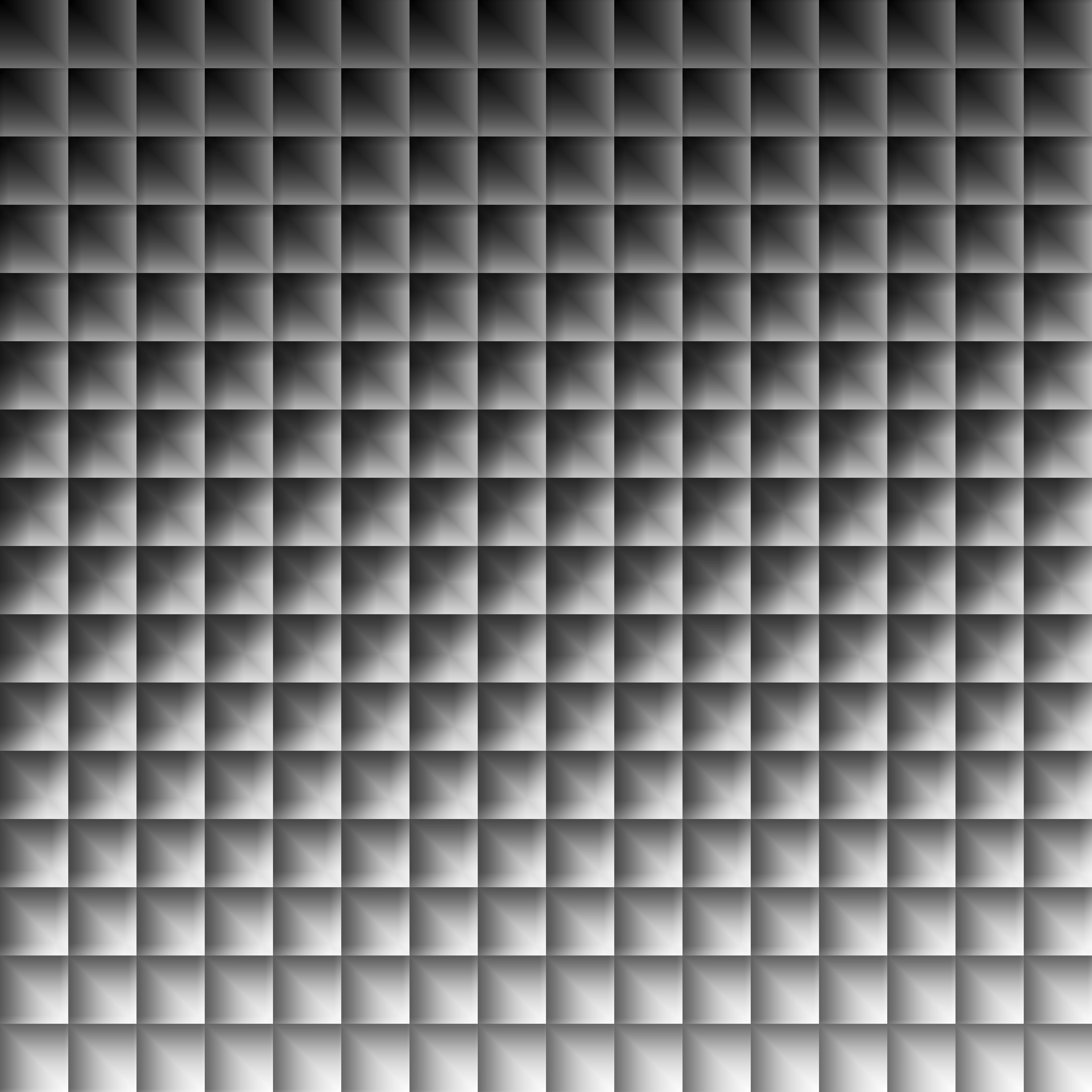
|
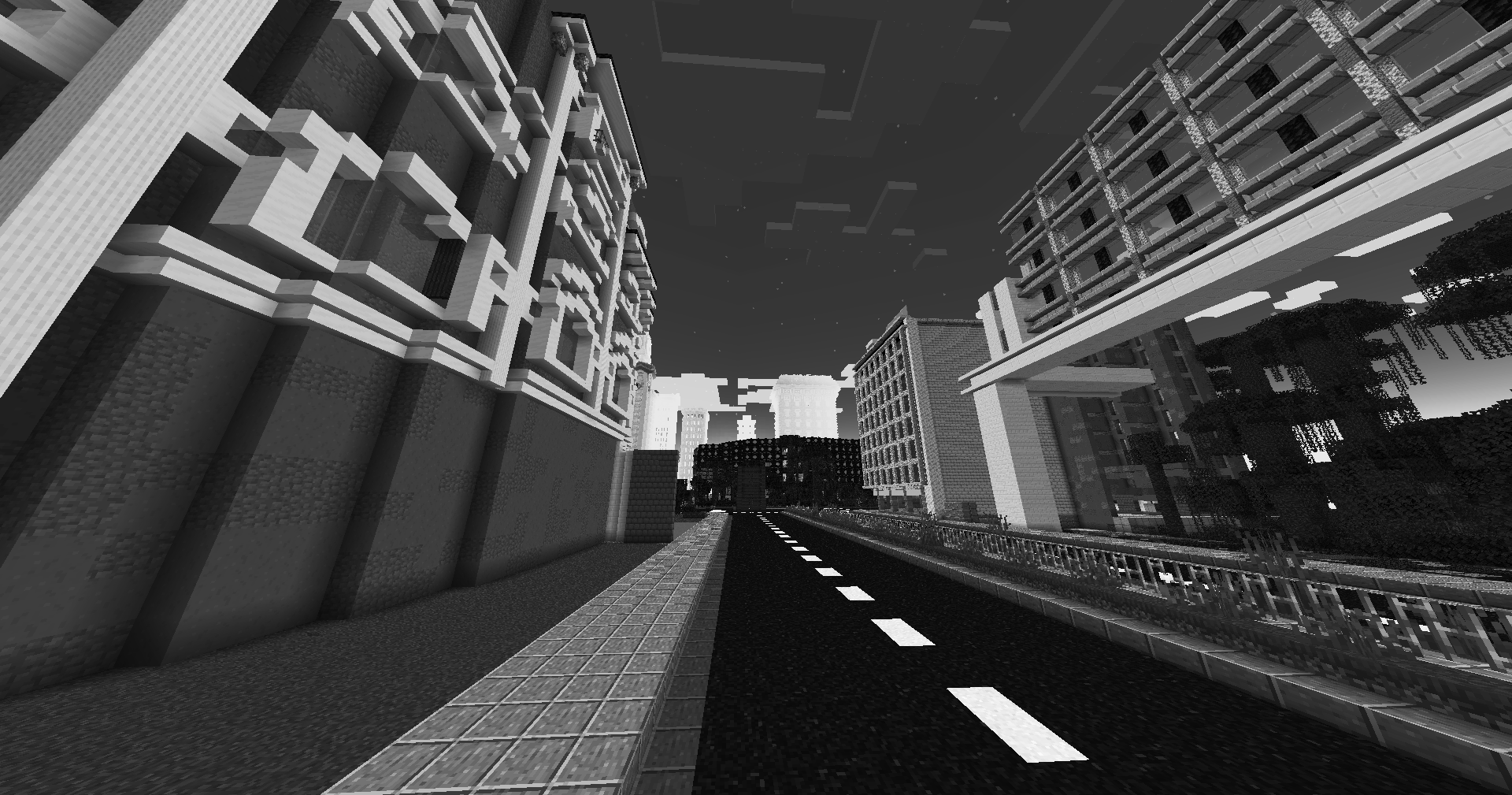
|
Verified by MCModsHub
- Downloads as Zeniths LUT Shader OptiFine Iris.zip
- Download size: 29.5 MB
- Download link checked 25 Aug 2026 — working
These come from our own check of the pack file, not from the source page.