
Raven Client has been archived in favor of the upcoming OptiFine for Fabric v5!




Before using Raven Client, learn how to configure it below!
GuideFirst of all, do not disable/delete any mods. They are all required, but can be turned off if you follow the steps below.
- Run Minecraft
- Click
Mods - Hover over
ModSets - Click the
Configureicon - Disable/enable any features you want from there.
Note: if you disable or delete any mods, you won't be able to open the 'ModSets' configuration menu. If you want a mod to be able to be toggled, request a feature here.
What is this?
Raven Client is built directly off of my modpack OptiFine for Fabric. It includes extra features that are essential for gameplay such as low fire, low shield, no darkness, connecting to any server version, and so much more!
Why Raven Client instead of others?
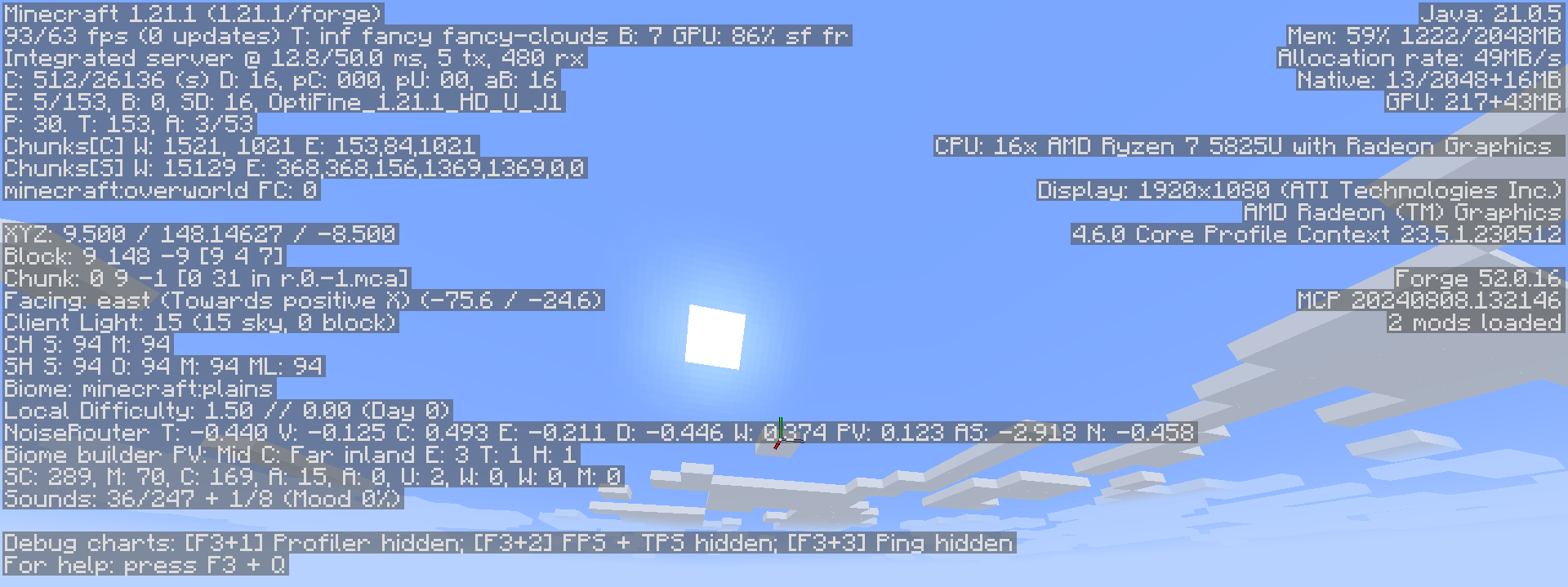
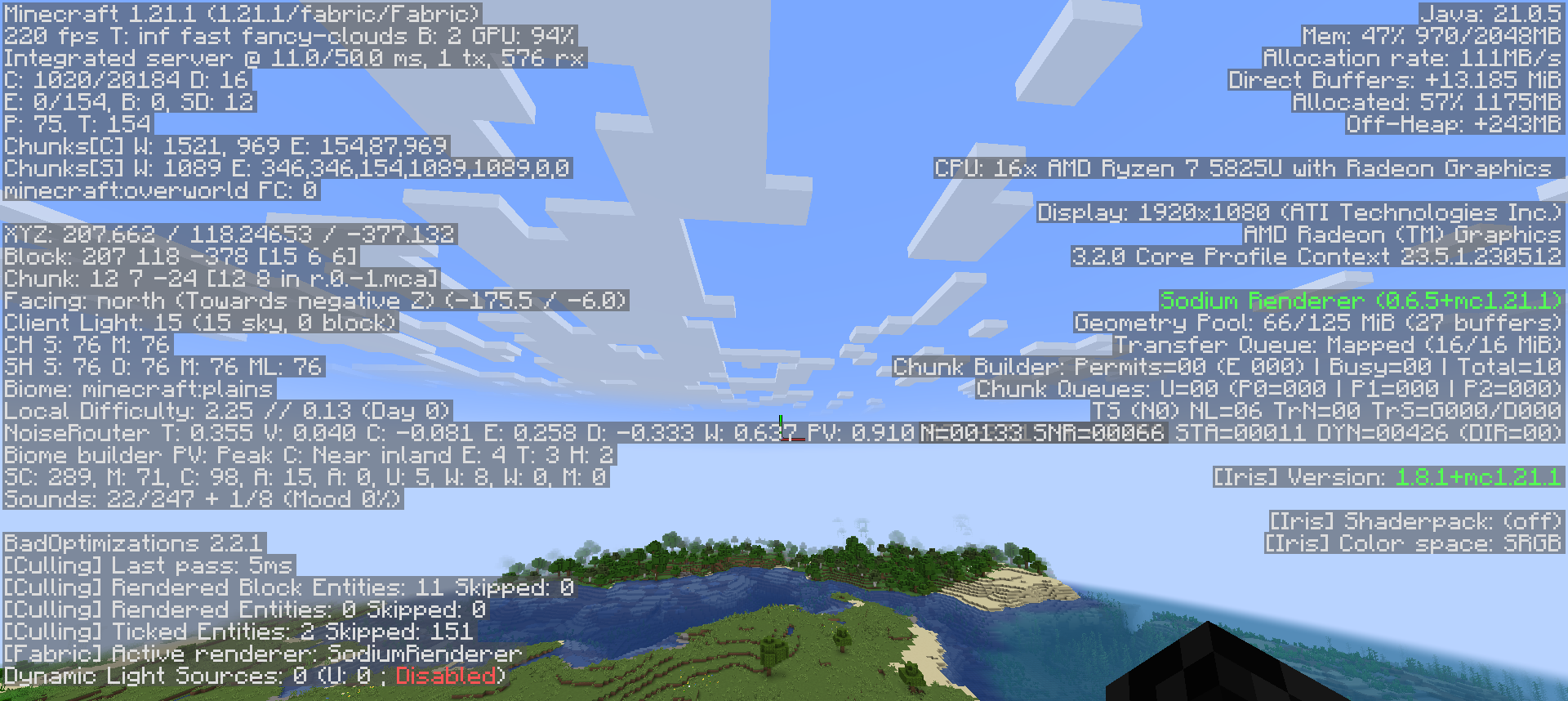
Raven Client is modular. This means that it is VERY customizable. Only essential mods are enabled by default, and the more game-changing ones are left disabled. This allows for a wide range of playstyles, from a beginner to Minecraft, to a long time player, to someone switching clients! Raven Client is also extremely performance focused. When using Raven Client, I get over 2x the FPS than when using OptiFine!
Here is how many FPS I get using OptiFine:
Here is how many FPS I get using Raven Client:


Something wrong? Want a feature? Go to the official bug tracker! My goal is to make Raven Client the best it can be. Whether that means adding a mod or fixing a bug, I am happy to help in any way I can.
- Edition: Minecraft Java
- File type: .jar
- Minecraft version listed: 1.21.4
- How to install: Install the matching mod loader (Forge, Fabric or NeoForge) for your Minecraft version. → Download the .jar. → Put it in the .minecraft/mods folder and launch that loader profile.
- Where to get it: Opens on Modrinth — not every file is mirrored on our own servers.
Install steps are the general flow for this file type — How to install Minecraft Java mods & modpacks walks through it step by step.
- Downloads as Raven Client 21.4+3.4b.mrpack
- Download size: 167.4 MB
- Download link checked 29 Aug 2026 — working
These come from our own check of the pack file, not from the source page.