
Beta Renewed
Beta Renewed brings Beta 1.7.3 to modern Minecraft, restoring old features like no hunger, retro textures, and classic world gen. Relive 2011—download now!
⬇ Download on Modrinth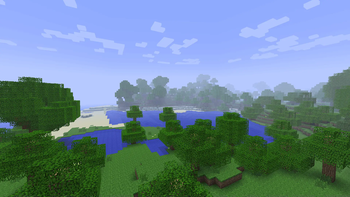
Beta Renewed: Relive the Golden Age of Minecraft
What it is
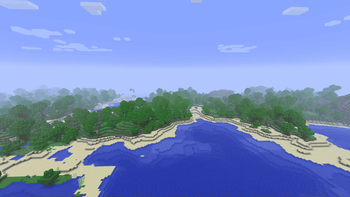
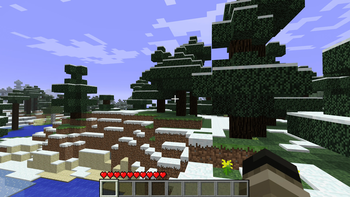
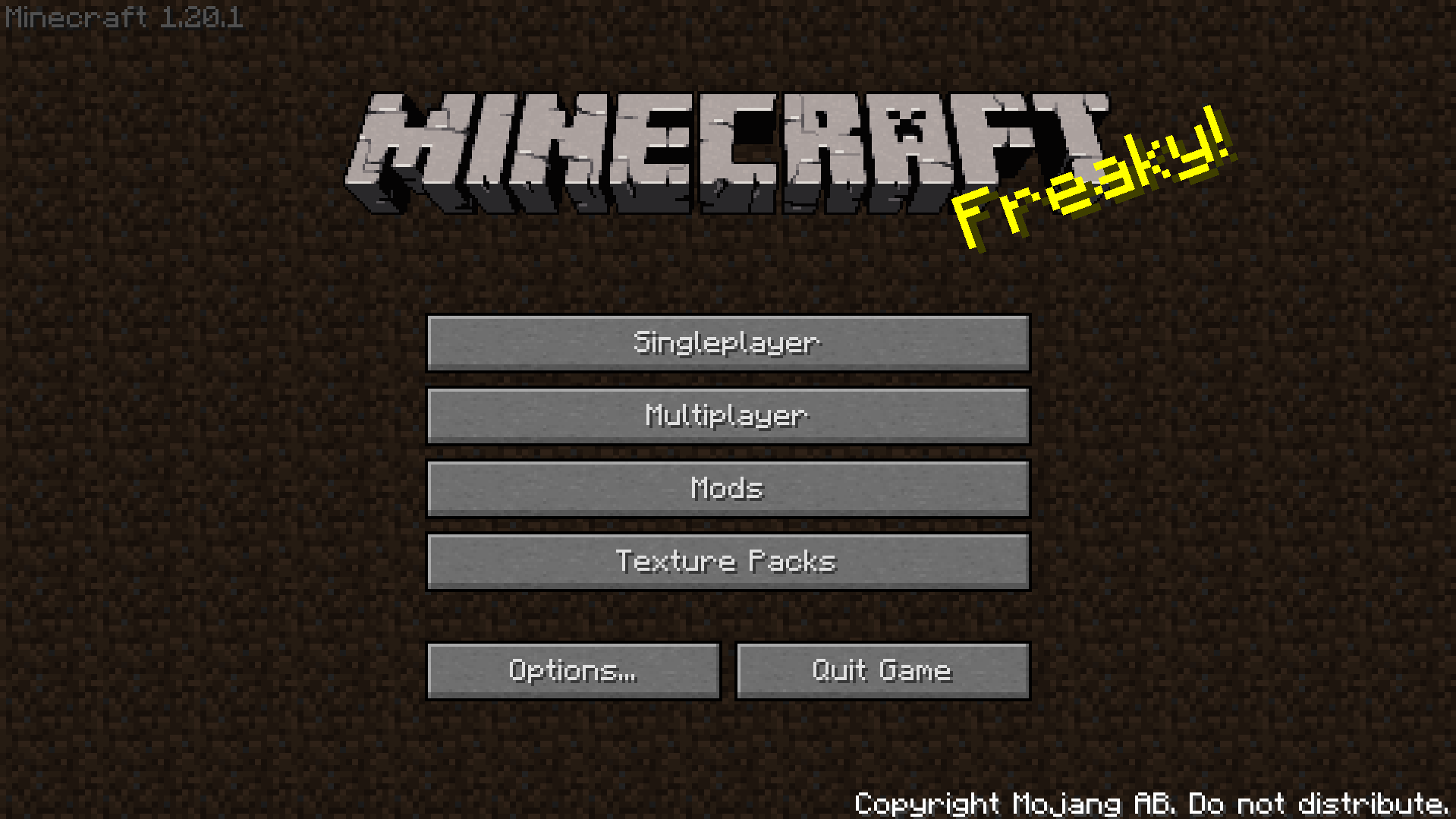
Beta Renewed is a complete “port” of Minecraft Beta 1.7.3 to the current 1.20.1 & 1.21.1 releases (Fabric & Forge & NeoForge). Every block, item, mob, tool, armor, texture, crafting recipe and world‑generation rule that existed in the original beta has been recreated – and stripped out the modern additions that would break the vibe.
Key features
- Exact crafting & combat – all beta recipes, sword damage, attack cooldowns, sprinting and walking speed are reproduced with 99.8 % accuracy.
- True beta terrain – surface generation, caves, villages and biomes behave exactly like they did in Beta 1.7.3 (no 1.2x‑era structures).
- Minimalist creative inventory – only the blocks and items that were present in the beta are offered, keeping the UI clean and nostalgic.
- Original textures & skin – classic block/item textures are used; the default Steve skin has been swapped for the beta version (still being polished).
- Re‑made Nether – the Nether has been rebuilt to match its beta layout, with the same ores, lava seas and limited structures.
- Structures – every generated structure has been removed except for the classic Dungeon, preserving the “empty‑world” feel of the early game.
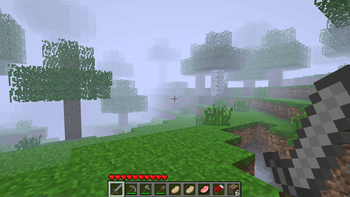
- Render Distance - you can change the render distance in the options, or just by pressing F key as it was back then.
What version to choose?
There are four main versions: 1.20.1 Forge & Fabric, 1.21.1 NeoForge & Fabric.
1.20.1 is the oldest version currently available, but it is still one of the best. It contains all game features and almost completely recreates the 1.7.3 beta. However, if you want the purest gaming experience, we recommend choosing the Fabric version. The Forge version is designed for those who want to play with mods only available on the Forge platform.
1.21.1 is the newest and most optimized version of this modpack. Fabric is the best choice for the ultimate gaming experience. It contains ALL the features presented in this modpack. The Fabric version most accurately recreates the spirit of Beta 1.7.3. Like version 1.20.1, NeoForge for this version is designed for those who want to play with mods. This is done for compatibility.
Conclusion: If you want the purest Minecraft beta experience, choose 1.21.1 Fabric. If you want to play with mods like The Broken Script, Aether, Create, and others, choose NeoForge. Or you can choose any version of 1.20.1.
How to enable “Old‑School Fast Mode”
If you want the game to run exactly like the old beta, apply these three graphics settings:
- Fast Mode – set Graphics → Fast.
- Fast Clouds – enable Clouds → Fast.
- Disable Smooth Lighting – turn Smooth Lighting → Off.
By pressing F while playing you can toggle the classic beta fog (that “hazy” view). This keybinding works regardless of the loader you’re using.
Known Issues (as of v0.1.0)
- The classic Steve skin is still being refined; the current texture is a placeholder.
- Some mobs drop items that is not belong to them.
- Crouching remains functional.
- Old‑style tree are not present.
- A handful of recipes are still broken or missing.
You can try to fix some issues yourself, but that's not recommended. Instead, message me on Discord and we can discuss a solution. Or, if I already created a Discord server, you can reach out to the community.
Enjoy the trip back to Minecraft’s beginnings!
Beta Renewed is a labor of love—hundreds of hours went into recreating every detail. Thank you for giving this nostalgic slice of history a chance to live on in the modern era. Feel free to leave feedback, report bugs, or suggest improvements on the Modrinth page. Happy mining!
- Edition: Minecraft Java
- File type: .jar
- Minecraft version listed: 1.21.1
- How to install: Install the matching mod loader (Forge, Fabric or NeoForge) for your Minecraft version. → Download the .jar. → Put it in the .minecraft/mods folder and launch that loader profile.
- Where to get it: Opens on Modrinth — not every file is mirrored on our own servers.
Install steps are the general flow for this file type — How to install Minecraft Java mods & modpacks walks through it step by step.
- Downloads as Beta_Renewed_1.21.1_fabric-0.2.0-0.2.0.mrpack
- Download size: 4.7 MB
- Download link checked 29 Aug 2026 — working
These come from our own check of the pack file, not from the source page.