
Rebuilt
A complete overhaul of Minecraft from the ground up, featuring new combat, biomes, enemies, dimensions, and more!
⬇ Download on Modrinth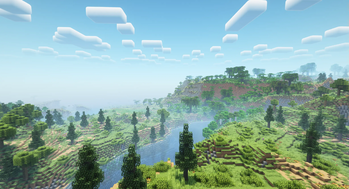
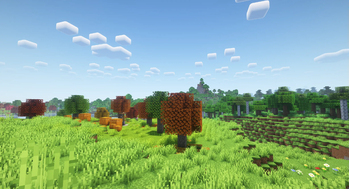
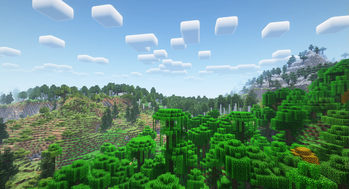
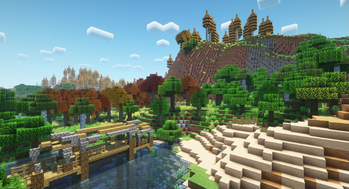

Welcome to Rebuilt! Rebuilt a complete overhaul of Minecraft from the ground up, featuring new combat, biomes, enemies, dimensions, and more.
Rebuilt features a multitude of high-quality mods such as the Aether, Quark, and Create, all linked together via KubeJS to make one singular cohesive experience. Rebuilt isn't just a random jumble of mods tossed together into a folder - everything has been painstakingly configured and tweaked so that every added mod seamlessly integrates with both vanilla content and all other mods present.
Installation
To install Rebuilt, it is recommended to use Prism Launcher. Simply add a new instance, click on the "Modrinth" tab to the left-hand side of the screen, search for Rebuilt, and install it.
Credits- Create-style tooltips script by PINPAL
- Aether Flow datapack by baguchi
- Edition: Minecraft Java
- File type: .jar
- Minecraft version listed: 1.20.1
- How to install: Install the matching mod loader (Forge, Fabric or NeoForge) for your Minecraft version. → Download the .jar. → Put it in the .minecraft/mods folder and launch that loader profile.
- Where to get it: Opens on Modrinth — not every file is mirrored on our own servers.
Install steps are the general flow for this file type — How to install Minecraft Java mods & modpacks walks through it step by step.
- Downloads as Rebuilt 3.0.0.mrpack
- Download size: 8.5 MB
- Download link checked 29 Aug 2026 — working
These come from our own check of the pack file, not from the source page.