








IF YOU ARE EXPERIENCING ANY ISSUES LAUNCHING THE GAME, I SUGGEST DELETING OPTIFINE, UNTIL I FIND A PROPER FIX!
For better performance i recommend using my performance modpack Berry Optimized (make sure to delete dynamiclights mod if you use this modpack along with Epic Proportions) in which optifine is also supported.
For the ruins mod to actually work, move the resources folder [present in the .minecraft folder] into the mods folder. [Fixed after v1.1]
Install the rest of the mods (Lucky blocks, Dungeonpack) by visiting this link
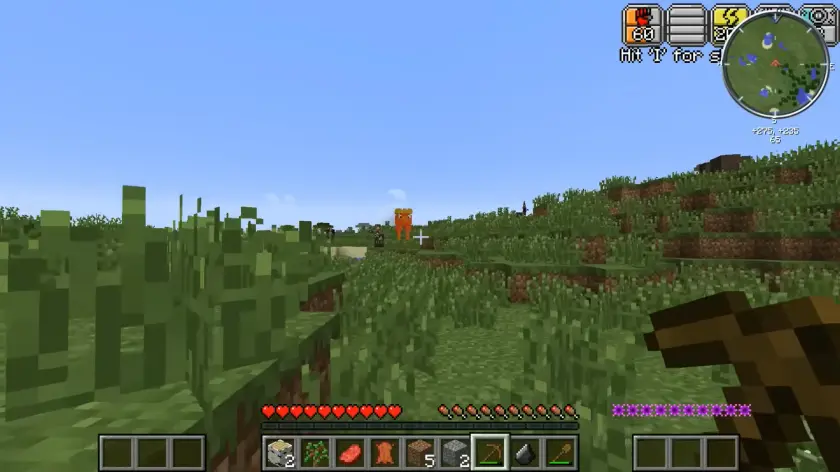
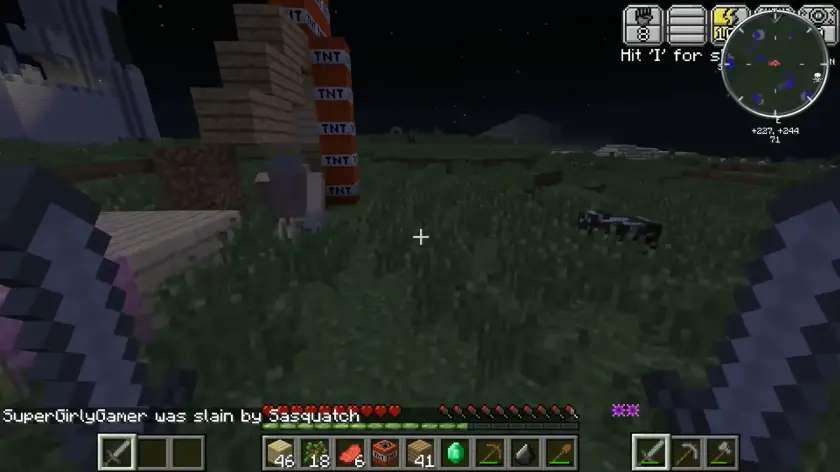
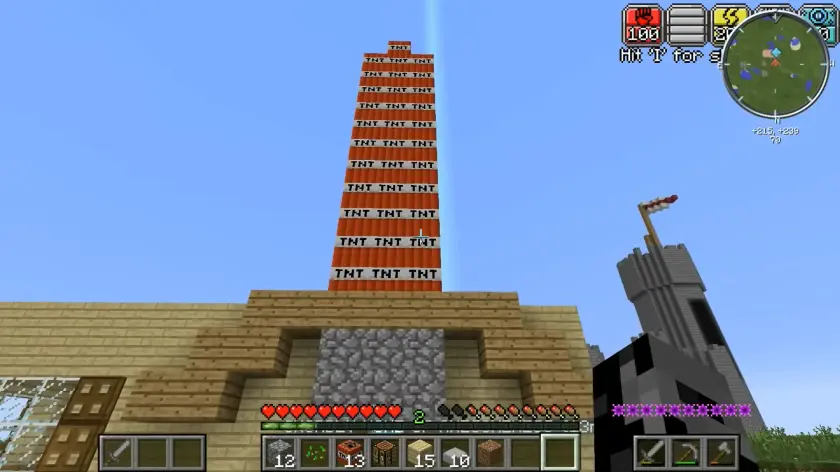


This is my attempt at creating an identical modpack for Epic Proportions S9
I always wanted to play minecraft with the mods in epic proportions and try to do something similar to my childhood hero. Instead of just finding the mods and installing them for myself, i wanted to share them with anyone wanting to do the same!
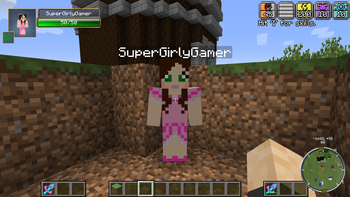
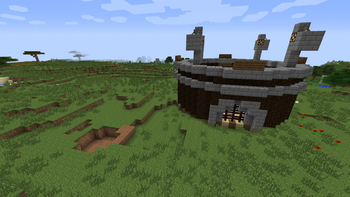
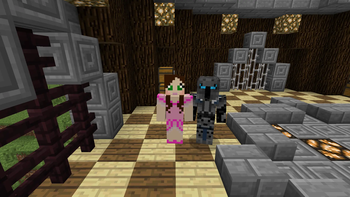
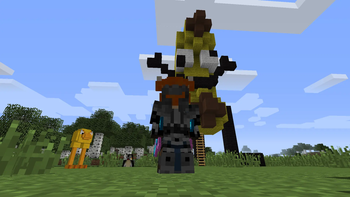
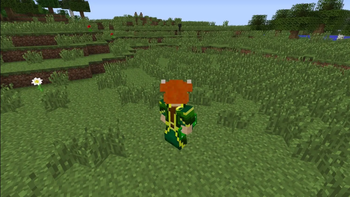
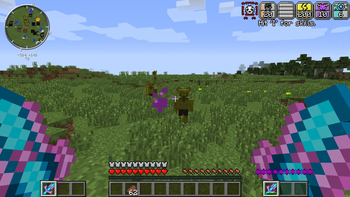
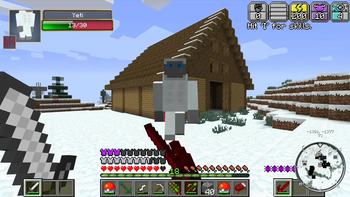
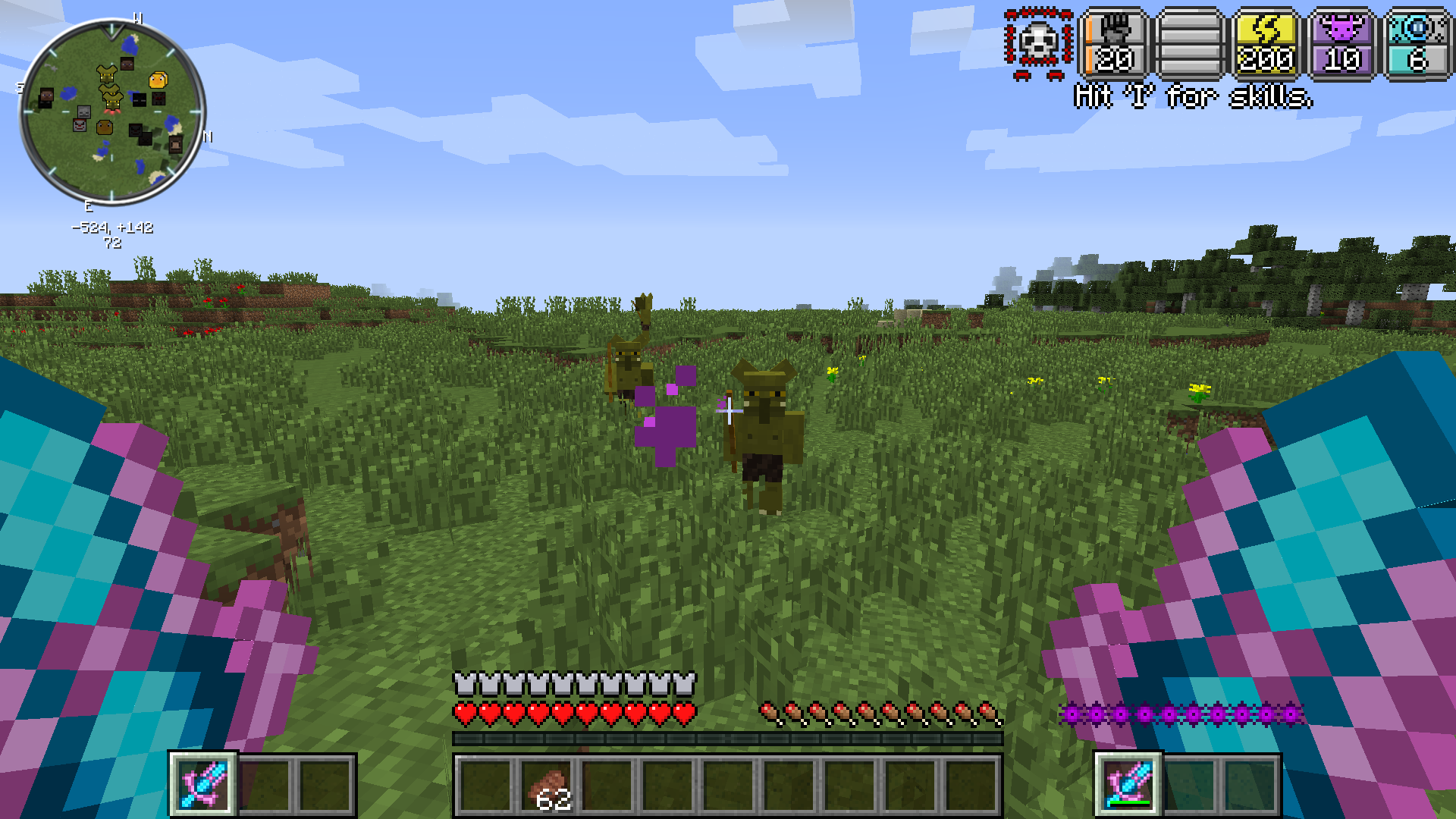
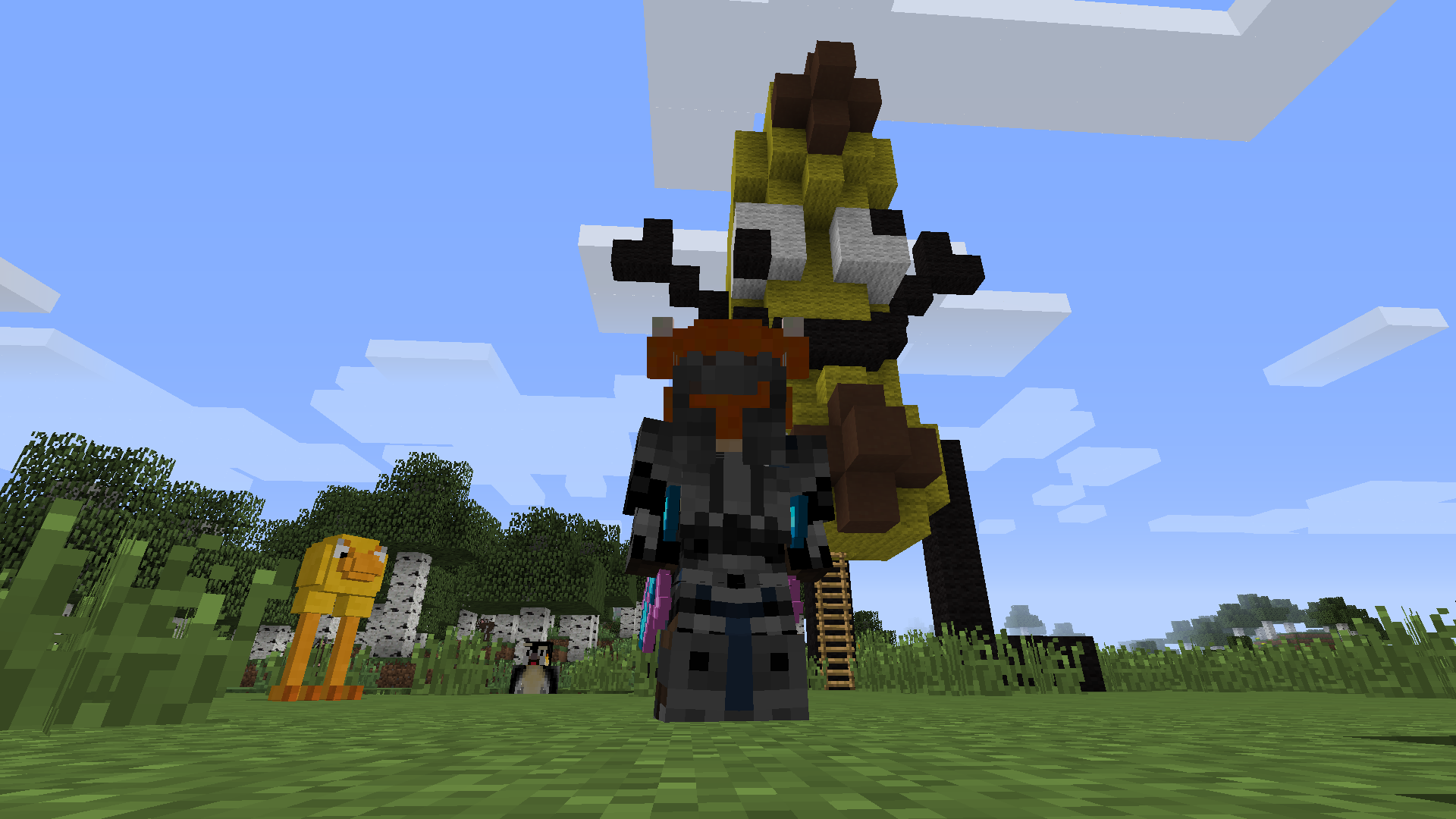
Re-experience PopularMMOs' iconic Epic Proportions Season 9: Fight mythical mobs, trade with youtubers, get crazy weapons, morph into any mob, decorate your house, and even get hats!
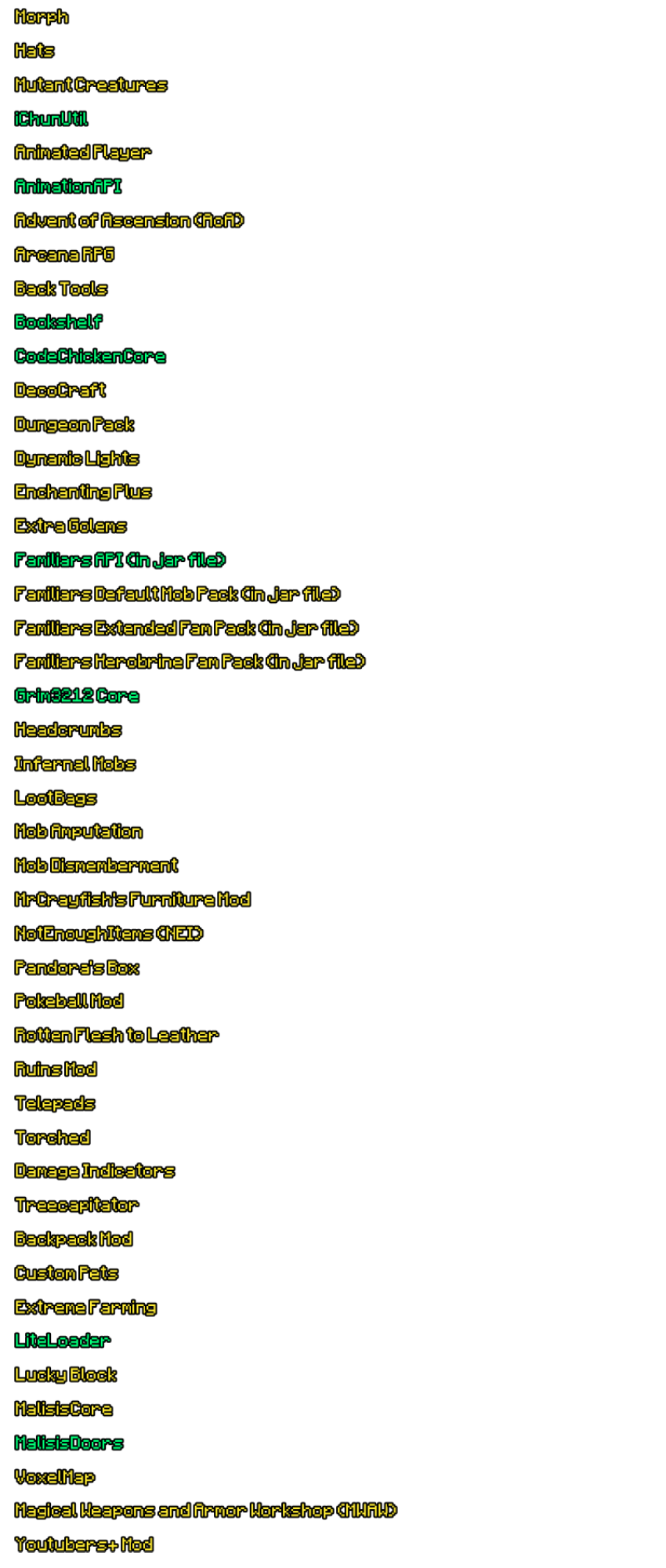
MODLIST
- Advent of Ascension (AoA)
- AnimationAPI
- Animated Player
- Arcana RPG
- Back Tools
- Backpack Mod
- Bookshelf
- CodeChickenCore
- DecoCraft
- Dungeon Pack
- Dynamic Lights
- Familiars API
- Familiars Default Mob Pack
- Familiars Extended Fam Pack
- Familiars Herobrine Fam Pack
- Extra Golems
- Enchanting Plus
- Headcrumbs
- Hats
- Infernal Mobs
- Lucky Block
- LiteLoader
- Magical Weapons and Armor Workshop (MWAW)
- MalisisCore
- MalisisDoors
- Mob Amputation
- Mob Dismemberment
- Morph
- MrCrayfish's Furniture Mod
- NotEnoughItems (NEI)
- Pandora's Box
- Pokeball Mod
- Rotten Flesh to Leather
- Ruins Mod
- Telepads
- Torched
- Damage Indicators
- Treecapitator
- VoxelMap
- Youtubers+ Mod
- Extreme Farming
Thats alot of mods! I tried my best and found as many as i could! If there are any issues, feel free to let me know in comments, i'll be replying to as many of you as i possibly can ;)
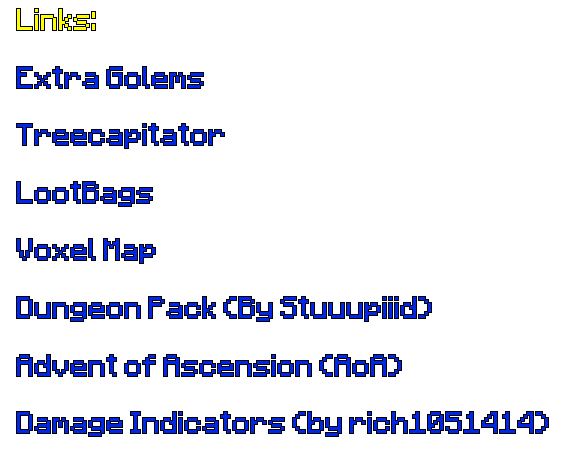
Links:
Damage Indicators (by rich1051414)
Custom Pets (By Purplicious_Cow)



- Edition: Minecraft Java
- File type: .jar
- Minecraft version listed: 1.7.10
- How to install: Install the matching mod loader (Forge, Fabric or NeoForge) for your Minecraft version. → Download the .jar. → Put it in the .minecraft/mods folder and launch that loader profile.
- Where to get it: Opens on Modrinth — not every file is mirrored on our own servers.
Install steps are the general flow for this file type — How to install Minecraft Java mods & modpacks walks through it step by step.
- Downloads as Epic Proportions Season 9 1.1.3.mrpack
- Download size: 101.0 MB
- Download link checked 29 Aug 2026 — working
These come from our own check of the pack file, not from the source page.