
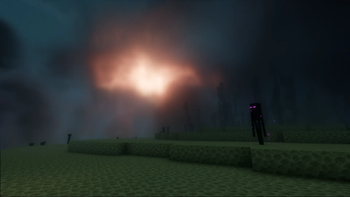
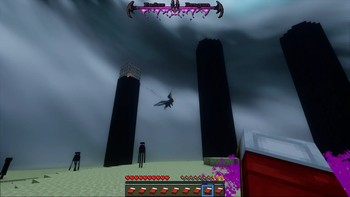
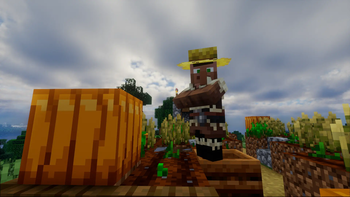
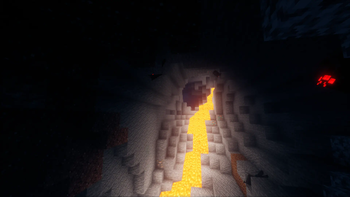
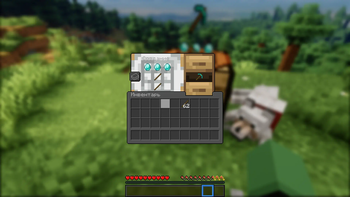
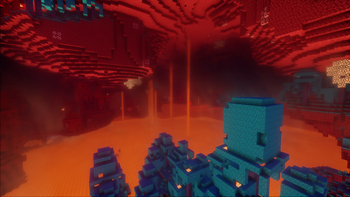
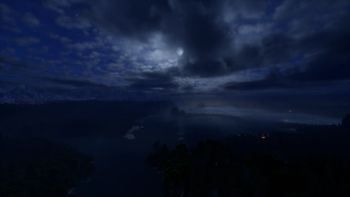
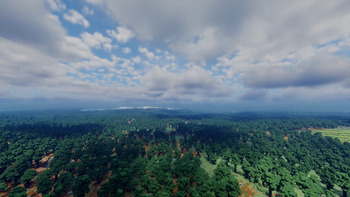
A modpack that adds improvements to the vanilla version of the game (visuals, sounds and etc.) without changing or disturbing the overall atmosphere.
It's highly recommended to use 8gb+ of RAM. If you want to rich best experience of playing this modpack - don't change in-game settings (even sound volume). When first time joining world - I recommend you to wait about 5 minutes to let minecraft render chunks and LODs.
There are two generation mods: ReTerraForged and Tectonic (you can choose them by enabling and disabling in mod list). If choosed ReTerraForged, I recommend you to choose RaytraceForge_v1 template in world creation menu, which is already included in modpack.
- Edition: Minecraft Java
- File type: .jar
- Minecraft version listed: 1.20.1
- How to install: Install the matching mod loader (Forge, Fabric or NeoForge) for your Minecraft version. → Download the .jar. → Put it in the .minecraft/mods folder and launch that loader profile.
- Where to get it: Opens on Modrinth — not every file is mirrored on our own servers.
Install steps are the general flow for this file type — How to install Minecraft Java mods & modpacks walks through it step by step.
- Downloads as Atmospheric 1.20 1.0.7.mrpack
- Download size: 391.3 MB
- Download link checked 29 Aug 2026 — working
These come from our own check of the pack file, not from the source page.