
Colorless (Black and White)
Java shader pack listed for Minecraft 1.18–26.x. Downloads from the MC Java Mods app on Android.
With this lightweight shader, you can turn your world black and white. This Shader also adds Shadows, Fog, light around the player an item like a torch is…
⬇ Download on Modrinth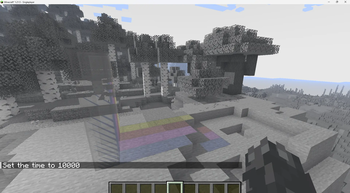
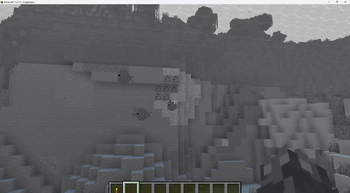
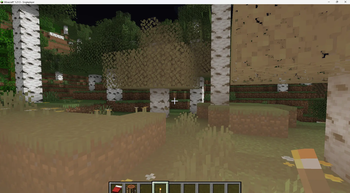
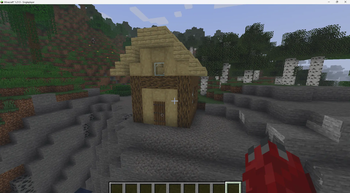
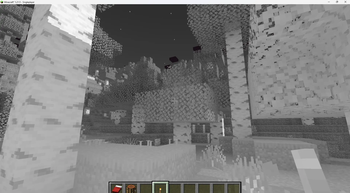
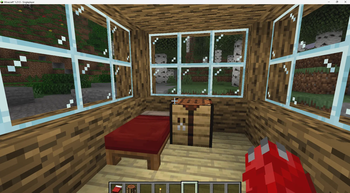
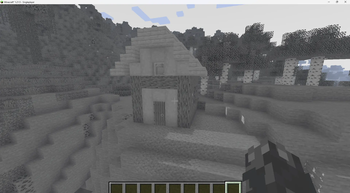
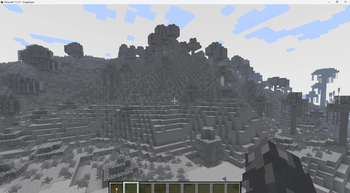
With this lightweight shader you can turn your world black and white.
Important Notes: -The colors are inverted when starting the Shader for the first time, please look into the shader settings -for better results, turn the brightness down to 0%
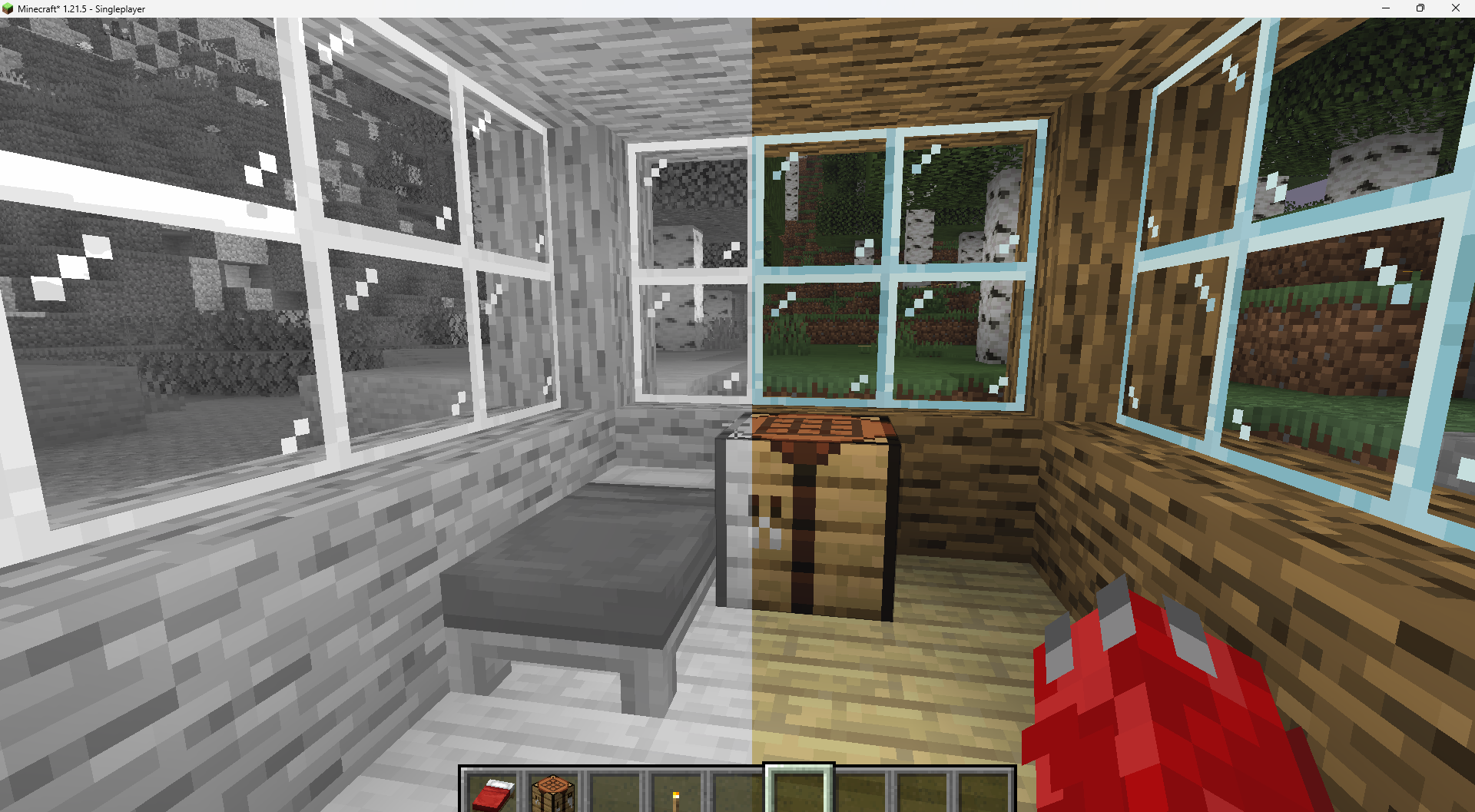
Features: -turn world black and white -optimised for PCs with a bad performance -holding an item like a torch emmits light around the player -shadows and fog -colored lighting -red light around player if hurt (can be deactivated)
Configurable Settings:
-inverted = if true, the colors are inverted
-coloredGlassShadows = if true, the shadows of colored glass are colored
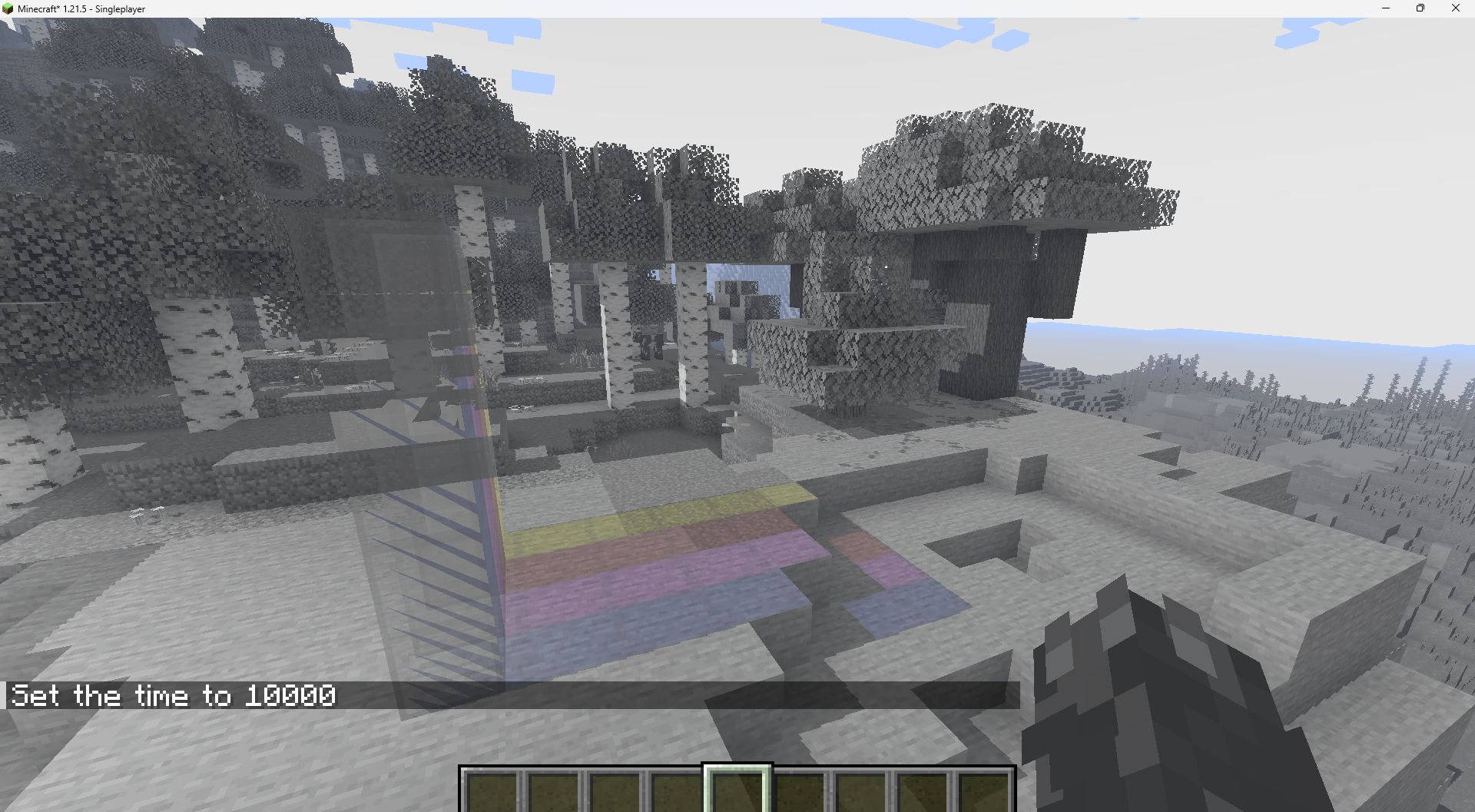
-blacknwhite = if true, the world is black and white
-graytorchlight = if true, items like torches emmit a gray light, else, they give of a orange light
-redRadiusIfHurt = if true, red light appears around the player if hurt
- Edition: Minecraft Java
- File type: .zip (resource pack)
- Minecraft versions listed: 1.18, 1.18.1, 1.18.2
- How to install: Download the .zip resource pack — do not unzip it. → Put it in .minecraft/resourcepacks. → Enable it in Options → Resource Packs.
- Where to get it: Opens on Modrinth — not every file is mirrored on our own servers.
Install steps are the general flow for this file type — see the MC Java Mods guides for the full walkthrough.
- Downloads as Colorless1.1.zip
- Download size: 26 KB
- Download link checked 6 Oct 2026 — working
These come from our own check of the pack file, not from the source page.