
Toon Shades
Java shader pack listed for Minecraft 1.21. Downloads from the MC Java Mods app on Android.
⬇ Download on Modrinth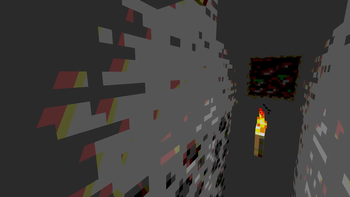
A lightweight, cartoon-inspired shader that breathes life into your Minecraft world with those old school pixelated toon graphics.
🎨 Features :
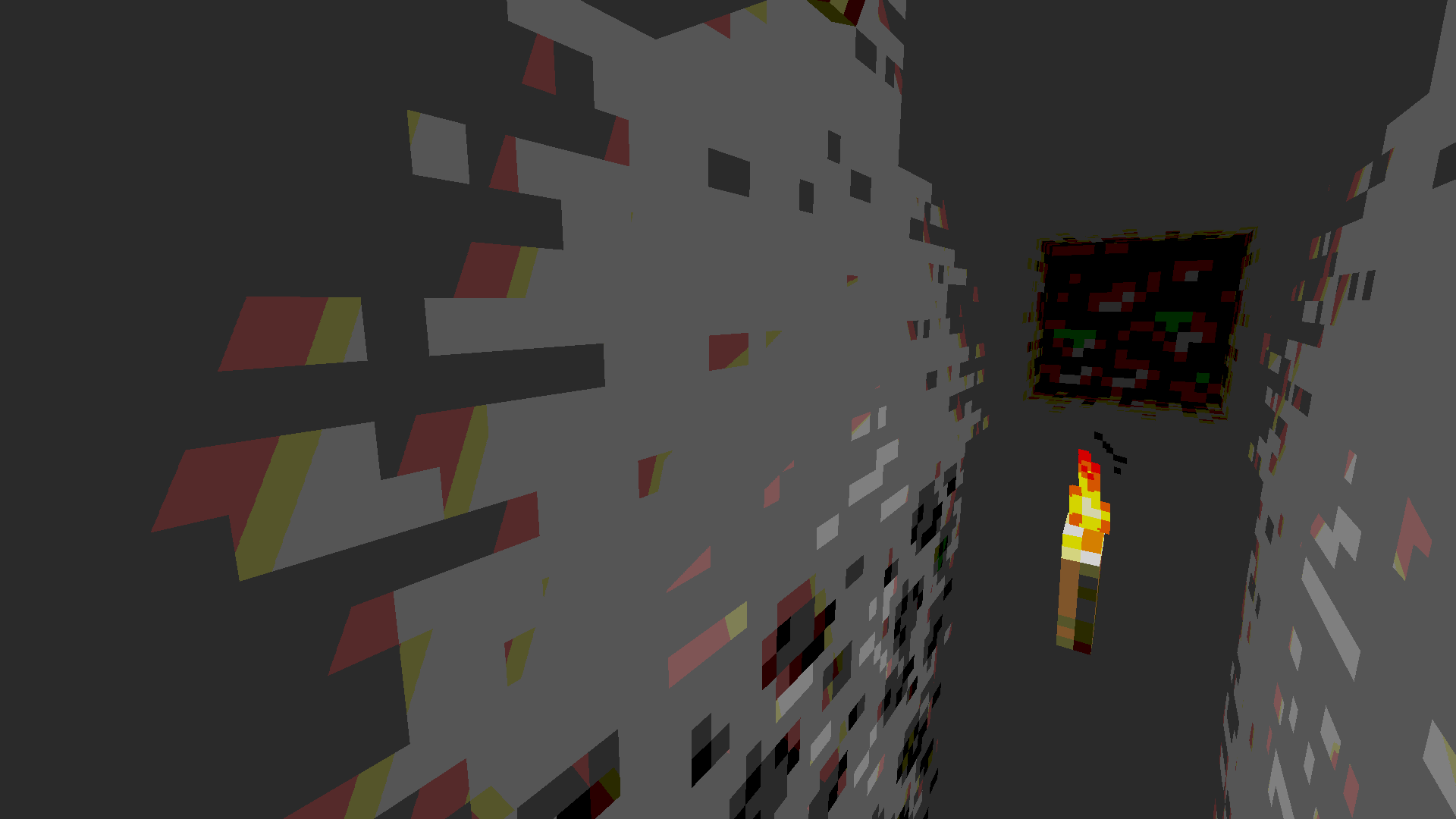
Bring your world to life without sacrificing your framerate. This shader focuses on clean, cartoon-style aesthetics and stable performance.- 🌿 Living Nature: Beautiful, gentle swaying effects for leaves, grass, tall grass, ferns, and all flowers.
💥 Dynamic Particles: Block-breaking and swimming particles have a stylized wobble effect.
✨ Optimized Performance: High-precision math ensures no unnecessary lag during fast movement or combat.
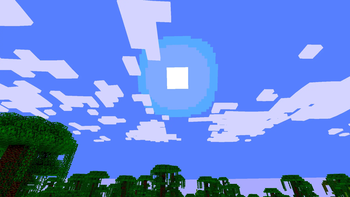
🌙 Atmospheric Nights: Enhanced moonlight with a cool blue tint to make your nights look magical, not just dark.
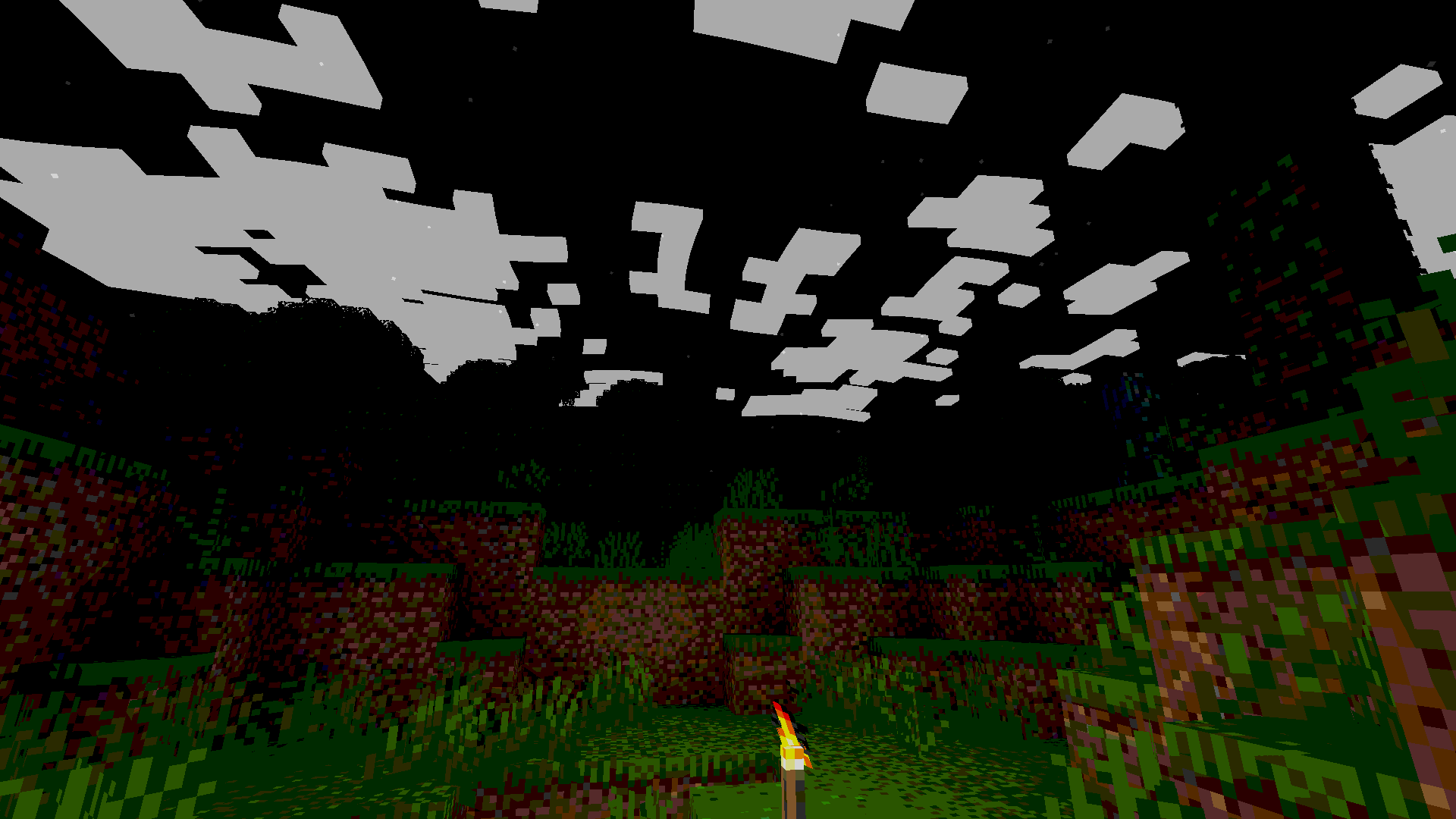
☁️ Vanilla-Friendly: Keeps Minecraft’s iconic square cloud aesthetic while ensuring they stay bright at night.
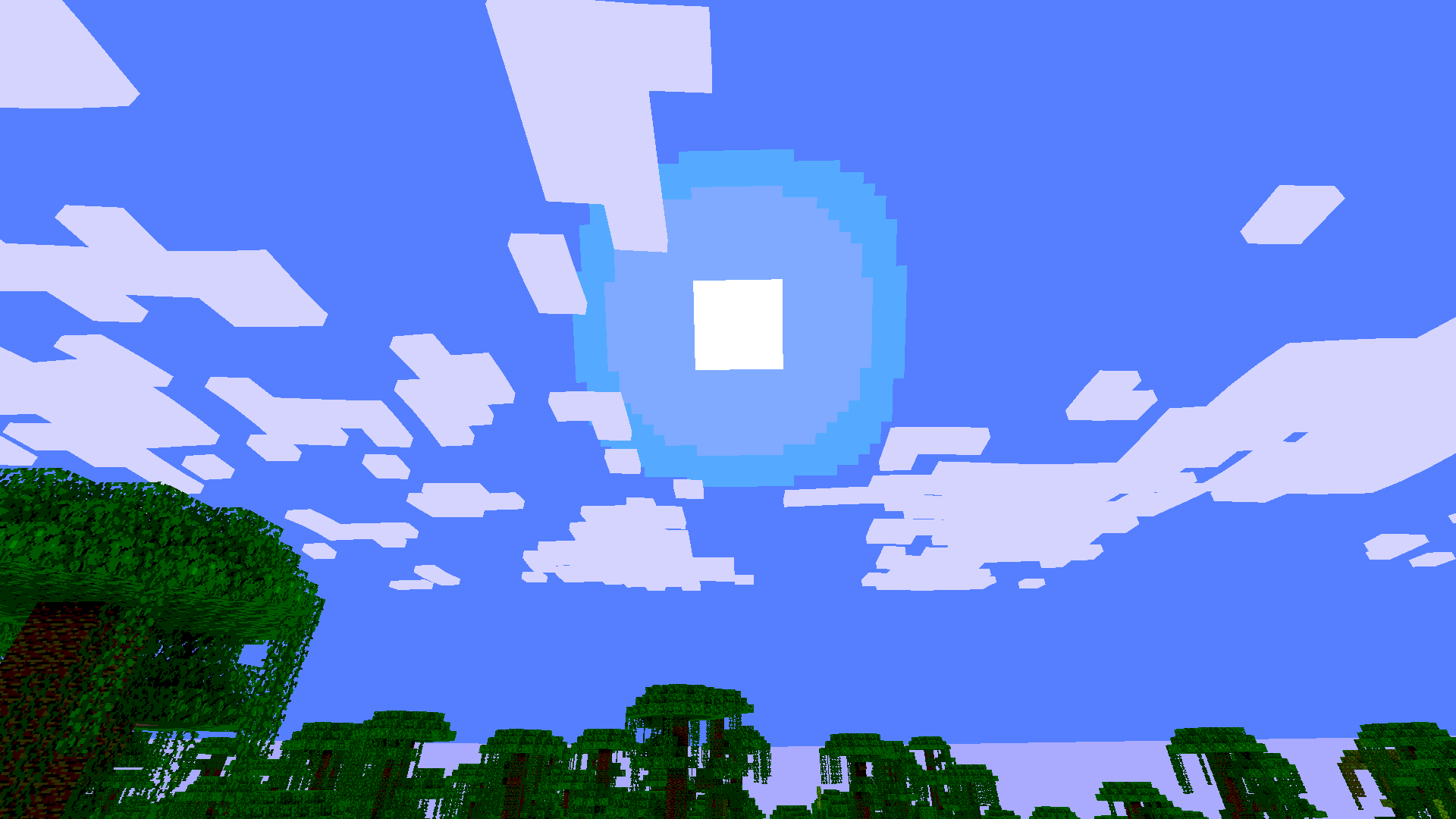
⭕ Corrected Skies: Proper moon and sun rendering—no more half-cut textures or strange clipping.
🔧 Stable Mechanics: Specifically designed not to affect other foliages and elements of the game.
💻 System Requirements:
Because this shader is designed for performance, it is very lightweight.
Graphics Card: Any GPU that supports OpenGL 3.3 or higher. Shader Loader: Requires or OptiFine. (Iris is highly recommended for best performance). Memory: No additional RAM requirements beyond what standard Minecraft uses.
📦 Installation
- Download the .zip file from the "Versions" tab.
- Locate your Minecraft instance folder (.minecraft).
- Open the shaderpacks folder.
- Drag and drop the downloaded .zip file into this folder.
- Launch Minecraft, go to Options > Video Settings > Shader Packs, and select minecraft-shader-template 0.1.0-shaderpack file.
Make sure your zip file is structured correctly so the game can detect it.
- Edition: Minecraft Java
- File type: .zip (resource pack)
- Minecraft version listed: 1.21.5
- How to install: Download the .zip resource pack — do not unzip it. → Put it in .minecraft/resourcepacks. → Enable it in Options → Resource Packs.
- Where to get it: Opens on Modrinth — not every file is mirrored on our own servers.
Install steps are the general flow for this file type — see the MC Java Mods guides for the full walkthrough.
- Downloads as minecraft-shader-template-0.1.0-shaderpack.zip
- Download size: 14 KB
- Download link checked 27 Oct 2026 — working
These come from our own check of the pack file, not from the source page.