
visual plus+
Сборка для улучшения опыта игры, а так же для игры на серверах с максимальным количеством возможностей и красоты Build to improve the game experience, as…
⬇ Download on Modrinth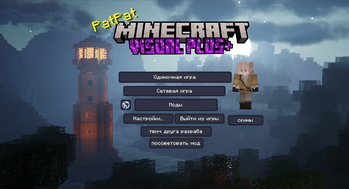
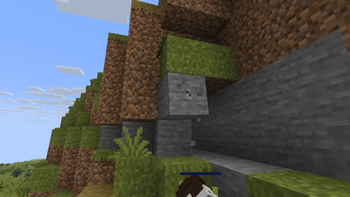
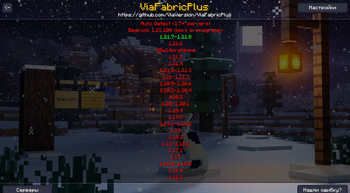
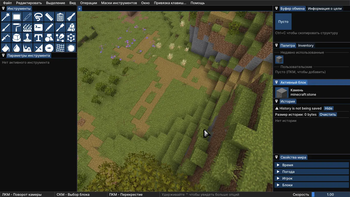
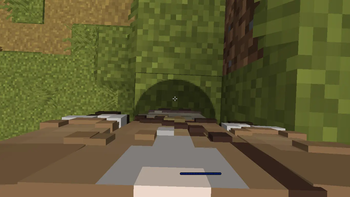
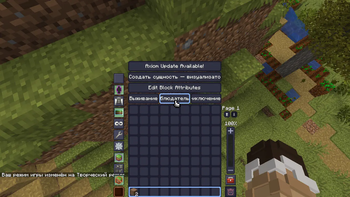
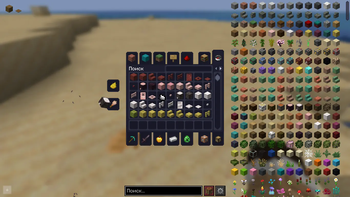
Minecraft Visual+ is a client-side modpack focused on visual enhancements, quality-of-life (QoL) improvements, and performance optimization, while keeping the vanilla gameplay experience completely intact.
It transforms Minecraft into a more modern, immersive, and polished experience with smooth animations, improved UI, shaders, dynamic lighting, and rich visual effects — all while maintaining high FPS and strong mod compatibility.
✨ Key Features
🎨 Visual Enhancements
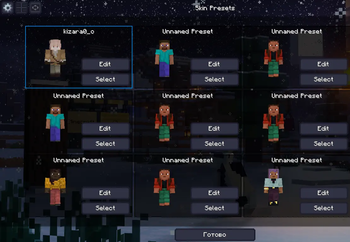
3D skin layers and improved player customization Shaders support (Iris) with better lighting and shadows Enhanced particles, weather effects, and animations Dynamic world visuals: mobs, items, and environment animations Redesigned UI and menus (FancyMenu, ImmersiveUI, SmoothGui)
⚡ Performance & Optimization
Sodium + Lithium + FerriteCore for high FPS EntityCulling and More Culling to reduce rendering load ImmediatelyFast for faster UI and rendering performance Optimized loading, smoother gameplay, and quick quitting Debugify for vanilla bug fixes
🧭 Quality-of-Life Improvements
BetterF3 and Better Statistics Screen for advanced info Mouse Tweaks and Item Swapper for smoother inventory control Shulker Box Tooltip for quick item previews Roughly Enough Items (REI) for crafting and recipes Mod Menu for easy mod management
🎧 Immersion & Atmosphere
Sound Physics Remastered for realistic sound behavior LambDynamicLights for dynamic light sources Reactive Music for adaptive in-game music Enhanced particles and visual effects (Visuality, Particle Effects)
🌍 World & Content Enhancements
Terralith for expanded and redesigned biomes Friends & Foes adding new mobs Farmer’s Delight and expansions for deeper farming gameplay Traveler’s Backpack for improved survival utility Moog’s Nether Structures for new Nether content
🎥 Camera & Controls
CameraOverhaul, FirstPerson, Shoulder Surfing Reloaded Zoomify for advanced zoom functionality Controlify for controller support
- Edition: Minecraft Java
- File type: .jar
- Minecraft version listed: 1.21.8
- How to install: Install the matching mod loader (Forge, Fabric or NeoForge) for your Minecraft version. → Download the .jar. → Put it in the .minecraft/mods folder and launch that loader profile.
- Where to get it: Opens on Modrinth — not every file is mirrored on our own servers.
Install steps are the general flow for this file type — How to install Minecraft Java mods & modpacks walks through it step by step.
- Downloads as 1.6.mrpack
- Download size: 254.4 MB
- Download link checked 29 Aug 2026 — working
These come from our own check of the pack file, not from the source page.