
About the NeuralisCraft project
NeuralisCraft is a multiplayer developing server for playing with friends with modifications over the network. The main mod for this server is the Create mod and additions to it. This is a techno – rpg build with its own ent and its own story, which is created by the players themselves. You can try on a mask of any origin of the Origins mod and play any character. Develop, build, study, create mechanisms, play, and thanks to the Eureka mod, you can even make a floating and flying ship that helps explore the world of the game. But do not forget to eat right, the NutritionZ mod will not let you get bored! Thanks to it, you will need to keep track of what you eat, this mod both rewards for a proper diet and punishes. In order to feel good and even get some positive effects, you should make sure that each of the nutrients is at least half full.
Mods in the build
Create
The Create mod turns Minecraft into a game similar to Factorio. It adds a variety of mechanisms based on kinetics and rotational force, including gears, conveyor belts and gearboxes. With this mod, you can create complex engineering structures and mechanisms.
Add-ons to Create
Create: Create: copycats+
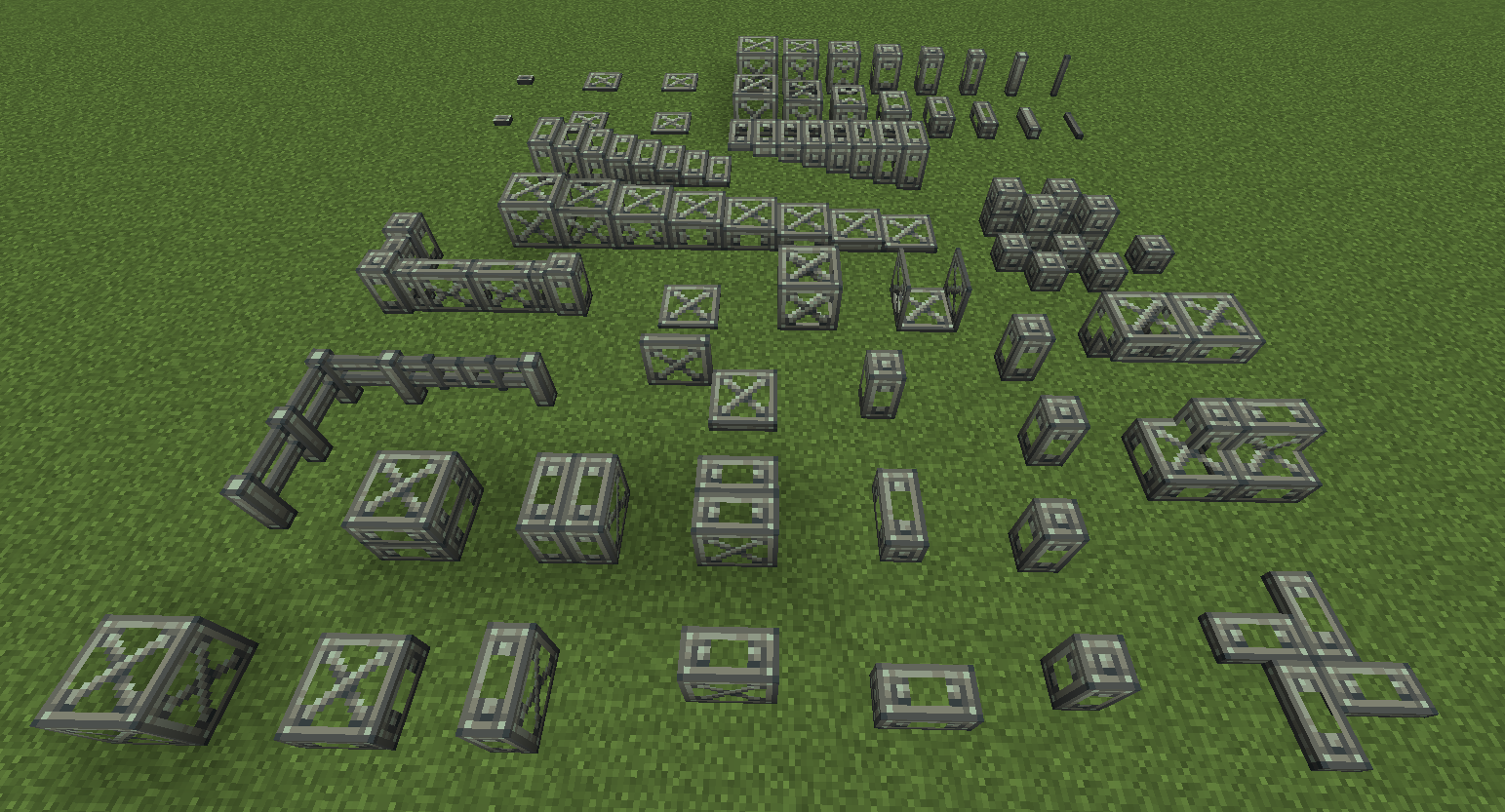
Clockwork
Create Enchantment Industry
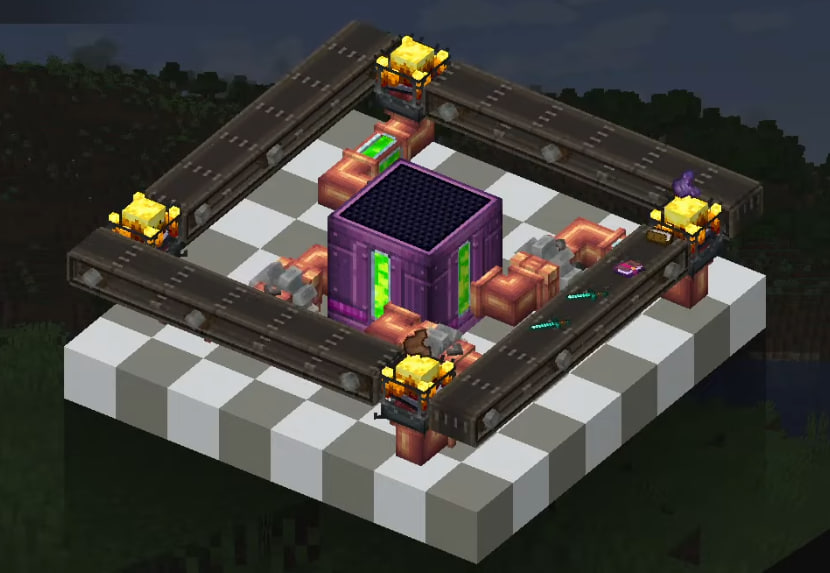
Create Big Cannons
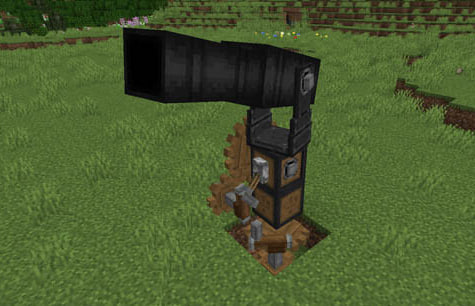
Create Deco
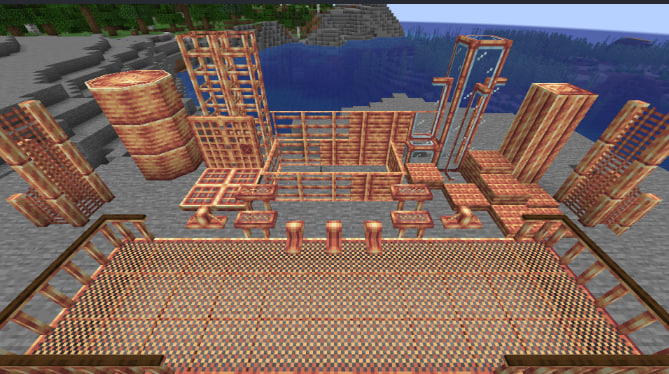
Create: Numismatics

Also the main mods are:
Origins
The Origins mod adds to Minecraft the ability to choose the origin of a character before starting the game. Depending on the chosen origin, the player receives bonuses and negative effects that affect the gameplay.
BetterEnd
Better End is a mod for Minecraft that adds new biomes at the end of the game and modifies existing ones. Each biome has its own atmosphere, resources and mobs. The mod also includes new blocks, items, armor, weapons, ores and structures.
Incendium
The Incendium mod for Minecraft aims to change the Underworld. It adds 8 new biomes and 9 new structures, making the journey through the Underworld more challenging but interesting.
- Edition: Minecraft Java
- File type: .jar
- Minecraft version listed: 1.20.1
- How to install: Install the matching mod loader (Forge, Fabric or NeoForge) for your Minecraft version. → Download the .jar. → Put it in the .minecraft/mods folder and launch that loader profile.
- Where to get it: Opens on Modrinth — not every file is mirrored on our own servers.
Install steps are the general flow for this file type — How to install Minecraft Java mods & modpacks walks through it step by step.
- Downloads as FileexportCraft3.4.0.mrpack
- Download size: 26 KB
- Download link checked 29 Aug 2026 — working
These come from our own check of the pack file, not from the source page.