
Best Optimized
Java modpack listed for Minecraft 1.21. Downloads from the MC Java Mods app on Android.
⬇ Download on Modrinth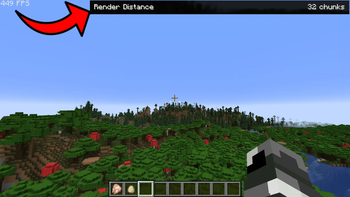
Best Optimized contains Optimization mods capable of incredibely increment Minecraft FPS, making possible playing at hundreds of FPS even using the maximum Render Distance and Simulation DIstance of 32 Chunks, It also provides tons of Quality of Life mods which provide different features including:
-Better Settings Management
-Faster Loading Screens
-Better Mods Management
-Zoom
-Better Compatibility For Resource Packs
-Multiplayer
-Vanilla Minecraft Improvements
And More
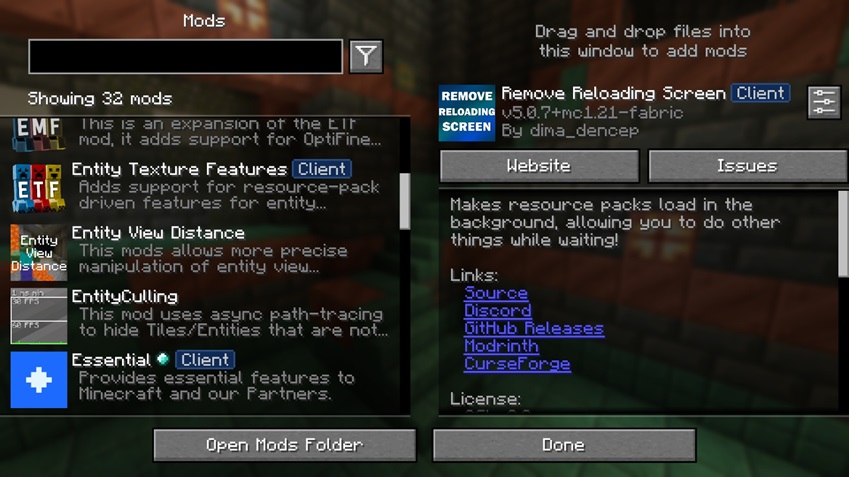
And of course, it is Perfect to Play with Shaders Without Lowering Render Distance
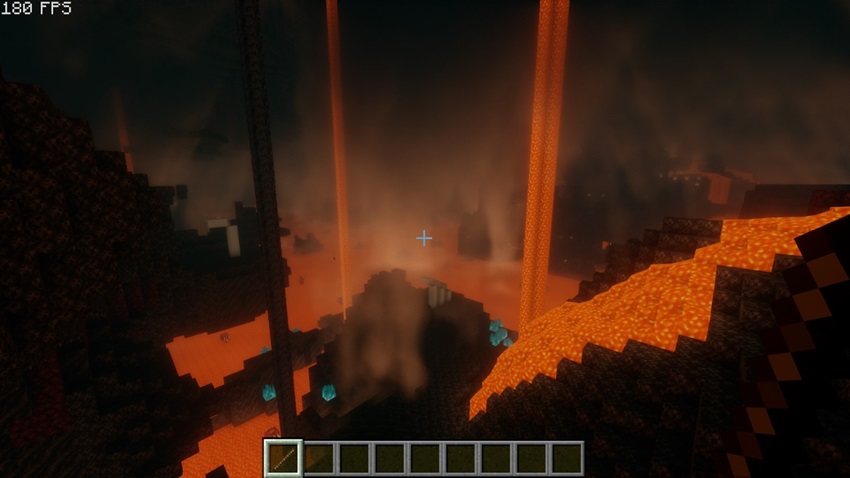 Render Distance was still set to 32 Chunks in this picture
CurseForge (Modrinth Version is better)
- Edition: Minecraft Java
- File type: .jar
- Minecraft version listed: 1.21.1
- How to install: Install the matching mod loader (Forge, Fabric or NeoForge) for your Minecraft version. → Download the .jar. → Put it in the .minecraft/mods folder and launch that loader profile.
- Where to get it: Opens on Modrinth — not every file is mirrored on our own servers.
Install steps are the general flow for this file type — How to install Minecraft Java mods & modpacks walks through it step by step.
- Downloads as Best Optimized 1.21.1.mrpack
- Download size: 38 KB
- Download link checked 10 Oct 2026 — working
These come from our own check of the pack file, not from the source page.