The 128MB Pack
Minecraft on 128MB of allocated memory. It is a bit unstable and can crash quite a bit, but it works nonetheless. For a more playable experience though…
⬇ Download on Modrinth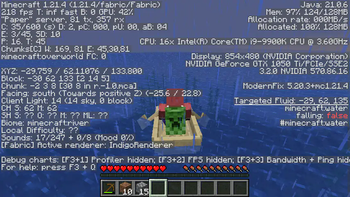
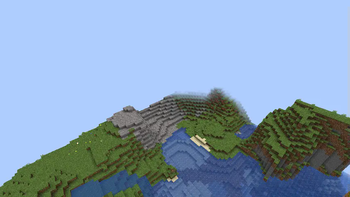
The 128MB Pack
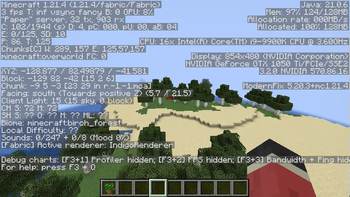
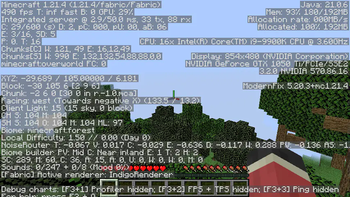
The 128MB pack is a pack that makes Minecraft run on just 128MB of memory while keeping things simple.
Installation (Prism)
On Modrinth, the installation should be extremely straightforward to figure out, but on MultiMC it should likely be the exact same.
- Open "Add Instance"
- Select "Modrinth"
- Search for "The 128MB Pack" and choose the correct version
- Set the amount of allocated memory to at least 512MB
- Launch the game to the title screen
- Close the game and set memory usage down to 128MB
Features
The 128MB pack keeps it simple but has a few useful features too.
Such features are:
- No Telemetry
- Options Profiles
To reduce possible memory related crashes and to stop Microsoft from collecting data about you.
A simple button in the top left corner of the pause and options screen that lets you choose different profiles. Within this modpack there are three profiles for various use cases.
WARNING: Do not switch option profiles in-game, otherwise the game may crash.
Profiles
WARNING: Profiles at the moment will crash the game without Sodium, so for now copy over the options manually.
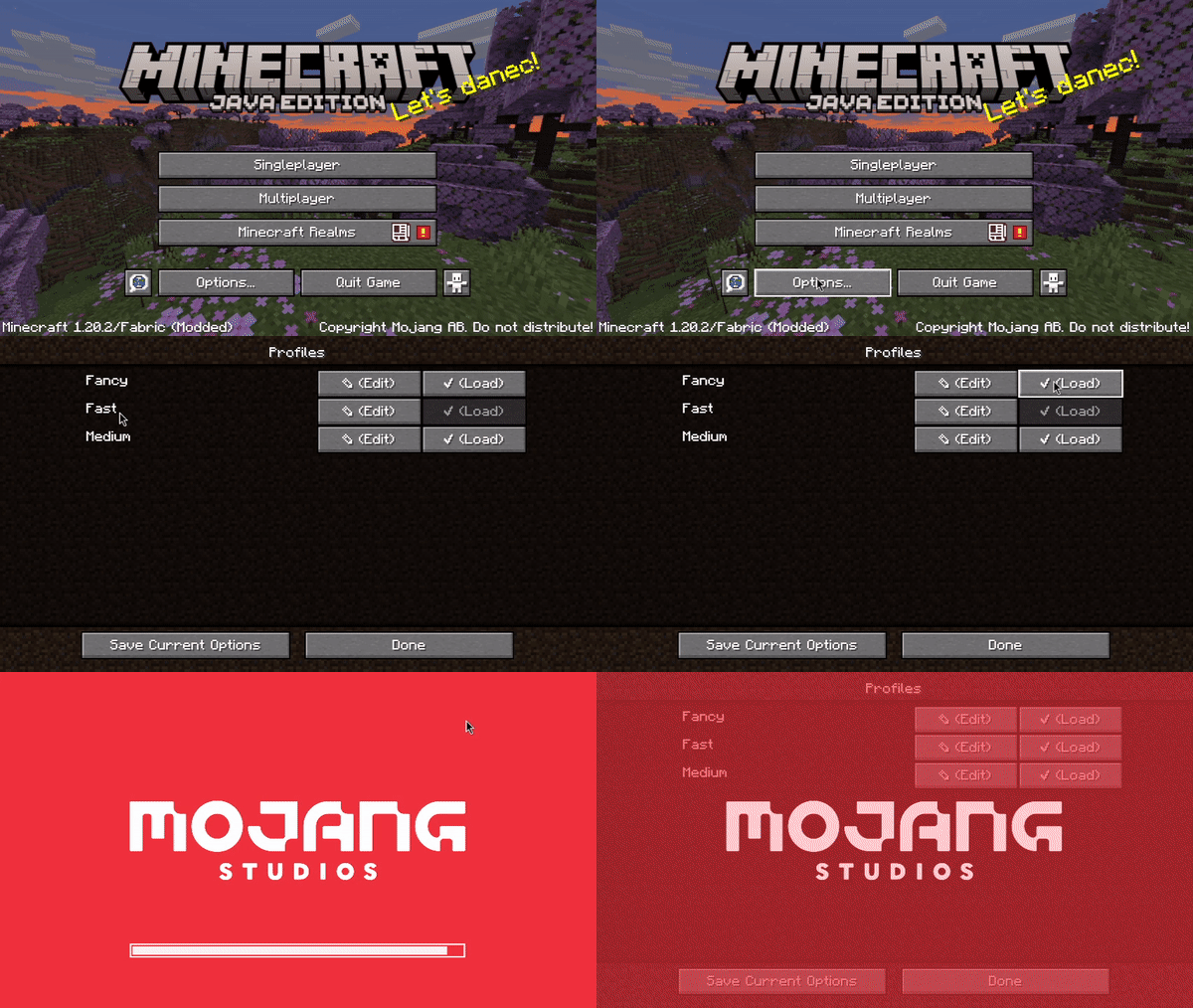
These are the three profiles:
- Fast
- Medium
- Fancy
The least crash prone preset. Use it in scenarios where stability matters most.
A bit of a middle ground between Fast and Fancy. This preset is more crash prone, but is largely usable in multiplayer.
The most intensive out of all of the presets. Has a 6 chunk render distance and all of the vanilla settings. On servers where crashing could occur, use the medium or fast presets. The fancy preset is extremely prone to crashing, so only use it on superflat, or with more allocated memory.
Singleplayer
As of 1.21.4, you will have to increase the amount of allocated memory to create a singleplayer world. From there you can shrink it back down to 128MB, but beware that it will likely be extremely unstable.
1.21.4
This update has put this modpack into near unusable shape.
The modpack will of course continue to exist, but compared to 1.20.2, this modpack is a shell of what it once was.
It's extremely unstable, and now servers like Hypixel simply will not work.
I am going to try to work on it to see how I can improve it, but the future is not promising as of 2/19/2025.
Credits:
- embeddedt - ModernFix
- FabricMC - Fabric API
- kb1000 - No Telemetry
- AxolotlMaid - Options Profiles
- malte0811 - FerriteCore
All mods in this modpack included by default are FOSS.
Sodium
By default, this modpack does not include Sodium as it uses a lot of memory.
If you want to install it though, simply add it to the instance. You will have to increase the amount of memory allocated to the instance as a result of that, otherwise the game will be extremely unstable.
- Edition: Minecraft Java
- File type: .jar
- Minecraft version listed: 1.21.4
- How to install: Install the matching mod loader (Forge, Fabric or NeoForge) for your Minecraft version. → Download the .jar. → Put it in the .minecraft/mods folder and launch that loader profile.
- Where to get it: Opens on Modrinth — not every file is mirrored on our own servers.
Install steps are the general flow for this file type — How to install Minecraft Java mods & modpacks walks through it step by step.
- Downloads as The 128MB Pack.mrpack
- Download size: 24 KB
- Download link checked 30 Aug 2026 — working
These come from our own check of the pack file, not from the source page.