Extreme sound muffler - (Neo)Forge
Java mod listed for Minecraft 1.16–1.21. File opened and checked on 1 Oct 2026; downloads from the MC Java Mods app on Android.
I don't know my version or loader
Extreme sound muffler
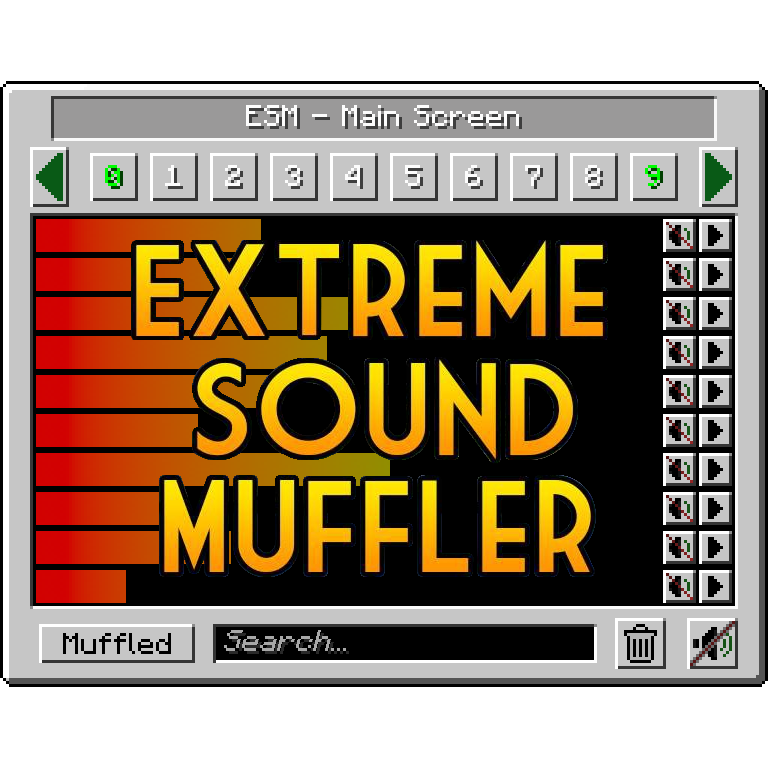
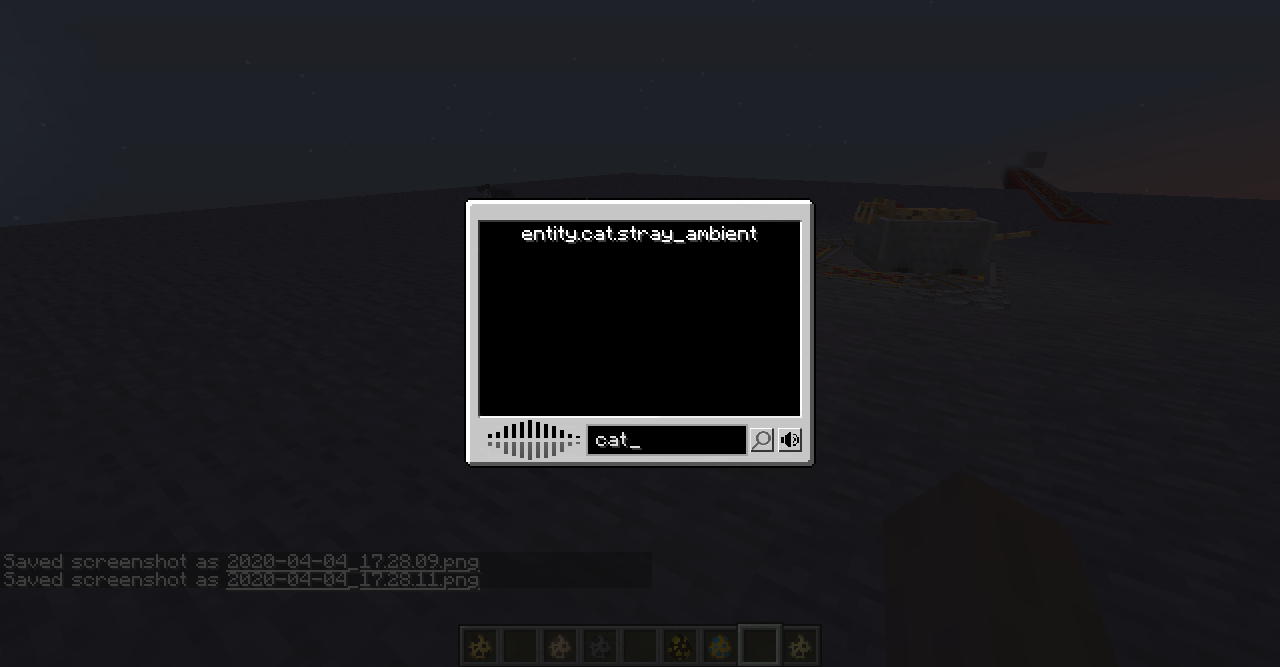
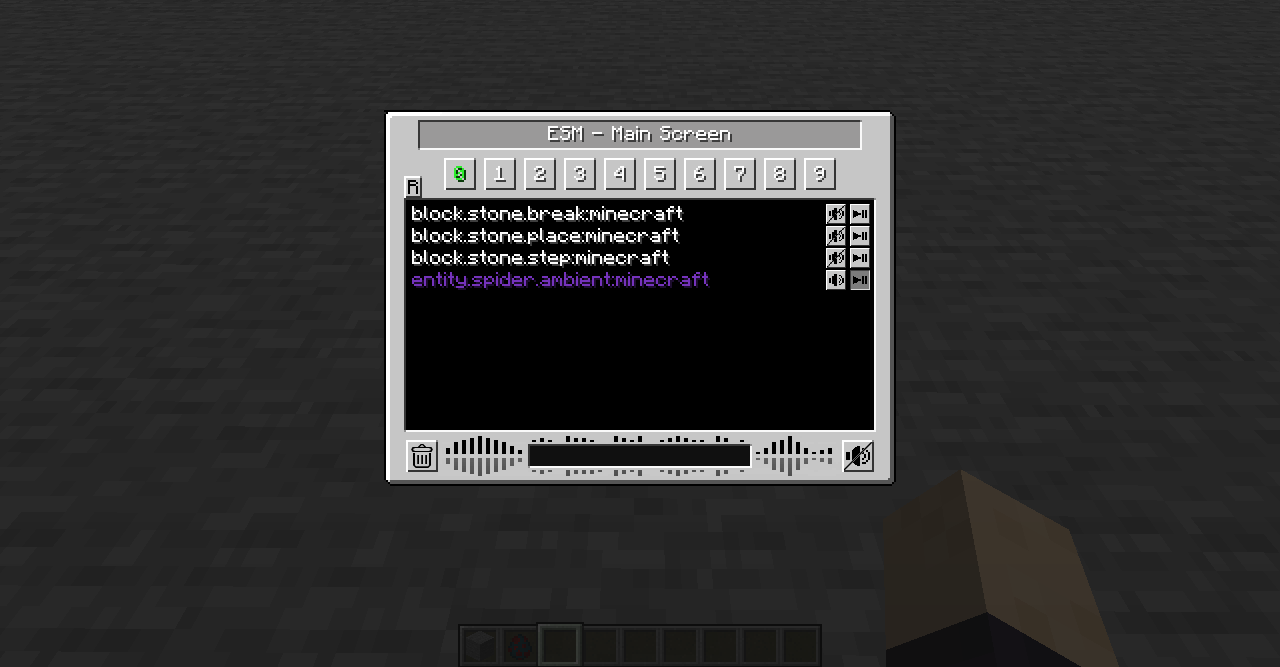
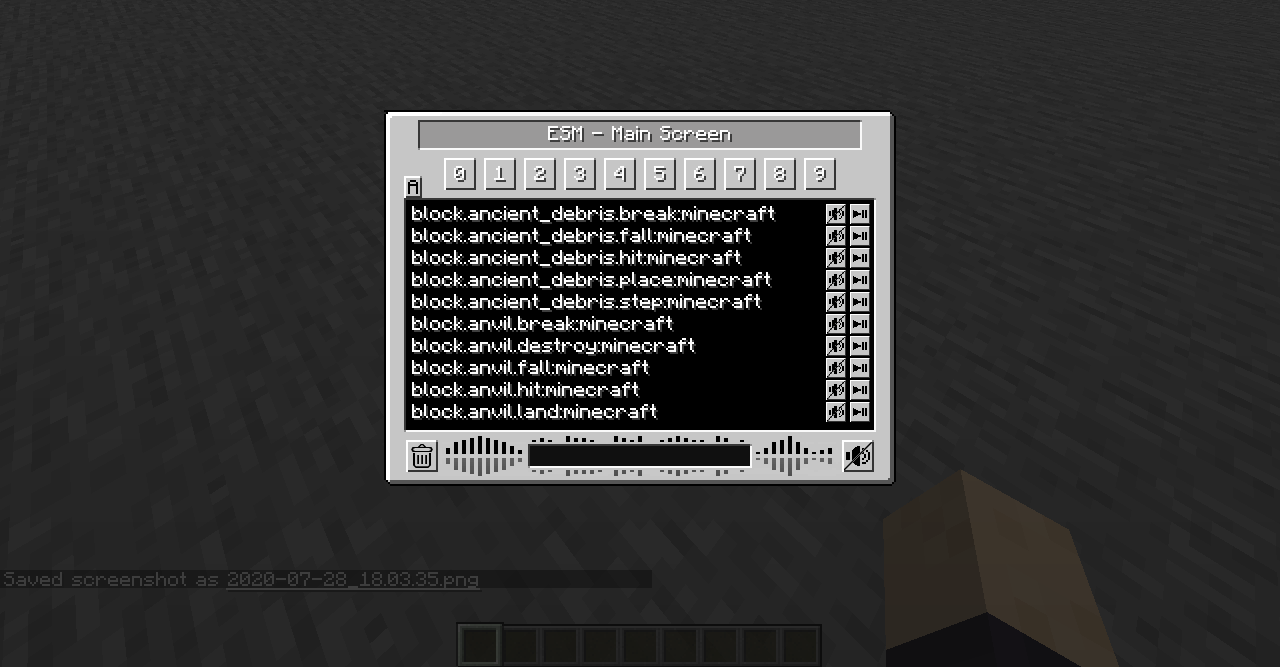
Extreme sound muffler is a client side mod that allows you to muffle sounds selectively.
This mod needs FORGE/NEOFORGE to work.
Now with Dark mode!! check the configs to enable it!
You can get the FABRIC version here!
HOW IT WORKS:
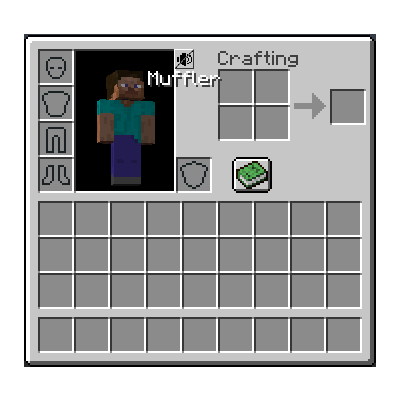
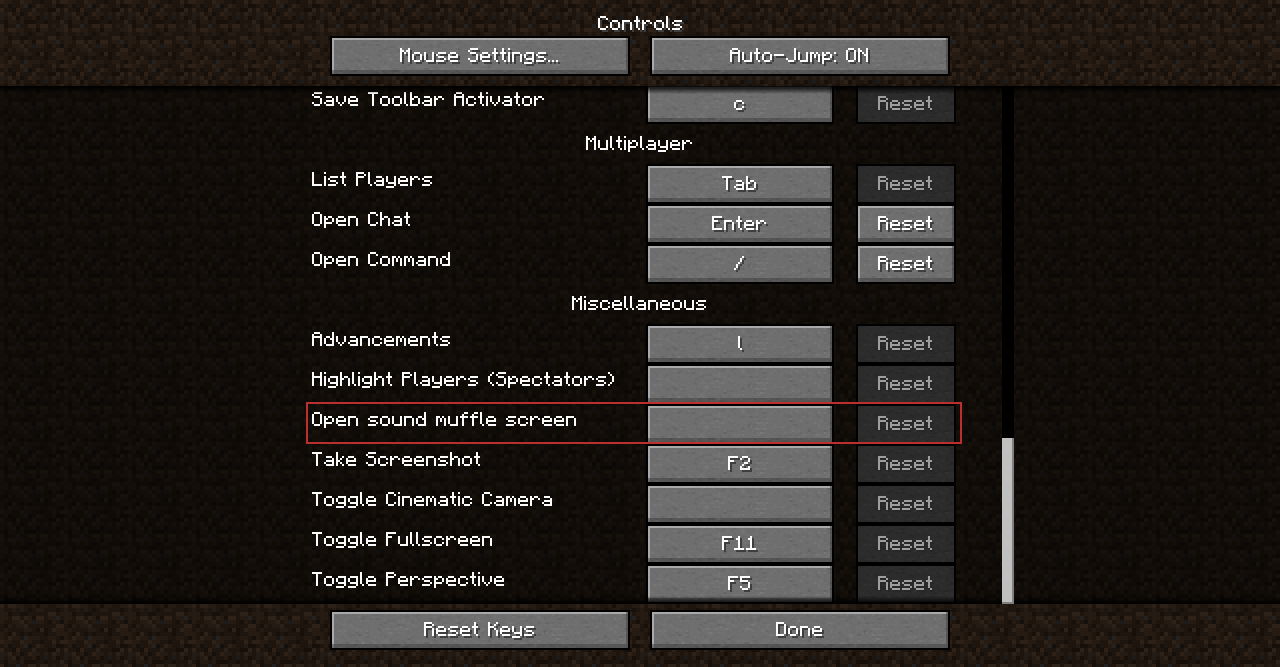
1. Click on the button in your inventory or assign a key to open the gui.

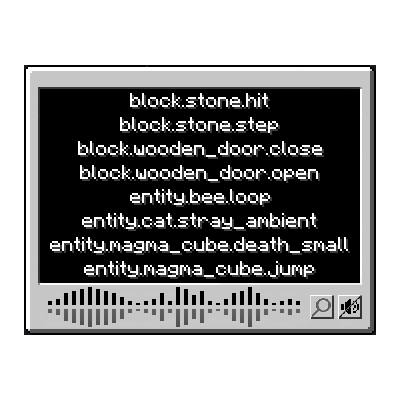
2. Click on the button next to the sound you want to muffle.

3.  Optional: set the volume of the sound dragging the slider around.

4. Optional: press the play button to be sure that's the sound you want to muffle.

5. Enjoy peace.
What about Anchors?
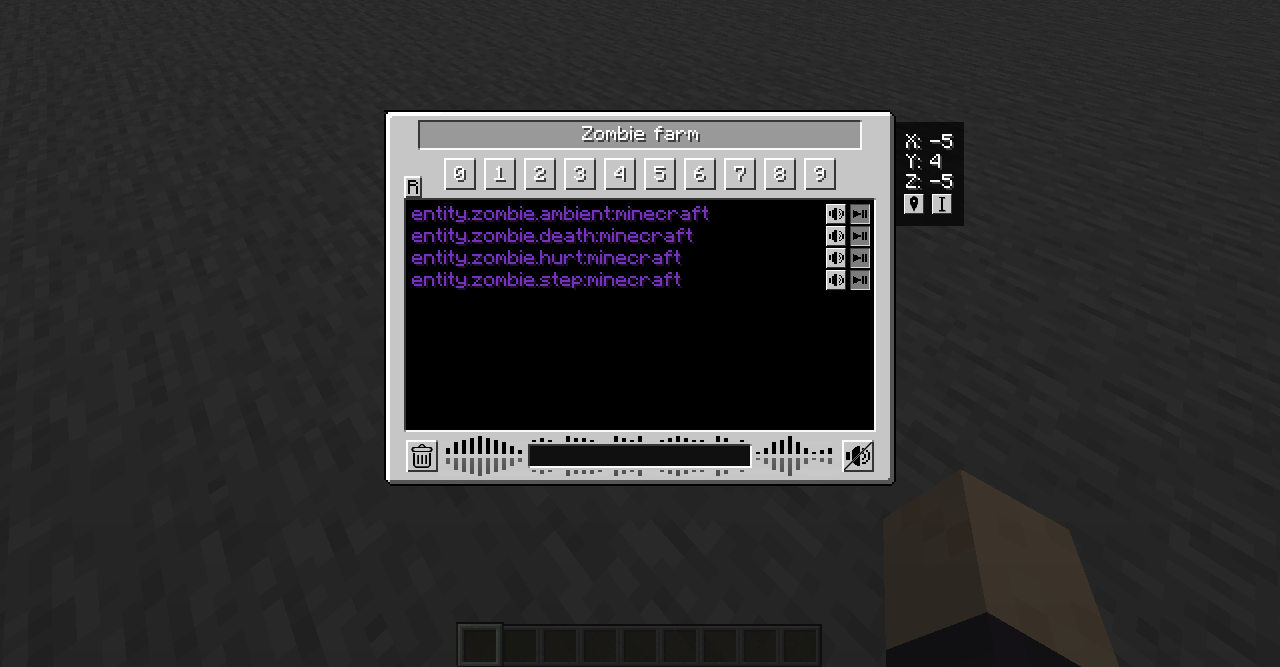
Anchors are ranged mufflers, for when you want to muffle a sound on a small area
1. Open your ESM Screen

2. Select one of the 10 numbered buttons

3. Press the marker like button on the right panel to set the Anchor position

4. Optional: press the edit Anchor button (next to marker) and set the name and range of the Anchor

5. Muffle the sounds and enjoy ranged peace
You can change the Anchor position whenever you want by pressing the marker button.
Inventory button:
if you don't like the ESM muffler in the inventory, you can disable it in the config.
if you don't like the position of the button, you can hold right mouse button over the muffler button and drag it wherever you want.
Most things are configurable!
- You can put the muffle and play buttons on the left right of the screen for easier visuals.
- You can disable the anchors.
- You can blacklist sounds to prevent them from appearing in the ESM screen.
- You can choose the default muffle volume.
- You can disable the Inventory button
THANKS:
McJty for the tutorials
EdgarAllen for the original idea.
Vazkii for the memes.
- Edition: Minecraft Java
- File type: .jar
- Minecraft versions listed: 1.21.1, 1.21.11, 1.20.1
- How to install: Install the matching mod loader (Forge, Fabric or NeoForge) for your Minecraft version. → Download the .jar. → Put it in the .minecraft/mods folder and launch that loader profile.
- Where to get it: Opens on CurseForge — not every file is mirrored on our own servers.
Install steps are the general flow for this file type — How to install Minecraft Java mods & modpacks walks through it step by step.
- Ships as extremeSoundMuffler-beta-1.15.2-1.1.jar — drop this file into the mods folder
- Download size: 30 KB
- Download link checked 24 Oct 2026 — working
These come from our own check of the pack file, not from the source page.