
IMPORTANT
IF ITS CRASHING GO TO MODPACK SETTINGS (JAVA AND MEMORY) AND WRITE THIS JAVA ARGUMENT
ARGUMENT
-Dorg.lwjgl.system.stackSize=1024 -Xss4M -Xmx6G -XX:+UseG1GC -XX:+UnlockExperimentalVMOptions -XX:G1NewSizePercent=20 -XX:G1ReservePercent=20 -XX:MaxGCPauseMillis=50 -XX:+DisableExplicitGC -XX:+AlwaysPreTouch -XX:+UseFastUnorderedTimeStamps -Dusing.aikars.flags=mcflags.emc.gs
PURE PERFORMANCE MODPACK
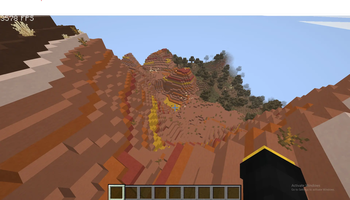
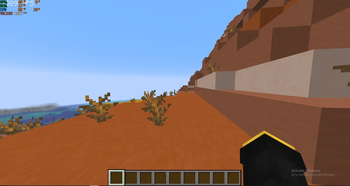
Lagging On Minecraft Or Experiencing Lag Spikes? No Problem, This Supports Even Low End PC's. Im On A Ryzen 5 7600 And A NVIDIA 3080 GPU. And Im Getting 1000+ FPS! Try It Yourself.
Quick facts
- Edition: Minecraft Java
- File type: .jar
- Minecraft version listed: 1.21.11
- How to install: Install the matching mod loader (Forge, Fabric or NeoForge) for your Minecraft version. → Download the .jar. → Put it in the .minecraft/mods folder and launch that loader profile.
- Where to get it: Opens on Modrinth — not every file is mirrored on our own servers.
Install steps are the general flow for this file type — How to install Minecraft Java mods & modpacks walks through it step by step.
Verified by MCModsHub
- Downloads as FPS Booster 1.0.1.mrpack
- Download size: 17 KB
- Download link checked 1 Sept 2026 — working
These come from our own check of the pack file, not from the source page.