
GFB Vanilla
Utilities, performance enhancement, immersive features - general use client-side modpack Designed for GFB Network
⬇ Download on Modrinth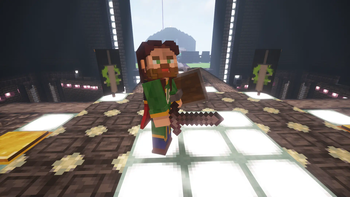
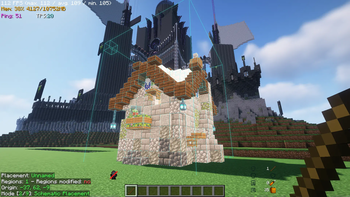
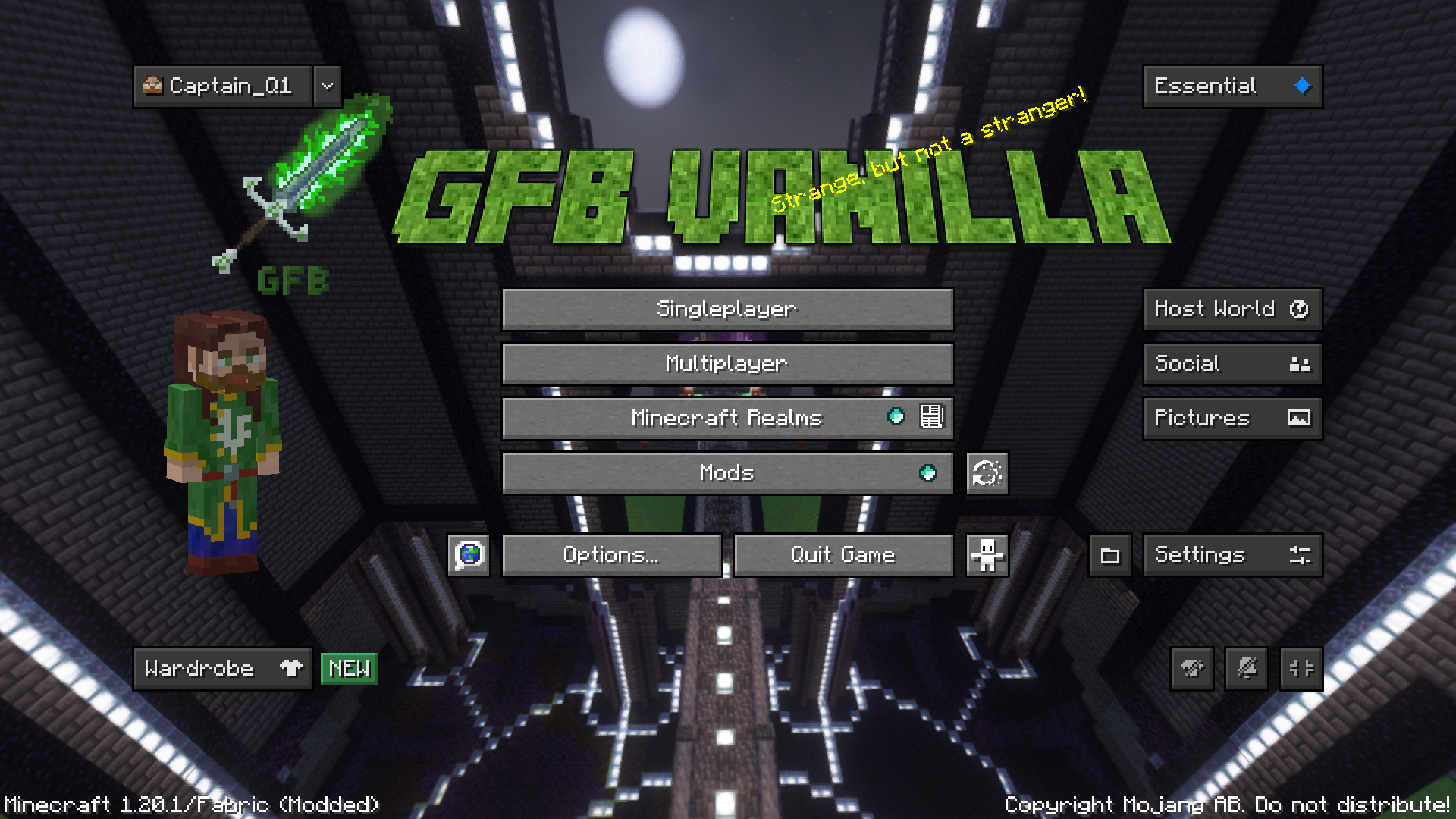
GFB Vanilla
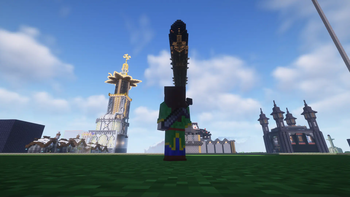
 Included Shaders -- Complimentary Reimagined 2. Thank you to EminGTR for permission
Press K to activate shaders
This is a general utility and performance enhancement modpack with many features.
It was designed to be the official client side modpack for GFB Network, but it is well suited for any single player or multiplayer experience that allows the included mods. If you use this pack on GFB Network, it adds many integrated features with our vanilla servers. Some supported features include proximity voice chat, itemswapper for creative builds, and Litematica for easily constructing complex builds in survival.
Server IP: GreenFlameblade.com
Discord: https://discord.gg/jD6ud6B9Vr
Key BindsC -> Zoom (scroll to zoom further)
R -> Itemswapper
X -> Emote Wheel
V -> Mute Proximity Voicechat
M -> Open Litematica
J -> Voicechat settings
K -> Toggle shaders
[ -> Toggle Armor Transparency
] -> Open Armor Transparency Settings
**** -> Toggle chest search bar
Del -> Toggle HUDs
; -> Reveal Ghost Blocks
Extra CreditsComplimentary Reimagined 2 Shaders
Litematica
Malilib
Inventory HUD+
Some Major Features
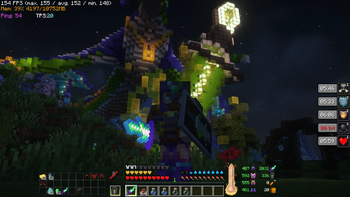
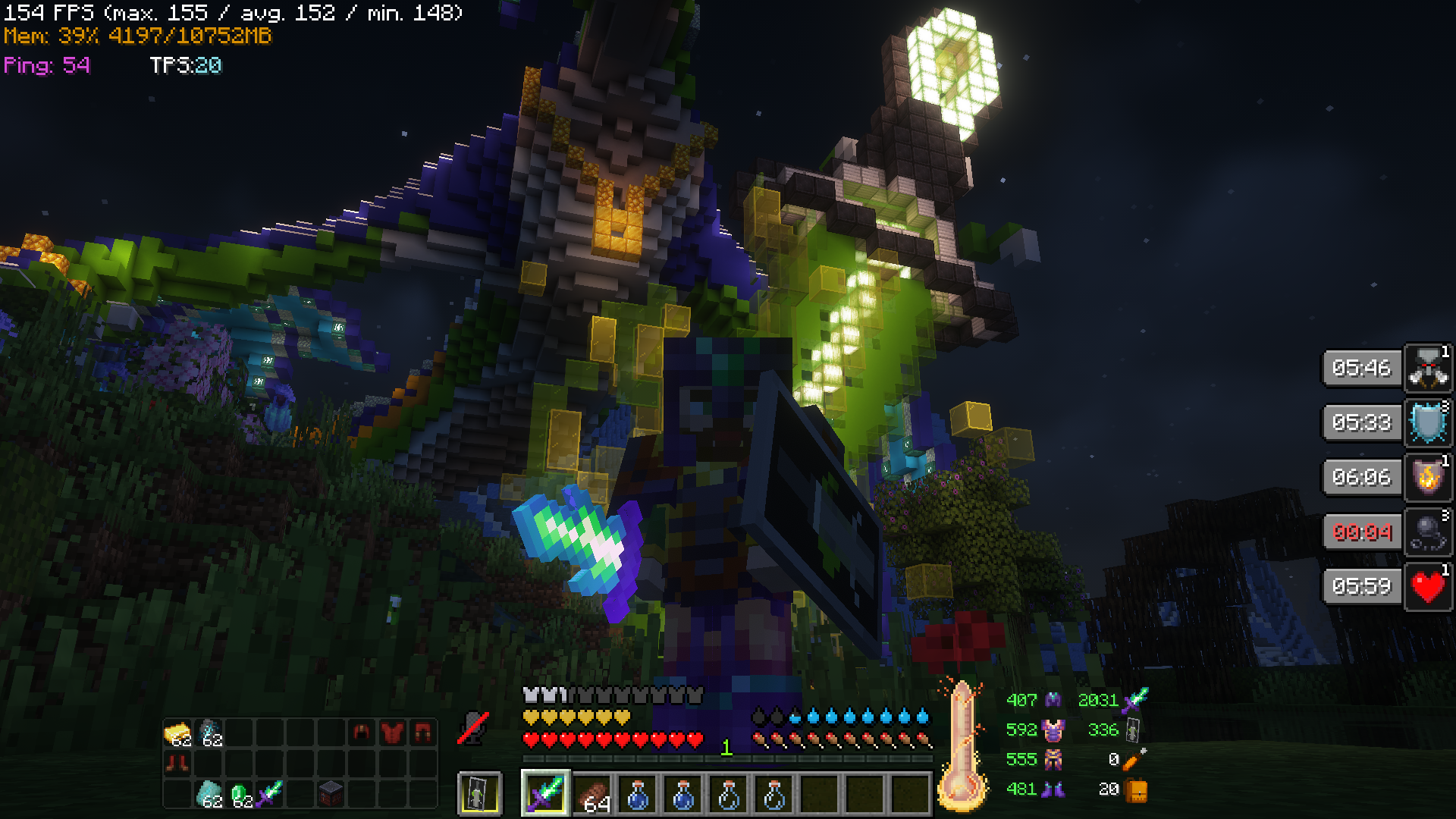
Advanced HUD Features
- Many useful features in the HUD including compact potion status, inventory display, gear status, etc.
- Designed to be information rich, but unobtrusive
Audio and Visual Enhancements
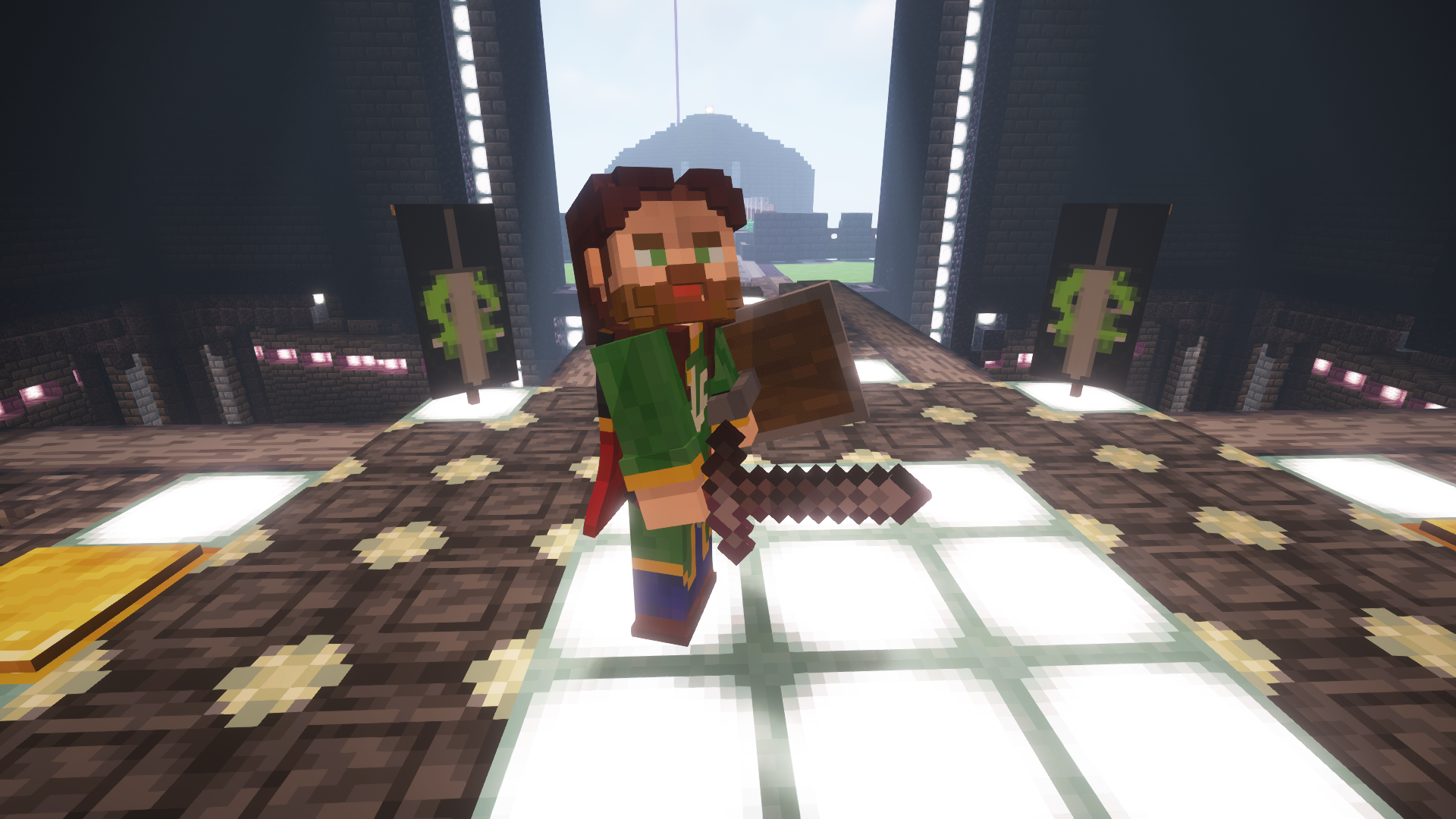
- 3D skins and animated capes
- Realistic sound physics with echoes and muffling (works with proximity voicechat)
- Ambient surroundings adds lots of environmental sounds such as birds and wind
- Advanced texture options such as connected textures and Optifine-like features
- Included shaders by EminGTR
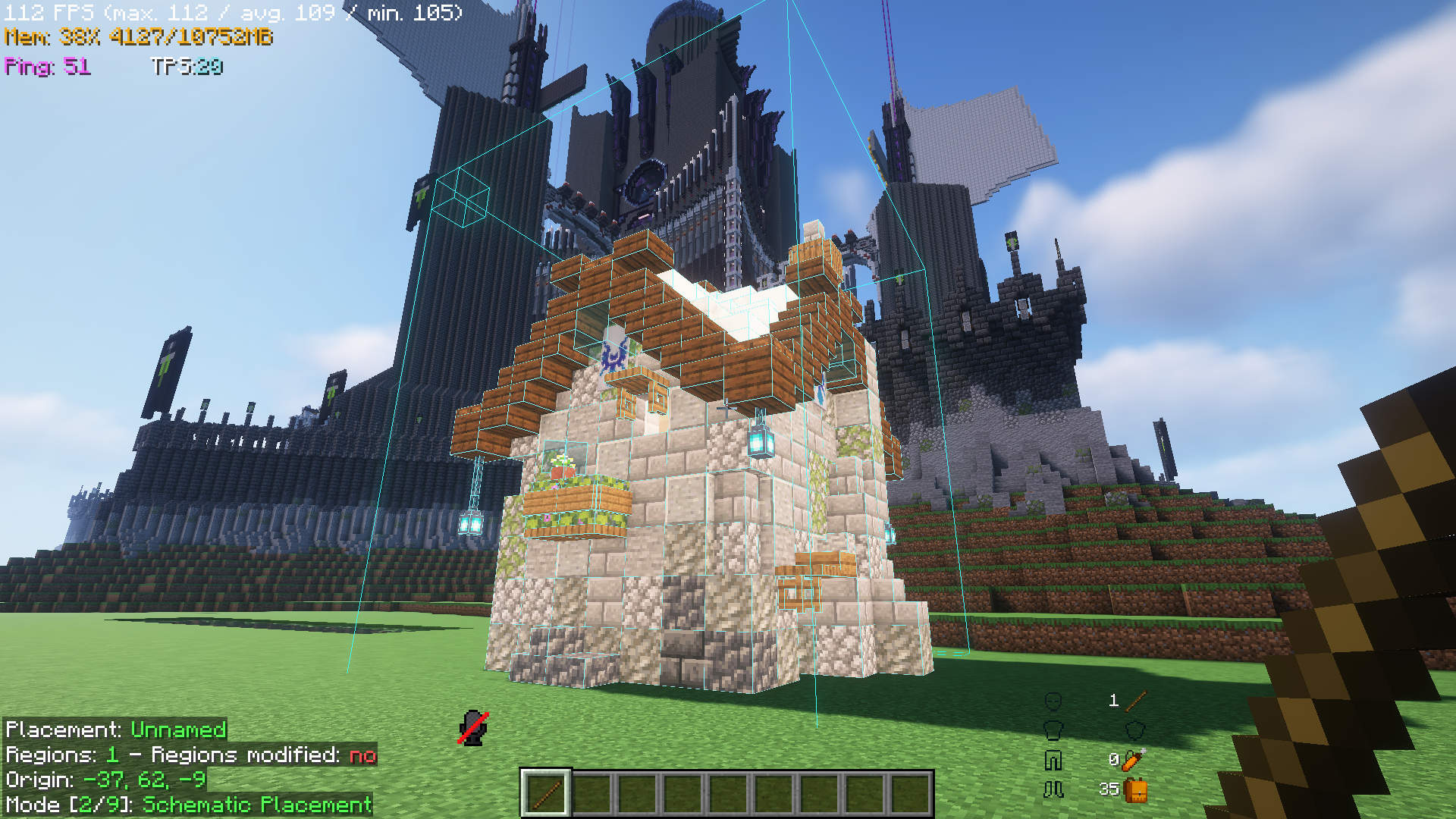
Litematica
- Save schematics of builds, then import them as hologram blueprints as an easy building guide
- Great for designing in a creative server, then transferring it to survival
- Includes an auto block placement feature if enabled on a server
Replay Mod and Proximity Voicechat
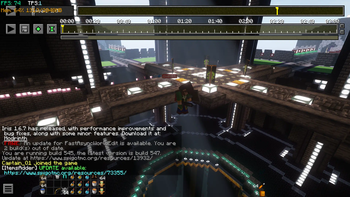
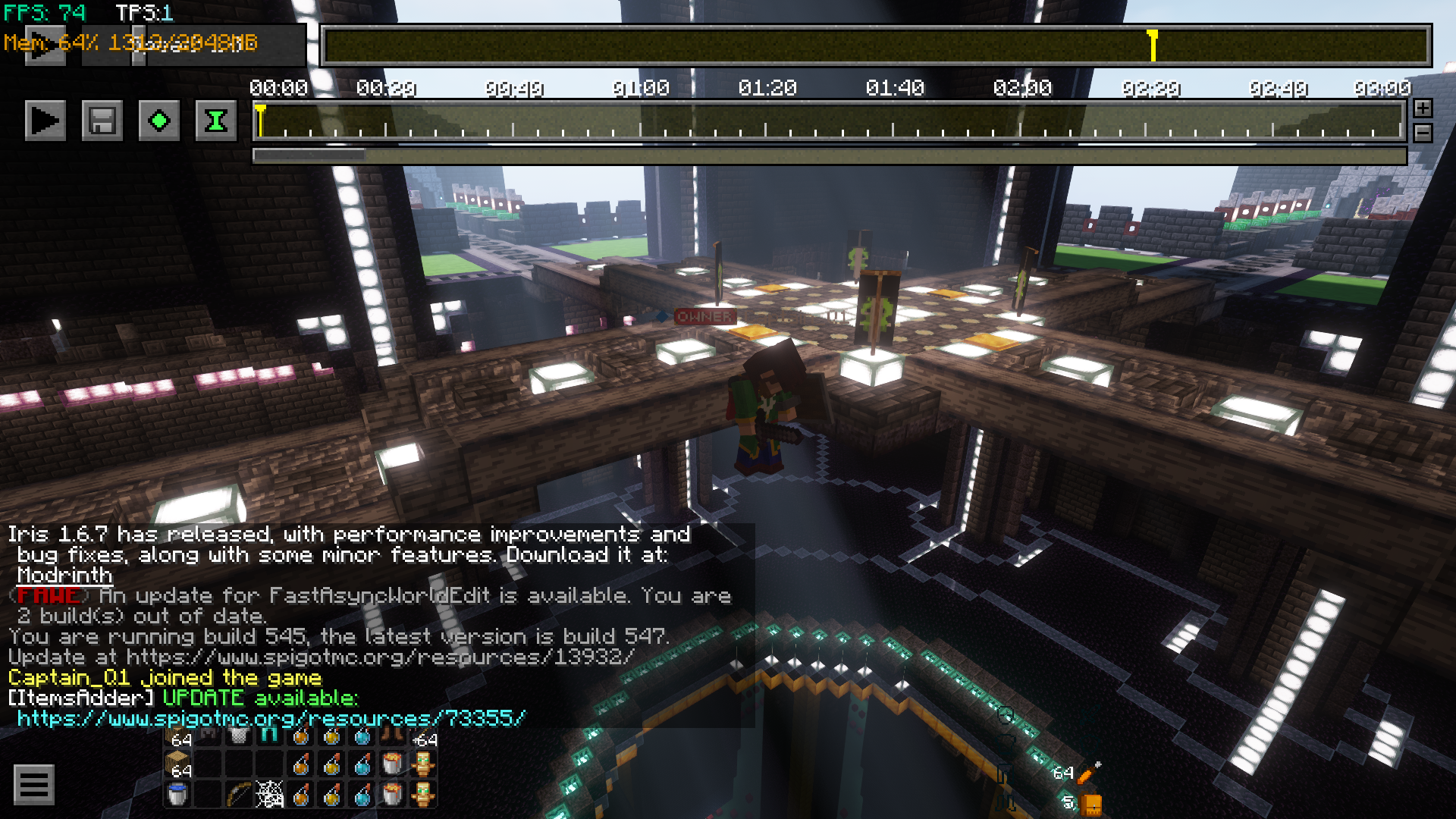
- Record your Minecraft adventures, then use the built in program to create cinematic scenes.
- Includes positional voice chat recordings
- All sound including voice chat uses realistic raytraced audio with echo and muffling
- Edition: Minecraft Java
- File type: .jar
- Minecraft version listed: 1.20.1
- How to install: Install the matching mod loader (Forge, Fabric or NeoForge) for your Minecraft version. → Download the .jar. → Put it in the .minecraft/mods folder and launch that loader profile.
- Where to get it: Opens on Modrinth — not every file is mirrored on our own servers.
Install steps are the general flow for this file type — How to install Minecraft Java mods & modpacks walks through it step by step.
- Downloads as GFB Vanilla [1.20.1] 2.3.0.mrpack
- Download size: 22.4 MB
- Download link checked 1 Sept 2026 — working
These come from our own check of the pack file, not from the source page.