
Optimal Scary!
This is a modpack that is centered around optimization. This modpack also has minimal "Fun" mods that improve the experience while still keeping good…
⬇ Download on Modrinth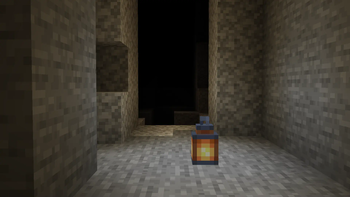
Have you ever wanted to play Minecraft in the dark with your friends?
Well I do however I do not have any friends.
If you have friends or you just want an optimized game, this mod pack is for you.
From the massive performance boost that these mods give to you to the horrors of the darkness, this mod pack gives you everything. Have you ever wanted to easily transfer a lot of items throughout containers? The mouse wheely mod is for you. Have you ever wanted to play Minecraft with your friends? The mod "em4c" lets you run a server on your machine for others to connect to. The "Simple Voice Chat" mod adds fun ways to connect with your friends.
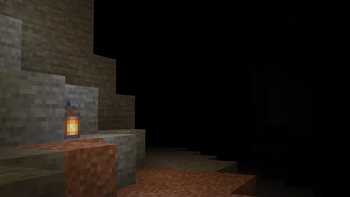
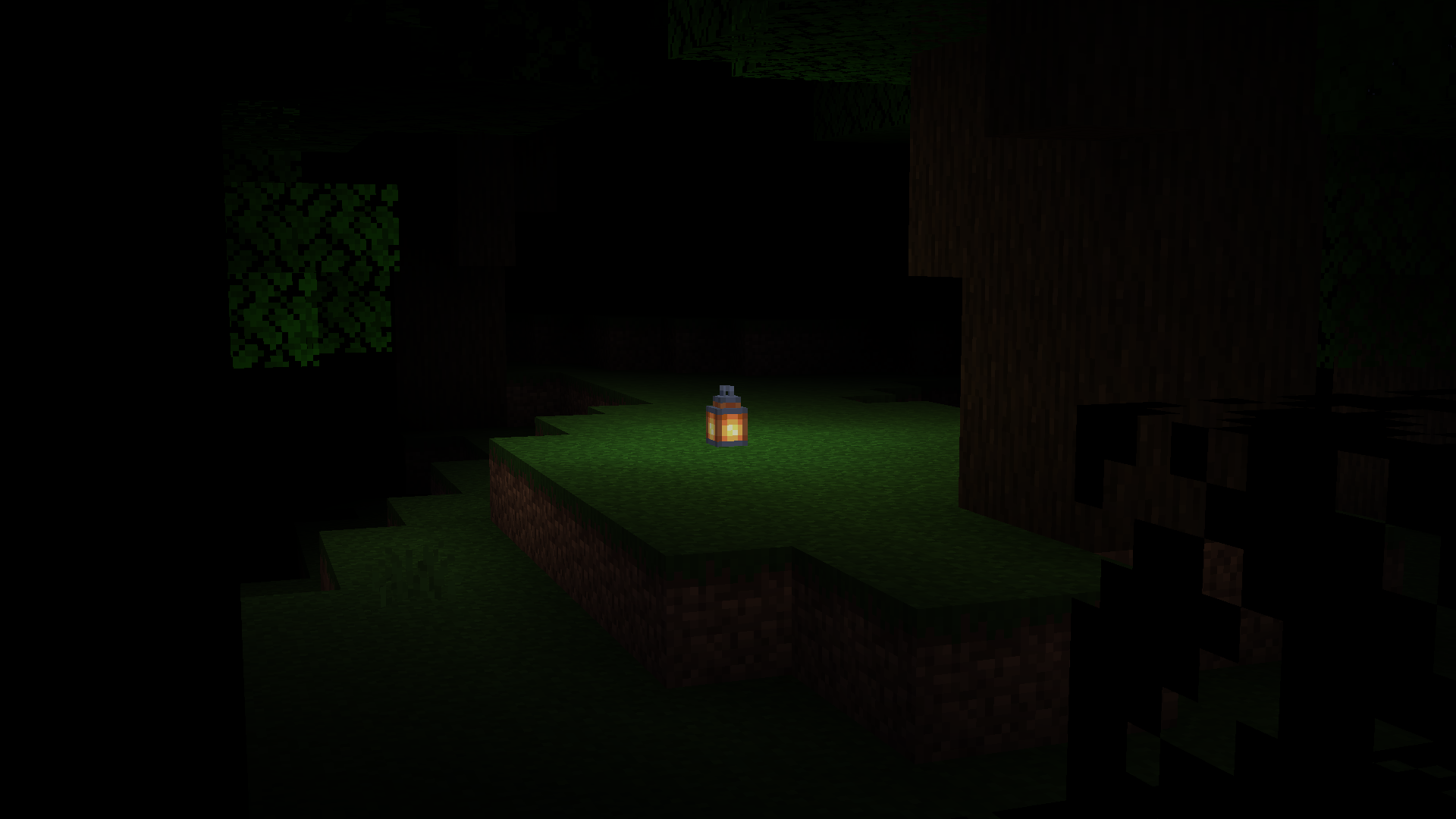
At the very center there is the "True Darkness" mod.
The lack of light is terrifying. Is there a mob in front of me? You can hear the sounds of your feet on the ground. You can hear the reverberations of you walking, breaking blocks, and eating. Without a torch, you are blind.
- Continuity
- YetAnotherConfigLib
- Shulker Box Tooltip
- More Culling
- ImmediatelyFast
- Do a Barrel Roll
- Default Dark Mode
- More Chat History
- Simple Voice Chat
- MinecraftCapes
- Cloth Config API
- Sodium
- Reese's Sodium Options
- FPS - Display
- AppleSkin
- Cull Leaves
- Starlight (Fabric)
- Fabric Language Kotlin
- True Darkness
- Dynamic FPS
- Entity Culling
- Xaero's World Map
- Indium
- Fabric API
- Sodium Extra
- Drip Sounds (Fabric)
- Concurrent Chunk Management Engine (Fabric)
- Your Options Shall Be Respected (YOSBR)
- Iris Shaders
- Mouse Tweaks
- Lithium
- LazyDFU
- FPS Reducer
- Better Mount HUD
- Architectury API
- Mod Menu
- ModernFix
- e4mc
- No Chat Reports
- Presence Footsteps
- FerriteCore
- ThreadTweak
- Zoomify
- Very Many Players (Fabric)
- FastQuit
- LambDynamicLights
- Lighty
- Sound Physics
It might be a lot, but it does work.
- Edition: Minecraft Java
- File type: .jar
- Minecraft version listed: 1.20.2
- How to install: Install the matching mod loader (Forge, Fabric or NeoForge) for your Minecraft version. → Download the .jar. → Put it in the .minecraft/mods folder and launch that loader profile.
- Where to get it: Opens on Modrinth — not every file is mirrored on our own servers.
Install steps are the general flow for this file type — How to install Minecraft Java mods & modpacks walks through it step by step.
- Downloads as Scary!!! 1.1.0.mrpack
- Download size: 1.7 MB
- Download link checked 1 Sept 2026 — working
These come from our own check of the pack file, not from the source page.