Revamped Fixed and Mixed
Java modpack listed for Minecraft 1.21. Downloads from the MC Java Mods app on Android.
⬇ Download on Modrinth
WARNING! It requires fabric loader 0.16+

Welcome to the Fixed and Mixed Modpack!
This modpack aim to fix and revamp (and add) all the features of Minecraft, but still maintaining the vanilla-like!
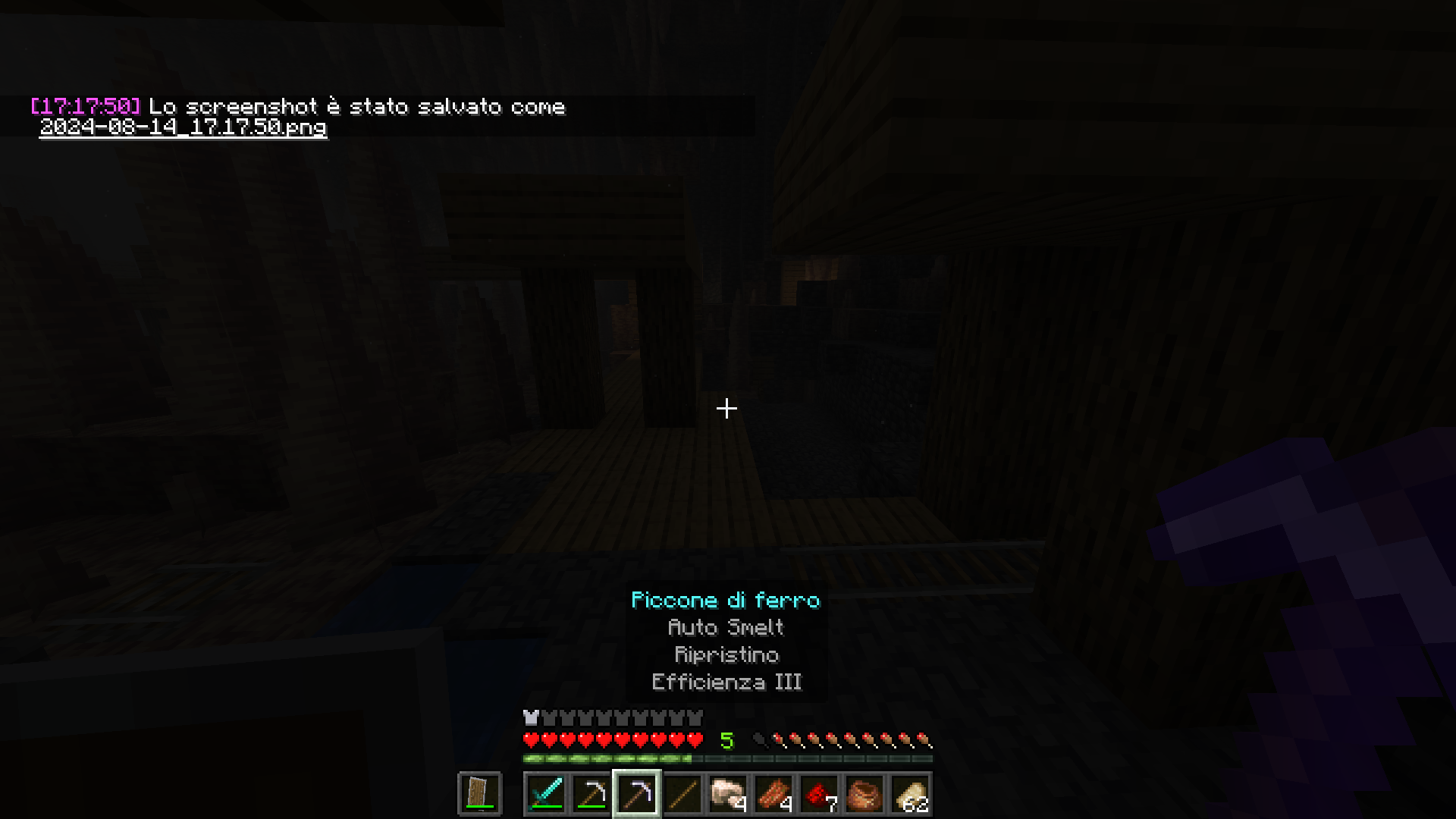
For example, the combat system is revamped to be like the 1.16 experimental snapshots!
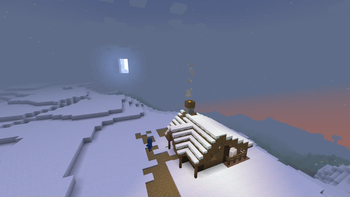
Or, welp, Java and Bedrock are now equal! Or... there's the old fog... which brings the old atmosphere...
Speaking of atmosphere, you can play the older models of the world! (like Beta 1.7.3, or Indev...)
Aaaaand, you can toggle the "Nostalgia Features" with the NostalgicTweaks mod!
Also, there are more mobs, more biomes, more items!
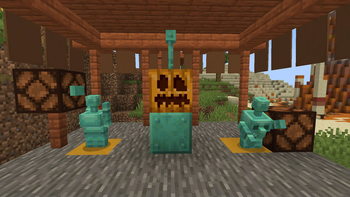
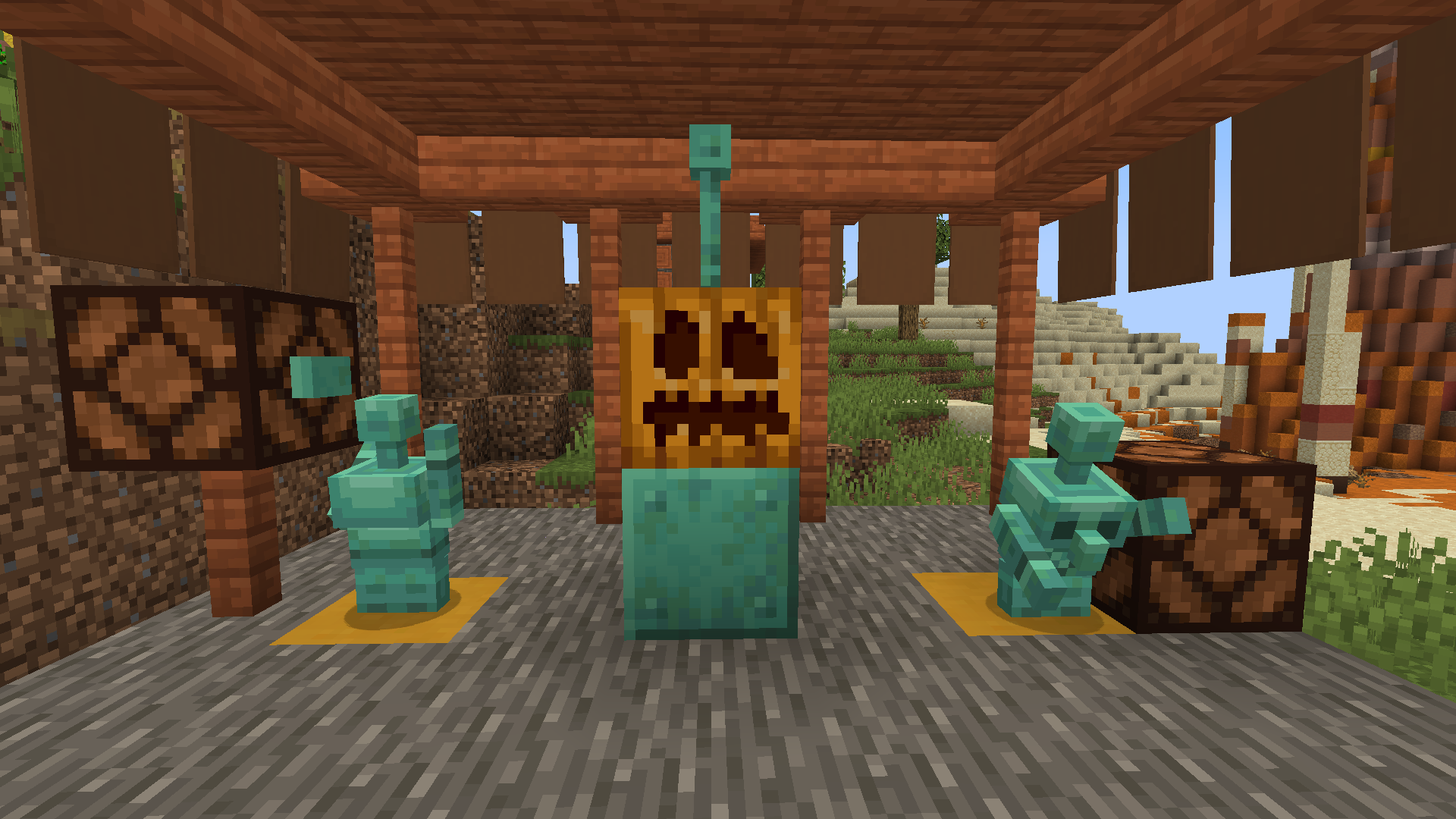
Yoooo that's the Copper Golem!
Basically:
Combat System revamped to be similiar to the 1.16 experimental snapshots (the one who was discontinued, which is basically CTS 8c)
You can bring back the old nostalgia feelings!
You can play the older models of the old Minecraft
You can play with a controller (or even a mobile touchscreen)
Music never ends
Old legacy console sounds :') (you can activate it in the Controlify config)
Vertical slabs! Yeah, they exist now :)
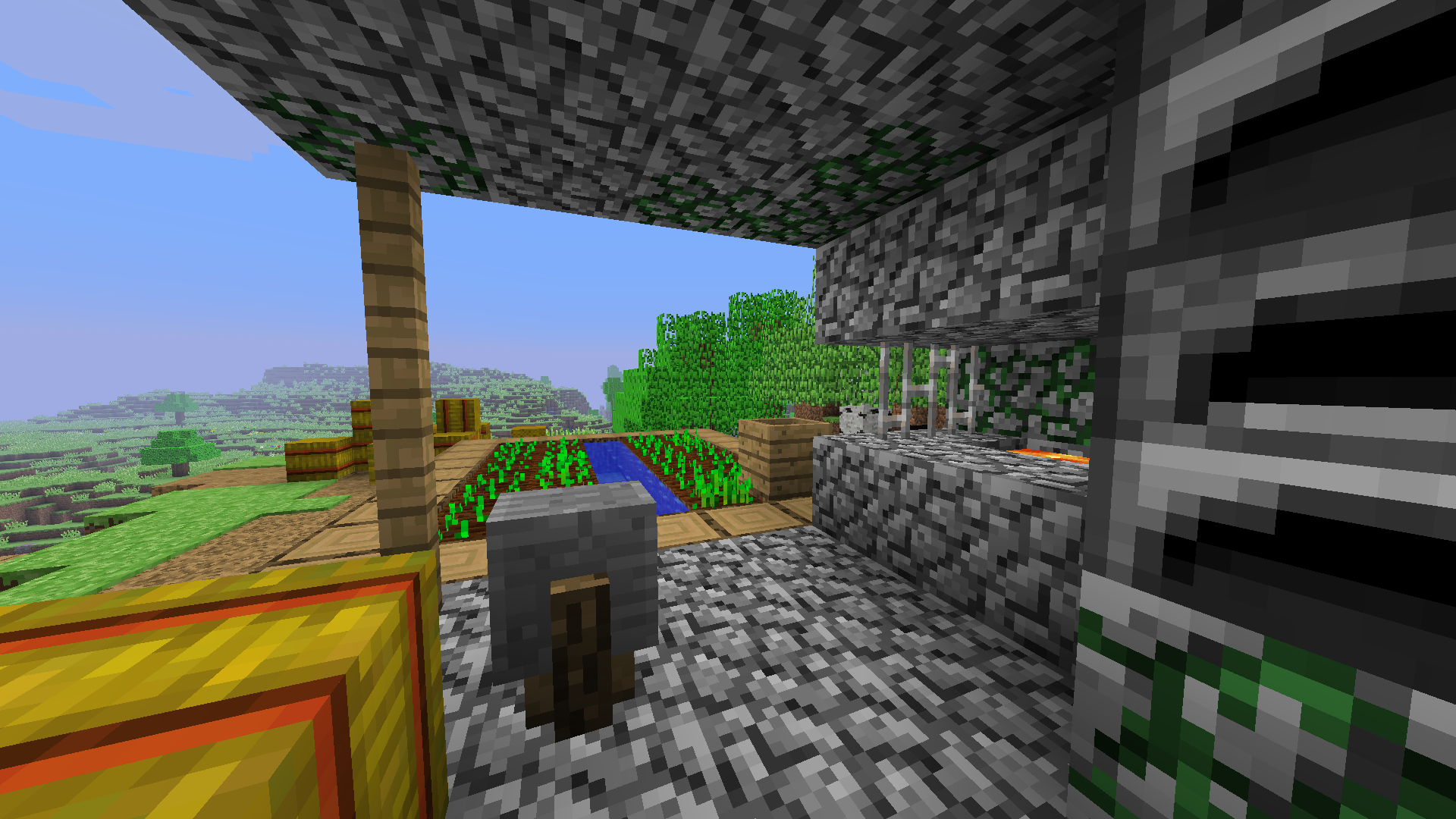
Java and Bedrock are now equal with almost no differences
The wild update got more wilder
Fireflies :D
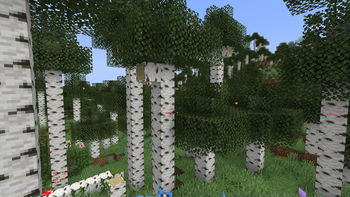
Birch Forests are updated!
The Warden is now more OP
Cooler animations
Mob variations
Faster Minecarts (actually, it completely revamps all the minecart engine)
Rejected mobs are now added! (welp, not all of them, but most of them)
Optimization for potato PCs (kinda)
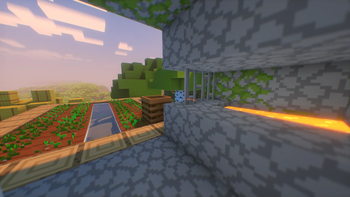
More dungeons!
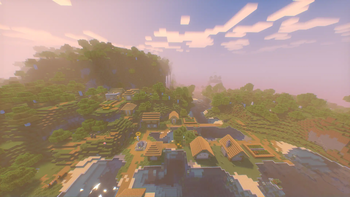
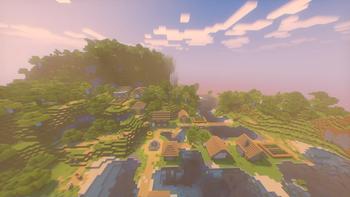
More villages!
More music discs!
And many more things...
Also, it's almost entirely configurable!
Credits to all the modders and resource pack-ers!
It's the almost the same modpack that I made long time ago, but slightly... better? For more informations, go watch Fixed and Mixed and The Not-so-controversial Modpack. You'll get the point.
- Edition: Minecraft Java
- File type: .jar
- Minecraft version listed: 1.21
- How to install: Install the matching mod loader (Forge, Fabric or NeoForge) for your Minecraft version. → Download the .jar. → Put it in the .minecraft/mods folder and launch that loader profile.
- Where to get it: Opens on Modrinth — not every file is mirrored on our own servers.
Install steps are the general flow for this file type — How to install Minecraft Java mods & modpacks walks through it step by step.
- Downloads as Fixed and Mixed (1.21) 1.2.1.mrpack
- Download size: 50 KB
- Download link checked 5 Nov 2026 — working
These come from our own check of the pack file, not from the source page.