HomeJavaModsSophisticated Storage Create Integration
Sophisticated Storage Create Integration
ModsJava

Sophisticated Storage Create Integration

by P3pp3rF1y · on CurseForge

Full Featured Sophisticated Storage on Create Contraptions. Free Minecraft Java mod for 1.20.1, 1.21.1, 1.21.4.

Which build do you need?

This mod ships a separate file for every mod loader and every version of the game. Pick both, then download — the wrong build installs fine and then does nothing in the game.

Mod loader

Minecraft version

⬇ Download for 1.21.11 · NeoForge⬇ Download for 1.21.8 · NeoForge⬇ Download for 1.21.5 · NeoForge⬇ Download for 1.21.4 · NeoForge⬇ Download for 1.21.1 · NeoForge⬇ Download for 1.20.1 · NeoForge⬇ Download for 1.20.1 · Forge
I don't know my version or loader
Open the Minecraft launcher and look at the profile you play on — it names both, like fabric-loader-1.21.4. The version also shows in the bottom-right corner of the game's main menu.
No loader in the profile name? Then it's plain Minecraft, and these mods won't run — you need Fabric or NeoForge installed first.

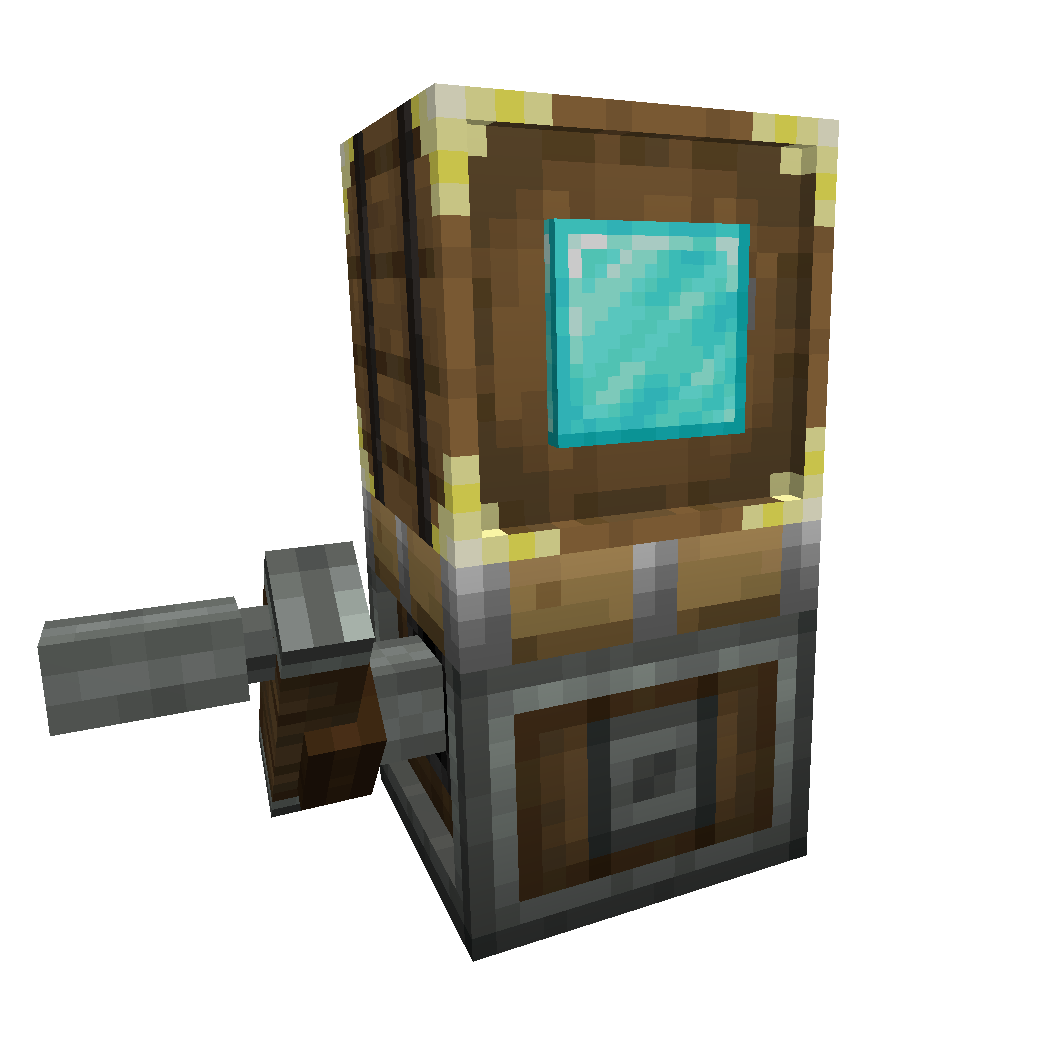
Sophisticated Storage Create Integration is a full-featured integration with Create, making it possible to use Sophisticated Storage blocks on Create contraptions not only as simple storage blocks, but with all of their extensive inventory options and with almost all upgrades fully functional. This addon mod brings the power and flexibility of Sophisticated Storage into the moving world of Create, so your storage blocks can now travel on trains, rotating platforms, flying machines, and more — without losing any of their advanced capabilities.

Sophisticated Storage on Create contraptions

Discord    Twitter Badge    GitHub Badge    Ko-Fi Badge

Contraption Storage

All Sophisticated Storage blocks - barrels, chests, and shulker boxes - can now be mounted on Create contraptions and will maintain full compatibility while in motion. Storage content remains persistent across movement, and upgrades, upgrade settings, and inventory settings (like memorized slots) are retained.

Upgrades

Most upgrades from Sophisticated Storage work seamlessly on Create contraptions. Position-based upgrades like Pickup or Magnet use the contraption's dynamic position and the position of the actual storage to function at the correct position, stack upgrades expand slot capacity, crafting upgrade works with contents of the storage, … Upgrades can be added to vehicle storage by right clicking them on the contraption mounted storage directly in the world.

Tier Upgrades

Tier upgrades can be applied to contraption storages the same way as to regular ones by just right clicking these on the storage. This allows for easy expansion of storage capacity even when the contraption is on the move.

Storage Tool

The Storage Tool can be used directly on contraptions to manage lock settings and visual indicators such as tier, upgrade slots, and fill levels—just like with any regular Sophisticated Storage block.

Paintbrush

Paintbrush can paint the contraption storages with the same level of support as it can regular storages so both tints as well as barrel materials changing with paintbrush are supported.

Verified by MCModsHub

These come from our own check of the pack file, not from the source page.
📺 Java videos for Sophisticated Storage Create Integration watch on YouTube ↗

Sophisticated Storage mod Controller & more Minecraft 1.18+ Bit-By-BitYouTubeSophisticated Storage mod Controller & more Minecraft 1.18+ Bit-By-BitMischief of MiceMinecraft Tom's Simple Storage - Complete GuideYouTubeMinecraft Tom's Simple Storage - Complete GuideRockit14Sophisticated Storage for Dummies (Minecraft Mod)YouTubeSophisticated Storage for Dummies (Minecraft Mod)IBBestGamingSophisticated Storage mod Minecraft 1.18+ Bit-By-BitYouTubeSophisticated Storage mod Minecraft 1.18+ Bit-By-BitMischief of MiceSetting up a Create mod storage! #minecraft #create #survivalYouTubeSetting up a Create mod storage! #minecraft #create #survivalNarrowT
🎬Made a video about Sophisticated Storage Create Integration? Feature it #1 here for free — put the mcmodshub.com link near the top of your description, or in a pinned comment.

Explore more