
Various Visual
Java modpack listed for Minecraft 1.21. Downloads from the MC Java Mods app on Android.
⬇ Download on Modrinth
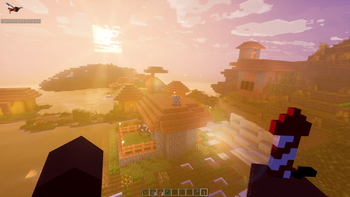
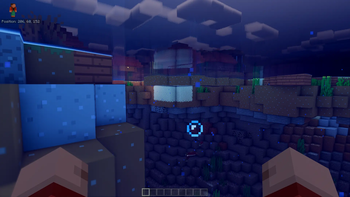
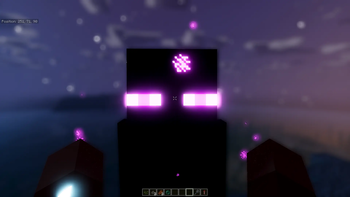
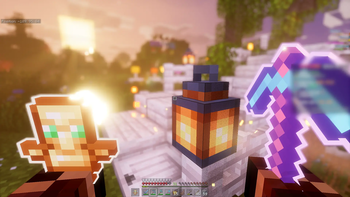
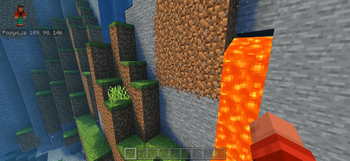
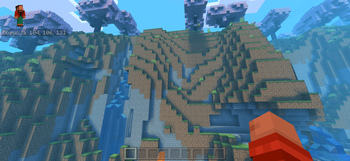
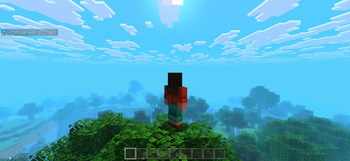


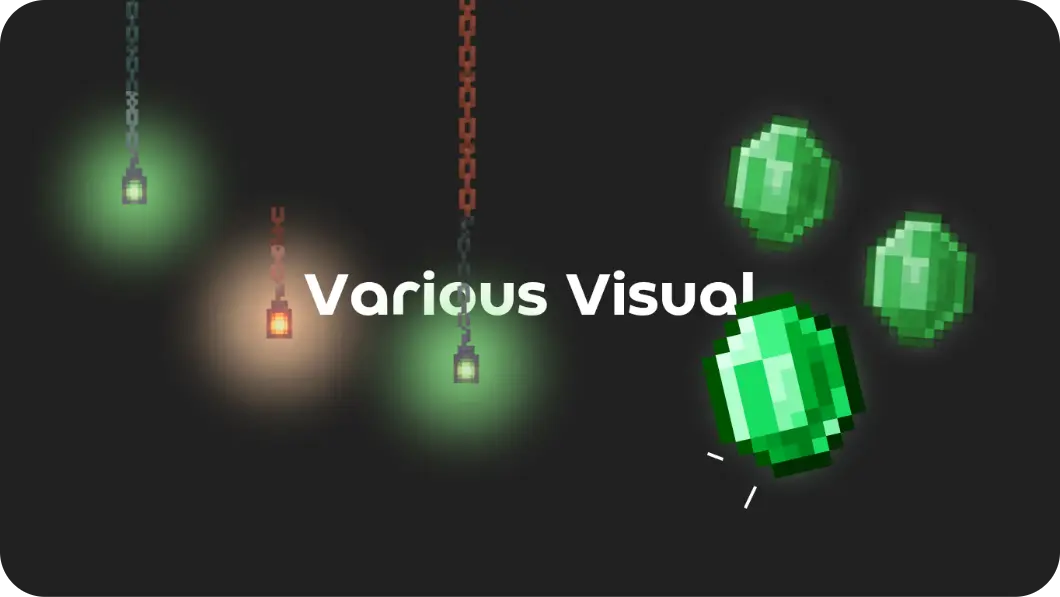

Various Visual is the definitive visual overhaul for Minecraft Java Edition, crafted for players who demand a polished, fluid, and modern aesthetic. This modpack isn't just a collection of mods—it’s a carefully engineered transformation of your game's atmosphere, HUD, and interactivity.
Whether you are exploring breathtaking landscapes or managing your inventory, Various Visual ensures that every pixel feels intentional. From subtle particle interactions and dynamic weather effects to refined, intuitive UI elements, this pack brings a level of immersion that modernizes the classic Java experience.
🔆 Core Visual Enhancements
- Atmospheric Depth: Experience world-altering fog, improved cloud rendering, and nuanced lighting that gives every biome a unique identity.
- Dynamic HUD & UI: A sleek, modernized HUD combined with responsive inventory interactions creates a seamless workflow that feels premium.
- Living World Particles: With enhanced particle engines, the environment becomes reactive—each block placement, mining animation, and ambient movement adds to a vibrant, living world.
- Fluid Animations: Subtle camera overhauls and movement animations make every action in the game feel weighted and smooth.
✨ Built for PojavLauncher & Touch Control
We recognize that playing Java Edition on mobile devices requires a specific set of tools to bridge the gap between platforms. Various Visual comes pre-configured with industry-standard support mods to bring that iconic Bedrock-like feel to your Java installation.
Essential Bedrock Integration:
- Bedrockify & Bedrock Texture Loader: These mods allow you to experience Bedrock-style features directly in Java.
- Pro-tip: If you want your favorite MCPE resource packs to function, simply move them into the
bedrockpacksfolder within your instance directory.
- Pro-tip: If you want your favorite MCPE resource packs to function, simply move them into the
- Touch Controller: Designed specifically for touch-based navigation.
- Important: To ensure this functions correctly, you must manually enable it in your mods folder(.disabled -> .jar) and remove or disable 'Real Camera', as they conflict.
Elevate your aesthetic. Refine your experience. Play Various Visual.
- Edition: Minecraft Java
- File type: .jar
- Minecraft version listed: 1.21.11
- How to install: Install the matching mod loader (Forge, Fabric or NeoForge) for your Minecraft version. → Download the .jar. → Put it in the .minecraft/mods folder and launch that loader profile.
- Where to get it: Opens on Modrinth — not every file is mirrored on our own servers.
Install steps are the general flow for this file type — How to install Minecraft Java mods & modpacks walks through it step by step.
- Downloads as Various Visual.mrpack
- Download size: 138 KB
- Download link checked 24 Oct 2026 — working
These come from our own check of the pack file, not from the source page.