
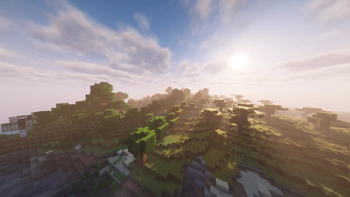
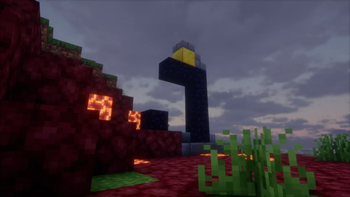


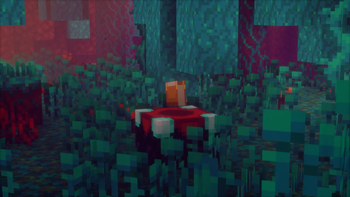
A lightweight optimization foundation for Minecraft, built for clean performance, stability, and modpack-ready setups.
It focuses on improving the client experience without changing the core gameplay. No content expansion, no heavy modifications - just a clean technical base for smoother gameplay.
Features
- Lightweight performance-focused setup
- Clean client-side optimization
- Stable base for everyday gameplay
- Suitable for modpack creators
- No unnecessary gameplay changes
- Built around a minimal and technical approach
For players
Kernova is made for players who want a smoother Minecraft experience without turning the game into something else.
Install it, launch the game, and play with a cleaner optimized setup.
For modpack creators
Kernova can be used as a foundation for your own modpack.
It provides a lightweight optimization base that you can build on top of without starting from zero.
Performance
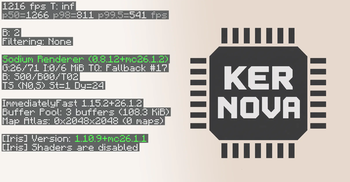
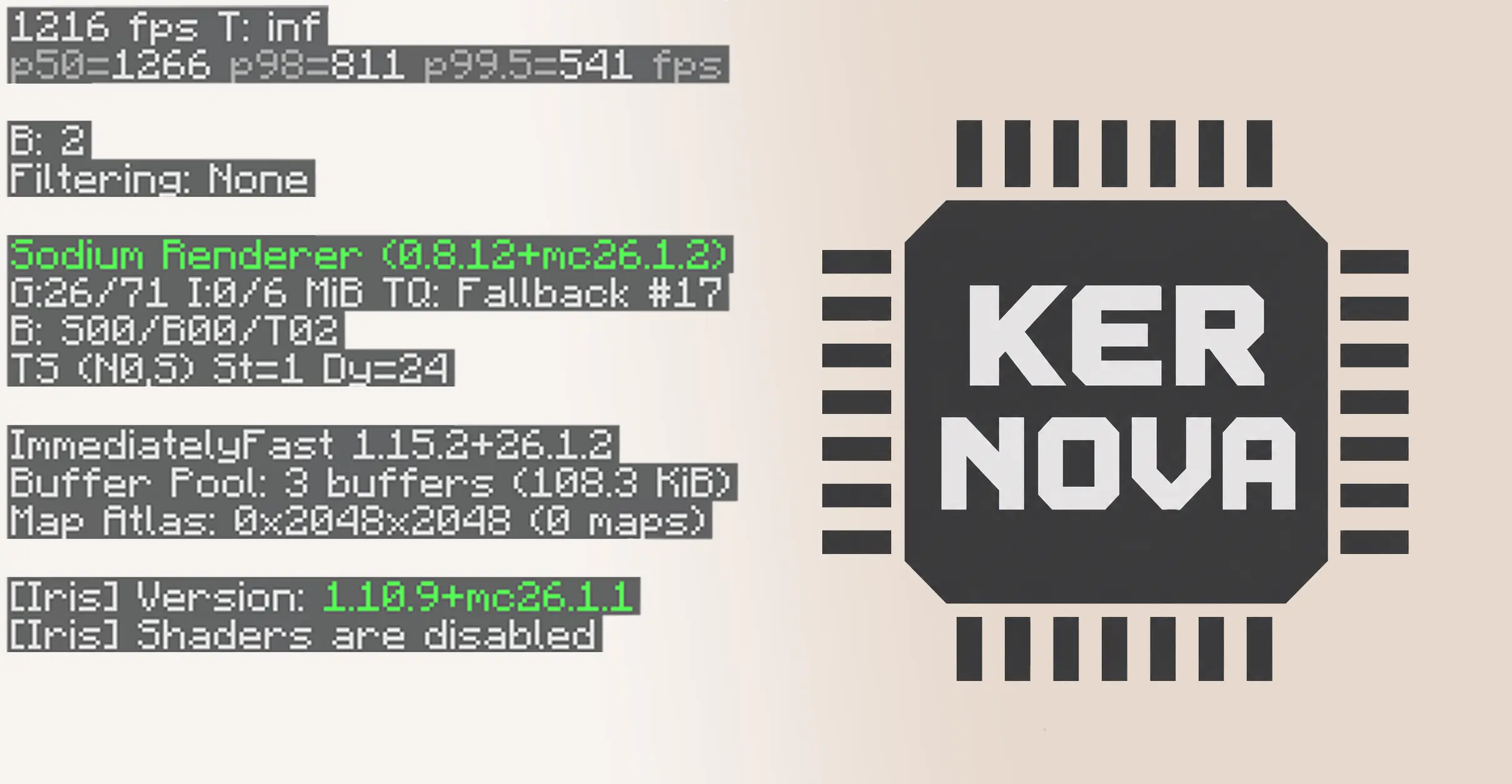
Vanilla Minecraft and Kernova compared under the same scene and settings.
- Edition: Minecraft Java
- File type: .jar
- Minecraft version listed: 26.2
- How to install: Install the matching mod loader (Forge, Fabric or NeoForge) for your Minecraft version. → Download the .jar. → Put it in the .minecraft/mods folder and launch that loader profile.
- Where to get it: Opens on Modrinth — not every file is mirrored on our own servers.
Install steps are the general flow for this file type — see the MC Java Mods guides for the full walkthrough.
- Downloads as Kernova-neoforge-26.2-v0.1.1-beta.mrpack
- Download size: 239 KB
- Download link checked 20 Aug 2026 — working
These come from our own check of the pack file, not from the source page.