
WITHER STORM OPTIMIZED
Java modpack listed for Minecraft 1.20. File opened and checked on 22 Sep 2026; downloads from the MC Java Mods app on Android.
Experience Cracker's Wither Storm Mod with improved FPS, enhanced stability, and modern optimization mods instead of OptiFine.
⬇ Download on Modrinth🌪️ WITHER STORM OPTIMIZED 🌪️
🌟 About
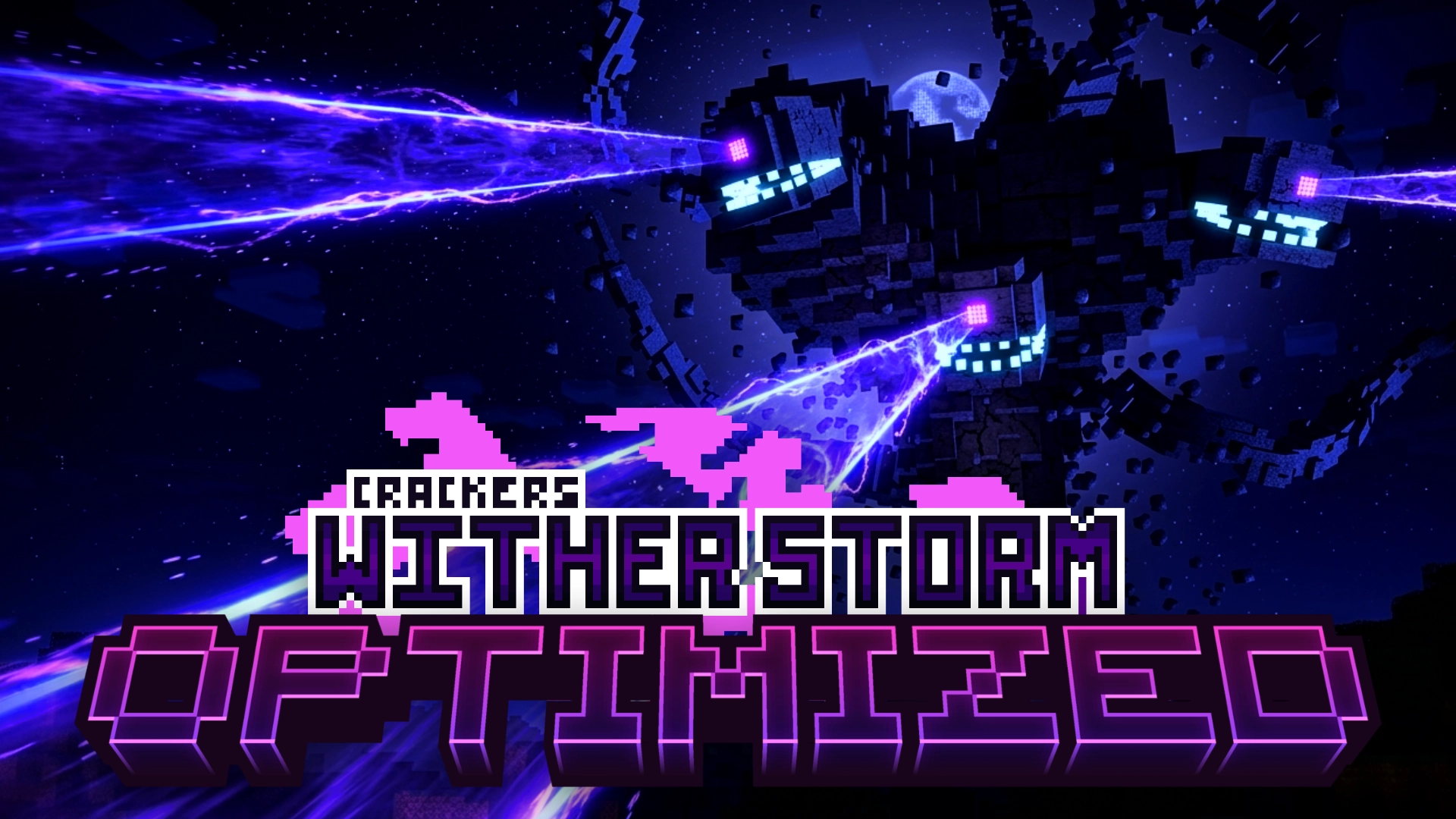
Wither Storm Optimized is a lightweight performance-focused modpack built around Cracker's Wither Storm Mod.
The goal of this pack is simple: provide the ultimate Wither Storm experience while maintaining high FPS, stability, and compatibility.
Unlike many modpacks, this pack does not use OptiFine. Instead, it relies on modern optimization mods that offer better performance and fewer compatibility issues.
✨ Features
✅ Cracker's Wither Storm Mod
✅ Improved FPS and smoother gameplay
✅ Better chunk rendering
✅ Reduced memory usage
✅ Faster loading times
✅ Modern optimization mods
✅ No OptiFine required
✅ Lightweight and easy to run
🚀 Performance
This modpack includes carefully selected performance mods to improve:
- FPS
- World loading
- Entity rendering
- Memory management
- Overall game stability
Perfect for players who want to experience the Wither Storm without unnecessary lag.
💻 Recommended Specs
Minimum
- 4 GB RAM allocated
- Modern dual-core CPU
- Dedicated GPU recommended
Recommended
- 6–8 GB RAM allocated
- Quad-core CPU or better
- Dedicated GPU
📦 Installation
- Install Modrinth App.
- Download the latest version of the modpack.
- Import the
.mrpackfile. - Launch and enjoy.
⚠️ Notes
- Do not install OptiFine.
- Additional performance mods may not be compatible.
- For best results, use the included configuration.
❤️ Credits
Main Mod
Optimization Mods
- Thanks to all optimization mod developers whose work makes this experience possible.
Modpack Creator
- AntiX
🌪️ Can You Survive the Storm?
The world is doomed.
The Wither Storm is coming.
Good luck.
- Edition: Minecraft Java
- File type: .jar
- Minecraft version listed: 1.20.1
- How to install: Install the matching mod loader (Forge, Fabric or NeoForge) for your Minecraft version. → Download the .jar. → Put it in the .minecraft/mods folder and launch that loader profile.
- Where to get it: Opens on Modrinth — not every file is mirrored on our own servers.
Install steps are the general flow for this file type — How to install Minecraft Java mods & modpacks walks through it step by step.
- Downloads as WITHER STORM OPTIMIZED 1.0.0-beta.1.mrpack
- Download size: 43 KB
- Download link checked 9 Nov 2026 — working
These come from our own check of the pack file, not from the source page.