LambDynamicLights
Java mod listed for Minecraft 1.16–1.21. File opened and checked on 27 Sep 2026; downloads from the MC Java Mods app on Android.
I don't know my version or loader
LambDynamicLights


The most feature-complete and optimized dynamic lighting Minecraft mod.
📖 What's this mod?
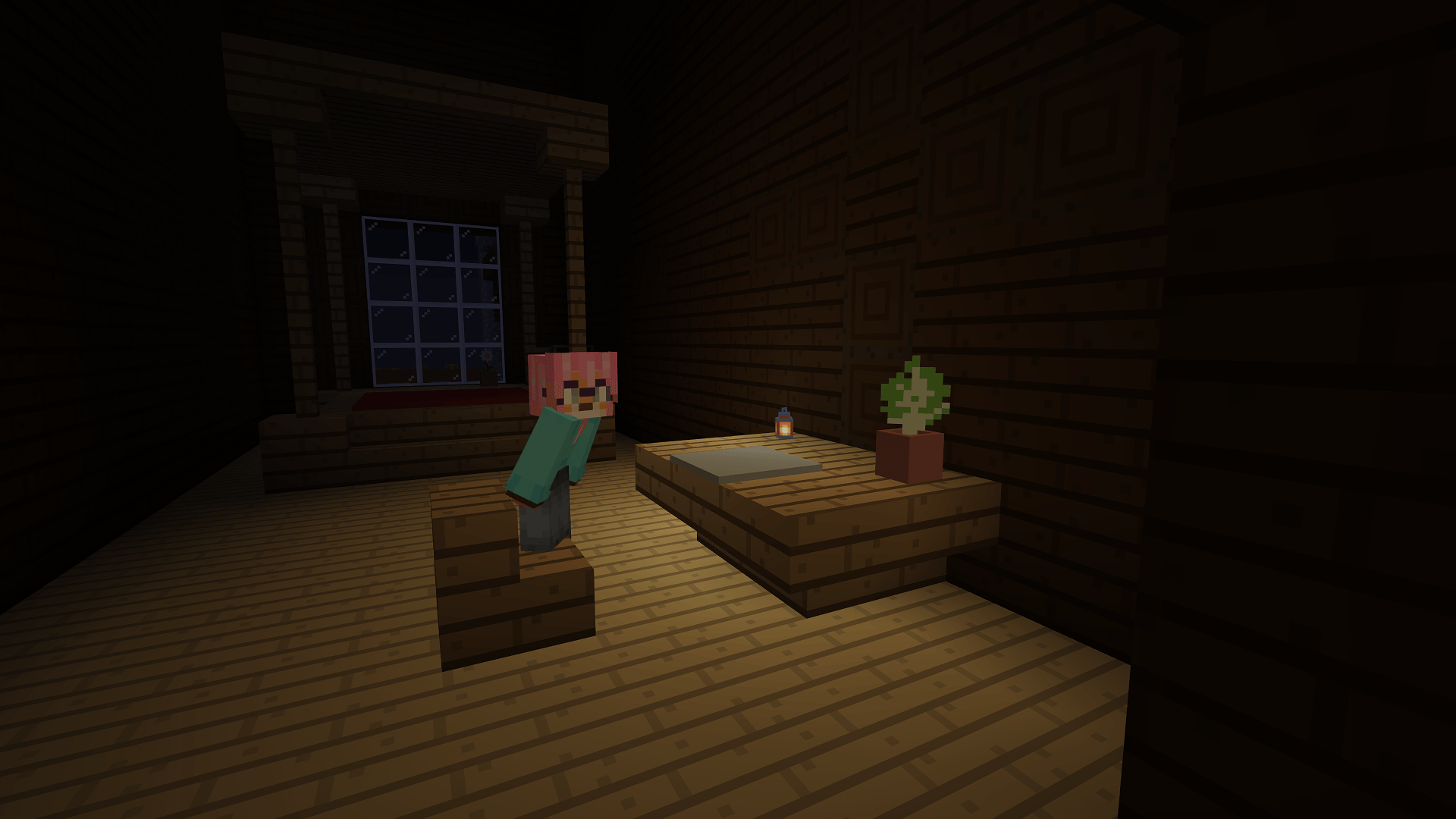
It's dark outside, extremely dark… You can't see a lot in the darkness, you wish you had a torch, or a lantern to hold and see in the light…
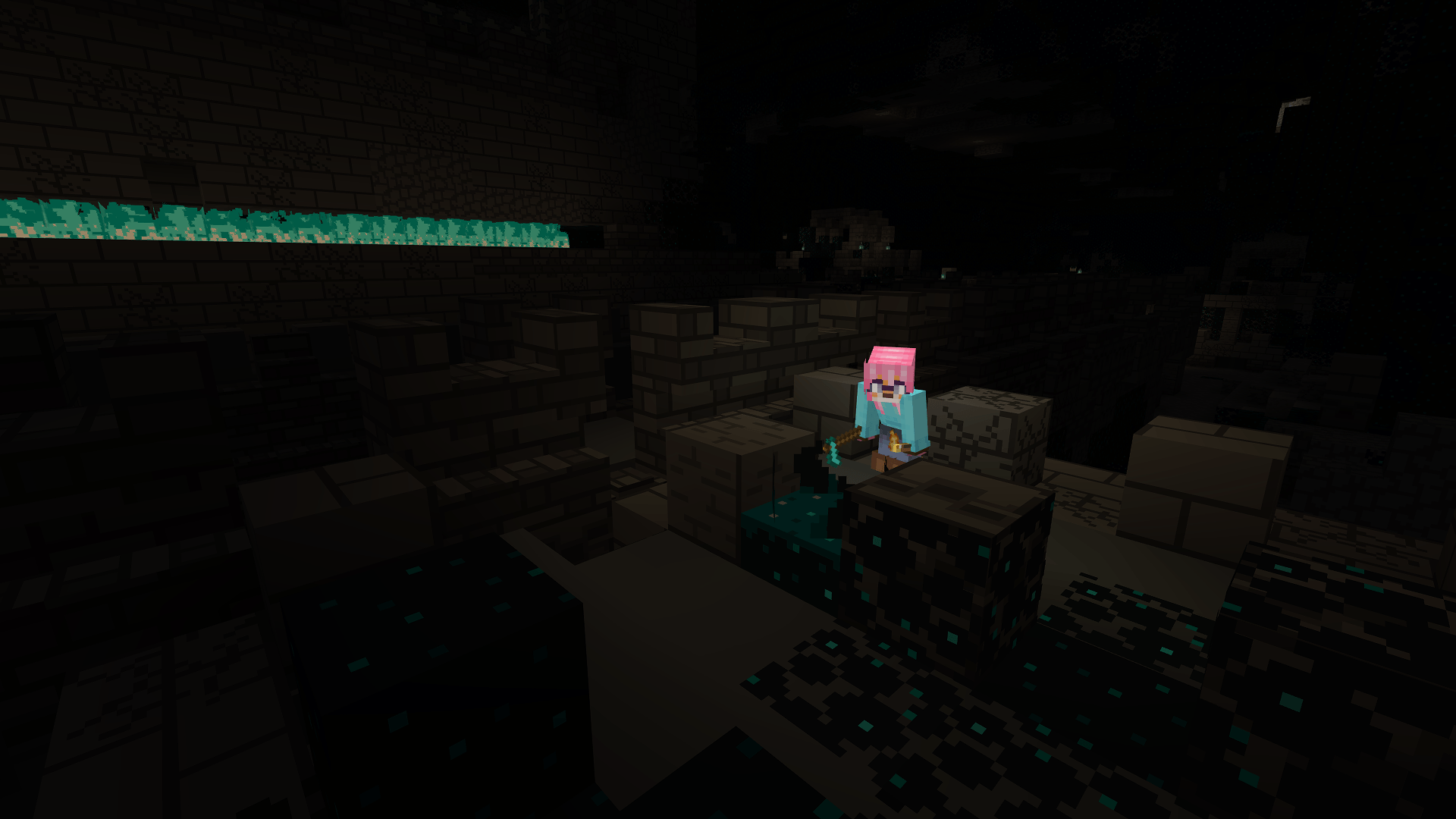
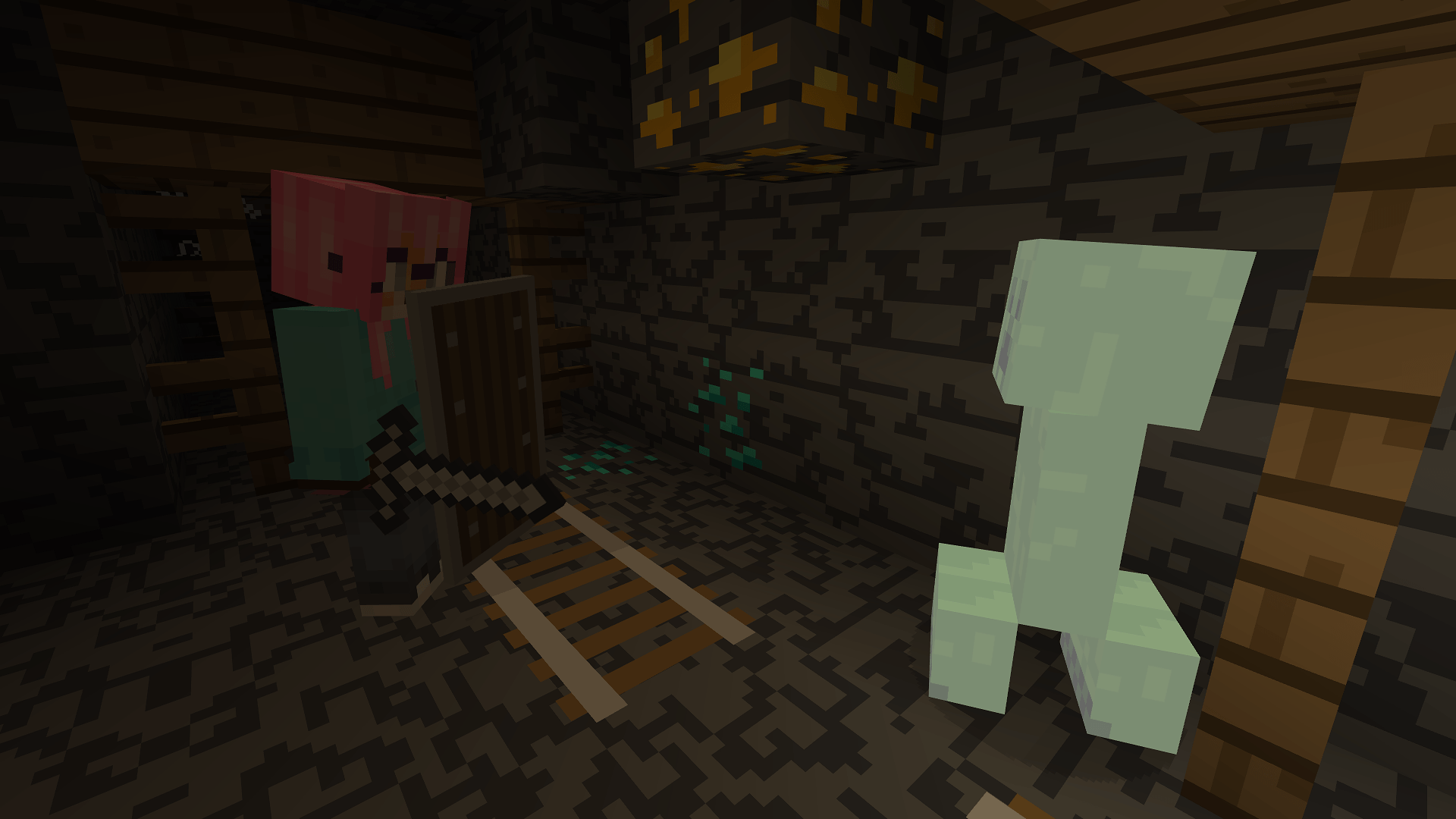
And this is now possible with this mod as it adds dynamic lights to the game. You can see in the darkness thanks to your torch now!
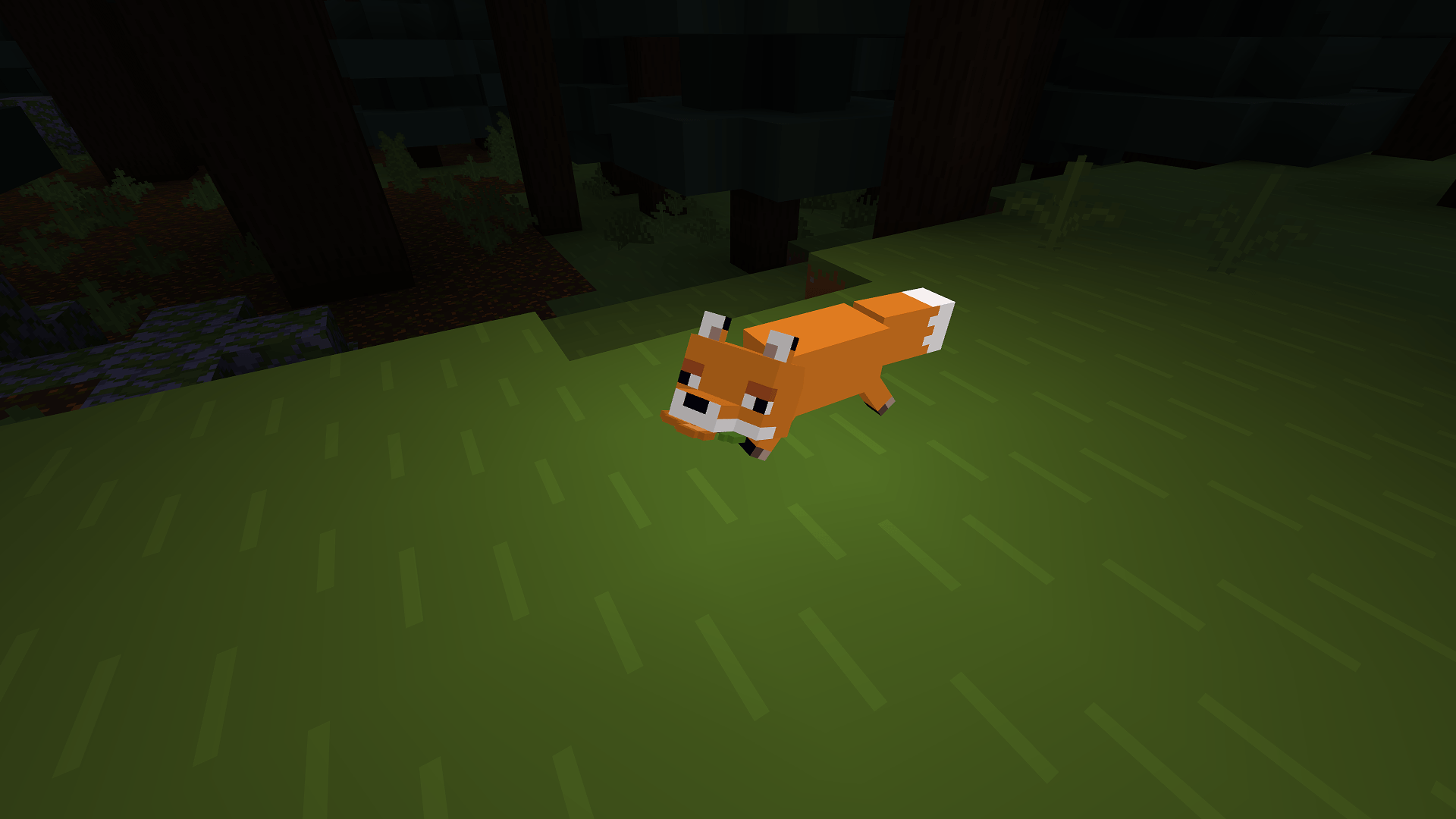
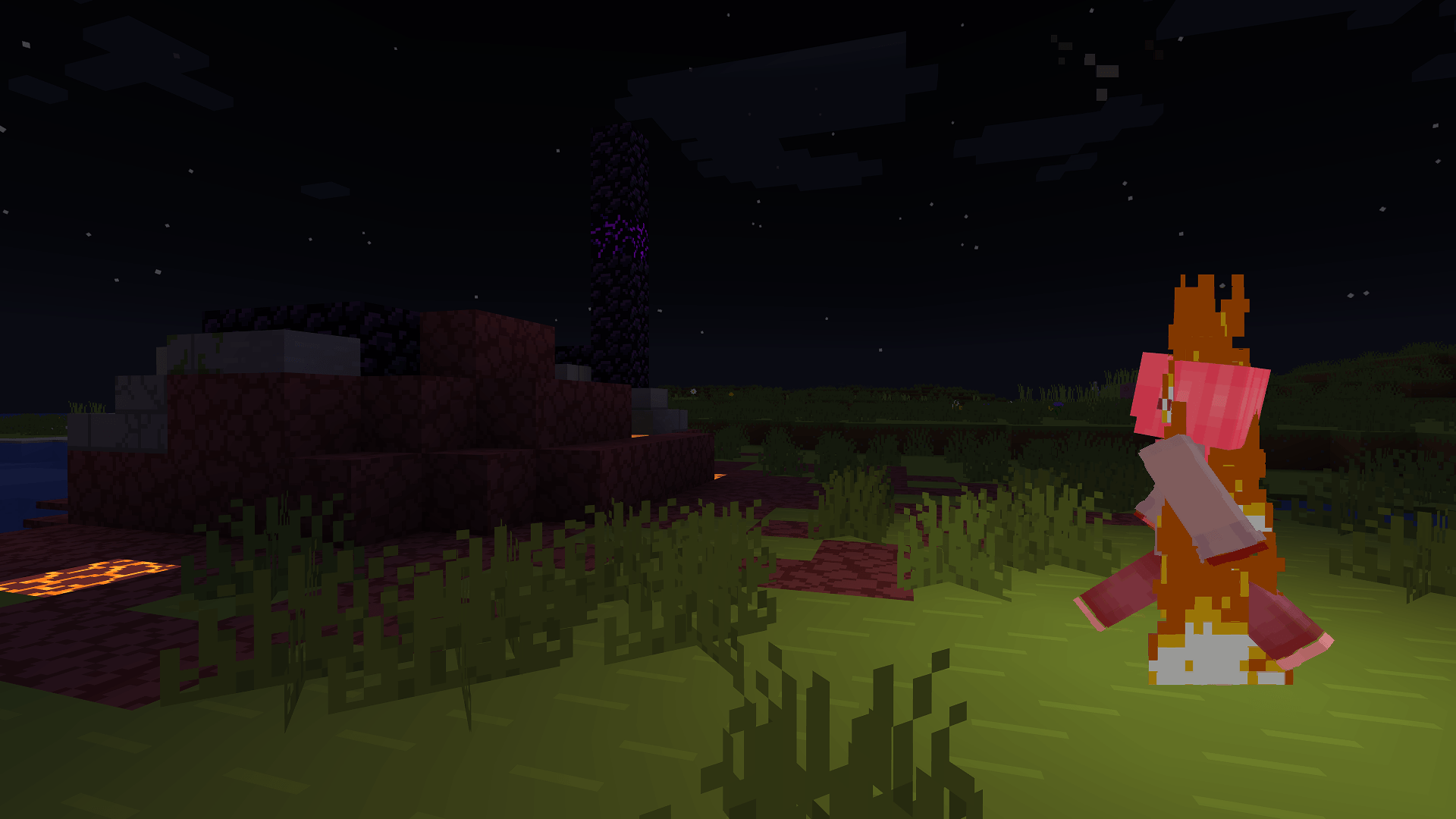
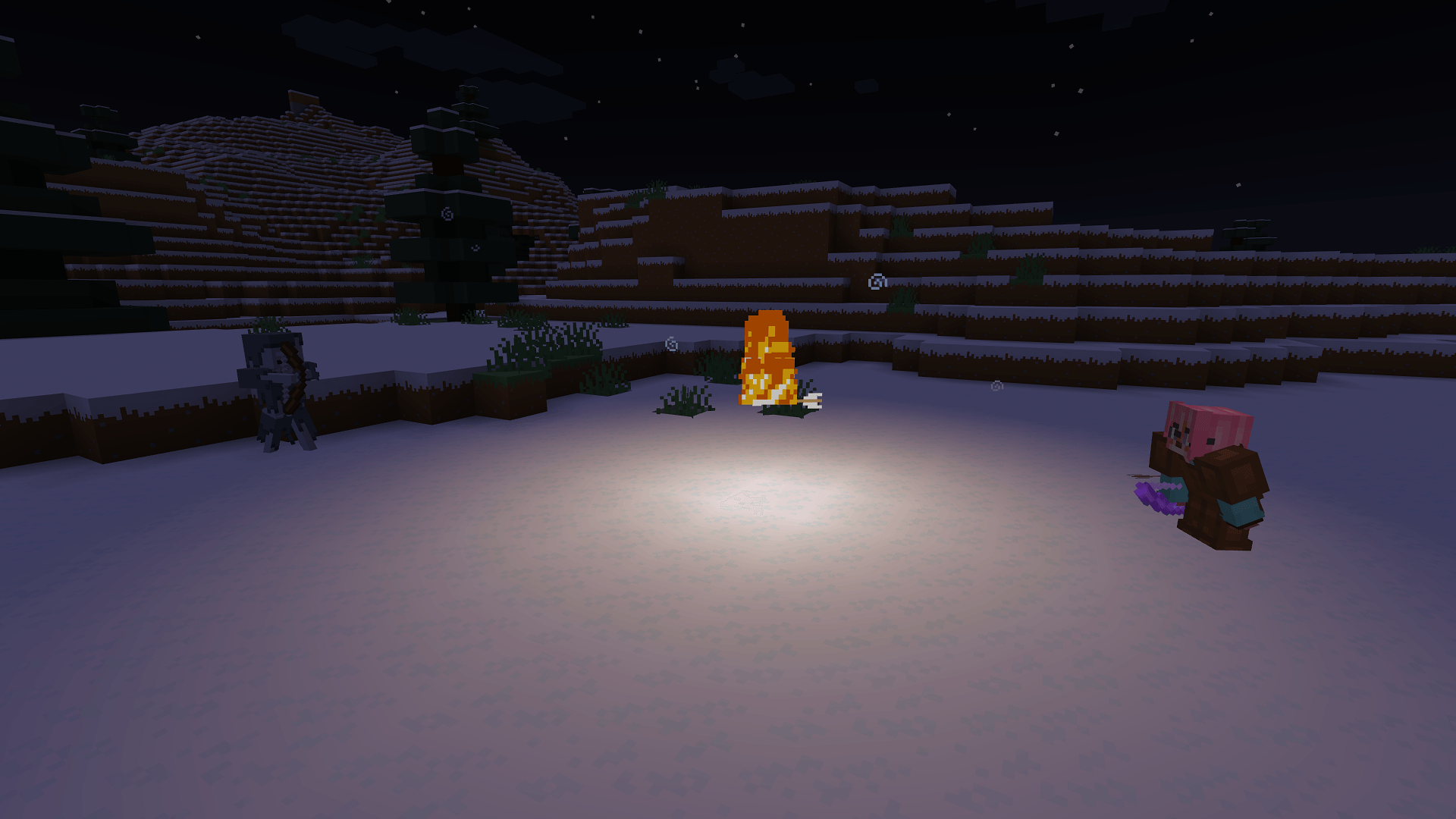
This mod adds dynamic lights to Minecraft. Dynamic lights are lights created by an entity holding an item which makes light as a block, or created by an entity on fire, etc.
Searching other mods to replace OptiFine? Check out that list!
✅ Features:
- Dynamic lighting.
- Settings to select how smoothly the dynamic lighting updates.
- Any entity holding an item which emits light will emit light!
- Item lighting can be customized through resource-packs and can work with modded items!
- Some items like torches, soul torches, etc. will not light up in water.
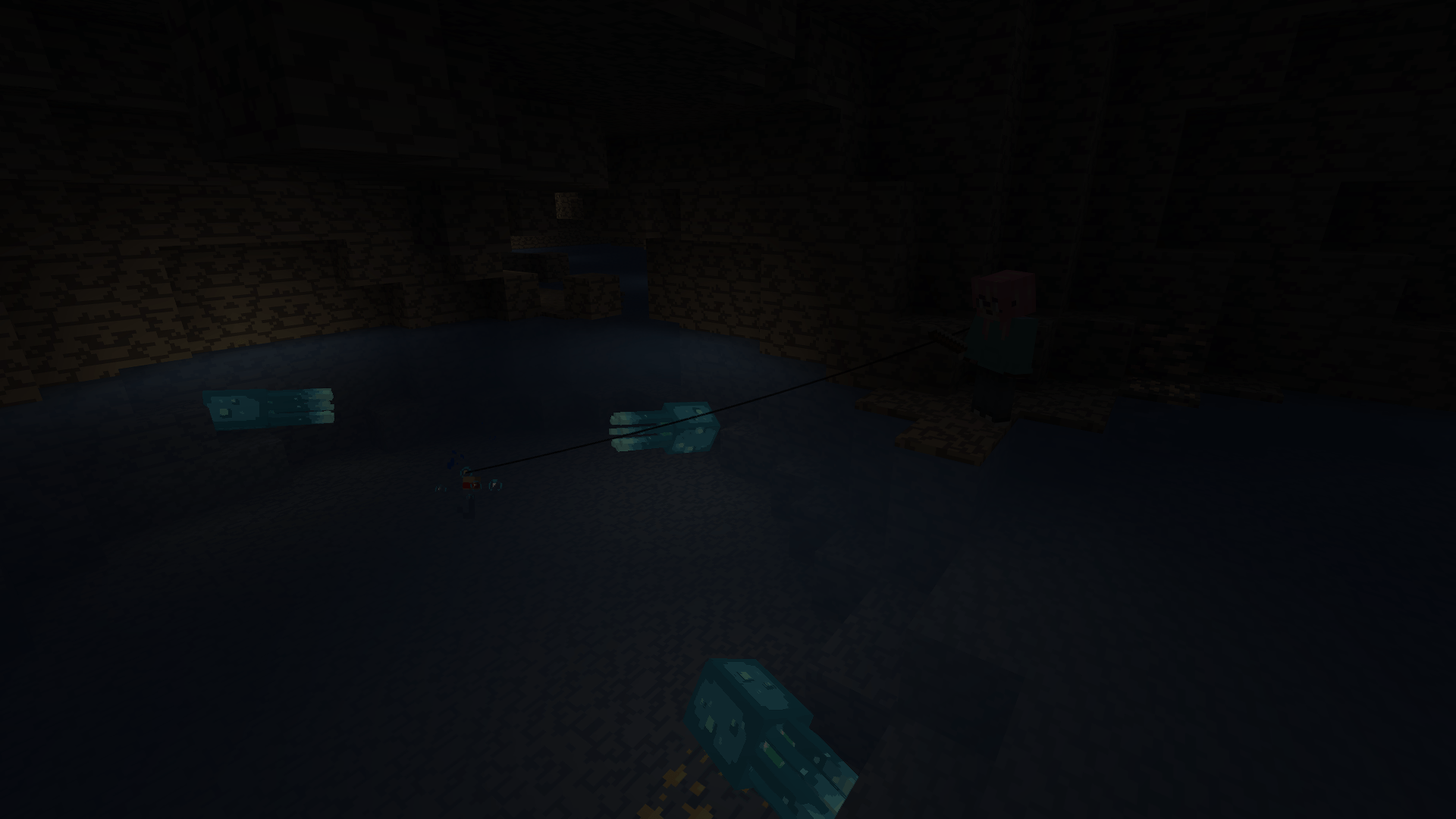
- Various entities will naturally emit light, like:
- Allays
- Blazes
- Fireballs
- Glow squids
- Magma cubes
- Spectral arrows
- Burning entities emit light.
- Quick and simple API for developers and resource pack makers.
- Check out the documentation for more details!
- And more!
📖 Usage
Using this mod is very simple!
Install it in your mods folder along with Fabric API and ModMenu, (and Sodium if wanted for better performances).
It will work as-is. If you want, you can configure the mod through its settings screen by heading to the video settings or via ModMenu.
Need help? Come check out my Discord server.
📖 Is there an API? How to use it as a developer?
Check out this in-depth documentation.
📖 Compatibility
- Edition: Minecraft Java
- File type: .jar
- Minecraft versions listed: 1.21, 1.21.1, 1.21.11
- How to install: Install the matching mod loader (Forge, Fabric or NeoForge) for your Minecraft version. → Download the .jar. → Put it in the .minecraft/mods folder and launch that loader profile.
- Where to get it: Opens on CurseForge — not every file is mirrored on our own servers.
Install steps are the general flow for this file type — How to install Minecraft Java mods & modpacks walks through it step by step.
- Ships as lambdynamiclights-4.10.0-alpha.1+26.1-snapshot-6.jar — drop this file into the mods folder
- Download size: 1.3 MB
- Download link checked 23 Oct 2026 — working
These come from our own check of the pack file, not from the source page.