
FPS Flood
Java modpack listed for Minecraft 1.21. Downloads from the MC Java Mods app on Android.
⬇ Download on Modrinth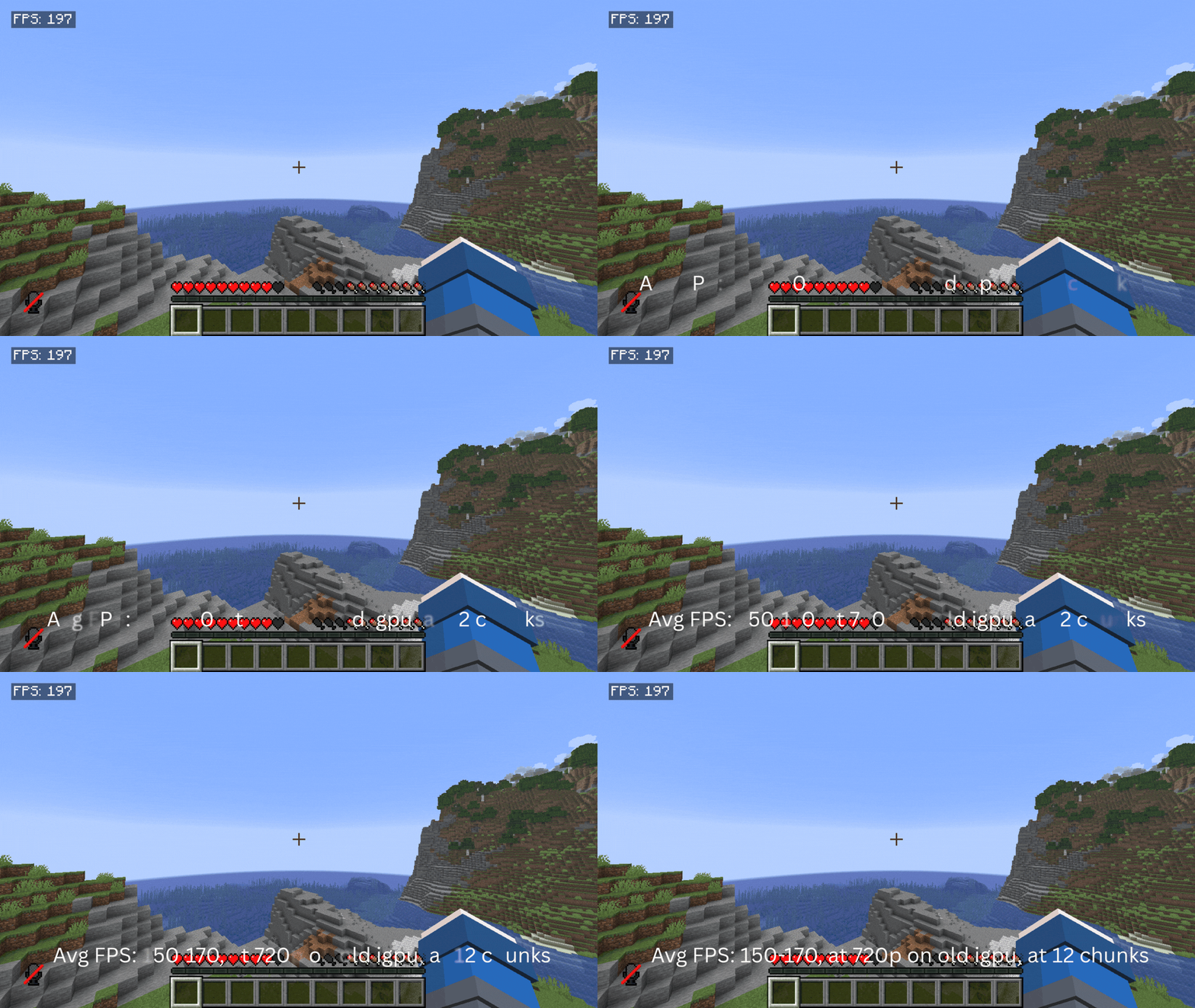
FPS Flood – by Pixelforge Collective
Do you like Create mod? Then come take a look FPS Flood: Create
FPS Flood is a performance-focused Minecraft modpack built to improve FPS, responsiveness, and overall gameplay smoothness while enhancing the vanilla experience with modern quality-of-life upgrades.
The modpack includes a carefully tested collection of optimization mods, interface improvements, and additional settings designed to make Minecraft feel cleaner, faster, and more customizable — especially on large multiplayer servers. Features:
Major FPS and performance improvements Better optimization for large servers Enhanced UI and menu improvements Additional graphics and gameplay settings Quality-of-life upgrades
Carefully tested and optimized mod selection Lightweight and smooth gameplay experience FPS Flood keeps the core Minecraft experience familiar while refining it with modern enhancements and performance-focused improvements.
Notes:
- The standard version of FPS Flood is not designed for shader optimization. Heavy shaders may still significantly impact FPS depending on your hardware.
- Recommended 4GB allocated.
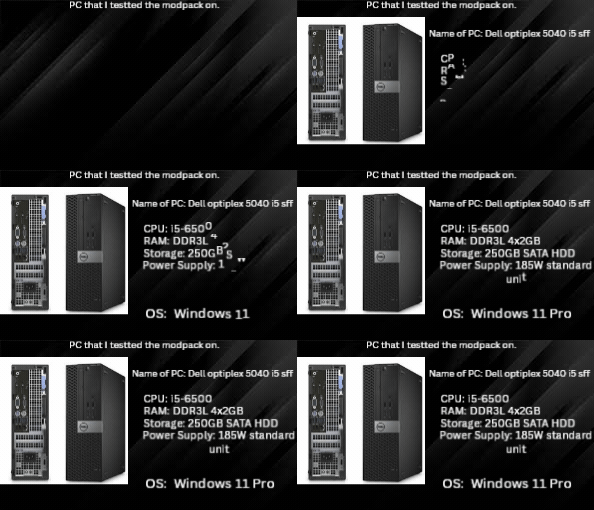
- This modpack was tested on old hardware (and DDR3L RAM.)
- For best results, set your resolution to what your GPU is designed for.
Patreon Edition: The Patreon version of FPS Flood includes additional optimizations focused on improving shader performance and delivering more stable FPS while or while not using shaders. Performance results may vary depending on hardware and shader settings.
License/Rules: Copyright © Pixelforge Collective
Permissions You may: Download and play the modpack Share official download links Use the modpack in videos, livestreams, and other content creation
Restrictions You may not: Reupload the modpack without permission Redistribute modified versions as official releases Sell the modpack or its contents Repackage or redistribute Patreon-exclusive content
Third-Party Mods All included mods belong to their respective creators and remain under their own licenses and permissions.
Visit our website for more; Pixelforge Collective
- Edition: Minecraft Java
- File type: .jar
- Minecraft version listed: 1.21.1
- How to install: Install the matching mod loader (Forge, Fabric or NeoForge) for your Minecraft version. → Download the .jar. → Put it in the .minecraft/mods folder and launch that loader profile.
- Where to get it: Opens on Modrinth — not every file is mirrored on our own servers.
Install steps are the general flow for this file type — How to install Minecraft Java mods & modpacks walks through it step by step.
- Downloads as FPS Flood; Pixelforge Collective 1.0.1.mrpack
- Download size: 102.0 MB
- Download link checked 11 Nov 2026 — working
These come from our own check of the pack file, not from the source page.