
Quickened
Vanilla Minecraft — just faster, smoother, and prettier. A lightweight Fabric modpack focused on performance and subtle visual polish.
⬇ Download on Modrinth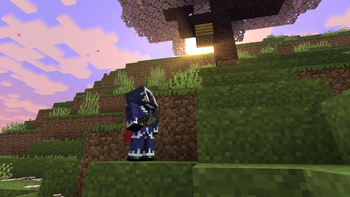
⚡ Quickened
Vanilla Minecraft — just faster, smoother, and prettier.



A lightweight Fabric modpack that boosts performance and polishes visuals — without changing how the game feels.
✨ Features
- 🚀 Massive FPS boost — Sodium, Lithium, FerriteCore, C2ME, MoreCulling & more
- 🌅 Shader support — works out of the box with Iris
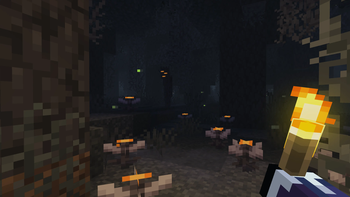
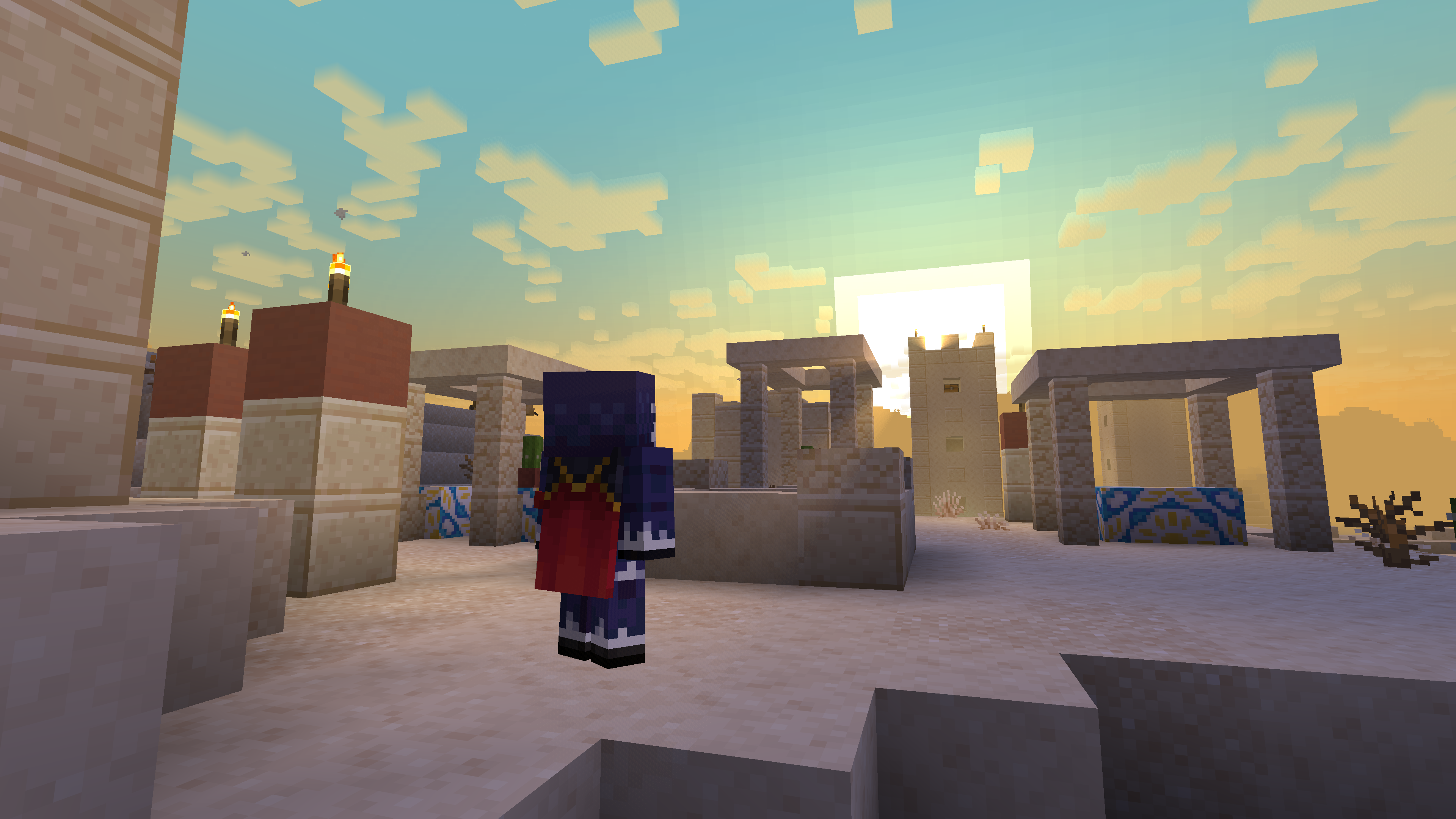
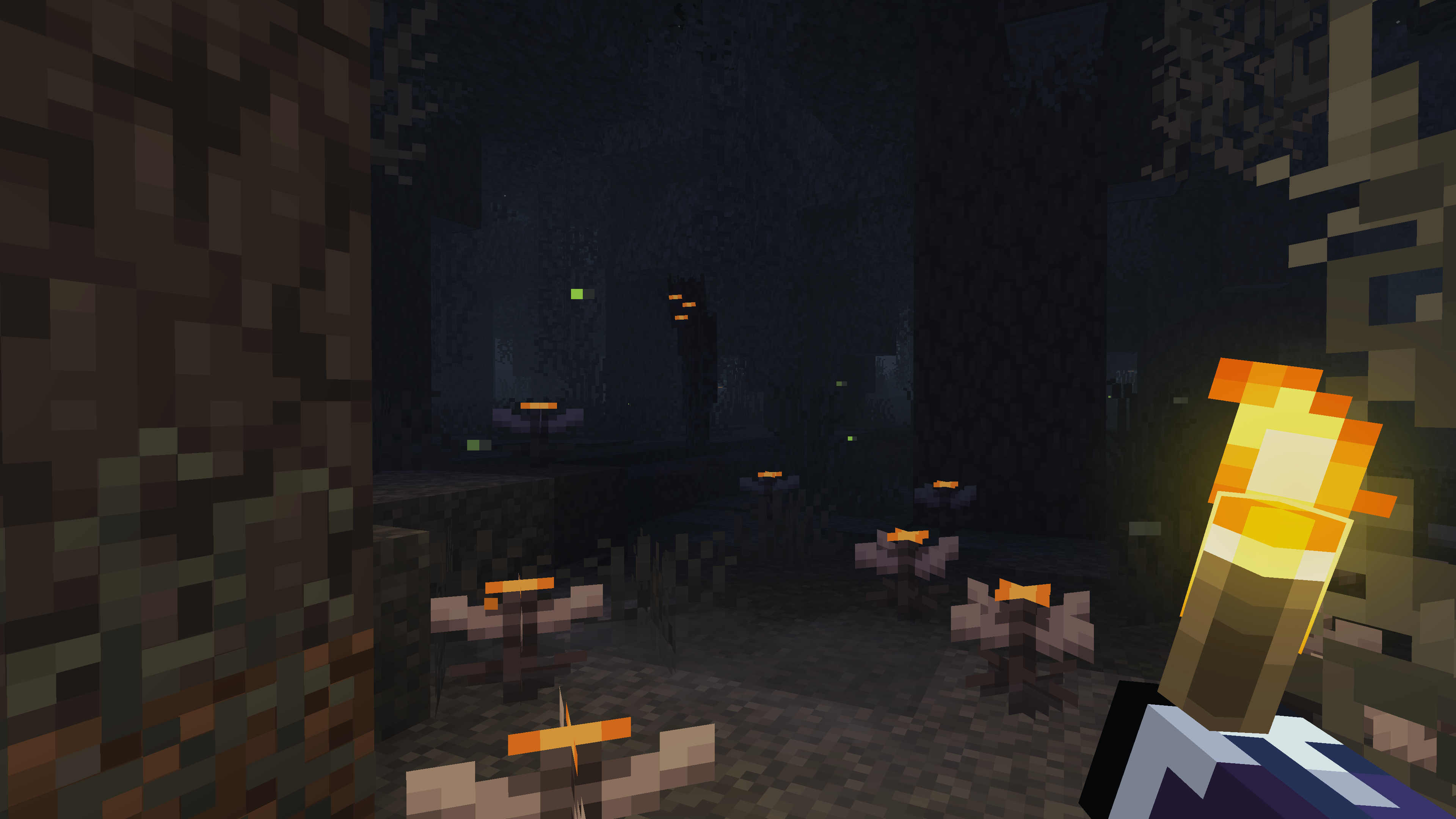
- 🎨 Refined visuals — Fresh Animations, dynamic lighting, custom skies, refined torches
- 💧 Subtle polish — improved particles, sounds, and weather effects
- 🎮 Quality of life — chat heads, inventory sorting, better F3, Xaero's world map
- 🛡️ Privacy-friendly — no chat reports, no telemetry
- 🪶 Lightweight — every mod earns its spot, no bloat
📸 Showcase
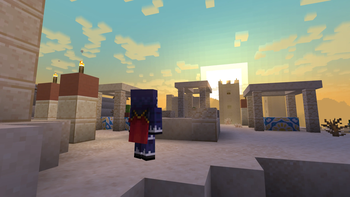
Click to view screenshots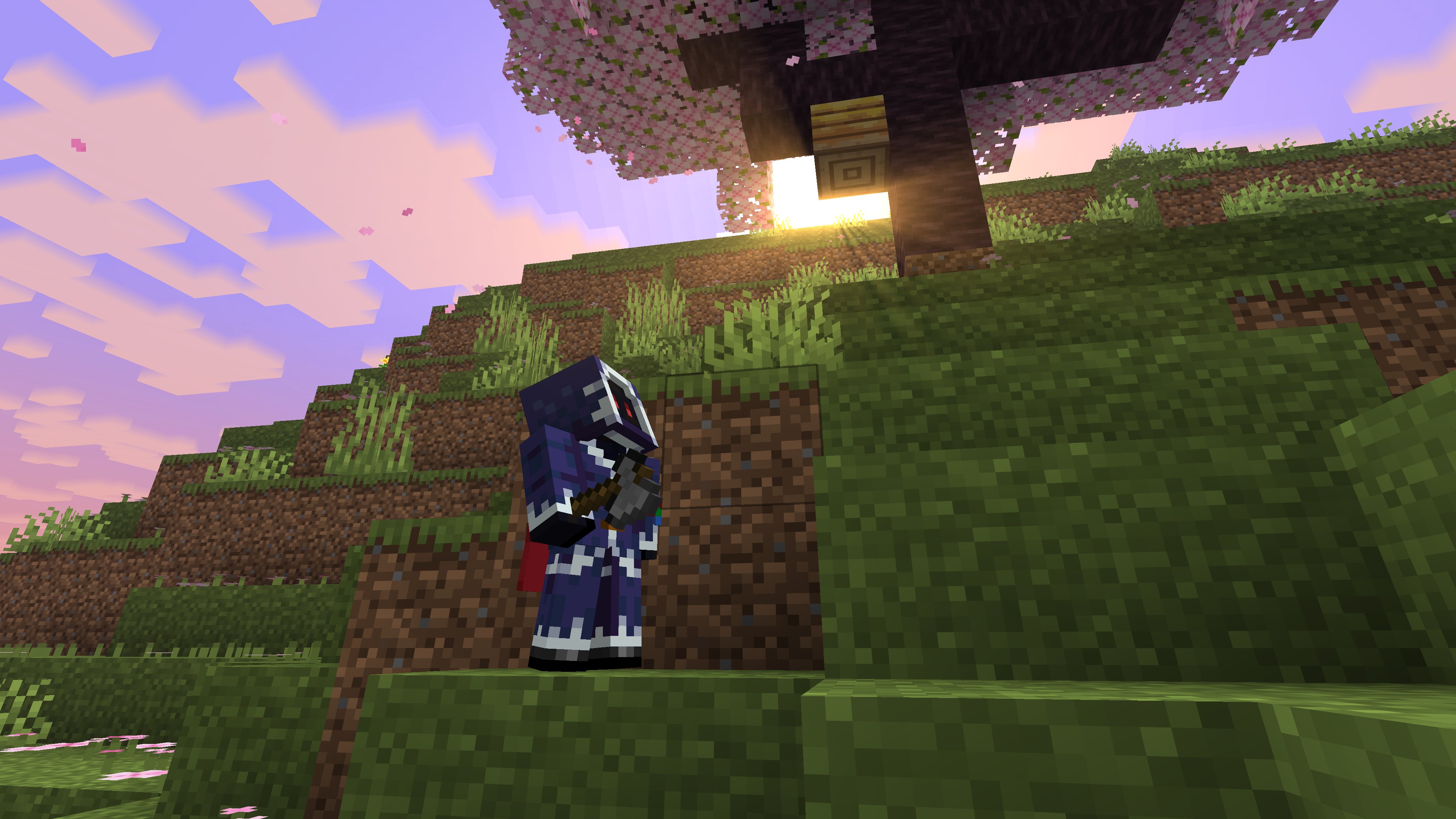
📋 Requirements
| Requirement | Version |
|---|---|
| Minecraft | 1.21.11 |
| Fabric Loader | 0.19.2+ |
| Java | 21+ |
| RAM | 4GB recommended |
🎮 How to install
Modrinth App (recommended)
- Download the Modrinth App
- Search for Quickened and hit Install
- Launch and play
Other launchers
Quickened works with Prism Launcher, ATLauncher, and MultiMC — just import the .mrpack file.
❓ FAQ
Does it work with shaders?Yes! Iris is included, so just drop your favorite shader pack into the shaderpacks folder and enable it from Video Settings → Shader Packs.
Absolutely. Quickened is built on Fabric, so any 1.21.11 Fabric mod should work. Just keep an eye on conflicts with the included optimization mods.
Will it work on multiplayer servers?Yes — Quickened is fully client-side, so you can join any vanilla 1.21.11 server.
How much RAM should I allocate?4GB is plenty for most setups. Don't go overboard — more RAM ≠ more FPS.
💬 Feedback & Support
- 🐛 Bug reports — open an issue on the Issues page
- 💡 Suggestions — drop them in the same place
- ⭐ Enjoying the pack? Leave a follow on Modrinth — it really helps!
Made with ⚡ for players who want vanilla, just better.
- Edition: Minecraft Java
- File type: .jar
- Minecraft version listed: 1.21.11
- How to install: Install the matching mod loader (Forge, Fabric or NeoForge) for your Minecraft version. → Download the .jar. → Put it in the .minecraft/mods folder and launch that loader profile.
- Where to get it: Opens on Modrinth — not every file is mirrored on our own servers.
Install steps are the general flow for this file type — How to install Minecraft Java mods & modpacks walks through it step by step.
- Downloads as Quickened 1.0.1.mrpack
- Download size: 89 KB
- Download link checked 13 Sept 2026 — working
These come from our own check of the pack file, not from the source page.