
BlockOS
This modpack is a set of mods that do not depend on a host having them, in case you can use them on friends' servers (or any server you allow). Mods such…
⬇ Download on Modrinth⚡ Your Game. Anywhere.
A lightweight client-side modpack built to enhance your Minecraft experience on any server — no installation required.
Smooth performance, useful features, and a clean vanilla feel.

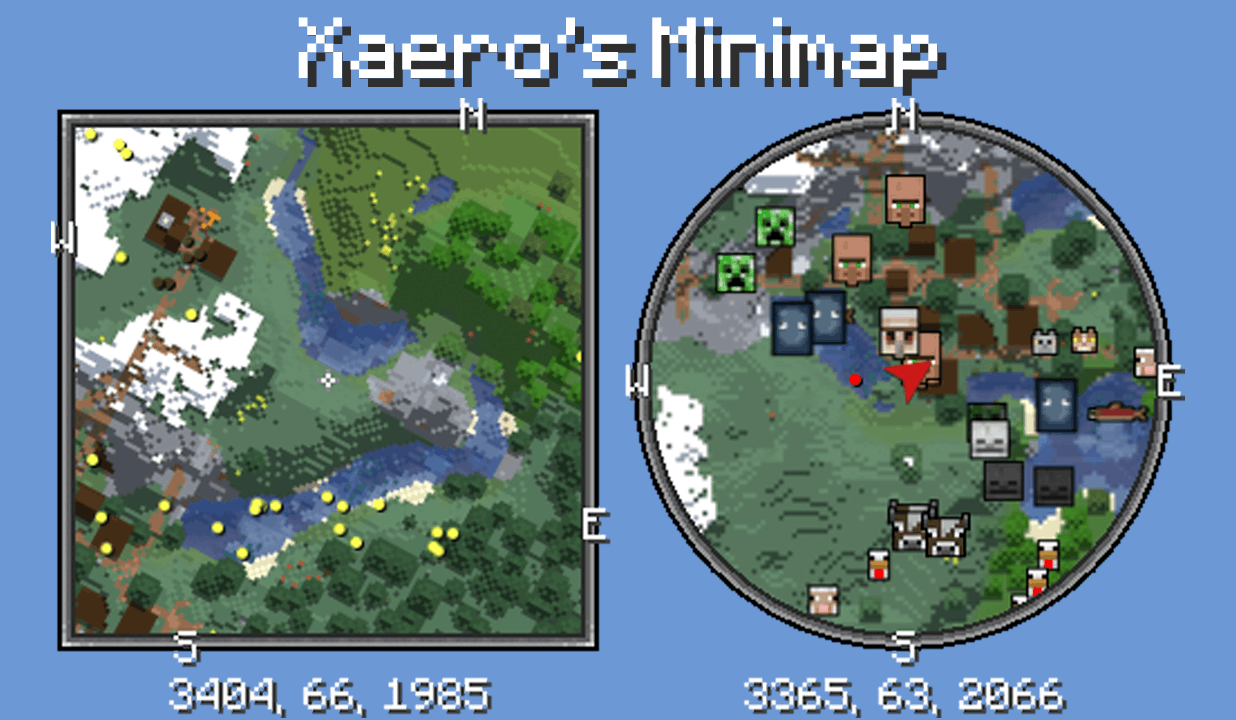
🧭 Xaero’s Map
Minimap and full world map for easy navigation and exploration. Never get lost again.
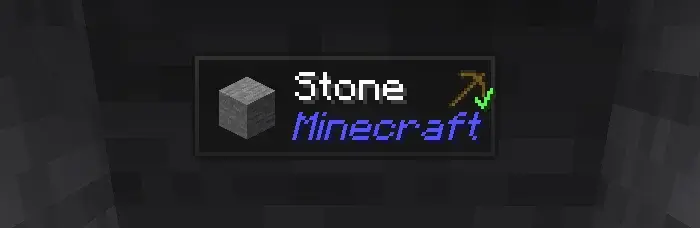
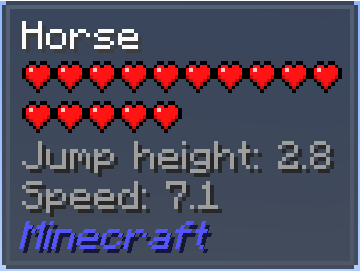
🧠 Jade
Displays useful information about blocks and entities directly on your screen.
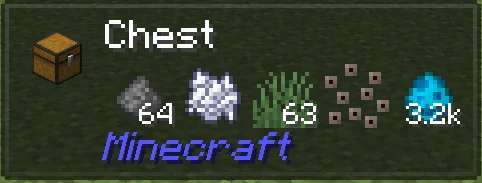

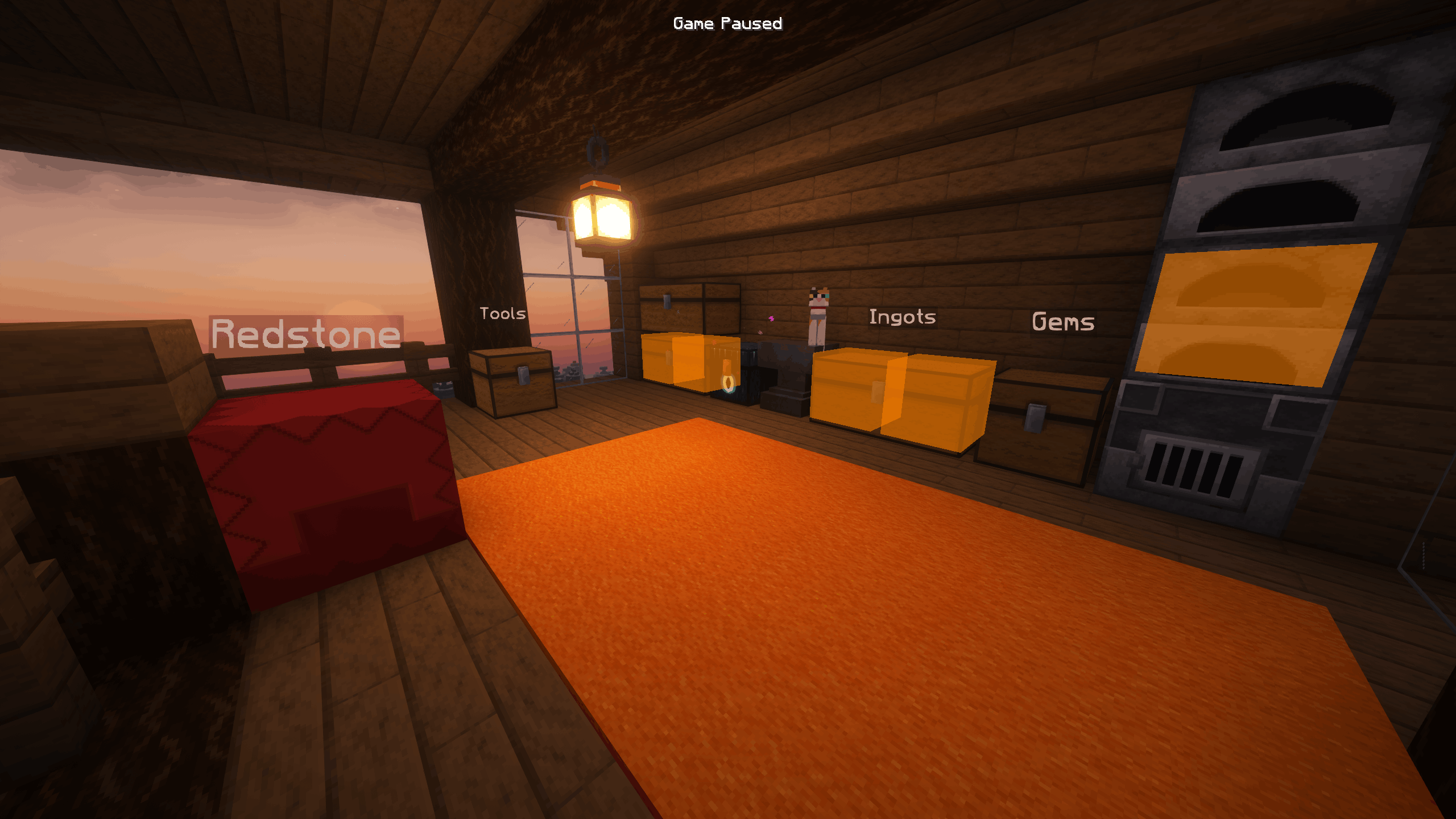
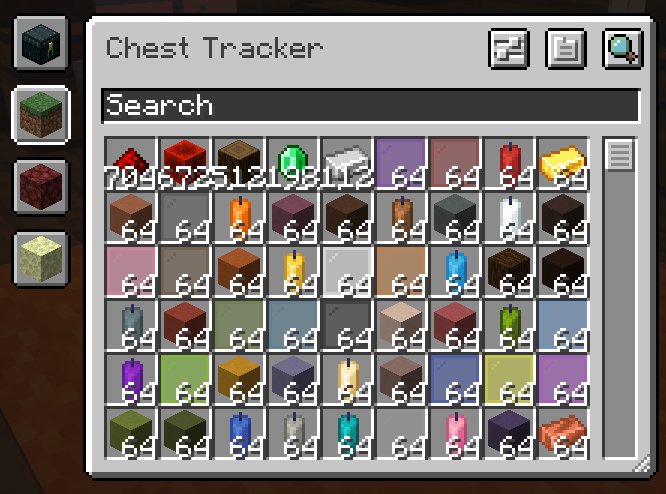
📦 Chest Tracker
Keep track of opened chests and stored items across your world.
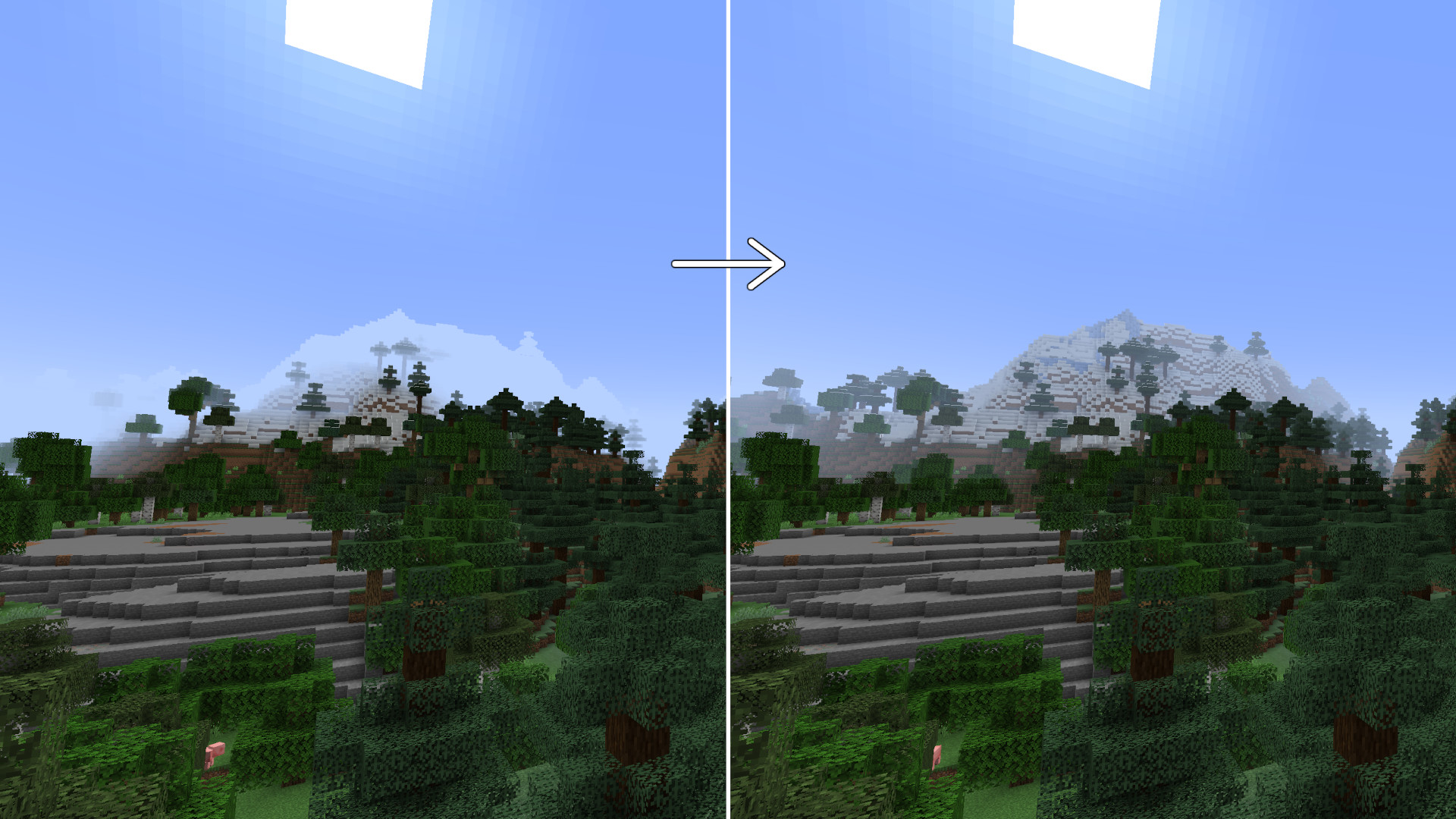
🌫️ Fog Control
Customize or remove fog for better visibility and a cleaner view of the world.
🏗️ Bridging Mod
Helps with precise block placement, making bridging smoother and easier.

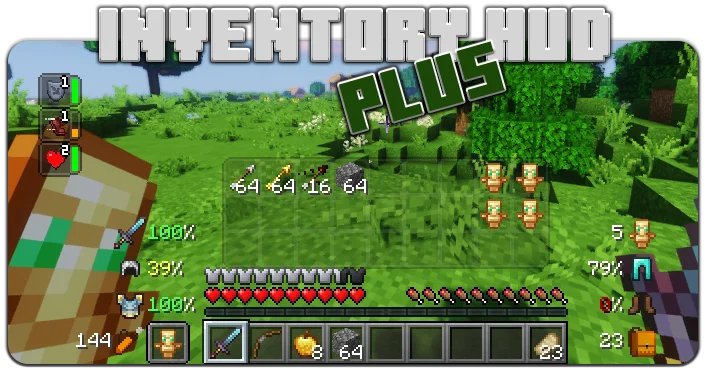
🎒 Inventory HUD+
Displays your inventory on screen for faster access and better awareness.
🧩 Inventory Profiles Next
Advanced inventory sorting, auto-refill, and smart management tools.
⚡ Performance Boost
A collection of optimization mods that drastically improve FPS and reduce lag.
- Faster rendering
- Better memory usage
- Smoother gameplay
- Edition: Minecraft Java
- File type: .jar
- Minecraft version listed: 1.21.11
- How to install: Install the matching mod loader (Forge, Fabric or NeoForge) for your Minecraft version. → Download the .jar. → Put it in the .minecraft/mods folder and launch that loader profile.
- Where to get it: Opens on Modrinth — not every file is mirrored on our own servers.
Install steps are the general flow for this file type — How to install Minecraft Java mods & modpacks walks through it step by step.
- Downloads as Only Client 1.0.0.mrpack
- Download size: 14 KB
- Download link checked 10 Sept 2026 — working
These come from our own check of the pack file, not from the source page.