
The ultimate client side Quality Of Life (QOL) modpack
This modpack is created so you can enjoy minecraft as much as possible while still being playable on any world/server.
Please remember to activate resource packs for best experience.
QOL;
- Dynamic Lights
- Enhanced ui with lots of new animations.
- Better sounds phyiscs + Ambient sounds based on biome.
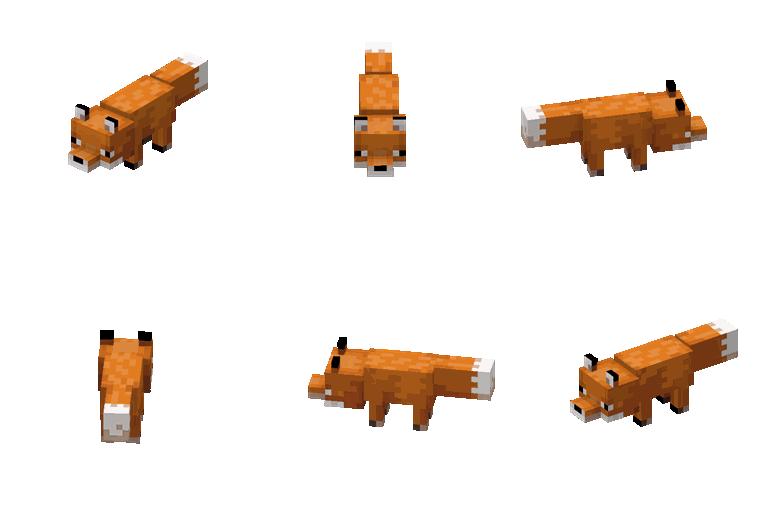
- Lots of new Animations+Moves on Characters (Players) and Mobs.
- Better textures such as Connected Blocks, Clouds, Crops, Armors Trims and 3d Ladders/Rails.
- Better overlays like better advancements, f3 and chat. And seamless loading screens
Performance;
Of course a QOL modpack wouldn't be good without performance so optimizations via Sodium, Distant Horizons, Culling, Modern Fix, etc. makes a potato pc:
able to run this modpack.
Quick facts
- Edition: Minecraft Java
- File type: .jar
- Minecraft version listed: 1.21.1
- How to install: Install the matching mod loader (Forge, Fabric or NeoForge) for your Minecraft version. → Download the .jar. → Put it in the .minecraft/mods folder and launch that loader profile.
- Where to get it: Opens on Modrinth — not every file is mirrored on our own servers.
Install steps are the general flow for this file type — How to install Minecraft Java mods & modpacks walks through it step by step.
Verified by MCModsHub
- Downloads as NEOptimized 1.2.mrpack
- Download size: 136 KB
- Download link checked 11 Sept 2026 — working
These come from our own check of the pack file, not from the source page.