*Important – Chunk Generation : When creating a new world, it is strongly recommended to pre-generate chunks to ensure better in-game performance. To do this, use the following commands:
/chunky center to set the center of the generation (usually your current position).
/chunky radius to define the radius of chunks to be generated.
/chunky start to begin the chunk generation process.
Pre-generating chunks significantly reduces lag caused by real-time world generation while exploring.*
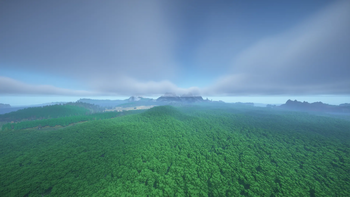
Additionally, for optimal performance, it is recommended to set the vanilla Minecraft render distance to below 10 chunks. Higher render distances with voxy can negatively impact performance, even with the optimizations included in OptiHammer
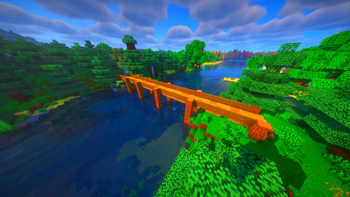
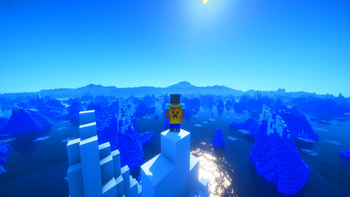
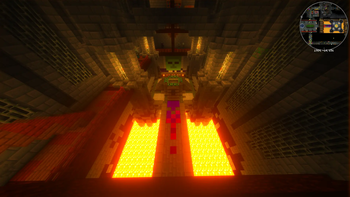
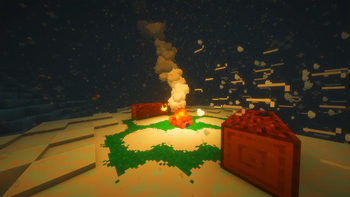
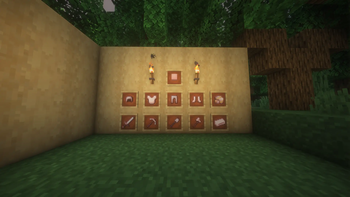
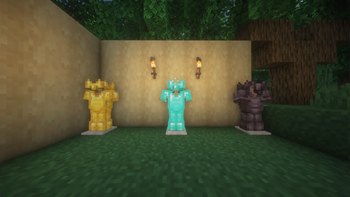
OptiHammer is a carefully designed vanilla-refreshed Minecraft modpack that enhances the core gameplay without losing the original identity of the game. The goal of OptiHammer is simple: keep Minecraft feeling like Minecraft, while polishing and expanding the experience with thoughtful, lightweight additions.
This modpack focuses on performance, visual clarity, and subtle quality-of-life improvements. World generation remains familiar, progression stays balanced, and survival mechanics follow the vanilla logic players already know and enjoy. Instead of overwhelming systems or complex tech trees, OptiHammer introduces small features that feel natural and intuitive, as if they could have been part of the base game from the start.
Exploration is smoother, building is more comfortable, and the overall game feels more responsive thanks to optimization-focused mods. Visual enhancements respect the original art style, avoiding drastic changes while making the world feel more alive and refined. Gameplay additions are carefully selected to avoid breaking balance or immersion.
- Edition: Minecraft Java
- File type: .jar
- Minecraft version listed: 1.21.11
- How to install: Install the matching mod loader (Forge, Fabric or NeoForge) for your Minecraft version. → Download the .jar. → Put it in the .minecraft/mods folder and launch that loader profile.
- Where to get it: Opens on Modrinth — not every file is mirrored on our own servers.
Install steps are the general flow for this file type — How to install Minecraft Java mods & modpacks walks through it step by step.
- Downloads as OptiHammer 1.0.3.mrpack
- Download size: 477.7 MB
- Download link checked 10 Sept 2026 — working
These come from our own check of the pack file, not from the source page.