
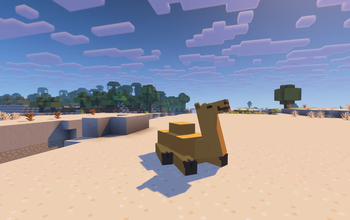
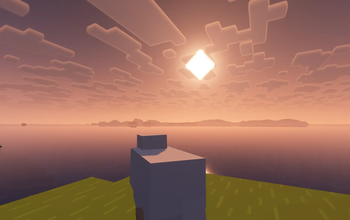
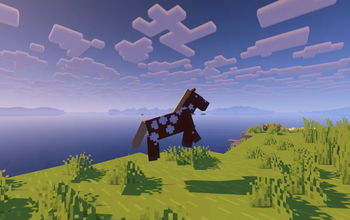
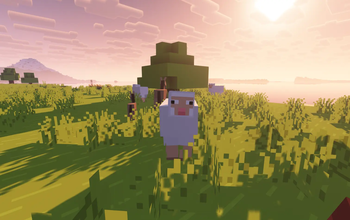
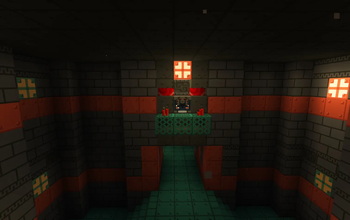
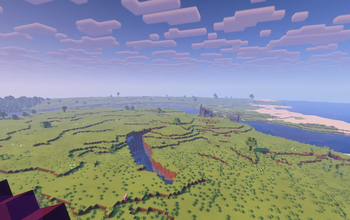
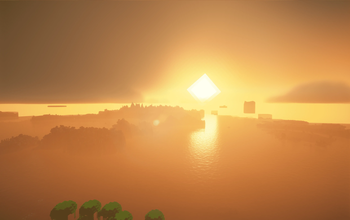

We've all seen the vibrant cinematic visuals of the Minecraft trailers created by Element Animations and Brikk Studio. In comparison, the base game's visuals might seem a little... underwhelming. This modpack solves that.
Based on the Fabulously Optimized modpack (check them out here), this winning combination of resource packs, shaders, and mods near-perfectly recreates the aesthetics of the Minecraft cinematic trailers. Here are a few examples:
Thanks to RobotPants's Bare Bones resource pack, all blocks and entities now have the minimalist, few-colored style of the official trailers and promotional art.
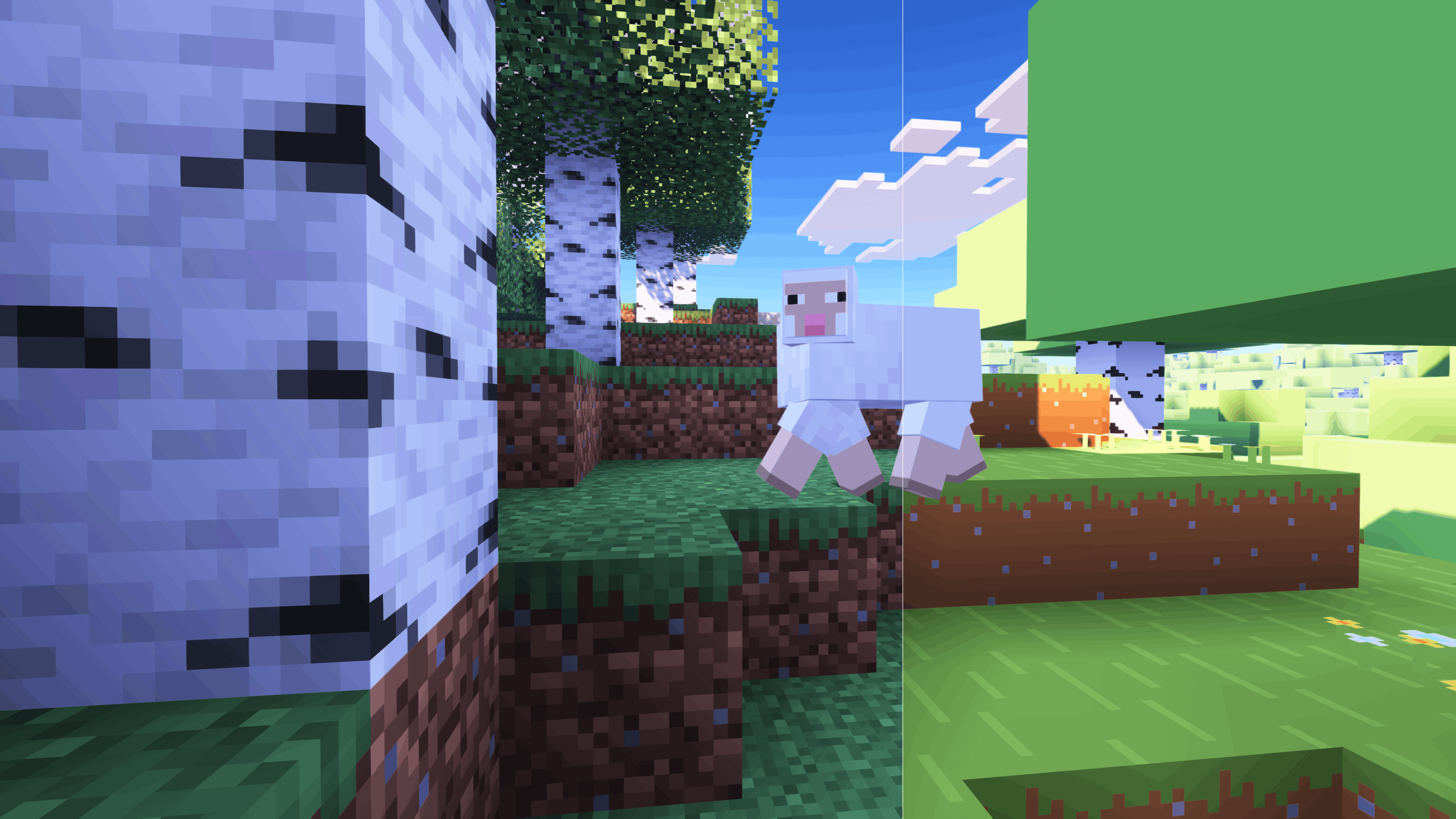
FreshLX's Fresh Animations family of resource packs enhances the movements of mobs, objects, and players.
CaptTatsu's BSL Shaders brings realistic lighting and color to the game.
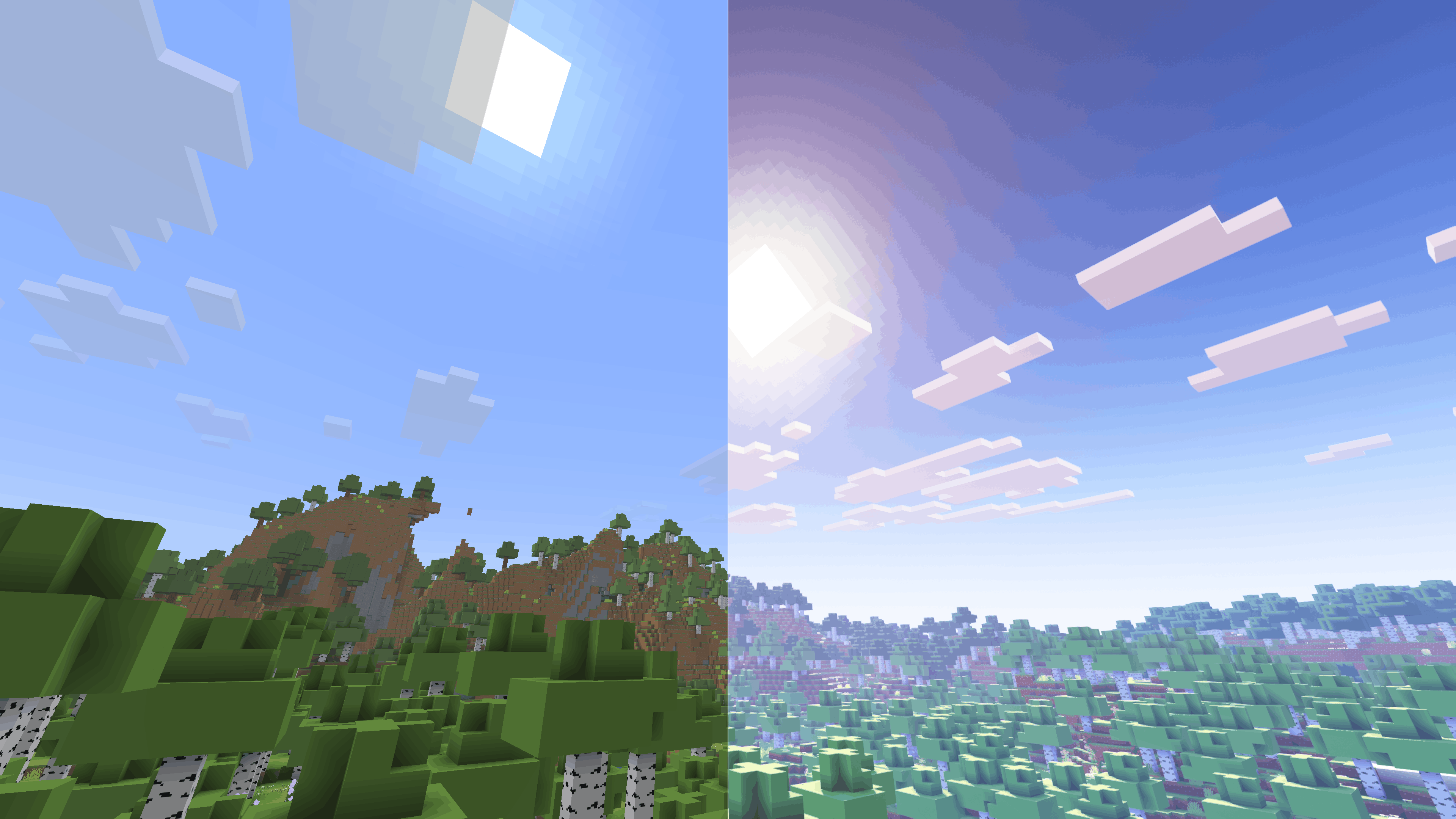
It is heartbreaking that this description is too short to fit all the mods and resource packs I have included, all of which, no matter how small, make an important contribution to this modpack's experience. Instead, check out the modlist, which you can access under the Versions tab.
Control Mapping Chart (100% Layout)
This lists the finalized keybinds for the D's Trailer Style modpack. From verson 1.0.9 and onwards
1. Core Gameplay
| Action | Key |
|---|---|
| Movement | W A S D |
| Jump | Space |
| Sneak | Left Shift |
| Sprint | Left Control |
| Crawl | C |
| Zoom (Zoomify) | Z |
| Inventory | E |
| Pick Item | Middle Mouse |
| Drop Item | Q |
| Hand Swap | F |
| Chat / Command | T / / |
| Advancements | L |
| Social Menu | P |
| Player List | Tab |
2. Visuals & Shaders
| Action | Key |
|---|---|
| Toggle Shaders | O |
| Reload Shaders | R |
| Shader Menu | Y |
| Toggle Perspective | F5 |
| Toggle GUI | F1 |
| Screenshot | F2 |
| Fullscreen | F11 |
| First Person Toggle | F6 |
| View Model GUI | V |
3. Modded Utilities
| Action | Key |
|---|---|
| Jade WAILA | Numpad 0-5 (Profiles 6-9) |
| BetterTab Config | N |
| FancyToasts Config | K |
| Mod Menu | M |
| Zoom Secondary | Numpad - |
| Secondary Footsteps Toggle | U |
| Footsteps Settings | F10 |
| Entity Culling Toggle | F12 |
4. Minecraft F3 Debug Sub-Keys
The following keys correctly trigger their F3 shortcuts
- F3+A: Reload Chunks
- F3+B: Show Hitboxes
- F3+D: Clear Chat
- F3+G: Show Chunk Borders
- F3+H: Show Advanced Tooltips
- F3+P: Toggle Focus Pause
- F3+T: Reload Resource Packs
- F3+L: profiling
- F3+C: Copy Location
- F3+V: Dump Version
5. Intentional Unmapped Keys
The following have been unmapped in the game to remove overlaps:
- Save/Load Toolbar Activators (X and C)
- FBP (Fancy Block Particles): All mod settings/toggles are in pause menu
- Dynamic FPS: All toggles
- ModMenu: Open Menu (Access through pause/main menu)
- LambDynamicLights: Toggle
- OptiGUI: Inspect
- BedrockIfy Settings (Access through options)
- FPS Reducer: GUI
- Spark: All (Use Commands)
- Edition: Minecraft Java
- File type: .jar
- Minecraft version listed: 1.21.11
- How to install: Install the matching mod loader (Forge, Fabric or NeoForge) for your Minecraft version. → Download the .jar. → Put it in the .minecraft/mods folder and launch that loader profile.
- Where to get it: Opens on Modrinth — not every file is mirrored on our own servers.
Install steps are the general flow for this file type — How to install Minecraft Java mods & modpacks walks through it step by step.
- Downloads as D's Trailer Style 1.0.11.mrpack
- Download size: 1.2 MB
- Download link checked 8 Sept 2026 — working
These come from our own check of the pack file, not from the source page.