
Mineplus Visuals
Usually, everything is a bit stiff and robotic, but Mineplus Visuals changes that. It makes the world look like a cinematic movie while actually making it…
⬇ Download on Modrinth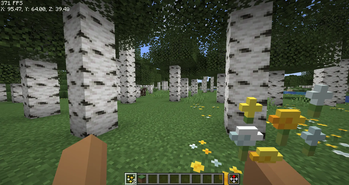
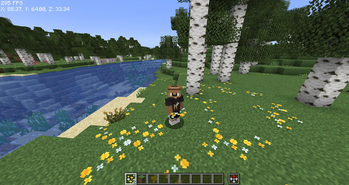
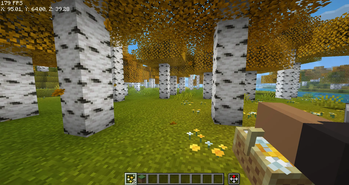
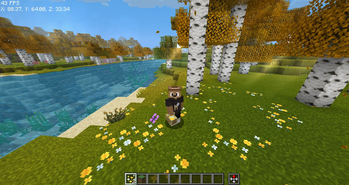
Mineplus Visuals: Minecraft, But Better. Mineplus Visuals is a carefully crafted modpack for 1.21.5 that focuses on two things: making your game look stunning and making it run incredibly fast.
Whether you're a builder, an explorer, or a technical player, this pack upgrades every single part of the Minecraft experience without losing that classic "Vanilla" feel.
🌟 Why choose Mineplus Visuals? 🧊 High-End Performance Stop the lag! We’ve included the gold standard of optimization. With Sodium, Lithium, FerriteCore, and ImmediatelyFast, your FPS will skyrocket. Even on lower-end PCs, this pack is designed to be smooth and responsive.
🐨 Mobs That Feel Alive Minecraft’s animals and monsters aren't robots anymore. Using Fresh Animations and Entity Model Features (EMF), mobs now blink, breathe, and move fluidly. You’ll see cows tilt their heads and creepers look genuinely sneaky.
🌅 Cinematic Graphics The world is your canvas.
- Complementary Shaders: Enjoy realistic lighting, waving grass, and beautiful water.
- Dramatic Skys: Say goodbye to boring square clouds. Experience breathtaking sunrises and starry nights.
- Visuality: Adds subtle details like crystal sparkles, splashes, and landing dust that make the world feel "crunchy" and real.
🛠️ The Ultimate Builder’s Toolbox If you love to create, this pack is a dream come true.
- Axiom & WorldEdit: Professional tools to build massive structures in half the time.
- Zoomify: The best zoom mod in the game.
- Flashback: Record your builds and create cinematic replays for YouTube or TikTok.
🎮 Smooth Utility & QoL
- ViaFabricPlus: Connect to almost any server version (old or new) without switching modpacks.
- No Chat Reports: Keep your multiplayer experience private and safe.
- Controlify: Full controller support if you prefer playing with a gamepad!
📦 What's Inside?
- Core: Fabric 1.21.5
- Visuals: Iris Shaders, Nuit (FabricSkyboxes), Polytone, and ETF.
- Physics: AsyncParticles and BetterGrassify.
- Sound/UI: Mod Menu, Language Reload, and better HUDs.
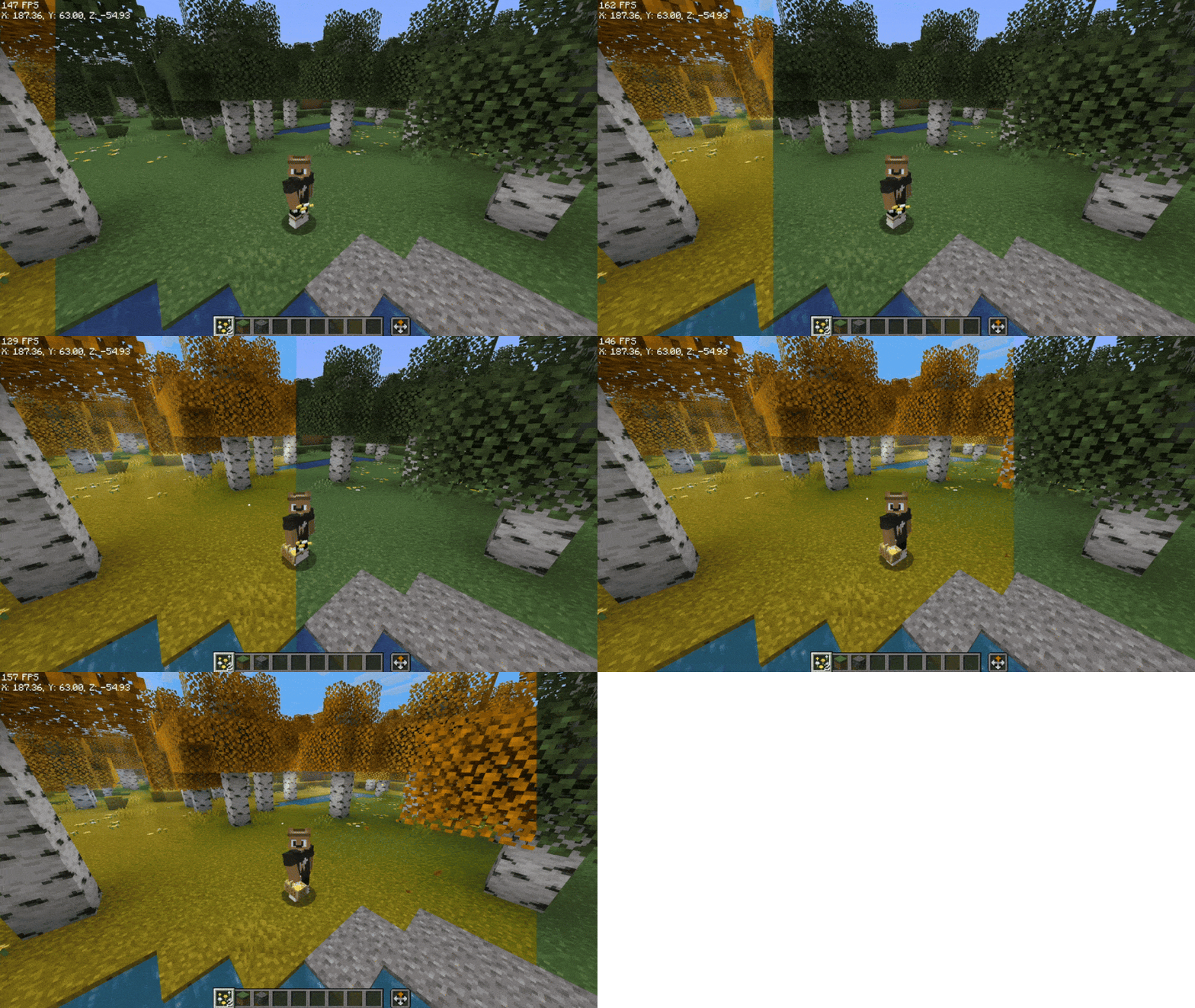
📦 The "Golden Order" (Resource Packs) To get the animations and skies working perfectly, you need to stack your packs in the right order. In your settings, make sure they look like this (Top to Bottom):
🥇 Fresh Animations: Extensions (The "extra" details) 🥈 Fresh Moves (How your character moves) 🥉 Fresh Animations (The main engine for animals) ✨ Visual Effects+ (Tiny sparkles and landing dust) 📂 The rest (Everything else goes here)
Quick Tip: If an animal looks weird or has white eyes, make sure the EMF and ETF mods are enabled in your mod list. They are the "brains" that make the animations work.
🎮 Pro Tips & Shortcuts Clean Your Screen: If you hate the messy debug text, use F3 + F6. It opens a menu where you can hide all the junk you don't need.
The God Zoom: Press C to zoom. You can use your scroll wheel while holding it to see things from miles away.
Lighting: If you want that cinematic look, press K to toggle the shaders on or off instantly.
Building: Press Right-Shift to open the advanced editor. It makes building massive projects much faster.
- Edition: Minecraft Java
- File type: .jar
- Minecraft version listed: 1.21.5
- How to install: Install the matching mod loader (Forge, Fabric or NeoForge) for your Minecraft version. → Download the .jar. → Put it in the .minecraft/mods folder and launch that loader profile.
- Where to get it: Opens on Modrinth — not every file is mirrored on our own servers.
Install steps are the general flow for this file type — see the MC Java Mods guides for the full walkthrough.
- Downloads as Mineplus Visuals 1.0.0.mrpack
- Download size: 735 KB
- Download link checked 21 Aug 2026 — working
These come from our own check of the pack file, not from the source page.