
A lightweight and performant modpack with quality-of-life features.

A mod pack that is lightweight and performant with some QOL features sprinkled too..
Mod List
| Mod | Category | Description |
|---|---|---|
| Sodium | Performance | Rendering optimization |
| Lithium | Performance | Server and game logic improvements |
| FerriteCore | Performance | Memory usage reduction |
| ModernFix | Performance | Startup time and runtime improvements |
| ImmediatelyFast | Performance | Entity and block entity rendering |
| Entity Culling | Performance | Culls entities that aren't visible |
| C2ME | Performance | Concurrent chunk loading |
| Tree Harvester | Quality of Life | Break entire trees at once |
| Zoomify | Quality of Life | Configurable zoom feature |
| BetterF3 | Quality of Life | Improved debug screen |
| Fast IP Ping | Quality of Life | Faster server list pings |
| Sodium Extra | Quality of Life | Additional video settings |
| Reese's Sodium Options | Quality of Life | Better Sodium UI |
| Mod Menu | Utility | In-game mod configuration |
| Fabric API | Library | Core mod support |
| Fabric Language Kotlin | Library | Kotlin support for mods |
| YACL | Library | Config library |
| Collective | Library | Shared library |
Resource Pack: Unique Dark Lite - Minimal dark UI theme
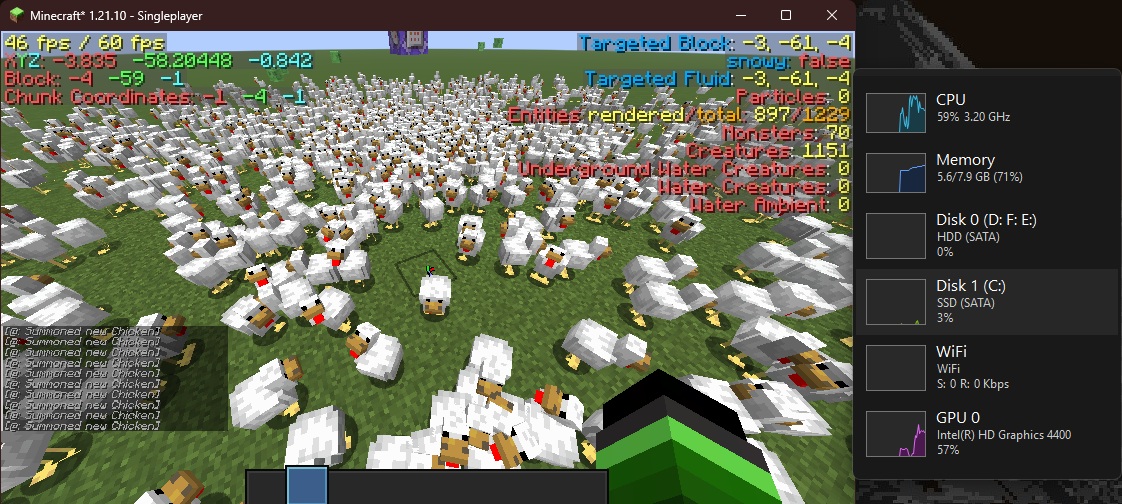
Screenshot
Links
Quick facts
- Edition: Minecraft Java
- File type: .jar
- Minecraft version listed: 1.21.10
- How to install: Install the matching mod loader (Forge, Fabric or NeoForge) for your Minecraft version. → Download the .jar. → Put it in the .minecraft/mods folder and launch that loader profile.
- Where to get it: Opens on Modrinth — not every file is mirrored on our own servers.
Install steps are the general flow for this file type — How to install Minecraft Java mods & modpacks walks through it step by step.
Verified by MCModsHub
- Downloads as chimney-fabric 1.0.0.mrpack
- Download size: 18 KB
- Download link checked 10 Sept 2026 — working
These come from our own check of the pack file, not from the source page.