![SUPERFIXLAG[FABRIC]](https://cdn.modrinth.com/data/tnqcoiQp/55fa915869aca27666f8f722d5a532e9303ebfaf_96.webp)
![SUPERFIXLAG[FABRIC] — screenshot 1](https://cdn.modrinth.com/data/tnqcoiQp/images/6354aa04a1e0bca1fb869d4738d5ed3d9a5387ec_350.webp)
![SUPERFIXLAG[FABRIC] — screenshot 2](https://cdn.modrinth.com/data/tnqcoiQp/images/6df5765d4d5610ae03559b5e6defb036161b8124_350.webp)
Modpack focuses on optimizing for client servers
introduc: SuperFixLag is a Minecraft 1.20.1 optimization modpack, specially designed to reduce lag when entering the server, even on low-end devices or mobile emulators such as PojavLauncher, Mojolaucher, ZalthLauncher. Tested on 1GB RAM devices, stable FPS 20-50. Includes mods such as Sodium, Lithium, FerriteCore, EntityCulling to help load chunks quickly, reduce entity lag, optimize animations and manage resources effectively. Keep the Vanilla feel but smoother server experience, suitable for PvP, survival or creative play on crowded servers. Supports both client and server, helps connect quickly, limits lag and optimizes FPS continuously.
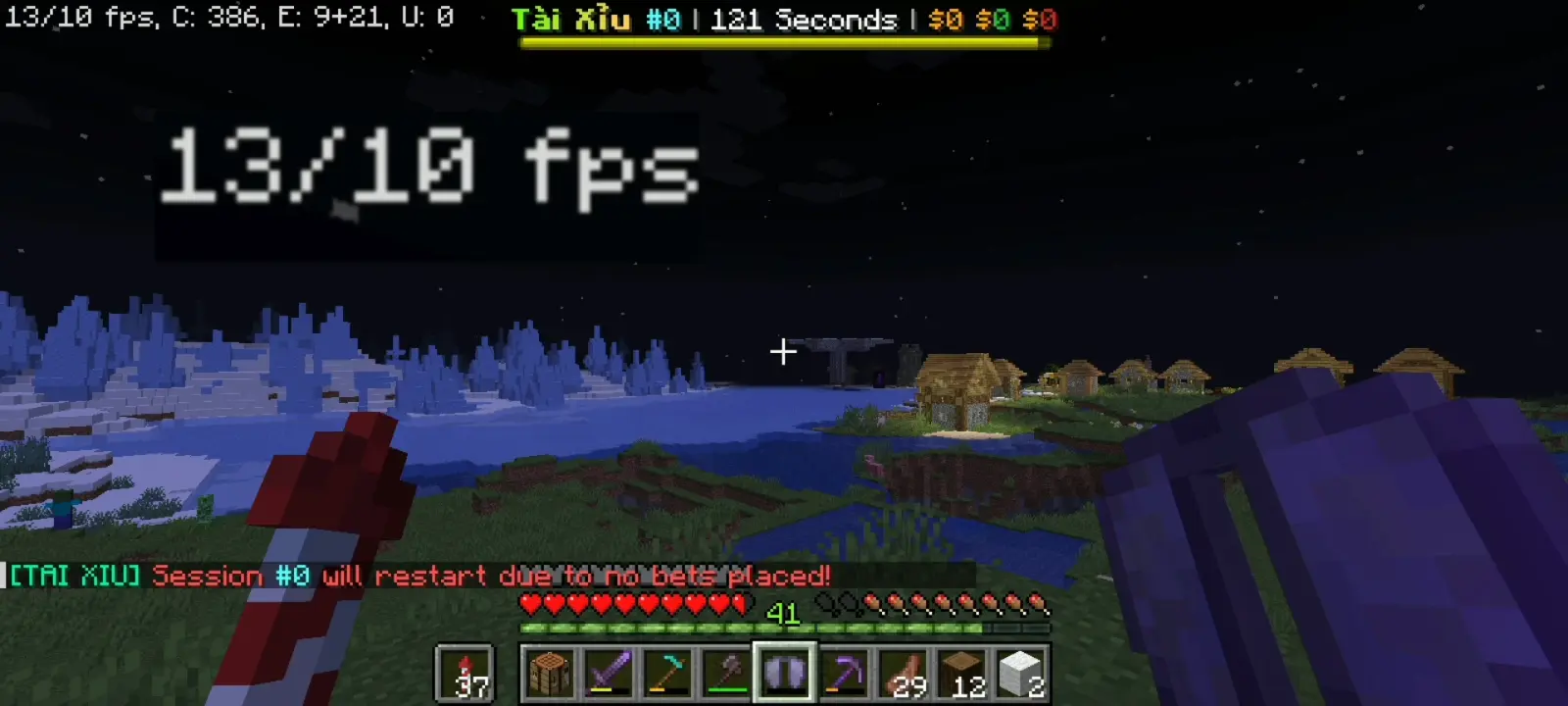
OPTIFINE TEST FPS
10 CHUNK ✅
WORKS ON 1GB RAM DEVICES ✅
ON ALL ANIMATION ❌
INSTALL ADDITIONAL MODS ❌
STABLE FPS ❌
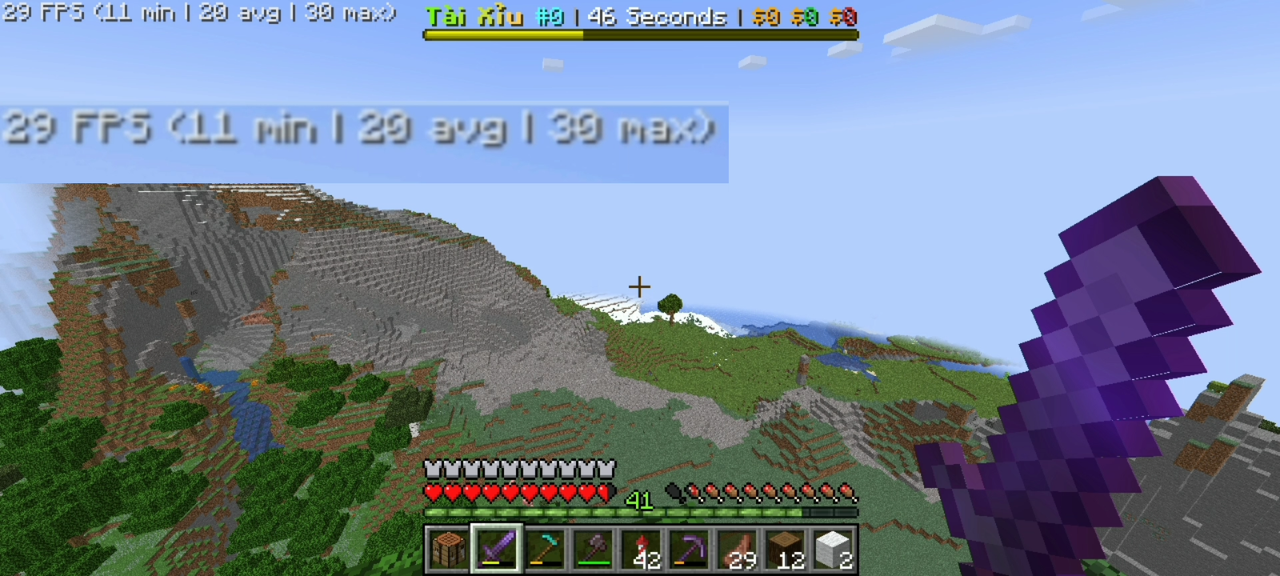
SUPERFIXLAG TEST FPS
10 CHUNK ✅
WORKS ON 1GB RAM DEVICES ✅
ON ALL ANIMATION ✅
INSTALL ADDITIONAL MODS ✅
STABLE FPS ✅
THIS MODPACK IS CREATED WITH THE PURPOSE OF OPTIMIZING WITHOUT AFFECTING THE EXPERIENCE WHEN PLAYING ON SERVERS
SPECIAL
Modpacks allow you to install mods without conflicts 👍
There's no need to worry about potential conflicts with optimized mods in the modpack every time you install decorative or useful mods.
WHEN IS THIS MODPACK SUITABLE?
when you only play client server and don't care about performance in single player mode
WHY IS THIS MODPACK NOT SUITABLE FOR SINGLE PLAY?
THIS MODPACK IS NOT OPTIMIZED FOR SINGLE PLAY SO PERFORMANCE MAY NOT BE AS EXPECTED!
- Edition: Minecraft Java
- File type: .jar
- Minecraft version listed: 1.20.1
- How to install: Install the matching mod loader (Forge, Fabric or NeoForge) for your Minecraft version. → Download the .jar. → Put it in the .minecraft/mods folder and launch that loader profile.
- Where to get it: Opens on Modrinth — not every file is mirrored on our own servers.
Install steps are the general flow for this file type — How to install Minecraft Java mods & modpacks walks through it step by step.
- Downloads as superfixlag.mrpack
- Download size: 608 KB
- Download link checked 7 Sept 2026 — working
These come from our own check of the pack file, not from the source page.