Valhelsia: Enhanced Vanilla
Java modpack listed for Minecraft 1.17–1.18. Downloads from the MC Java Mods app on Android.
⬇ Download on CurseForge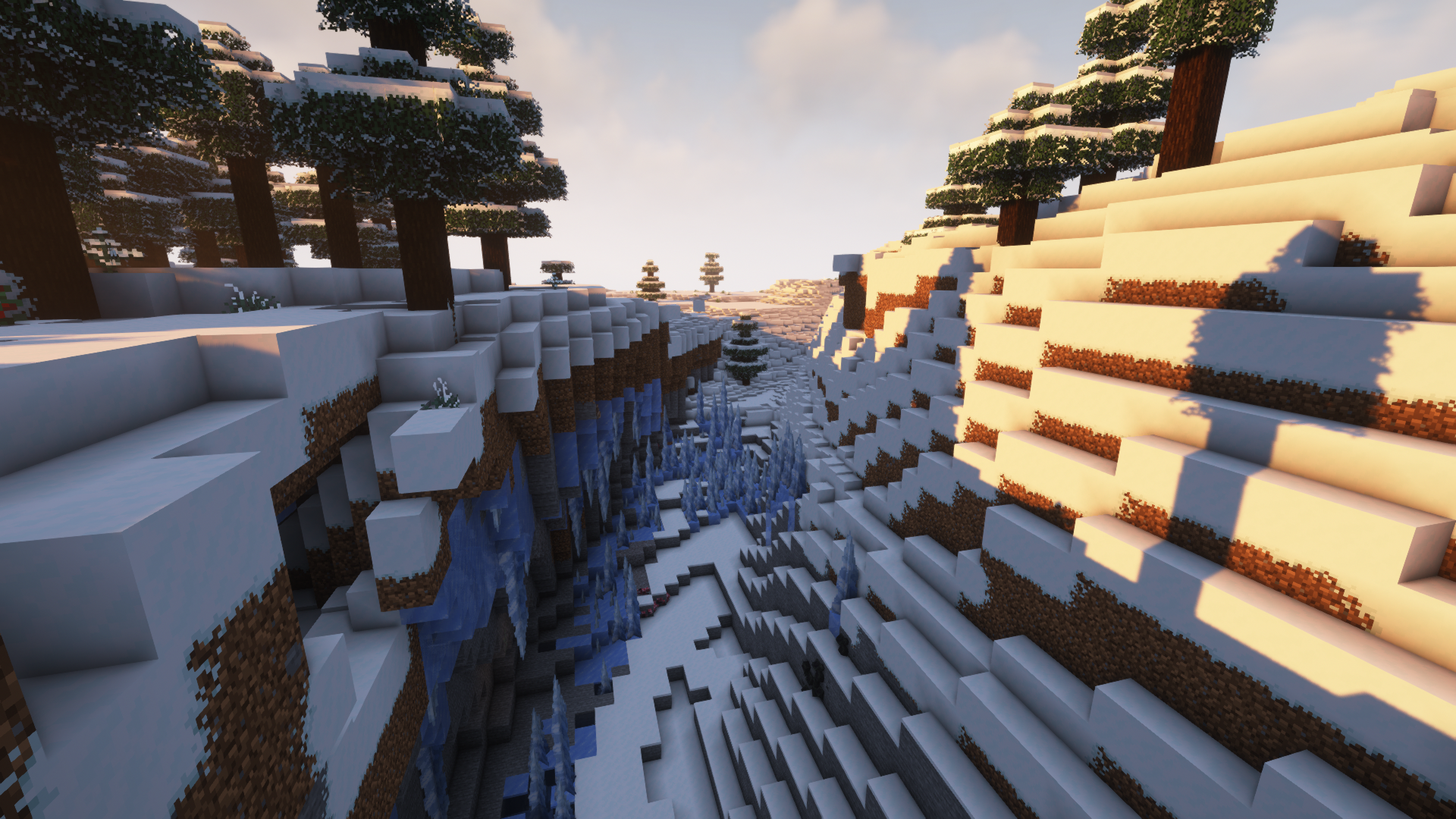

Welcome adventurer!
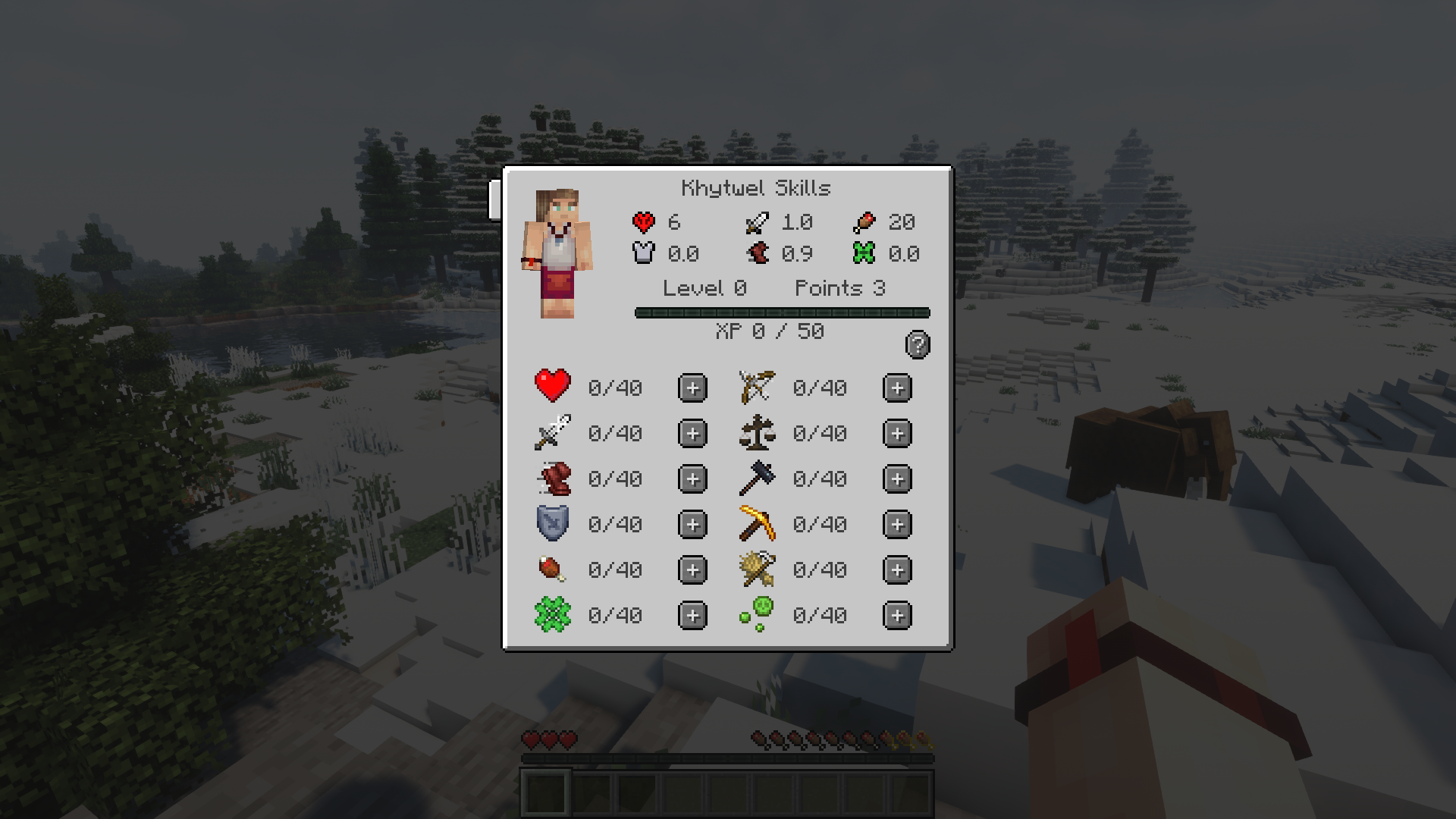
In Valhelsia: Enhanced Vanilla, your abilities evolve through a system of skills and levels (a bit like an RPG), adding new challenge to the early game and giving clear objectives to work towards as you play.
At the outset of the adventure, you start with just 3 hearts and 3 points to assign to skills. As you level different skills you will unlock new weapons, armor, tools, and will be able to work with different mods, giving you access to new technologies and magic.
Combat difficulty has also been tuned, and while you may be relatively safe near spawn, you'll soon find that monsters get far tougher once you start to travel!




Join us on our Discord server to get the latest news, changelog and to get support if you have any problems. We also have an extremely active chat channel and an image gallery submitted by members of the community.

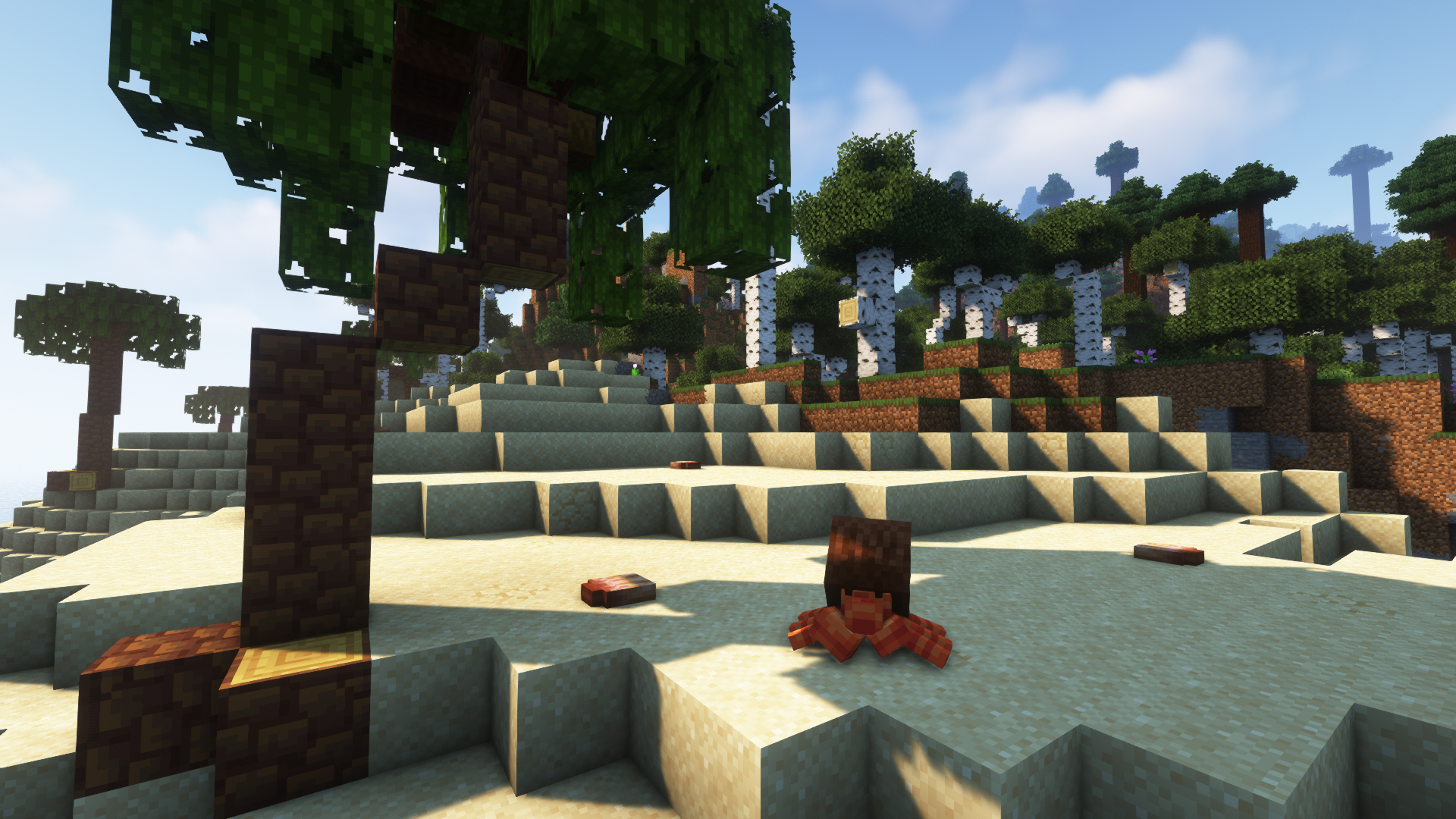
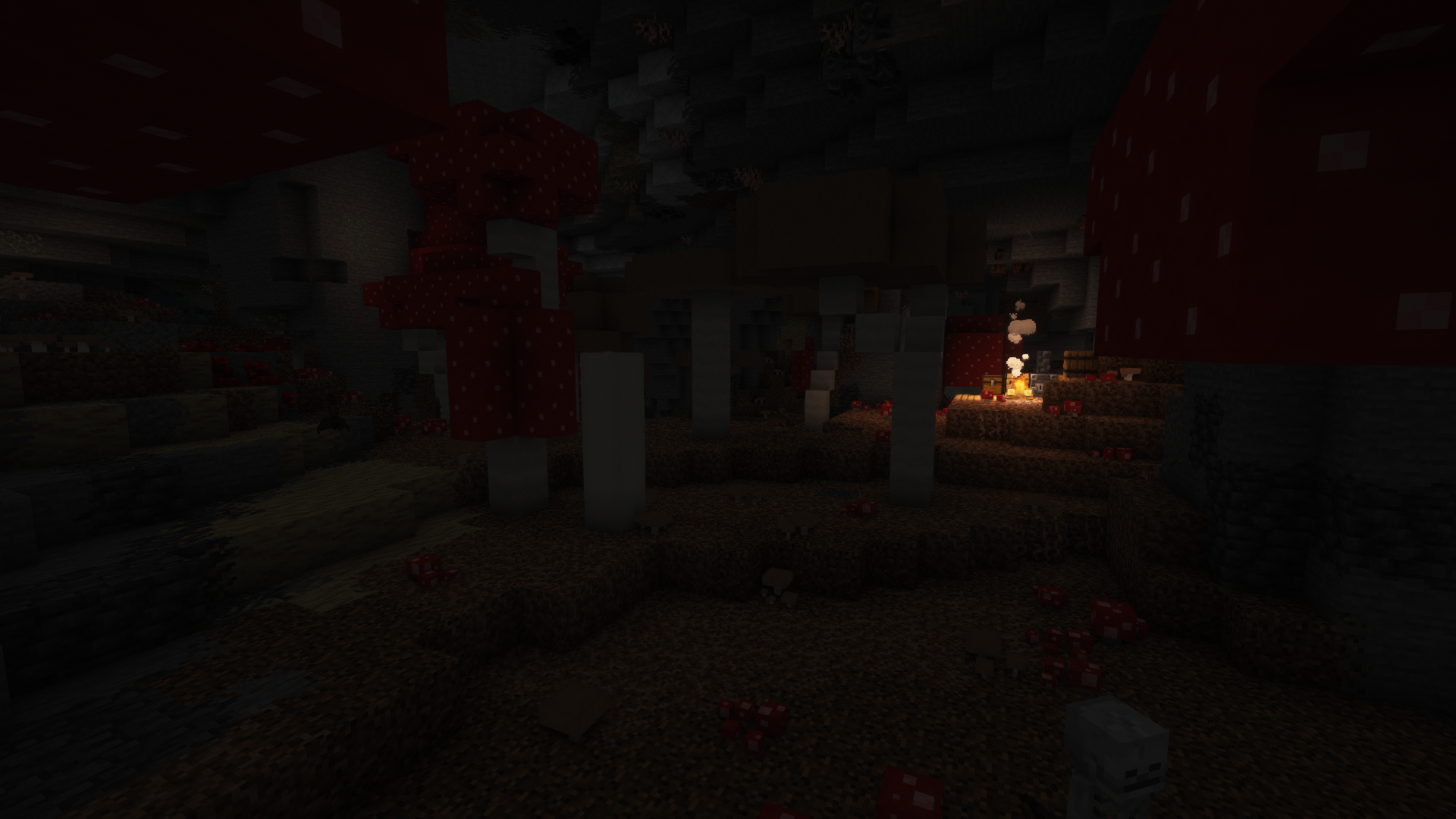
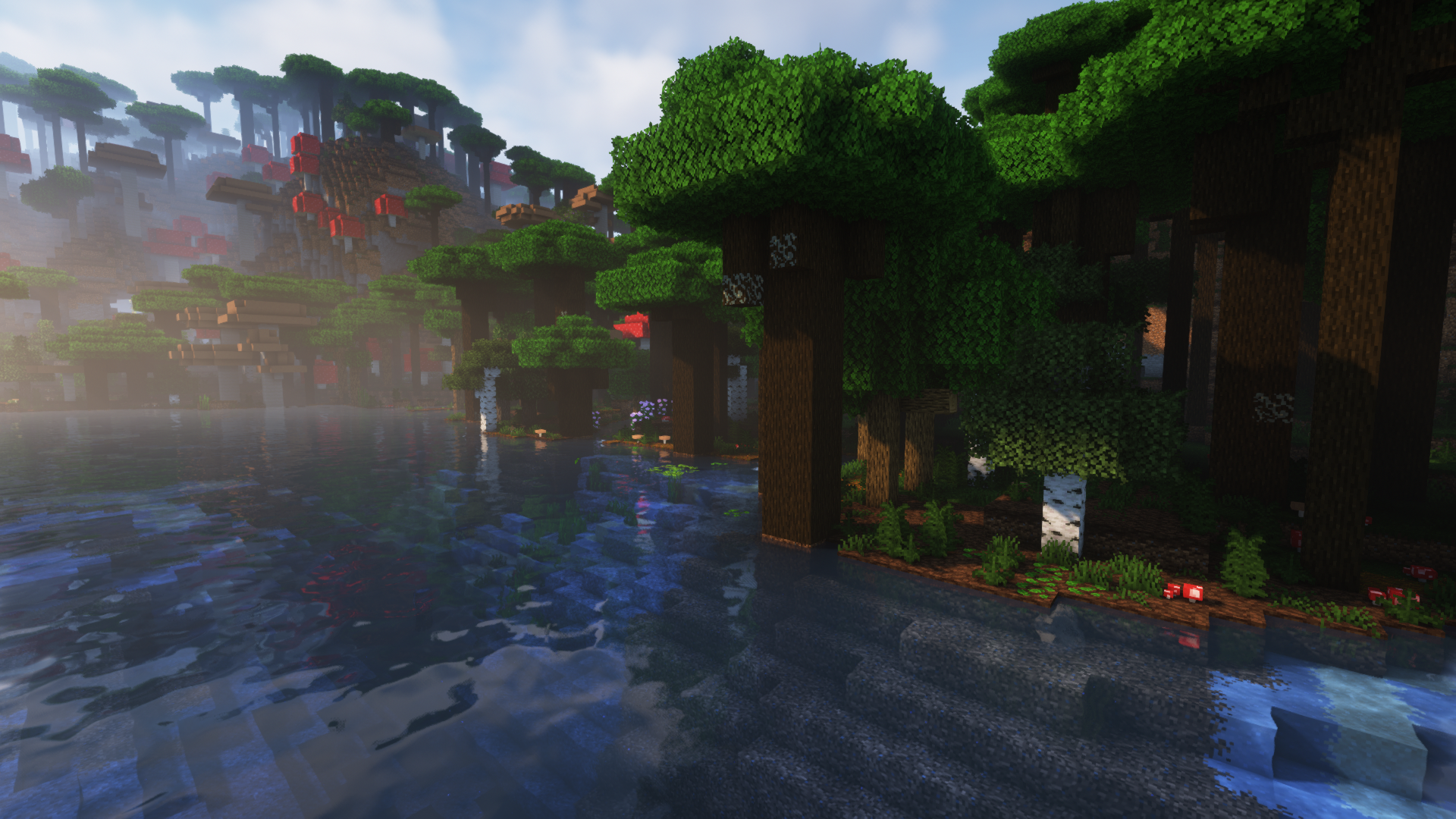
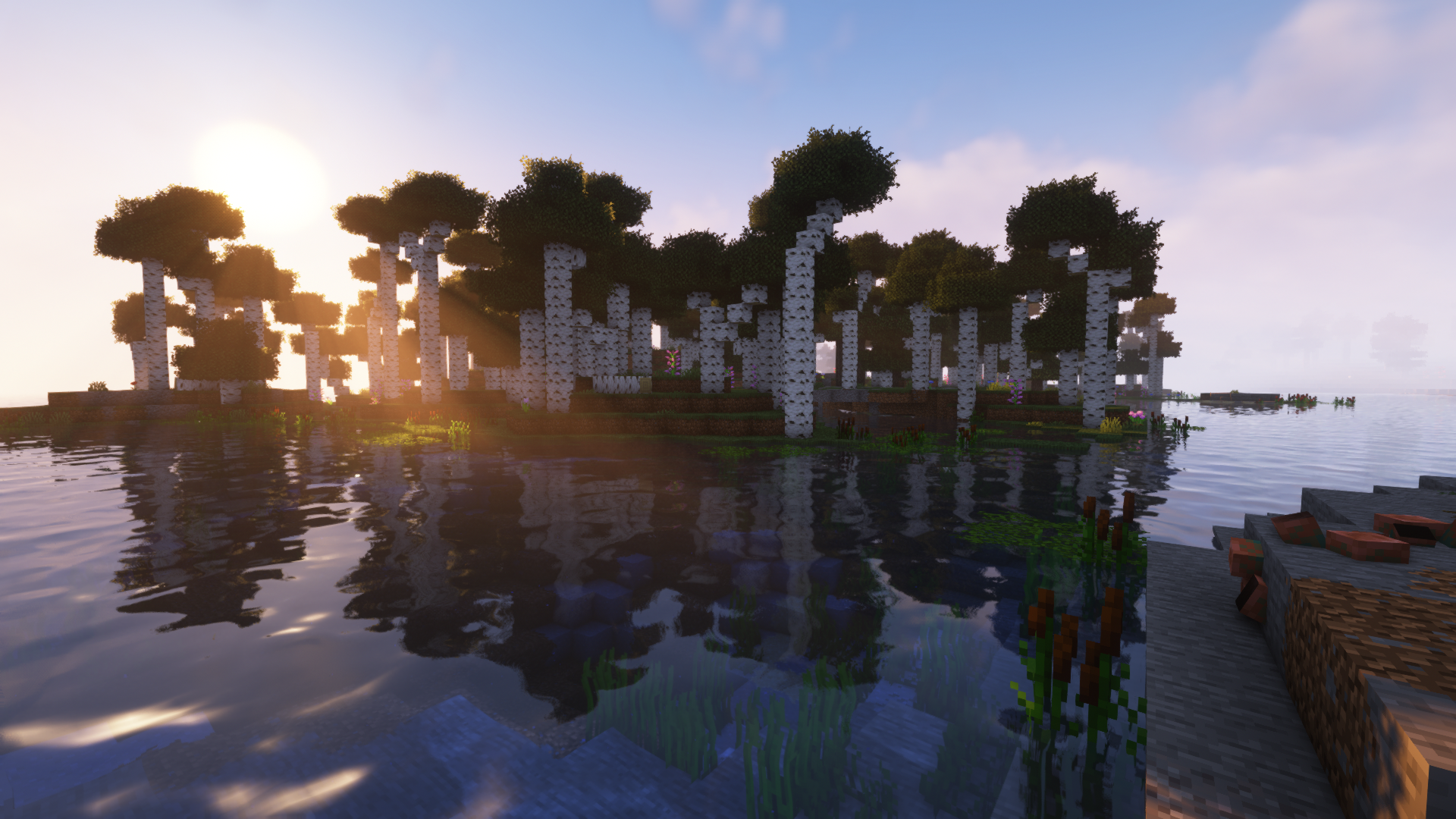
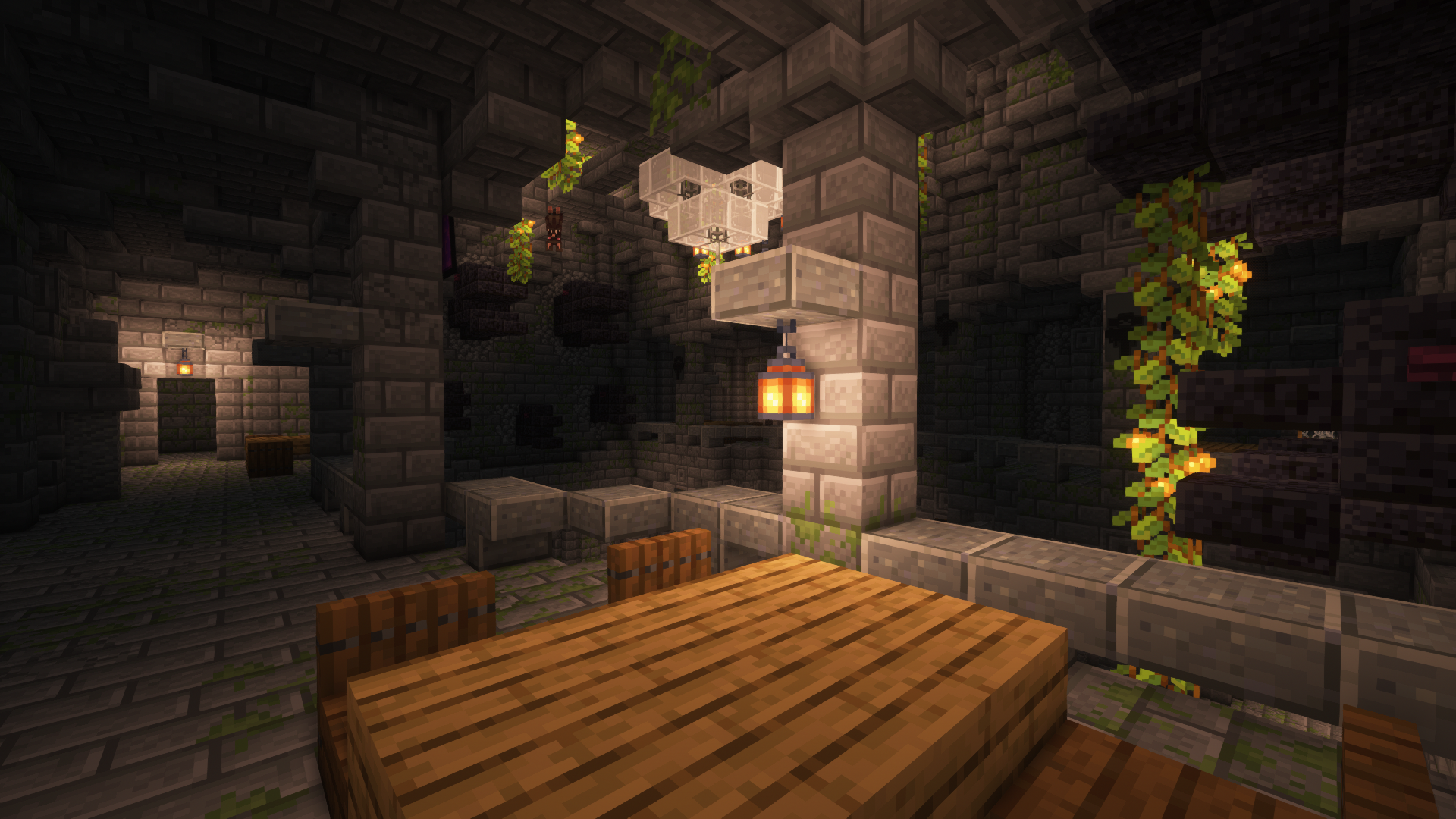
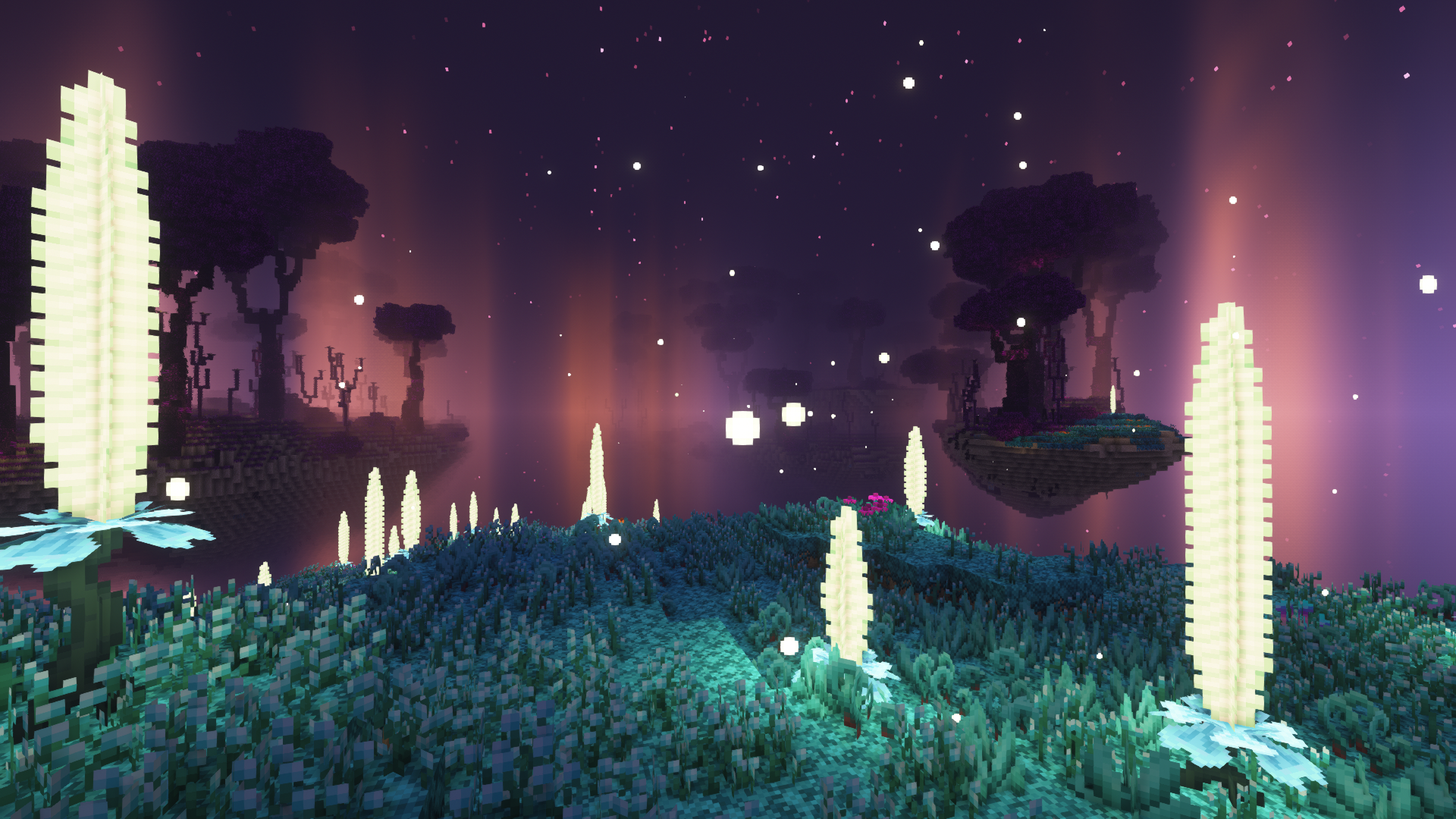
The modpack adds a great deal of immersion to your game thanks to the different mods that improve the visual aspect of the game. Alongside the resource packs, the Complementary Shaders shader pack is also included and activated by default with the kind permission of EminGTR, the developer. There are five different profiles for the shader pack that can be selected in the video settings menu, which allows you to focus on performance, quality, or somewhere in-between. We think the results speak for themselves though, just check out the screenshots below!


Oh. A meteorite?


This sounds dangerous.
Many other screenshots are available in the images section. You can find below the let's play of Jangro on the modpack, which will help you to start your adventure!

We will be continuing to develop and support the pack, including the addition of many new (and newly ported) mods. In particular, we are interested in expanding upon the range of structures and biomes to explore, adding a series of quests to complete and new challenges to take up! We can't announce any specific mods yet, since we evaluate each mod individually when they're ready.

Minimum allocated RAM: 4 GB
Recommended allocated RAM: 5 GB.
There is a guide to allocating RAM here, on our wiki.

Check Out Our Projects:
- Edition: Minecraft Java
- File type: .jar
- Minecraft versions listed: 1.18.2, 1.18.1, 1.18
- How to install: Install the matching mod loader (Forge, Fabric or NeoForge) for your Minecraft version. → Download the .jar. → Put it in the .minecraft/mods folder and launch that loader profile.
- Where to get it: Opens on CurseForge — not every file is mirrored on our own servers.
Install steps are the general flow for this file type — How to install Minecraft Java mods & modpacks walks through it step by step.
Valhelsia: Enhanced Vanilla is a free Minecraft Java modpack. Compatible with Minecraft 1.18.2, 1.18.1, 1.18, 1.17.1 and newer. Downloaded 1,765,937 times (via CurseForge). Download it and open it directly in the game.