
The simple way to make Minecraft better.
Same vibe, same blocks, same game… but it’s not.
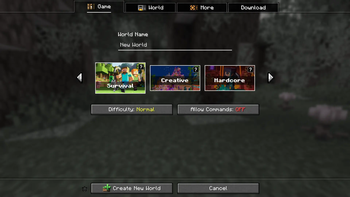
Everything’s smoother, cleaner, more fun to play. You won’t notice every change right away, but you’ll feel it.
The lag is gone. The controls make sense. Your inventory finally listens to you.
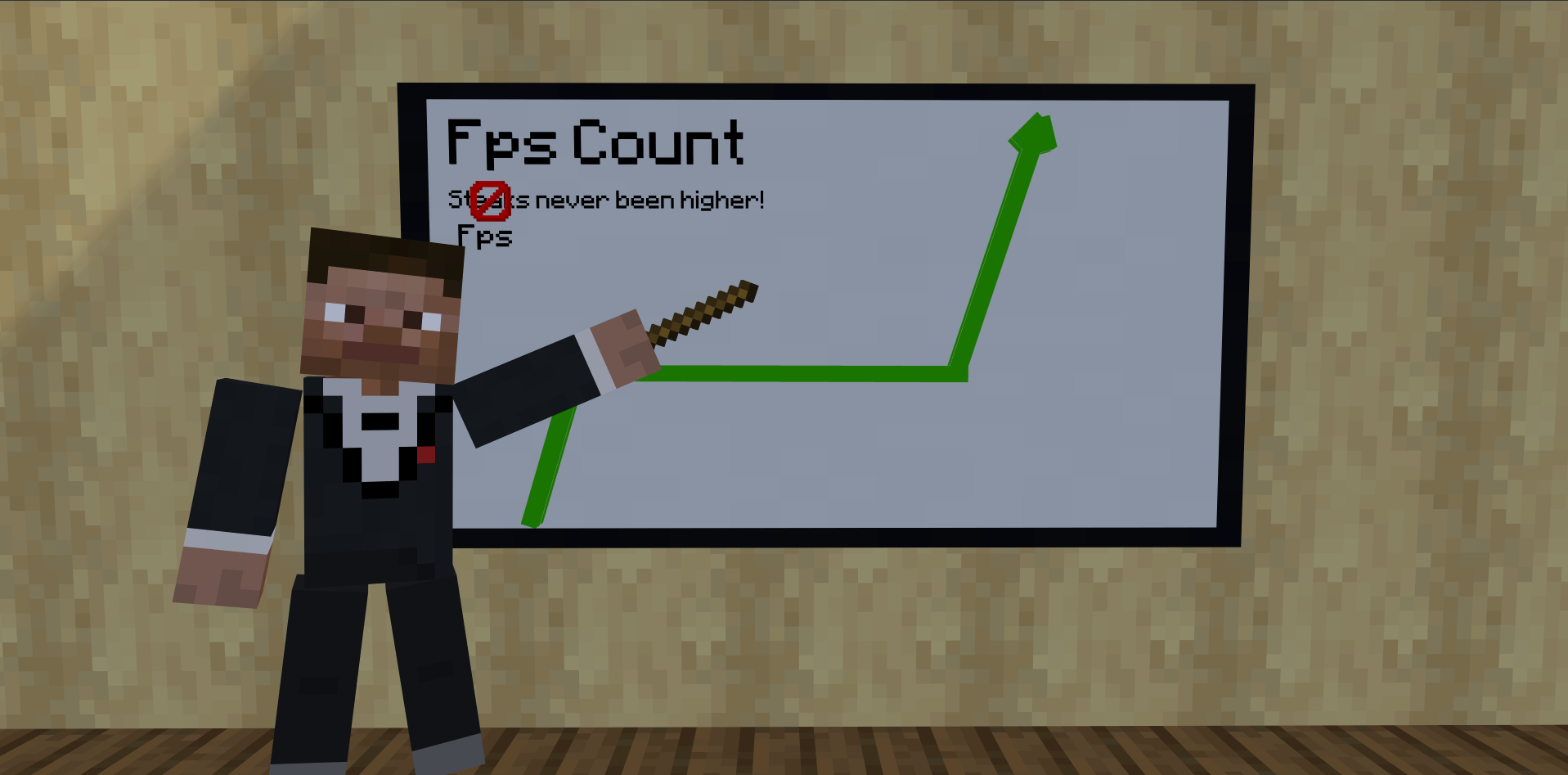
It’s just… Minecraft, finally doing what it should’ve done all along.
Plug and play. No nonsense.
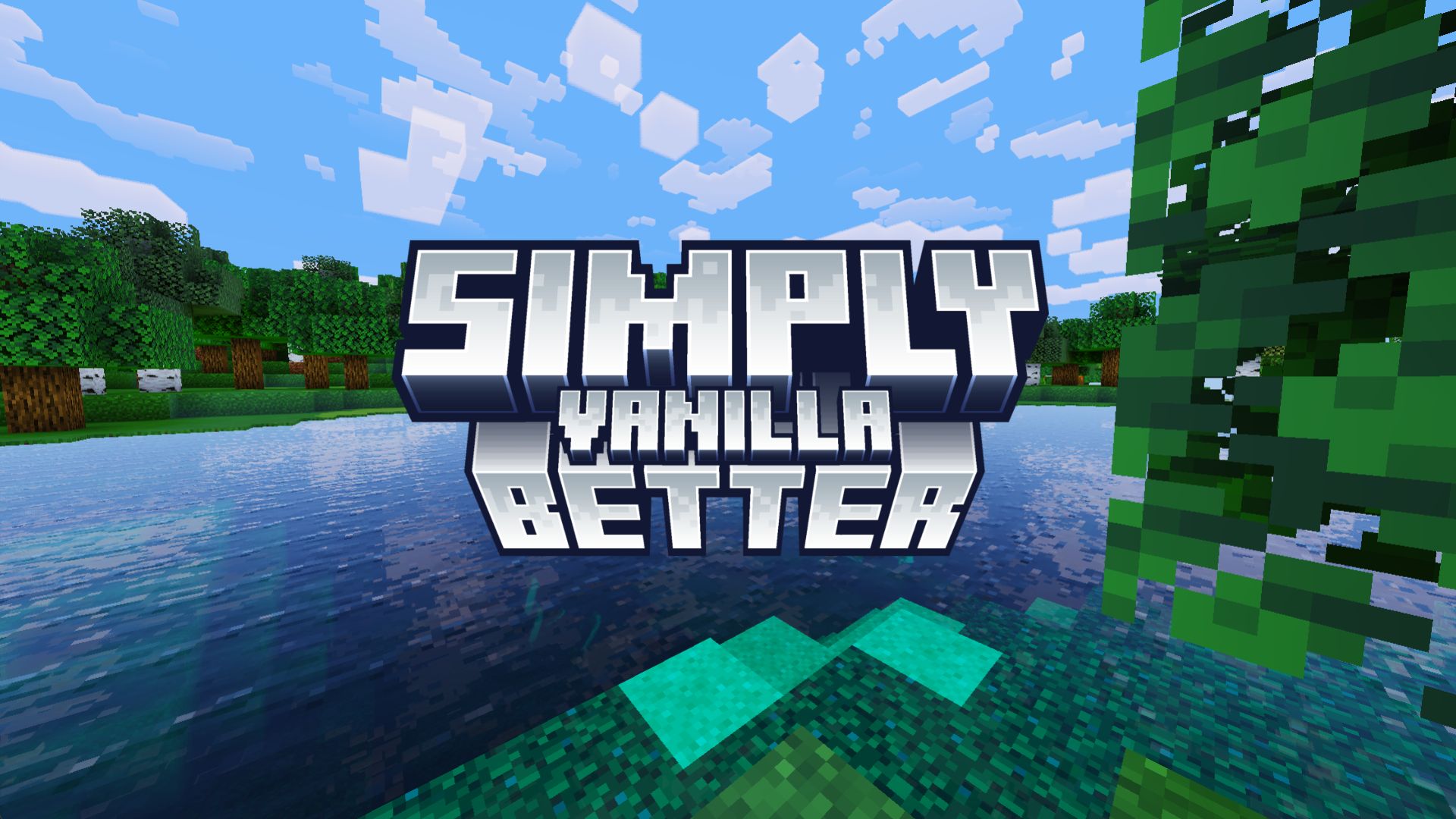
Nerds down here!
✦ Fully optimized engine: rendering, lighting, chunk loading, entity processing
✦ Designed for multiplayer: voice chat, smoother connections, advanced LAN support
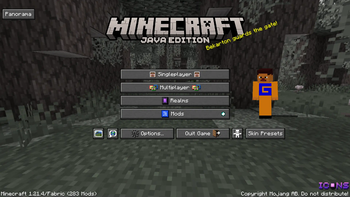
✦ Clean, focused UI upgrades: smarter tooltips, faster navigation
✦ Quality of life improvements everywhere: inventory, controls, accessibility
Built to feel like a "Vanilla Update", faster, smoother, and quietly more capable.
Still remaining our favorite game, Minecraft... Just Simply Better
- Edition: Minecraft Java
- File type: .jar
- Minecraft version listed: 1.21.4
- How to install: Install the matching mod loader (Forge, Fabric or NeoForge) for your Minecraft version. → Download the .jar. → Put it in the .minecraft/mods folder and launch that loader profile.
- Where to get it: Opens on Modrinth — not every file is mirrored on our own servers.
Install steps are the general flow for this file type — How to install Minecraft Java mods & modpacks walks through it step by step.
- Downloads as Simply Better 1.0.0.mrpack
- Download size: 17.4 MB
- Download link checked 21 Aug 2026 — working
These come from our own check of the pack file, not from the source page.