
Exploration Galore
Discover endless adventures with the Exploration Galore modpack, packed with new content to enhance exploration!
⬇ Download on Modrinth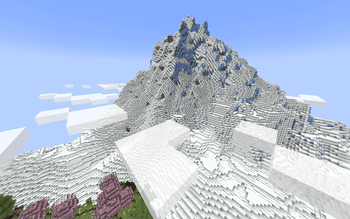
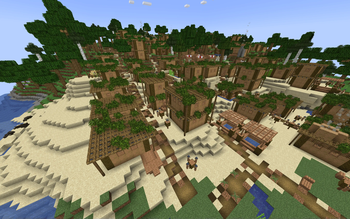
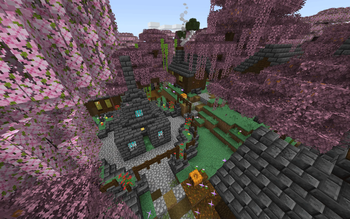
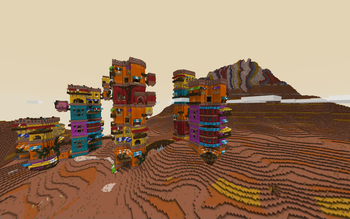
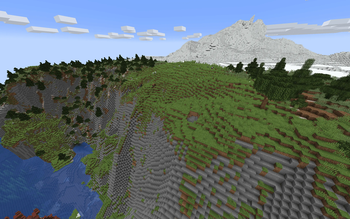
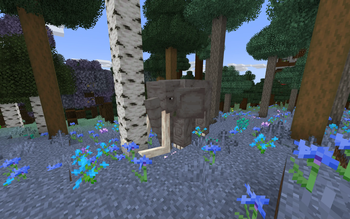
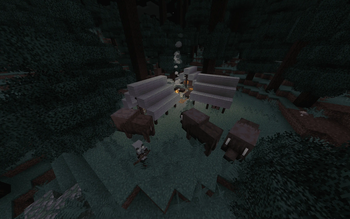
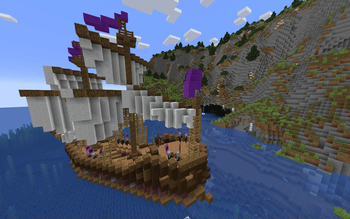
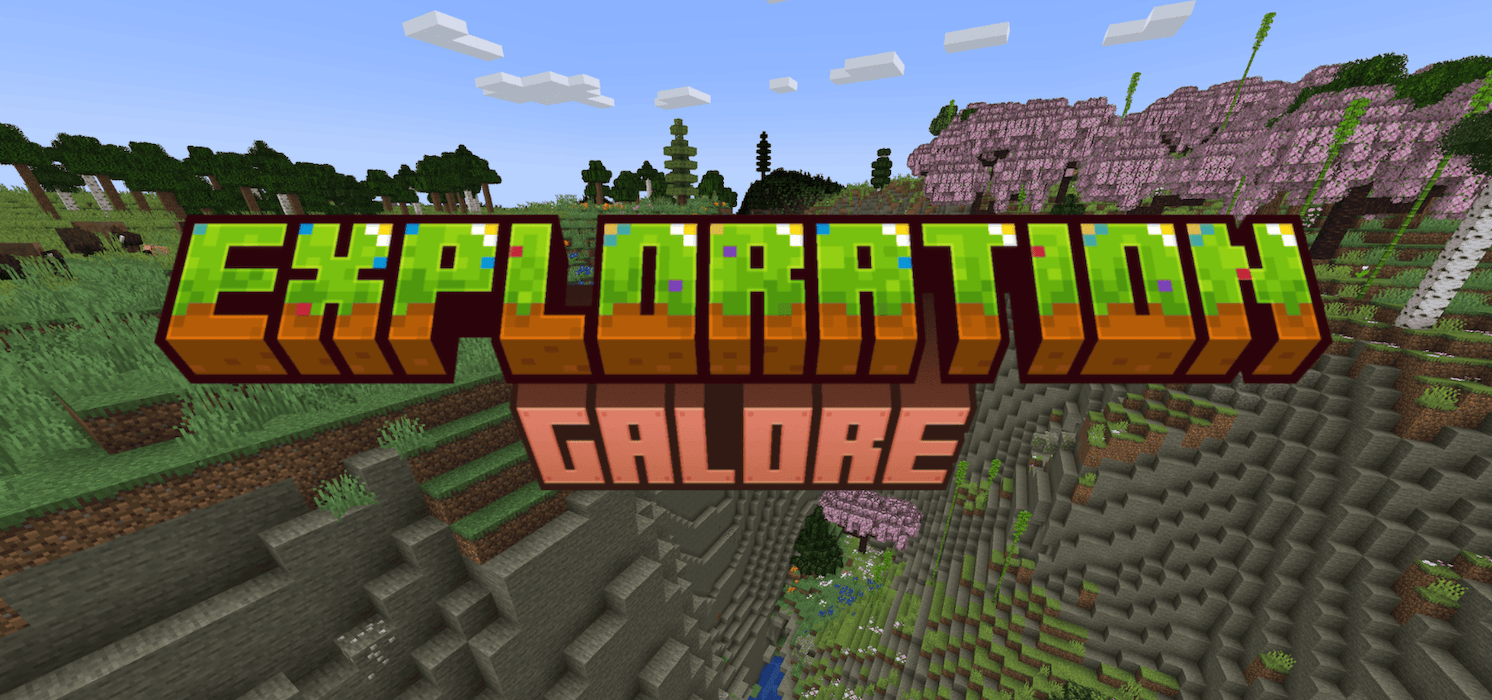

⛰️ Beautiful and Amplified World Generation, for Overworld, Nether and End
⚙️ Optimisation Mods to Speed Up Minecraft and Boost FPS (Shaders Supported)
🏰 Overhauled Stronghold & Nether Fortresses
🏠 Hundreds of New Dungeons, Structures, Villages and Towns
✈️ Includes Ships and Aircraft for Faster Travel
✨ Countless Stunning Particles and Animations to Enhance Visuals
🍔 New Food Content Items to Discover, Found in All 3 Dimensions
🗺️ Increased Awareness of Surroundings with Xaero's Minimap and World Map
🌍 Built-in Online World Hosting for Playing with Friends
⭐ 100+ Mods to Improve the Exploration Experience!

Minimum:
OS: Windows 10 | MacOS 10.14
Processor: Intel Core i3-4170 3.7 GHz | AMD A10-6800K APU 4.1 GHz | Apple M1
Memory: 8 GB RAM Total, 3 GB RAM Allocated
Graphics: GT 1030 / RX 550 / Apple M1 GPU
Warnings:
- If 3GB of memory is not allocated, the game may not start!
- Using shaders may require higher graphics capability!
- Only use shaders from this list, which are compatible with Distant Horizons mod: https://gist.github.com/Steveplays28/52db568f297ded527da56dbe6deeec0e
- Edition: Minecraft Java
- File type: .jar
- Minecraft version listed: 1.20.1
- How to install: Install the matching mod loader (Forge, Fabric or NeoForge) for your Minecraft version. → Download the .jar. → Put it in the .minecraft/mods folder and launch that loader profile.
- Where to get it: Opens on Modrinth — not every file is mirrored on our own servers.
Install steps are the general flow for this file type — How to install Minecraft Java mods & modpacks walks through it step by step.
- Downloads as Exploration Galore 1.1.1.mrpack
- Download size: 1.4 MB
- Download link checked 6 Sept 2026 — working
These come from our own check of the pack file, not from the source page.