
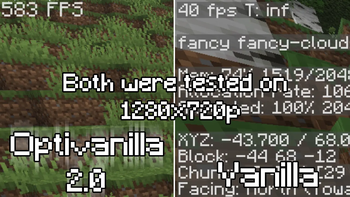
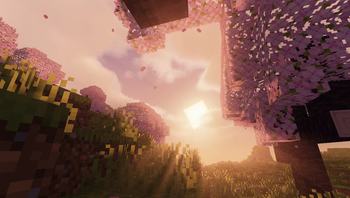
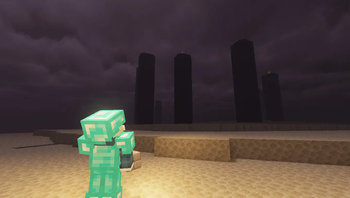
Boost your vanilla game's performance while preserving its iconic look. OptiVanilla 2 is here — twice as fast as before, optimized for smoother frames, faster loads, and pure vanilla vibes.
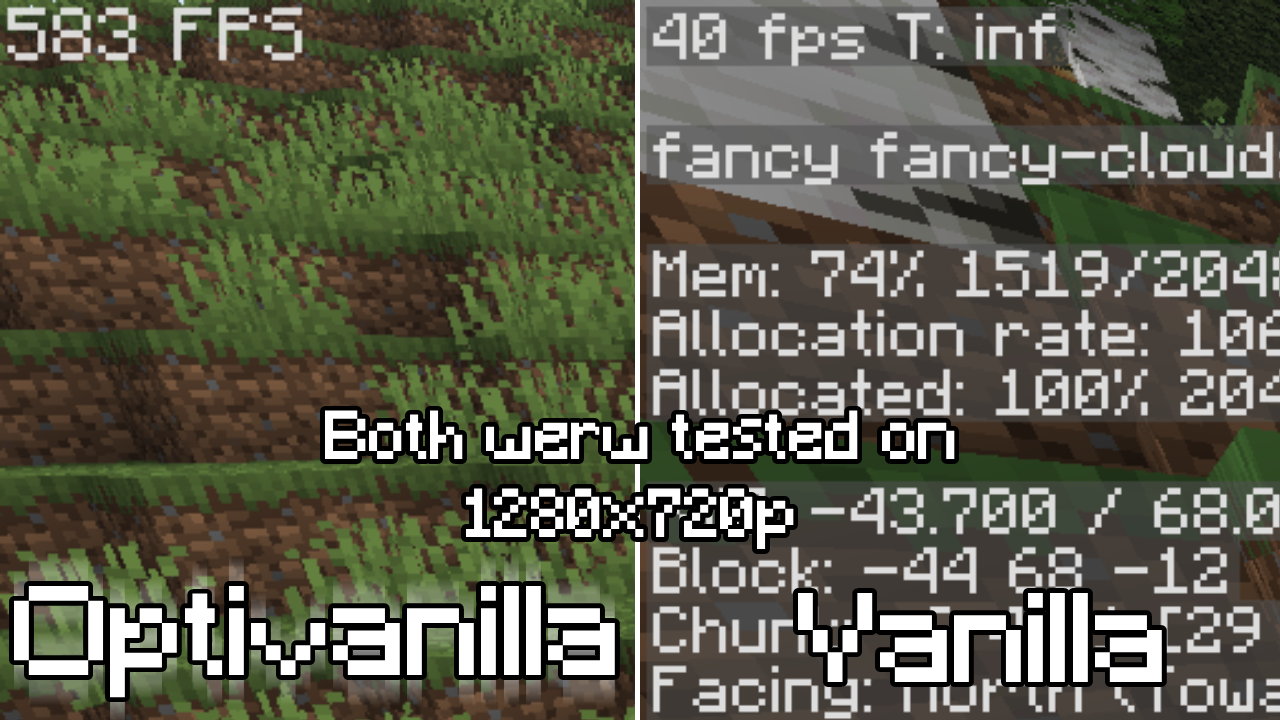
For low end devices by a low end device!
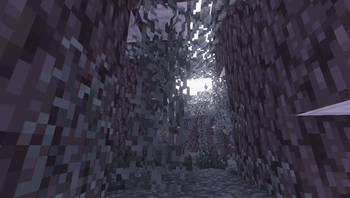
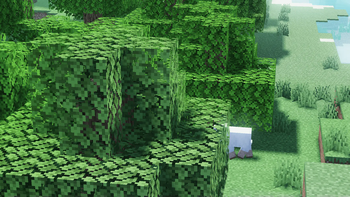
- Optivanilla is a modpack focused on bringing the most vanilla and graphic experience by being to most Optimizated as posible, having a perfect balance between Graphics and Performance! (The modpack has alredy shaders and settings configurated to bring the most performace and keeping the quality) Warning Non of the mods/texture packs/shaders included are mine! i just combine it together and configurated it!
Español
Mejora el rendimiento de tu juego original conservando su aspecto icónico. OptiVanilla 2 ya está aquí: el doble de rápido que antes, optimizado para cuadros más fluidos, cargas más rápidas y una experiencia de juego original.
¡Para dispositivos de gama baja por un dispositivo de gama baja!
- Optivanilla es un modpack enfocado en brindar la mejor experiencia vanilla y gráfica, optimizando al máximo el rendimiento y logrando un equilibrio perfecto entre gráficos y rendimiento. (El modpack ya incluye shaders y ajustes configurados para maximizar el rendimiento y mantener la calidad). Advertencia: ¡Ninguno de los mods/paquetes de texturas/shaders incluidos es mío! ¡Solo los combiné y configuré!
SHADERLESS VERSION AVALIBLE NOW IN VERSIONS PAGE!!
VERSION SIN SHADERS DISPONIBLE EN LA SECCION DE VERSIONES!!
TIP
If you want use shaders when load in the world set max framerate to 30 and wait 3 or 4 minutes before turning on shaders to get more reduce lag and lagspikes
TIP Español
Si desea usar shaders al cargar en el mundo, configure los fps maximos a 30 y espere 3 o 4 minutos antes de activar los shader para reducir el lag y los picos de lag.
Quick facts
- Edition: Minecraft Java
- File type: .jar
- Minecraft version listed: 1.20.1
- How to install: Install the matching mod loader (Forge, Fabric or NeoForge) for your Minecraft version. → Download the .jar. → Put it in the .minecraft/mods folder and launch that loader profile.
- Where to get it: Opens on Modrinth — not every file is mirrored on our own servers.
Install steps are the general flow for this file type — How to install Minecraft Java mods & modpacks walks through it step by step.
Verified by MCModsHub
- Downloads as DONTCRY.EXE 3.1.mrpack
- Download size: 3.3 MB
- Download link checked 6 Sept 2026 — working
These come from our own check of the pack file, not from the source page.