
Customizable Totem
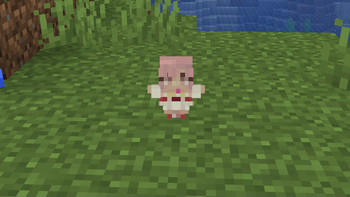
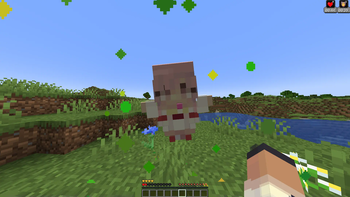
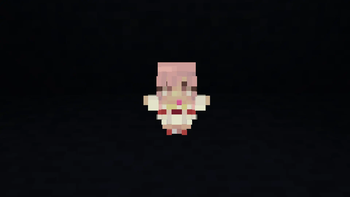
By adding your own skin to the pack, the totem of undying will update to look like ClownPierce's or Theobald's totem but with your skin!
I don't know my version or loader
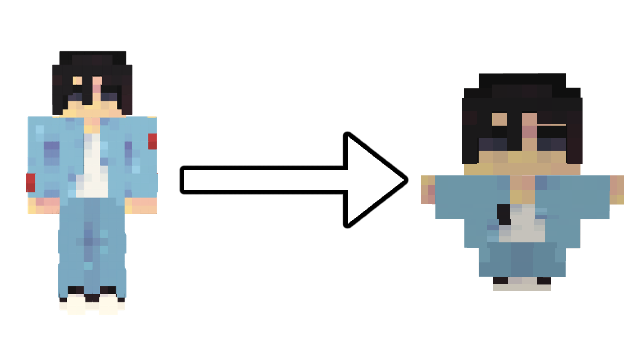
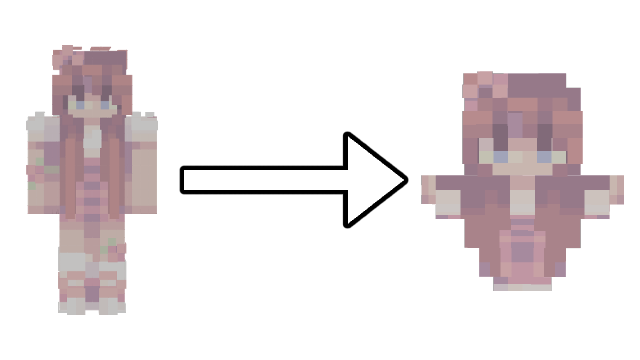
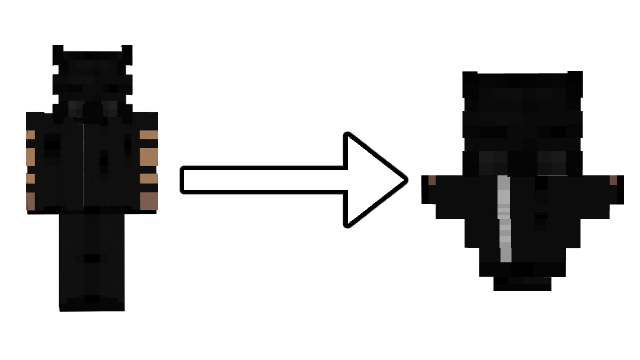
Showcase
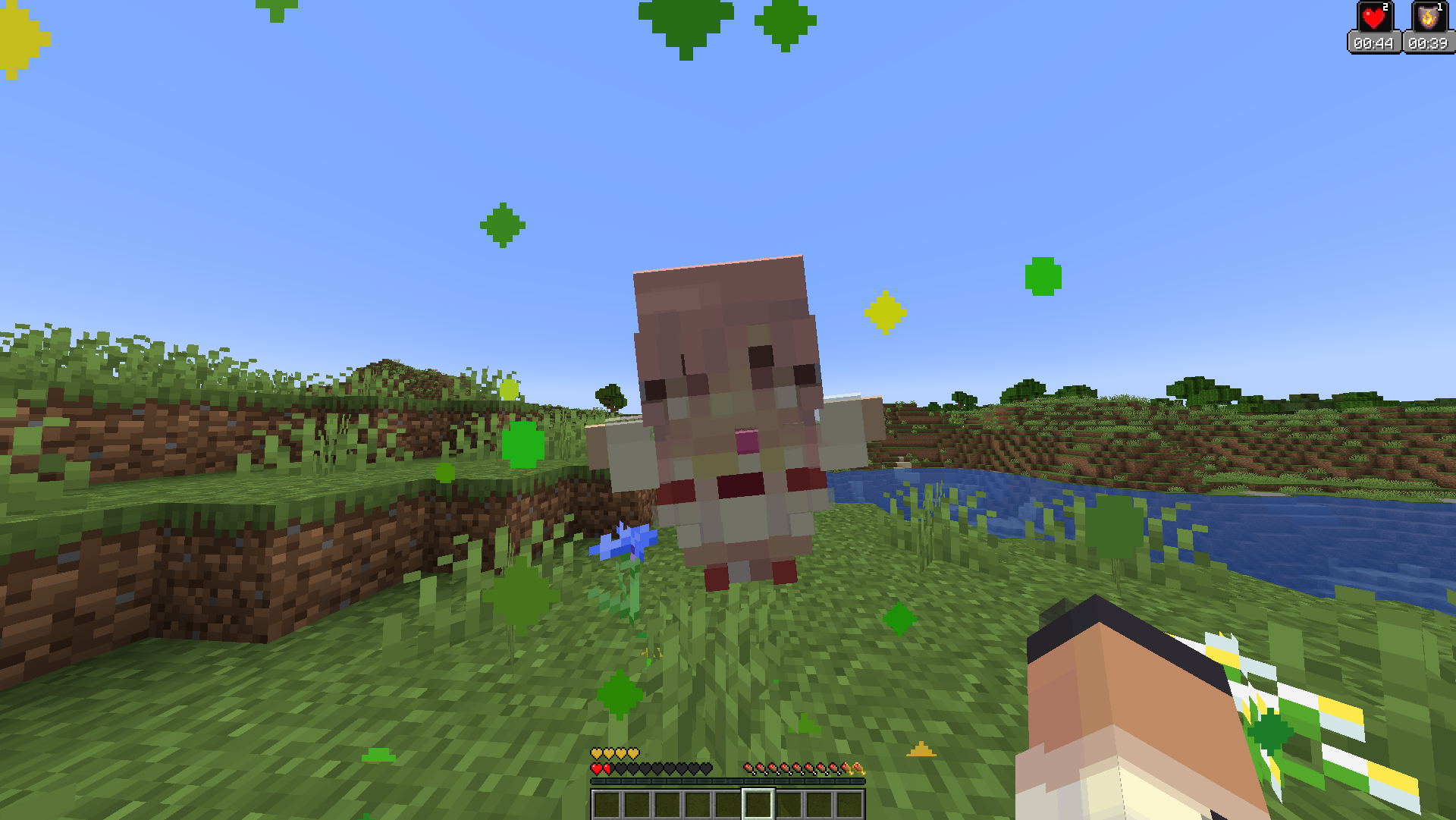
For more images and demonstrations, head to the gallery
Description
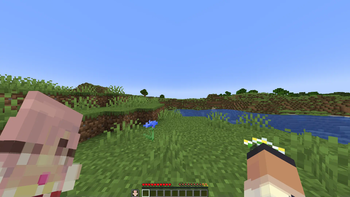
This texture pack has a custom model for the totem of undying that makes it so that if you change the texture of the totem to a Minecraft skin, it will make the totem look like a mini version of the skin! You can replace the texture with any Minecraft skin at all, and it will map different pixels to the final totem texture.
All you need to do is download your skin from a website like namemc.com, then replace the file at assets/minecraft/textures/totem_skin.png in the texture pack with the file you downloaded. Make sure you rename the file to totem_skin or it won't work!
How to Use
If you are having any trouble, there is a helpful tutorial on youtube: https://youtu.be/b1G7ePwF-0w?t=36s
- Install the texture pack and put it in your resourcepacks folder
- Download your skin from a website like namemc.com
- Rename the skin png to
totem_skin - Open the resource pack and go to
assets/minecraft/textures - Replace the file in there with the one you downloaded
- Make sure to press
F3+Tingame just to make sure it works
Support
If you want to suggest anything, report a bug, or vote on future packs, then join my discord and you can message me in there. I will usually respond very quickly.
- Edition: Minecraft Java
- File type: .zip (resource pack)
- Minecraft versions listed: 1.20.2, 1.20.3, 1.20.4
- How to install: Download the .zip resource pack — do not unzip it. → Put it in .minecraft/resourcepacks. → Enable it in Options → Resource Packs.
- Where to get it: Opens on Modrinth — not every file is mirrored on our own servers.
Install steps are the general flow for this file type — How to install Minecraft Java resource packs walks through it step by step.
- Downloads as §d§lCustomizable Totem §7v6.1.0.zip
- Download size: 38 KB
- Download link checked 27 Aug 2026 — working
These come from our own check of the pack file, not from the source page.